What Pages Should a Restoration Company Website Have?
A restoration company website should have focused pages for water, fire, mold, storm, contents, commercial work, service areas, the insurance process, project proof, FAQs, and urgent contact paths.
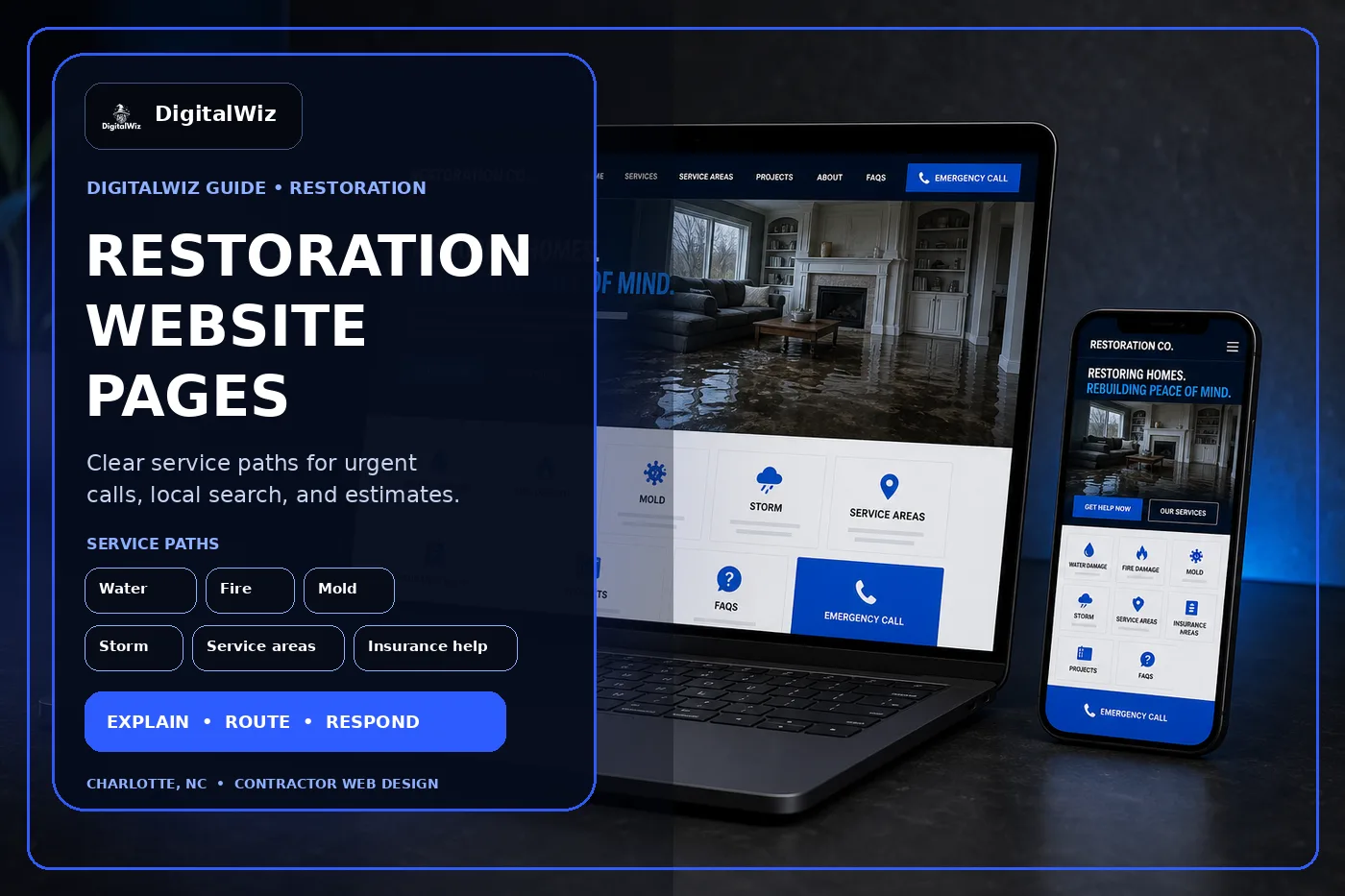
The direct answer
A restoration company website should have focused pages for the work customers urgently need to understand: water damage, fire and smoke damage, mold remediation when offered, storm damage, contents cleaning, commercial restoration, service areas, the insurance process, project examples, credentials, FAQs, and a fast contact path. One catch-all services page forces a stressed property owner to sort through the company before they can decide whether to call.
For a Charlotte or NC restoration company, the site also needs to separate an active loss from planned repair work. A homeowner with water spreading across a floor has different questions than a property manager documenting storm damage, a family dealing with smoke odor, or a buyer who found suspected mold during a renovation. The response, inspection, containment, documentation, drying, cleaning, repair, and insurance conversation can all differ.
Keep the structure practical. Give each real service a useful page, explain what happens after the first call, state the actual coverage area and hours, show only legitimate credentials and project proof, and make the contact path easy on a phone. That gives the website, Search Visibility, and Paid Ads Management clear destinations instead of sending every visitor to the homepage.
- Separate water, fire, mold, storm, contents, commercial, and reconstruction services when the process differs.
- Explain the first call, inspection, documentation, stabilization, cleanup, and next steps in plain language.
- Publish accurate hours, coverage, credentials, contact expectations, and insurance-process boundaries.
- Track calls, forms, qualified losses, inspections, estimates, approved work, and lead quality.
Build service pages around the loss, not a keyword list
Start with the jobs the company is equipped, trained, insured, and staffed to handle. Water-damage pages may need to cover extraction, drying, moisture inspection, burst pipes, appliance leaks, roof-related intrusion, sewage cleanup, and commercial losses. Fire work may include smoke, soot, odor, contents, board-up, cleaning, and reconstruction. Mold, biohazard, asbestos, trauma, or hazardous-material pages belong on the site only when the company can legally and safely provide that work.
Each core page should answer the first questions quickly: do you handle this situation, do you serve this address, when can someone respond, what should the customer do right now, what should they avoid, what happens during the inspection, and how does documentation work? The copy should calm and route the visitor—not use worst-case photos to manufacture panic.
Build these revenue pages before filling the blog with generic disaster-prevention tips. Service pages and blog posts have different jobs in local SEO. An article can explain a common question. The service page still has to carry the fit, process, proof, and contact conversation.
- Water damage: source control boundaries, extraction, drying, moisture checks, affected materials, documentation, and next steps.
- Fire and smoke: stabilization, soot and odor evaluation, contents, cleaning, coordination, and reconstruction scope.
- Mold: inspection boundaries, containment, remediation process, third-party testing when applicable, and clearance expectations.
- Commercial restoration: property types, site access, communication, documentation, scheduling, and account contact.
Make the urgent contact path obvious without overpromising
Restoration visitors often arrive on a phone while dealing with an active problem. Put the phone number, service area, and real availability near the top of every urgent-service page. If the company offers 24-hour dispatch, emergency board-up, or a specific response window, say so only when the operation can support it. A bright button does not create overnight staffing.
The first-contact form should be short enough to finish under stress. Ask for name, phone, property address, residential or commercial use, type of loss, whether the source is active, when it was discovered, affected rooms or areas, insurance status if relevant, and optional photos. Do not make someone create an account, choose from a technical moisture category, or complete a ten-minute questionnaire before the phone rings.
Add simple safety boundaries without turning the page into do-it-yourself remediation advice. Tell visitors to prioritize immediate life safety, follow emergency-service or utility instructions when needed, avoid unsafe areas, and wait for a qualified assessment. Do not tell people to enter fire-damaged structures, handle contaminated water, disturb suspect materials, or energize wet electrical systems.
- Use click-to-call, a short loss form, and a clear statement of what happens after submission.
- Route active water, fire, storm, mold, commercial, and reconstruction inquiries to the right workflow.
- Keep dispatch hours and response language accurate across the website, ads, and Google Business Profile.
- Review mobile forms regularly; urgent visitors should not have to zoom, hunt, or repeat information.
Explain insurance help without claiming to control the claim
Insurance language is where restoration websites often get sloppy. The contractor can explain its own inspection, estimate, photo, moisture-log, inventory, authorization, communication, and invoicing process. It should not promise that a loss is covered, guarantee claim approval, speak for the carrier, or imply that the customer owes nothing unless the specific contract and policy support that statement.
Create a plain-language insurance-process page. Explain what information the company may document, when an adjuster or third party may be involved, who authorizes work, how change orders or hidden conditions are handled, and which decisions remain with the property owner and insurer. If the company offers direct billing or communicates with carriers, define what that means rather than using it as a vague promise.
Pricing deserves the same honesty. Emergency mitigation, equipment days, labor, affected materials, contamination, access, contents, demolition, specialty cleaning, permits, rebuild selections, and hidden conditions can all change the scope. The website can explain those drivers and any real service-call or inspection fees without inventing a one-size-fits-all price. The framework in Should I Put Prices on My Business Website? is a useful starting point.
- Describe the company's documentation and communication process, not the insurer's final decision.
- Explain authorizations, deductibles, deposits, direct billing, supplements, and change orders only as they truly work.
- Avoid guaranteed-coverage, no-cost, instant-approval, or preferred-vendor claims that cannot be supported.
- Keep insurance and pricing copy aligned with current contracts, office procedures, and service areas.
Show proof that matches the service page
Restoration proof should help a visitor understand the work, not turn a customer's worst day into spectacle. Useful project examples can show the affected area, general cause, containment or drying setup, materials removed, cleaned contents, reconstruction scope, and finished condition—with permission and private details removed. A dramatic stock flood photo is not proof of capability.
Put each example beside the relevant service. A water-damage page benefits from moisture and drying context. A fire page can explain soot, odor, contents, and repair coordination. Commercial buyers may care more about access planning, communication, documentation, business interruption, and work around operating hours than a residential before-and-after gallery.
Credentials need context too. List only certifications, licenses, insurance, memberships, and manufacturer relationships the company currently holds. Use the correct names and links when appropriate. Never invent badges, awards, customer counts, response times, ratings, or service-volume claims to fill a design. Recent contractor projects strengthen a website when the examples are real and tied to the decision on that page.
- Label the service, general area, property type, loss context, documented scope, and completed work.
- Remove exact addresses, claim numbers, policy details, access information, faces, family belongings, and security details.
- Use real permission-safe projects as company proof; label stock or conceptual imagery honestly.
- Review credential, badge, warranty, and partner claims whenever company status changes.
Use local pages and tracking to improve lead quality
Restoration coverage has real limits. Travel time, after-hours staffing, equipment, project size, commercial access, drying checks, rebuild crews, licensing, and follow-up visits all affect where a company can respond. State the core service area clearly. If emergency mitigation and reconstruction have different coverage, do not hide that difference behind one giant map.
A Charlotte-area location page is useful when it contains original information: actual coverage, dispatch expectations, nearby project examples, common property types, commercial capabilities, local contact details, or process notes for that market. Cloning one paragraph across dozens of towns does not make the company more local. Read Should I Build City Pages for Every Service Area? before adding another pin.
Then track what happens after the click. Record source, campaign, landing page, service requested, property type, coverage fit, call or form, qualified loss, inspection, estimate, approved work, job type, and lead quality when the sales system allows it. That is how the company learns whether a water-damage page attracts real local losses, a fire campaign reaches the wrong market, or a broad mold term mostly brings testing questions the company does not handle.
Want a quick read on whether your restoration website has the right service pages, urgent contact path, local-search foundation, project proof, and lead tracking? Run a free BizScore audit. It will surface the biggest gaps so you can fix the highest-impact issue first.
- State real mitigation, commercial, specialty-service, and reconstruction coverage separately when needed.
- Create location pages only where the company can add original proof and useful local information.
- Track lead source through qualification, inspection, estimate, approved work, and job type.
- Use those findings to improve service pages, ads, routing, follow-up, and service-area decisions.