What Pages Should an Asphalt Paving Company Website Have?
An asphalt paving company website should have focused pages for driveways, parking lots, new paving, resurfacing, repairs, sealcoating when offered, commercial work, service areas, project proof, pricing context, FAQs, and estimates.
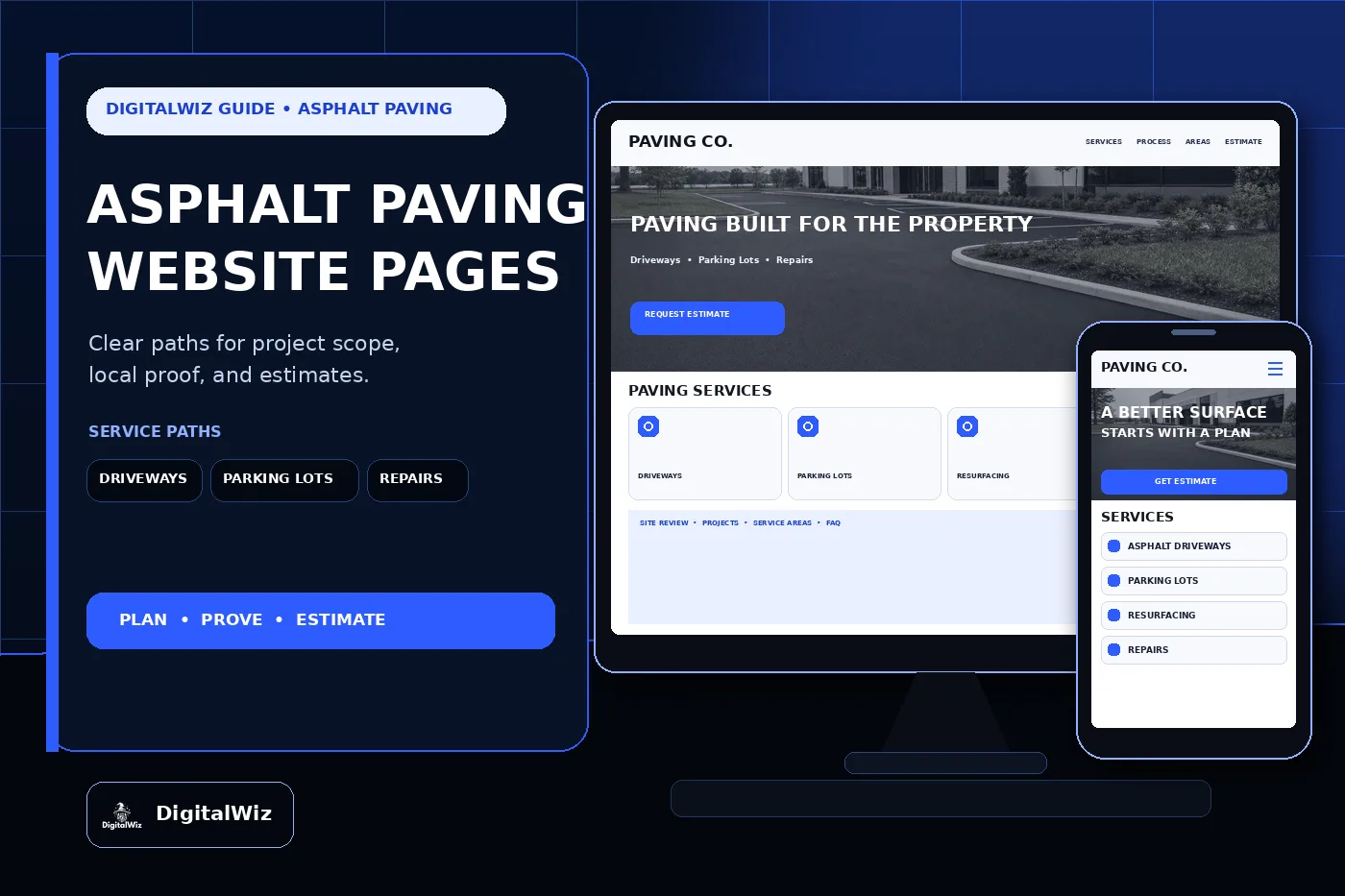
The direct answer
An asphalt paving company website should have focused pages for the work customers actually compare: residential driveways, commercial parking lots, new asphalt paving, removal and replacement, resurfacing or overlays when appropriate, pothole and pavement repair, patching, drainage-related work within the company's scope, sealcoating and striping when offered, service areas, project proof, reviews, pricing context, FAQs, and estimates. One catch-all paving page makes a homeowner, property manager, and general contractor sort out the differences alone.
For a Charlotte or NC paving contractor, those paths should separate a cracked home driveway from a retail parking lot, private road, industrial yard, subdivision phase, failed pavement edge, drainage concern, or maintenance request. Traffic, pavement condition, base, soil, water, access, demolition, thickness, phasing, markings, and site use can all change the plan.
Keep the structure tied to the real operation. Give every profitable project type a clear page, explain how the site review and proposal work, show permission-safe projects, state the actual service area, and make requesting an estimate easy on a phone. That gives the website, Search Visibility, and Paid Ads Management useful destinations instead of sending every visitor to the homepage.
- Separate driveways, parking lots, new paving, resurfacing, repairs, maintenance, and commercial work when the buyer or field process differs.
- Explain site review, preparation, pavement scope, scheduling, access, cleanup, and next steps.
- Publish accurate service areas, project minimums, lead times, warranties, and estimate boundaries.
- Track calls, forms, site visits, proposals, sold projects, project type, and lead quality.
Separate residential, commercial, and repair paths
A homeowner usually wants to know whether the company handles new driveways, extensions, replacement, resurfacing, edge failures, drainage around the pavement, or small repairs. They also want to understand access, how long the driveway may be unavailable, what happens to the old material, how the new surface meets the garage or road, and what the crew needs before arrival. Put those answers on a residential driveway page—not in a vague paragraph under a stock photo.
Commercial buyers have a different checklist. Property managers, facility teams, builders, HOAs, and general contractors may need parking-lot paving, phased work, loading or service areas, private roads, milling, overlays, full-depth replacement, patching, curbs or concrete coordination, striping, traffic control, drainage coordination, documentation, and scheduling around tenants or operations. A dedicated commercial section can explain which of those scopes the company actually provides and how larger jobs move from walkthrough to proposal.
Repairs deserve their own route too. A pothole, alligator cracking, rut, sunken utility cut, unraveling edge, low area, or isolated failed section does not automatically call for the same repair. The page should explain that the company reviews the visible failure and surrounding pavement before recommending patching, removal and replacement, drainage work, an overlay, or a larger reconstruction within its scope. It should not promise that a surface treatment fixes movement or a failing base.
Build these revenue pages before publishing a long stream of generic maintenance tips. Service pages and blog posts have different jobs in local SEO. An article can explain why asphalt cracks. The service page still has to carry scope, process, proof, limitations, and the estimate conversation.
- Driveway page: new paving, replacement, extensions, transitions, access, preparation, finish, care guidance, and matching projects.
- Parking-lot page: property types, phasing, traffic planning, milling, paving, striping coordination, documentation, and account inquiries.
- Repair page: patching methods actually offered, failure limits, drainage observations, minimums, access, and before-and-after context.
- Maintenance page: sealcoating, crack treatment, striping, sweeping, or other services only when the company truly provides them.
Explain the site review and pavement scope
Good paving copy starts below the finished black surface. The website should explain, in plain language, that pavement performance can depend on the existing asphalt, base condition, subgrade, drainage, traffic, loading, edges, transitions, utilities, tree roots, prior repairs, access, and the proposed use. That does not require publishing an engineering manual. It does require showing customers that the proposal is based on the property in front of the crew.
Describe the normal first step. Depending on the company, that may include confirming the area and intended use, measuring the site, reviewing accessible pavement failures, checking visible drainage and transitions, noting traffic and equipment access, discussing demolition or milling, identifying utility or approval questions, and documenting the proposed limits. Match this section to the actual estimating process; don't borrow testing, engineering, or surveying language the team does not perform.
Then make the written scope understandable. State whether it includes removal, milling, grading, base repair or replacement, compaction, asphalt type or course, approximate thickness after compaction when the company specifies it, edges, tie-ins, drainage structures, curbs, striping, traffic control, cleanup, mobilization, and work by others. If conditions below the surface cannot be confirmed until demolition, explain how changed conditions are documented and priced.
Boundaries matter here. Standing water may involve pavement slope, blocked drainage, surrounding grade, roof discharge, utilities, curbs, catch basins, or conditions beyond the paver's scope. Cracking may reflect age, movement, water, roots, traffic, base failure, or several causes. Avoid diagnosing a whole site from one phone photo or guaranteeing that a cosmetic treatment solves a hidden structural problem.
- Explain what the site review covers and which property, access, traffic, or plan information helps before the visit.
- Define removal, milling, base work, paving, edges, transitions, drainage, striping, and cleanup in the written scope.
- State when civil, drainage, utility, environmental, permitting, survey, accessibility, or engineering questions need another party.
- Keep thickness, compaction, material, warranty, and performance language tied to the actual proposal and project conditions.
Turn paving projects into useful proof
A tight photo of fresh blacktop looks good, but it does not tell the buyer much. A useful project example identifies the general area, property type, original condition, intended use, approximate scope, preparation, paving or repair method, access or phasing challenge, drainage or transition details within scope, and completed result. Wide views help customers understand the full driveway, parking field, loading area, private road, or repair—not just one perfect patch of pavement.
Match the proof to the page. Driveway visitors should see believable garage, road, shoulder, walkway, and landscape transitions. Property managers need parking layouts, entrances, curbs, islands, loading areas, phased sections, and markings where those were part of the project. Repair visitors benefit from context that shows the failed area, cut or removal limits, base work when visible, new patch, edge, and surrounding pavement.
Use only real, permission-safe work as company proof. Never invent projects, customers, reviews, ratings, square footage, tonnage, pavement thickness, warranties, locations, schedules, or before-and-after outcomes to fill a template. Conceptual website imagery can set a visual tone, but label it honestly and never present it as a completed customer installation. Recent contractor projects strengthen a website when the examples show what the company actually did.
Organize the gallery so a buyer can filter by driveway, parking lot, new paving, resurfacing, patching, maintenance, or commercial work. Add short project notes instead of a wall of unlabeled photos. That gives search visitors useful context and gives the sales team a clean link to send after the first call.
- Label the general area, property type, original condition, intended use, agreed scope, preparation, and completed work.
- Use wide context plus clear details of edges, transitions, drainage structures, curbs, markings, and repair limits when useful.
- Remove exact addresses, faces, license plates, access codes, tenant information, site plans, and private property details.
- Never use stock, supplier, or conceptual imagery as proof of a completed paving project.
Explain pricing, service areas, and lead quality
Paving pricing changes with more than square footage. Site size and shape, pavement condition, intended traffic, access, mobilization, demolition, haul-off, milling, grading, base work, soil, drainage, utilities, asphalt specification, compacted thickness, lifts, edges, transitions, curbs, traffic control, phasing, markings, permits, crew time, equipment, material availability, travel, and work by others can all move the proposal. A tiny per-square-foot headline can set the wrong expectation when it excludes the site the customer actually owns.
The website can still be helpful. Some companies can publish project minimums, planning ranges, or examples for straightforward driveway and repair scopes. Others are better served by explaining the major cost drivers, which photos or plans help, when a site visit is required, and what the written estimate includes. The framework in Should I Put Prices on My Business Website? helps add context without pretending every parking lot or driveway has one price.
State the real service area too. Asphalt plants, trucking time, crew and equipment mobilization, project minimums, repair calls, commercial phasing, permitting familiarity, and follow-up all affect coverage. If full installations, small repairs, maintenance routes, private roads, and commercial projects have different travel ranges, explain that instead of publishing one oversized map. Create city pages only where the company can add original proof and useful local information.
Finally, make the estimate path useful on a phone. Ask for name, phone, email, property address, residential or commercial use, requested service, approximate area if known, current pavement condition, drainage or access concerns, timing, and optional ground-level photos or plans. Track source, campaign, landing page, call or form, requested scope, coverage fit, site visit, proposal, sold work, project type, and lead quality. Want a quick read on whether your paving company website has the right service pages, local-search foundation, project proof, estimate path, and tracking? Run a free BizScore audit.
- Explain the biggest demolition, access, base, drainage, material, thickness, phasing, traffic, marking, and scheduling cost drivers.
- Publish ranges, minimums, fees, or maintenance packages only when the company can support and update them.
- State real installation, repair, maintenance, commercial, and private-road coverage when those ranges differ.
- Measure lead quality through site visit, proposal, sold project, scope, route fit, and project value when possible.