Should I Put Prices on My Business Website?
Yes — most local service businesses should show at least pricing context on the website. You do not need a fixed menu for every job, but buyers need enough cost guidance to know whether to contact you.
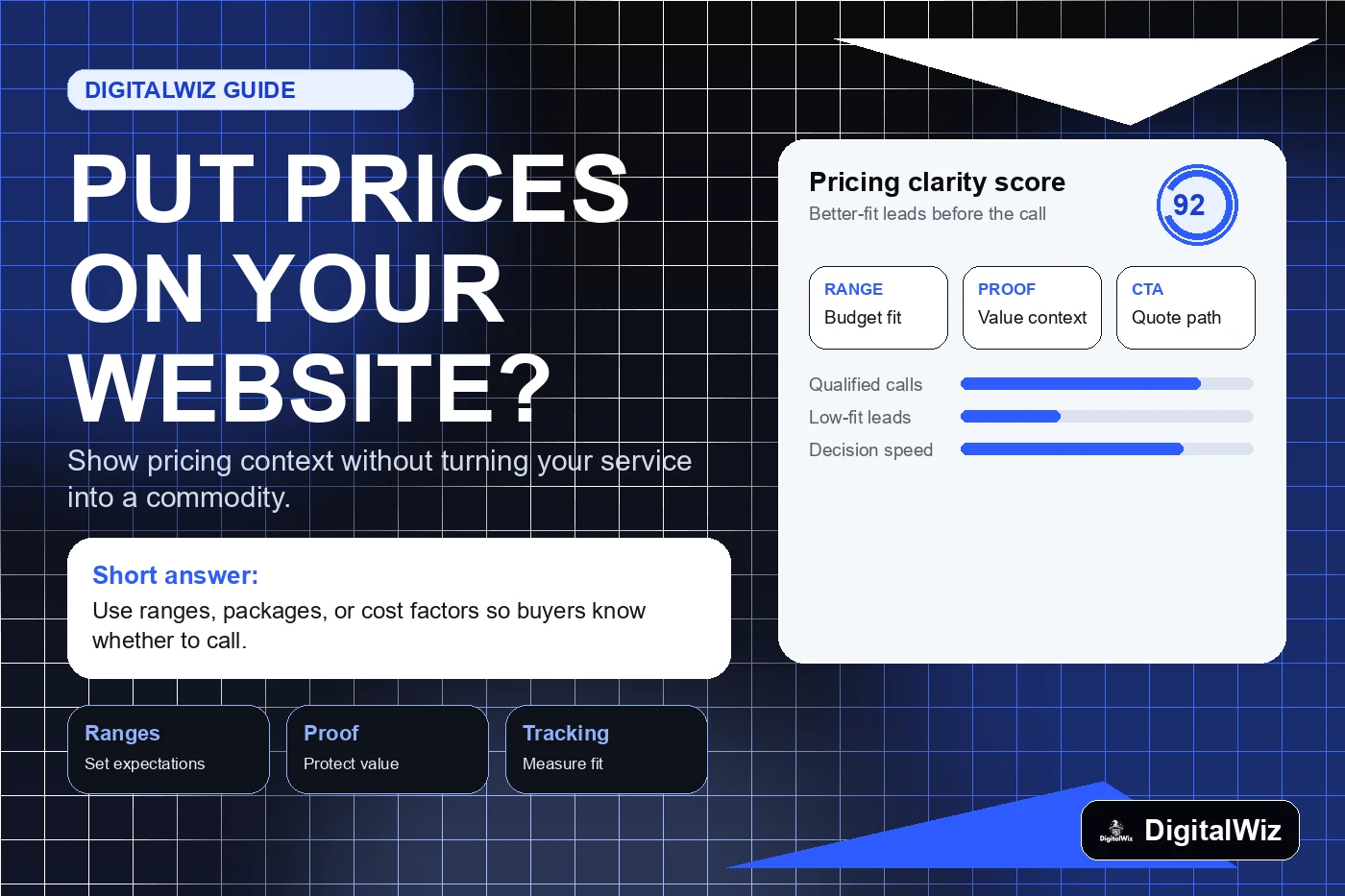
The direct answer
Yes — most local service businesses should put pricing context on the website. That does not always mean posting one fixed price for every job. It means giving buyers enough cost guidance to decide whether your business is a serious fit before they call, book, or request an estimate.
For contractors, med spas, dentists, attorneys, restaurants, home services, and other Charlotte-area businesses, vague pricing can create friction. People want to know the range, what changes the price, what is included, and what the next step looks like. If your site avoids money completely, visitors may leave, compare you against clearer competitors, or send low-quality leads that were never a fit.
The practical DigitalWiz rule: publish pricing context when it helps the buyer make a better decision, then pair it with proof, process, and a clear CTA. Your website, Search Visibility, and Paid Ads Management all work better when the offer is easy to understand.
- Use ranges, starting points, packages, or cost factors when fixed pricing is not realistic.
- Explain what changes the price instead of pretending every project is the same.
- Add proof near pricing so buyers understand value, not just cost.
- Track whether pricing pages improve qualified calls, forms, and booked consultations.
Why pricing context usually helps conversion
A website is not just a brochure. It is a filter. Good pricing information helps serious buyers move forward and helps bad-fit visitors self-select out before wasting your time. That is especially useful for businesses where every lead still needs a consultation, inspection, design call, or custom quote.
Pricing context also reduces the awkward first-call problem. If someone already understands the rough investment, your team can spend the conversation on fit, timeline, scope, and next steps instead of starting from zero. For paid ads, this matters even more because every unqualified click costs money.
The key is to avoid dumping prices on a page with no explanation. A number without context can make the business look cheap, expensive, or confusing. A strong page explains value, scope, common options, and what happens after someone reaches out.
- Buyers can decide faster whether they are in the right budget range.
- Sales calls start with better expectations and fewer surprises.
- Paid traffic is less likely to turn into low-fit form fills.
- Search and AI systems get clearer information about the offer and buying process.
When exact prices make sense
Exact prices work best when the service is standardized. If you sell a defined package, membership, audit, treatment, maintenance plan, inspection, class, or productized service, publishing the price can remove friction and make the offer feel easier to buy.
Exact pricing is also useful when your competitors hide everything and buyers are tired of calling around. Clear pricing can become a trust signal when the rest of the page proves quality. The goal is not to be the cheapest. The goal is to be understandable.
If the price changes by location, materials, urgency, labor, property size, case complexity, or customer goals, use exact prices only where they are truly accurate. Do not promise a simple number if the real buying process is more nuanced.
- Post exact pricing for fixed packages, subscriptions, consultations, inspections, or audits.
- Use comparison tables when buyers need to choose between tiers.
- Show what is included and what is not included.
- Make the CTA match the offer: book, buy, schedule, request, or start an audit.
When ranges or cost factors are better
Many local services should not force an exact price onto the page. Roofing, remodeling, HVAC, plumbing, dental treatment, legal work, med spa plans, and custom websites often depend on scope. In those cases, ranges and cost factors are usually more honest than one fake universal price.
A useful pricing section might say what small, medium, and complex projects usually involve. It can explain why costs change, what information is needed for a quote, and what the business does to keep recommendations practical. That gives the buyer clarity without locking you into a bad estimate.
This is also good content strategy. Pricing-factor pages answer real questions people search before they contact a business. They can support local SEO, answer-engine visibility, and internal links back to your main service pages.
- Use starting-at language only when the starting point is real and clearly qualified.
- List the main cost drivers in plain English.
- Explain what someone gets at different budget levels.
- Invite visitors to get a quote, audit, consultation, or recommendation when details matter.
What to include on a pricing section
A pricing section should answer the buyer's next question, not create ten new ones. Put the cost guidance close to the service details, proof, and CTA. If the page is for ads, keep the message even tighter so the visitor does not have to dig around after clicking.
For a Charlotte service business, the strongest pricing pages usually include local context, common scenarios, scope differences, reviews or examples, FAQs, and a clear next step. If you already have a Google Ads landing page, pricing can help qualify the visitor before the form fill.
Do not bury the CTA under a giant pricing essay. Give enough information to build trust, then make it easy to request the next step.
- A short answer: exact price, range, starting point, or custom quote explanation.
- What affects price: scope, timeline, location, materials, complexity, or goals.
- What is included: deliverables, process, support, warranties, or next steps.
- Proof: reviews, examples, before-and-after context, credentials, or case details.
- CTA: book a call, request a quote, run a BizScore audit, or contact the team.
The mistakes that make pricing pages lose leads
The biggest mistake is using pricing as a standalone answer with no value story. If the page only says a number, the buyer compares you like a commodity. If the page explains problem, process, proof, and outcome, the price has context.
Another mistake is hiding behind "contact us for pricing" when the buyer clearly needs at least a range. That may be necessary for complex work, but the page should still explain why the quote is custom and what information is needed. Silence feels evasive. Clarity feels professional.
Finally, do not publish pricing once and forget it. Update ranges when offers change, review form quality, and watch how pricing content affects calls, form fills, paid ad cost per lead, and close rate.
- Do not post outdated prices that sales cannot honor.
- Do not use tiny disclaimers to hide major exclusions.
- Do not make every CTA a generic contact form when the offer needs a specific next step.
- Do not judge the page only by traffic; judge it by qualified leads and sales conversations.
A simple pricing strategy for local service businesses
Start with your most profitable services. For each one, decide whether exact prices, ranges, packages, or cost factors would help a serious buyer take the next step. Then add that content to the service page instead of hiding it in a random FAQ post.
If you are not ready to publish numbers, publish the decision framework: what affects the quote, what a typical project includes, what makes a job more complex, and how the consultation works. That is still better than a blank page.
Want help deciding what your site should say about pricing, offers, CTAs, and lead tracking? Run a free BizScore audit or contact DigitalWiz. We will show you what to fix first across your website, search visibility, ads, and conversion path.
- Pick one high-value service page to improve first.
- Add pricing context, proof, FAQs, and a stronger CTA.
- Connect the page to tracking so you can measure lead quality.
- Use the results to improve the next service page or ad landing page.