Should I Build City Pages for Every Service Area?
Build city pages only when each location deserves a useful page with real local proof, service details, and a clear conversion path. Thin copy-and-swap pages can hurt trust and waste crawl attention.
The direct answer
Do not build a separate city page for every place you can technically drive to. Build city pages when the city is a real market for your business and you can make the page genuinely useful: services offered there, local proof, photos or project examples, reviews, FAQs, contact options, and a clear next step.
For a Charlotte or NC service business, the right service-area strategy usually has three layers: strong core service pages, a clear main service-area page, and selected city pages for markets where you have enough demand and proof. That is very different from publishing twenty near-identical pages with only the city name changed.
Google's spam policies warn against doorway-style pages created mainly to rank for similar local queries. Google Business Profile guidance also expects service-area businesses to represent the real business accurately. Translation: local pages should help buyers, not just chase city keywords.
- Build city pages for real priority markets, not every suburb on a map.
- Make each page unique with service details, local proof, FAQs, and conversion tracking.
- Avoid copy-and-paste pages that funnel everyone to the same generic content.
- Connect city pages to matching service pages, Google Business Profile signals, and paid-ad landing pages when relevant.
- Measure calls, forms, and booked estimates by page so you know which markets are worth expanding.
When a city page makes sense
A city page makes sense when the location has real business value. Maybe you already get leads there. Maybe the city has enough search demand. Maybe you have crews, customers, reviews, projects, photos, or a repeatable offer in that market. The page should feel like it was written for someone in that city, not cloned from a template.
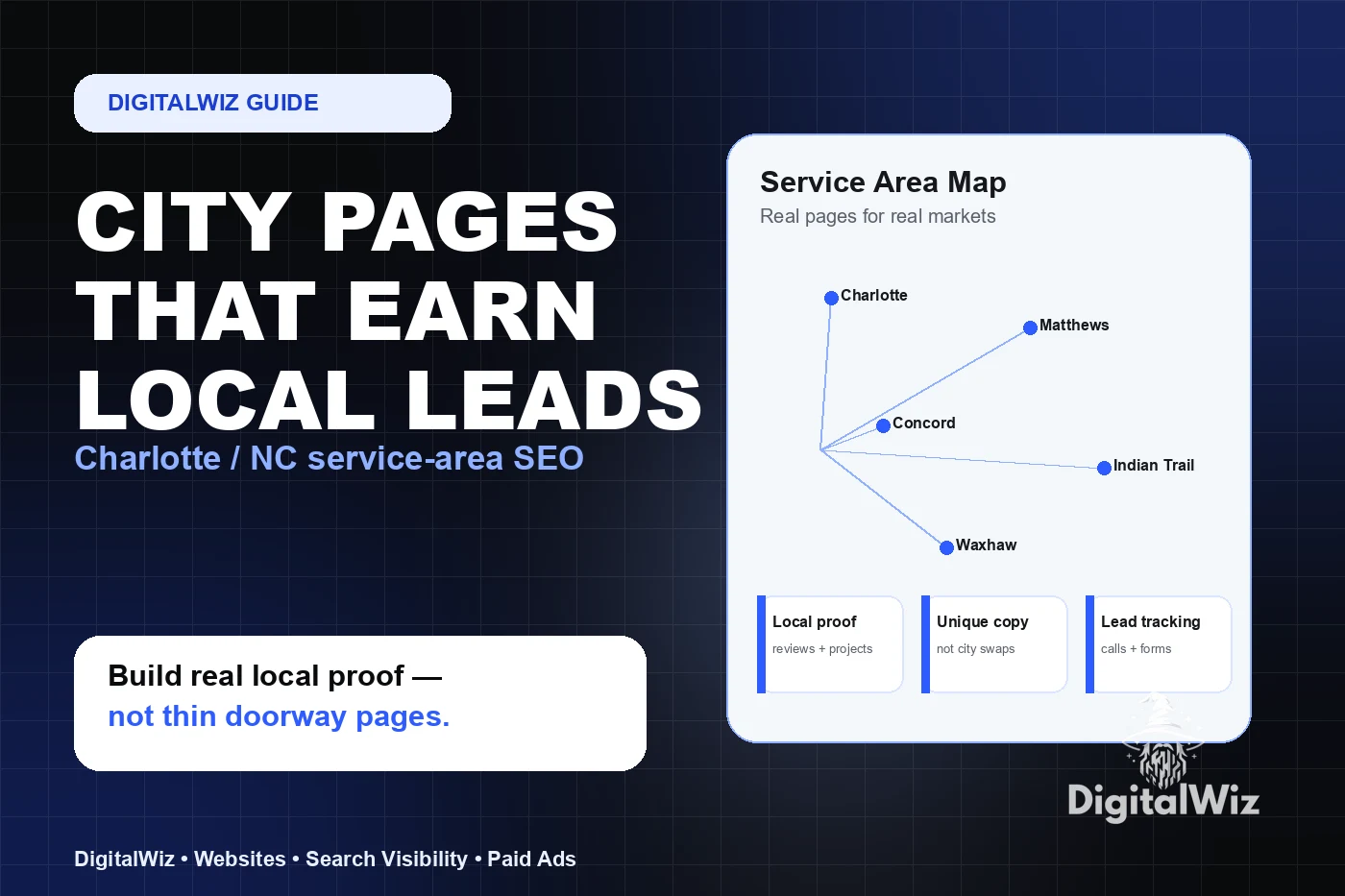
For example, a roofer may need separate pages for Charlotte, Matthews, Indian Trail, and Waxhaw if each page can show storm-damage context, project photos, service timing, review snippets, and a clear quote path. A med spa, dentist, law firm, restaurant, or home service company can use the same logic: build local pages where the buyer needs local reassurance.
If the page cannot say anything specific, it may be better to mention the city on a broader service-area page until you have enough proof to support a dedicated page.
- You already serve the market regularly.
- The city has enough buyer intent to justify its own page.
- You can add local proof: reviews, projects, photos, staff, service details, or FAQs.
- The page supports a clear offer, such as quotes, consultations, estimates, appointments, or emergency service.
- You can track leads from that page separately.
What turns a city page into a doorway page
A weak city page usually has the same headline, same paragraphs, same stock image, same CTA, and the same service list as every other city page. Only the place name changes. That kind of page may look like SEO activity, but it rarely builds trust with a real buyer.
Doorway-style pages are risky because they are made for search engines first and people second. They often funnel users to one generic destination instead of giving them a better answer. Even if they get indexed, they can make the site feel bloated, repetitive, and low-quality.
The safer question is simple: if a customer from this city landed here, would they learn anything useful that they could not get from the main service page? If the answer is no, the page is not ready.
- Same copy with city names swapped.
- No local proof, photos, examples, or real service-area details.
- No unique FAQs or buyer objections for that market.
- A page that exists only to link to another page.
- Claims about serving a city that the business cannot back up operationally.
What a strong service-area page should include
A strong city page works like a focused local landing page. It quickly confirms what you do, where you do it, why someone in that city should trust you, and how to take the next step. It should not be long just to look serious. It should be specific enough to reduce doubt.
Start with the service and location in plain language. Then add local context, proof, process, service-area boundaries, FAQs, and calls to action. If you have related service pages, link to them naturally. If the visitor is ready to act, do not make them hunt for the phone number, quote form, or booking link.
This is where Website Development and Search Visibility overlap. The page needs clean structure for Google and AI systems, but it also has to convert a real person on a phone.
- Clear headline: service plus city or service area.
- Short answer to the buyer's main question.
- Local proof: reviews, projects, photos, credentials, team details, or neighborhoods served.
- Specific service details and links to core service pages.
- FAQs about pricing, timing, service area, emergency availability, warranties, or process.
- One primary CTA with phone, form, booking, or quote path.
- Tracking for calls, forms, bookings, and qualified lead notes.
How many city pages should a Charlotte business start with?
Start smaller than your service map. Pick the three to six markets that matter most right now. For a Charlotte-area business, that might include Charlotte plus a few strong surrounding markets such as Matthews, Indian Trail, Waxhaw, Huntersville, Concord, or Rock Hill. The exact list depends on your capacity, margins, travel radius, and where you already win work.
Build those pages well before adding more. A clean set of useful local pages beats a huge set of thin pages. Once you see which locations produce calls, forms, booked estimates, or appointments, expand based on evidence instead of guesswork.
If you are also running ads, use the same thinking. A paid campaign for one city and one service may deserve a dedicated landing page. A broad brand campaign may not. Paid Ads Management works better when the page matches the location and offer.
- Tier 1: cities that already produce revenue or have high intent.
- Tier 2: nearby markets with proof but lower volume.
- Tier 3: places you serve occasionally — mention them on a service-area page until there is enough substance.
- Expansion rule: add a new city page only when you can make it useful and track its impact.
How city pages support AI search and answer engines
AI search tools and answer engines look for clear, consistent facts about a business. City pages can help when they reinforce the same story as your services, Google Business Profile, citations, reviews, and contact information. They can hurt when they create a mess of vague, duplicated, or contradictory claims.
Use consistent business names, service descriptions, phone numbers, service areas, and internal links. Answer practical questions in plain language. Do not exaggerate coverage, create fake offices, or claim rankings you cannot prove.
If you want more visibility in Google and newer AI search experiences, the goal is not more pages for the sake of more pages. The goal is clearer evidence that your business serves a real market and can solve a real problem.
- Keep NAP and service-area language consistent.
- Use internal links between city pages, service pages, and relevant blog answers.
- Add schema and metadata through the site's normal templates where appropriate.
- Keep claims accurate so humans, Google, and AI systems can verify the business.
The bottom line
City pages can be a strong local SEO asset, but only when they are built as real buyer pages. If the page gives local visitors specific proof, answers, service details, and an easy way to contact you, it can support rankings, AI visibility, and lead generation.
If the page is just another city-name swap, skip it. Strengthen the main service page, improve your Google Business Profile, collect more proof, and build a better service-area page first.
Want to know which local pages your business actually needs? Run a free BizScore audit or contact DigitalWiz. We will show you where your website, SEO, ads, and tracking have the biggest gaps.