What Pages Should a Septic Company Website Have?
A septic company website should have focused pages for pumping, inspections, repairs, installation or replacement, maintenance, service areas, system education, project proof, pricing context, FAQs, and estimates.
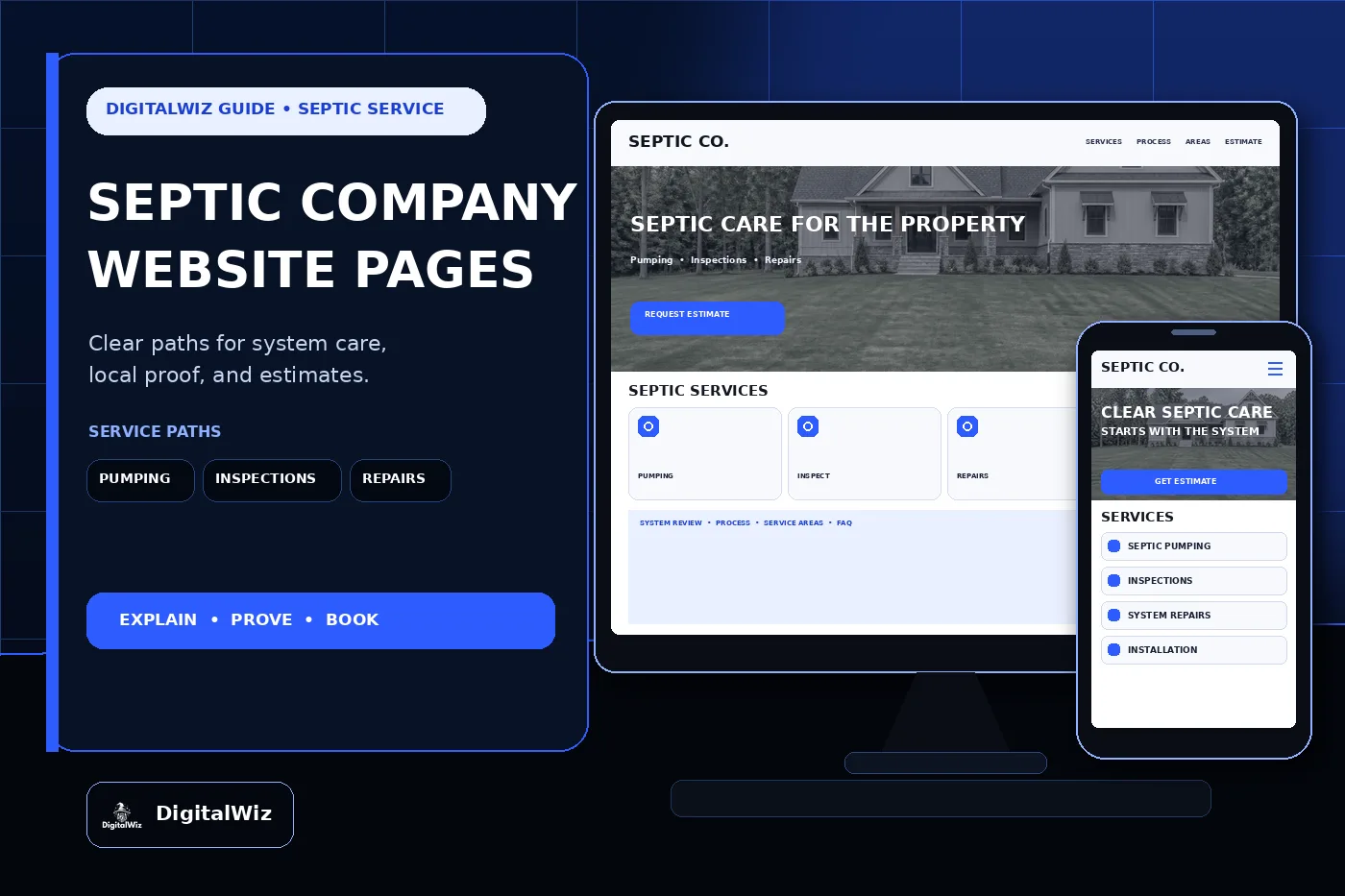
The direct answer
A septic company website should have focused pages for the work customers actually compare: septic tank pumping, system inspections, troubleshooting and repairs, installation or replacement when offered, maintenance plans, risers and access work within scope, drainfield services within scope, commercial or multi-property service, service areas, system education, project proof, reviews, pricing context, FAQs, and estimates. One catch-all page makes a homeowner decode the entire system while dealing with an odor, slow drain, soggy yard, inspection deadline, or overdue service record.
For a Charlotte-area or North Carolina septic company, those paths should separate routine pumping from a real-estate inspection, suspected system problem, alarm, damaged component, permit-driven replacement, or new-build installation. The tank, treatment method, drainfield, soil, site, occupancy, access, records, local requirements, and visible symptoms can all change the next step.
Keep the structure tied to the actual operation. Give every service the crew is trained, permitted, insured, and equipped to perform a clear page. Explain what happens before arrival, during the visit, and after the work. State the real coverage area and make requesting service easy from a phone. That gives the website, Search Visibility, and Paid Ads Management useful destinations instead of sending every visitor to the homepage.
- Separate pumping, inspections, repairs, maintenance, installation, replacement, and commercial work when the customer or field process differs.
- Explain records, site access, system location, service steps, documentation, cleanup, and next actions.
- Publish accurate service areas, hours, emergency limits, credentials, fees, and estimate boundaries.
- Track calls, forms, booked visits, completed inspections, proposals, sold work, service type, and lead quality.
Separate pumping, inspections, repairs, and installation
Routine pumping deserves its own page. Tell customers which system types and property types the company services, how scheduling works, what access is needed, whether lids must be located or exposed, what the crew inspects or records during the visit, how waste is handled, and what documentation the customer receives. If locating, digging, riser work, filter cleaning, disposal, difficult access, or after-hours service can add cost, say that before the truck arrives.
Inspection visitors have a different deadline and a different question. A homeowner may want a maintenance check, while a buyer, seller, lender, property manager, or builder may need a specific report. Explain which inspections the company offers, what records or site access help, what the inspection can and cannot establish, how scheduling and payment work, and when a local authority or another licensed professional must be involved. Do not present one visual check as a guarantee of future performance.
Repairs need a separate route too. Alarms, damaged lids or baffles, pump or control issues, distribution problems, surfacing water, backups, odors, slow drainage, or suspected drainfield trouble do not all point to the same fix. The page should explain that the team reviews the system, accessible components, recent use, records, site conditions, and visible symptoms before recommending work within its qualifications. It should not diagnose a failed drainfield from one photo or promise that pumping cures every problem.
Installation and replacement pages should cover the company's real role: evaluation, records, soil or site work by the appropriate party, design, permitting, equipment access, excavation, tank and treatment components, drainfield scope, inspections, startup, grading, documentation, and maintenance. If engineering, soil evaluation, electrical work, plumbing, landscaping, permits, or inspections come from other parties, name those boundaries clearly.
- Pumping page: supported systems, access, locating, service steps, disposal, records, scheduling, and common add-ons.
- Inspection page: inspection type, purpose, included observations, report delivery, limitations, access, and scheduling.
- Repair page: symptoms, diagnostic process, components serviced, urgent-contact limits, proposal, and follow-up.
- Installation page: evaluation, design and permit roles, equipment access, construction sequence, inspections, documentation, and maintenance handoff.
Explain the system without turning the page into a risky tutorial
A useful septic website teaches enough for a property owner to describe the situation and make a safer decision. The U.S. Environmental Protection Agency explains that a typical septic system begins with solids settling in a tank and continues with wastewater treatment in the soil through a drainfield. That simple tank-to-soil picture helps visitors understand why pumping one component is not the same as evaluating the whole onsite system.
Build a plain-language system page around the components the company actually services. Explain tanks, lids and risers, inlet and outlet components, effluent filters, pumps, alarms, controls, distribution, treatment units, and drainfields at a high level. Note that systems vary. The site should not imply that every property has one conventional tank, one layout, or one maintenance schedule.
Maintenance guidance needs the same care. EPA consumer guidance says the average household system should be inspected at least every three years and household tanks are typically pumped every three to five years, while alternative systems with mechanical components generally need more frequent attention. Present that as general guidance—not a promise that a particular property can wait a fixed number of years. Household size, wastewater volume, tank size, solids, system type, records, and local requirements matter.
Keep unsafe instructions off the sales page. Do not coach homeowners to open or enter tanks, handle wastewater, bypass alarms, work on electrical controls, drive over system components, dig without utility and site information, or inspect a drainfield by disturbing it. Give clear contact steps, tell visitors to keep people and pets away from unsafe areas, and refer immediate health, electrical, plumbing, or utility hazards to the appropriate service.
- Use a simple system overview, glossary, maintenance-record guide, and FAQ instead of a do-it-yourself repair manual.
- Explain which symptoms call for routine scheduling and which require a faster phone conversation.
- Keep pumping intervals, inspection cadence, warranties, and performance language specific to the system and current guidance.
- Never encourage tank entry, contact with wastewater, unqualified electrical work, or blind digging.
Show credentials, process, and project proof
Septic work is regulated and highly local, so credential pages need exact wording. List only licenses, certifications, permits, registrations, insurance, continuing education, or authorized-service relationships the company currently holds. Identify which services and jurisdictions they cover. Do not turn one employee's qualification into a claim about every crew or use generic badges that imply approval the business does not have.
A strong process page makes the visit easier to picture. Start with the booking call and records request. Then explain arrival, safe site review, system locating when included, access, pumping or inspection, observations, documentation, repair recommendations, pricing authorization, cleanup, and follow-up. Match it to the actual field checklist. If the office needs the service address, system records, last pump date, property occupancy, alarm details, gate access, pets secured, or a clear route for the truck, state that before the appointment.
Project proof should show context, not just a truck beside a hole. A useful example identifies the general area, property type, service requested, known system type, access or site challenge, agreed scope, components serviced or installed, documentation, and completed condition. Wide views help customers understand equipment access and restoration. Detail photos can show clean risers, controls, distribution components, or finished grading when those details are relevant and permission-safe.
Use only real customer work as company proof. Never invent projects, system sizes, permit approvals, inspection findings, warranties, response times, reviews, ratings, locations, or before-and-after outcomes to fill a template. Conceptual website imagery can support the design, but it should never masquerade as a completed installation. Recent contractor projects strengthen a website when the examples help a visitor judge fit and show what the crew truly handled.
- Attribute credentials accurately and keep service, county, and jurisdiction coverage current.
- Show the real booking, records, access, service, authorization, documentation, cleanup, and follow-up process.
- Label project type, general area, system context, access challenge, agreed scope, and completed work.
- Remove exact addresses, permit numbers, customer details, gate codes, payment data, and private property information.
Explain pricing and service areas before the truck rolls
Septic pricing changes with more than tank capacity. Property location, travel, system type, tank and compartment count, lid depth, locating, digging, risers, access, hose distance, terrain, weather, waste volume, disposal, filter service, mechanical components, inspection type, report needs, emergency timing, repairs, permits, equipment, crew time, and restoration can all move the bill. A bargain pumping headline can create the wrong expectation when it excludes the property the customer actually owns.
The website can still be useful. Some companies can publish standard pumping prices for defined conditions, inspection fees, locating charges, emergency premiums, maintenance-plan pricing, or project minimums. Others are better served by explaining cost drivers, what records and photos help, which conditions require a visit, and what the written estimate includes. Use the framework in Should I Put Prices on My Business Website? to add real context without pretending every tank or site is the same.
Spell out the common boundaries. Locating, excavation, extra lids or compartments, difficult access, long hose runs, risers, filters, disposal, plumbing, electrical work, engineering, soil evaluation, permits, inspections, landscaping, grading, seeding, concrete or hardscape removal, and changed conditions may or may not be included. State how authorization works when the crew finds a buried lid, damaged component, full second compartment, unsafe access, or a repair need that was not visible at booking.
Service areas should reflect route reality. Pumping, scheduled inspections, small repairs, emergency calls, commercial accounts, and installation projects may each have a different travel range. Publish the core counties and towns the company truly serves, then explain any project minimums or schedule limits. Create location pages only where the company can add original coverage details, local process information, and real proof—not a cloned city name.
- Explain the largest travel, access, locating, excavation, disposal, system, inspection, report, repair, and scheduling cost drivers.
- Publish prices, ranges, minimums, or fees only when the company can support and update the conditions behind them.
- Define what is included, what is optional, and how hidden or changed conditions are authorized.
- State real pumping, inspection, repair, emergency, commercial, and installation coverage when those areas differ.
Make booking useful on a phone, then track lead quality
A septic request form should collect enough information to route the job without asking the property owner to diagnose it. Ask for name, phone, email, service address, property type, service needed, system type if known, last service date if known, number of occupants or units when relevant, symptoms, alarm status, access notes, desired timing, and optional ground-level photos or records. Keep urgent requests on a clear phone path instead of burying them in a long form.
Separate lead paths where the office workflow changes. Routine pumping can use online scheduling. Real-estate inspections may need a closing date, agent or client contact, report recipient, and payment arrangement. Repairs may need a quick callback and safe symptom notes. Builders, commercial properties, HOAs, restaurants, and multi-site accounts may need plans, bid documents, service frequency, access windows, vendor paperwork, and invoicing details.
Test the entire experience on a real phone. Click-to-call should work. Forms should reach the right inbox or CRM. Confirmation should explain what happens next without promising an arrival time the dispatcher has not accepted. Photo and document uploads should not fail silently. Service-area mismatches should route politely rather than consuming a crew's time.
Then measure more than form count. Record source, campaign, landing page, requested service, coverage fit, booked visit, completed service, inspection, proposal, sold work, system or job type, and lead quality when the sales process allows it. That is how a septic company learns whether a pumping page fills profitable routes, an inspection campaign reaches closing deadlines, or broad repair traffic mostly comes from properties outside coverage. Want a quick read on your own service pages, local-search foundation, booking flow, proof, and tracking? Run a free BizScore audit.
- Ask for the service address, requested service, timing, known system information, safe access notes, and optional records or photos.
- Route pumping, inspections, repairs, alarms, installation, commercial, and builder inquiries to the right workflow.
- Track source and landing page through booking, completed visit, proposal, sold work, job type, and route fit.
- Use those findings to improve pages, ads, forms, coverage, scheduling, and follow-up.