Should Contractors Show Recent Projects on Their Website?
Yes — contractors should show recent projects on their website when the photos and details are real, permission-safe, and tied to the services they want more calls for. Project proof makes local visitors trust the company faster.
The direct answer
Yes — contractors should show recent projects on their website when the work is real, the photos are permission-safe, and each project supports a service they actually want to sell. A good project gallery is not a scrapbook. It is proof that helps local buyers trust the company before they call.
For a Charlotte or NC contractor, recent work can answer questions faster than generic copy: do you handle this kind of job, do you work near me, what does the finished result look like, and can I picture your team solving my problem? Roofing, remodeling, HVAC, plumbing, electrical, landscaping, concrete, painting, restoration, and similar trades all benefit from specific proof.
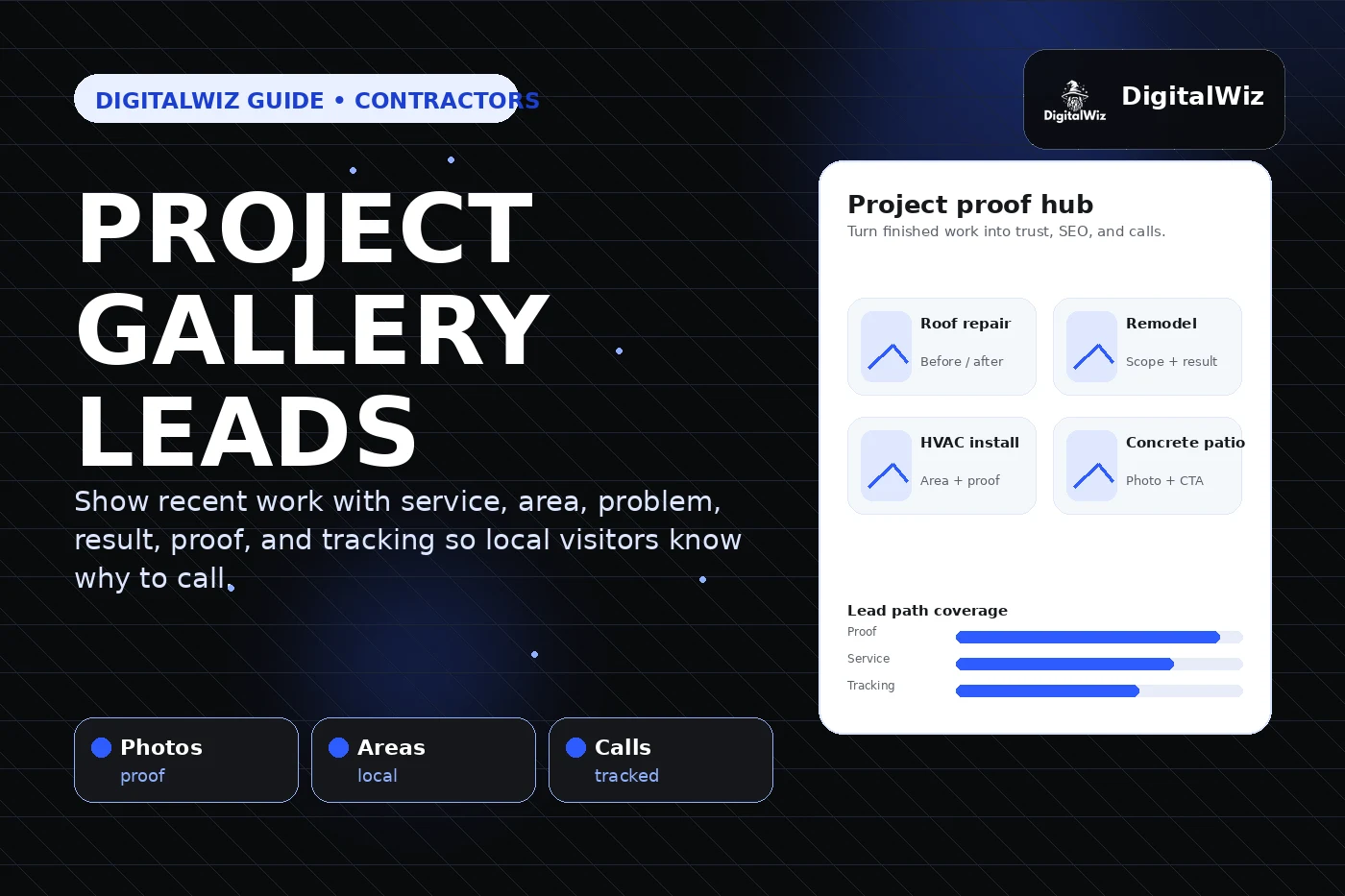
The DigitalWiz rule: show projects in a way that supports website conversion, Search Visibility, and clean lead tracking. Photos should connect to service pages, service areas, reviews, FAQs, and CTAs — not sit in a hidden gallery nobody uses.
- Show recent projects when they prove a profitable service or local market.
- Add enough context: service, area, problem, solution, result, and next step.
- Use real photos only and avoid customer-sensitive details without approval.
- Track whether project pages and gallery clicks lead to calls, forms, and estimates.
Why recent projects help local buyers decide
Contractor leads are trust-heavy. A homeowner or property manager may be comparing companies that all claim quality work, fast service, and fair pricing. Recent project proof makes the claim easier to believe because it shows the type of work, the level of finish, and the problems the company handles in the real world.
Project examples also make the website feel active. A site with one stock hero image and a vague services page can feel thin, even if the company does great work. A site with clear examples from nearby jobs feels more specific and easier to trust.
This does not mean every job needs a full case study. Even a short project card can help if it tells the buyer what service was performed, what problem was solved, and what action to take next.
- Recent projects reduce risk by showing real work instead of generic promises.
- They help visitors understand materials, scope, process, and finished results.
- They support local relevance when they mention real service areas naturally.
- They give sales teams proof to reference after a call or estimate request.
What every project example should include
A useful project example should be short, specific, and easy to scan. Start with the service: roof repair, bathroom remodel, AC replacement, panel upgrade, patio install, water damage restoration, exterior painting, or whatever the business sells. Then add location context when it is helpful and accurate.
Next, explain the problem and the result. Buyers do not need a novel. They need enough detail to know whether this company has handled something similar. Before-and-after photos can help when the comparison is honest and easy to understand.
Finally, connect the project to the next step. If the example is about roof repair, link to the roof repair page. If it is about a patio, link to the hardscaping or concrete page. Do not leave the visitor at a dead end.
- Service: what work was performed.
- Area: Charlotte, Matthews, Indian Trail, Waxhaw, Concord, Huntersville, Monroe, Gastonia, Rock Hill, or the real service area when relevant.
- Problem: what the customer needed fixed, built, replaced, or improved.
- Result: what changed and what the buyer should do next.
Where project proof should live on the site
The strongest project proof should not be trapped on one gallery page. Use the best examples where they support a decision. A roof replacement example belongs near the roof replacement service page. A kitchen remodel belongs near remodeling content. A storm repair example can support an emergency or storm page when the details are accurate.
A dedicated project gallery can still help, but it should be organized by service, market, or project type. If every image is dumped into one long wall, visitors have to do too much work. Search systems also get less clear context about what each project proves.
For most contractors, the better structure is a mix: strong service pages, supporting project cards, a gallery or portfolio hub, and internal links between them. That pattern supports the service-page-first approach we covered in Are Service Pages or Blog Posts Better for Local SEO?.
- Homepage: show two or three strong proof examples near the first CTA.
- Service pages: use project proof that matches that exact service.
- Gallery or portfolio page: organize examples by service, city, or project type.
- Blog posts and FAQs: link to relevant project proof when it helps answer the buyer's question.
How project galleries support SEO and AI visibility
Project galleries can support SEO when they add useful context, not just image grids. Google describes local ranking around relevance, distance, and prominence. Clear project examples can support relevance by showing services and areas, and they can support buyer confidence by proving the business is active and real.
They can also help AI-search and answer-engine visibility because the site becomes easier to understand. A page that explains the service, area, process, photos, FAQs, and next step gives search systems more reliable context than a thin page with a few pretty images.
Do not overdo it with keyword stuffing. A project example should read like a helpful sales note, not a city-name dump. Use plain language, descriptive alt text, useful captions, and internal links to the pages that convert.
- Use descriptive captions that explain the work and result.
- Add alt text for useful image context without stuffing keywords.
- Link each project to the most relevant service page or contact path.
- Keep project details honest, specific, and people-first.
What not to publish
Bad project proof can backfire. Avoid blurry photos, unsafe jobsite scenes, private customer information, visible license plates, children, open doors or windows that reveal too much, competitor branding, or anything that makes the customer or crew look careless. Get permission where permission is needed.
Also avoid fake portfolio work. Stock photos, manufacturer images, AI-generated jobsite photos, or borrowed before-and-after examples may look polished, but they do not prove your company did the work. Local buyers are looking for trust signals. Fake proof damages trust when it is discovered.
If a project is not visually impressive but is strategically useful, add context. Explain the problem, difficulty, process, or result. Not every proof point has to look like a magazine spread. It just has to help the right buyer understand the value.
- Do not publish customer-sensitive details without approval.
- Do not use copied, stock, or AI-generated project photos as proof of real work.
- Do not show unsafe or messy scenes without context.
- Do not create thin city project pages that only swap location names.
A practical project-proof system for contractors
The easiest system is simple: capture, curate, publish, and measure. Capture useful photos from the field. Curate them so the strongest examples are easy to find. Publish the best proof on the right service pages and gallery sections. Then measure whether those pages help create qualified calls and estimate requests.
This also improves paid ads. A Google Ads landing page with real project proof usually feels more believable than a generic page. The same proof can support follow-up emails, proposals, social posts, and review requests.
Want a fast read on whether your project proof, service pages, and lead tracking are working together? Run a free BizScore audit or contact DigitalWiz. We will show you what to fix first across your website, search visibility, paid ads, and local lead path.
- Capture: collect permission-safe photos and notes after strong jobs.
- Curate: tag projects by service, city, problem, and proof type.
- Publish: place proof near CTAs, service pages, galleries, and landing pages.
- Measure: review calls, forms, landing pages, source, and lead quality.