What Pages Should a Remodeling Company Website Have?
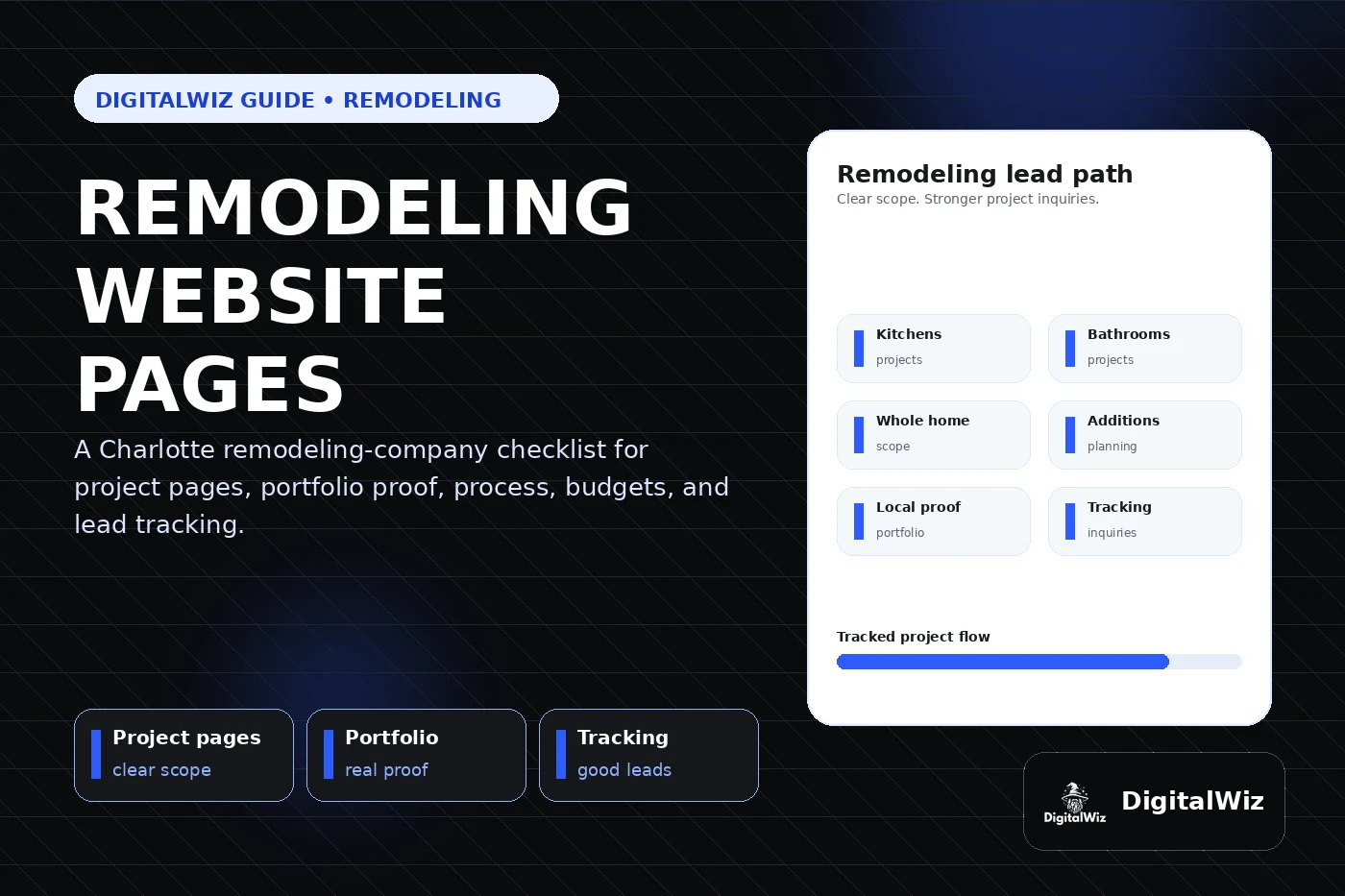
A remodeling company website should have focused pages for kitchens, bathrooms, whole-home remodels, additions, its process, service areas, project proof, reviews, pricing context, FAQs, financing when offered, and contact so homeowners can judge the fit before requesting a consultation.
The direct answer
A remodeling company website should have focused pages for the projects homeowners actually compare: kitchen remodeling, bathroom remodeling, whole-home renovations, additions, basements or outdoor living when offered, its design-build or construction process, service areas, project galleries, reviews, pricing context, FAQs, financing when available, and contact. One broad services page usually cannot carry a decision this expensive or personal.
For a Charlotte or NC remodeler, each major project type needs its own proof and expectations. A bathroom update, structural addition, occupied whole-home renovation, and high-end kitchen do not share the same scope, design choices, timeline, permitting questions, or budget conversation. The website should make those differences easy to understand before a homeowner requests a consultation.
Keep the structure practical: build a strong page for each profitable project type, pair it with relevant real work, explain how the process starts, state the real service area, and make the inquiry path easy on a phone. That gives the website, Search Visibility, and Paid Ads Management a useful foundation instead of sending every visitor to the homepage.
- Create focused pages for the remodeling projects the company wants more of.
- Show real project proof beside the matching service, not in an unlabeled photo wall.
- Explain process, budget factors, service area, and consultation fit in plain language.
- Track calls, forms, consultation requests, landing pages, project type, and lead quality.
Build pages around real remodeling projects
Start with the work that drives the business. For many remodelers, that means kitchens, bathrooms, whole-home renovations, home additions, basement finishing, and design-build services. A company that specializes in aging-in-place work, historic homes, luxury interiors, outdoor living, or light commercial renovations may need separate pages for those offers too.
Each page should answer the buyer's immediate questions: do you take on this type of project, what level of scope fits, do you serve my area, can I see comparable work, how does design or estimating begin, and what should I do next? A list that says kitchens, baths, additions, and more confirms very little. The homeowner still has to guess whether the company handles a cosmetic refresh, full reconfiguration, structural work, or a ground-up addition.
Build these revenue pages before filling the blog with broad inspiration posts. Service pages and blog posts have different jobs in local SEO: articles can answer early research questions, while project pages need to explain fit, proof, process, and the next step.
- Kitchen page: layout changes, cabinets, surfaces, trades, design decisions, project proof, and consultation path.
- Bathroom page: scope levels, waterproofing, fixtures, accessibility, ventilation, selections, and examples.
- Whole-home page: phasing, occupied-home planning, design coordination, structural work, and communication.
- Addition page: goals, feasibility, design, engineering, permitting, tie-ins, schedule, and first conversation.
Turn the portfolio into decision-making proof
Remodeling buyers need to see finished work, but pretty photos alone are not enough. A useful project example identifies the kind of renovation, the general area, the original challenge, the scope, a few meaningful design or construction choices, and the result. It helps a homeowner decide whether the company has solved a similar problem at a similar level.
Put the strongest examples on the relevant project page. Kitchen proof belongs on the kitchen page. An addition should show more than a finished room; when permission allows, explain how the new space connects to the existing home. A whole-home case study should help the reader understand planning, phasing, and continuity across rooms.
A central portfolio can still work as a browsing hub. Organize it by project type or scope, then link every example back to the right service and inquiry path. Recent projects can strengthen a contractor website when the photos are real, permission-safe, labeled clearly, and useful rather than decorative.
- Use only real, permission-safe projects as company portfolio proof.
- Add concise context: project type, general location, challenge, scope, selections, and result.
- Connect before-and-after images carefully so the comparison is honest and easy to understand.
- Keep customer names, exact addresses, family details, security features, and other sensitive information private.
Explain the process before the consultation
Homeowners often hesitate because the remodeling process feels uncertain. The site should explain how a project moves from first contact to completion without pretending every job follows the exact same calendar. If the company uses design-build, preconstruction, paid planning, architectural partners, allowances, or a selection schedule, say what those steps mean.
A useful process page can cover initial fit, discovery, site visit, feasibility, design, preliminary budget, proposal or construction agreement, permits, selections, scheduling, construction communication, change orders, punch list, and final walkthrough. Keep it accurate to the company's actual workflow. Copying another remodeler's process creates the wrong expectations for both the homeowner and the team.
Then place short process summaries on the kitchen, bathroom, whole-home, and addition pages. Buyers should not need to leave a project page just to learn what happens after they click. A clear first step can filter out mismatched inquiries while making good prospects more comfortable reaching out.
- State whether the first step is a call, questionnaire, site visit, consultation, or paid planning session.
- Explain who handles design, drawings, engineering, permits, selections, and project management.
- Describe how schedule updates, decisions, changes, and site communication are handled.
- Avoid promising fixed timelines or outcomes when design, permits, materials, and site conditions can change them.
Give honest budget and project-fit context
Remodeling costs vary because the work behind the finishes varies. Existing conditions, structural changes, square footage, cabinetry, fixtures, appliances, mechanical work, windows, engineering, access, design fees, permits, material level, temporary protection, and hidden conditions can all affect a proposal. The website does not need one universal price. It does need enough context to prevent every budget conversation from starting at zero.
Some companies can publish typical ranges or minimum project sizes. Others are better served by explaining cost drivers, examples of scope, and what is included in planning. Either way, use numbers only when the business can stand behind them and keep them current. Label allowances, design fees, preconstruction fees, exclusions, and financing details clearly when they apply.
The goal is not to scare people away. It is to help the right homeowner understand the relationship between scope, selections, planning, and budget. The framework in Should I Put Prices on My Business Website? can help a remodeler choose between ranges, minimums, examples, and cost-factor copy.
- Explain what changes project cost instead of avoiding the subject entirely.
- Publish ranges or minimums only when they are accurate, qualified, and reviewed regularly.
- Separate construction cost from design, engineering, permitting, allowances, or preconstruction when needed.
- Describe financing only when it is genuinely offered, with accurate terms and no misleading promises.
Use service areas without cloning city pages
Remodelers have real geographic limits. Travel time matters, but so do project size, design coordination, permit familiarity, subcontractor coverage, and site supervision. The website should state where the company works and whether certain areas or project types have different minimums.
A Charlotte-area remodeler may genuinely work in Charlotte, Matthews, Indian Trail, Waxhaw, Weddington, Marvin, Ballantyne, Fort Mill, Huntersville, or other nearby markets. A dedicated location page makes sense when the company can add real local value: completed projects, homeowner questions, housing context, permitting notes, reviews, neighborhood familiarity, or useful service details.
Google says local results are mainly based on relevance, distance, and prominence, and it recommends complete and detailed business information. Clear services and accurate coverage help describe relevance; copied city pages cannot remove distance. Read Should I Build City Pages for Every Service Area? before multiplying one thin template across the region.
- State the core service area on the homepage, project pages, and contact path.
- Explain real project minimums or travel limits when they affect fit.
- Create a location page only when it contains useful local proof and original information.
- Keep business name, service area, phone, hours, and website details aligned with Google Business Profile.
Make the inquiry form useful, then track quality
A remodeling inquiry form needs enough information to start a useful conversation without turning into a design brief. Ask for contact details, property location, project type, rough scope, desired timing, whether the property is occupied, and optional photos. A budget range can help when the choices reflect the company's real projects and the question is explained respectfully.
Test the full path on a phone. A homeowner should be able to describe the project, attach a few images, and understand what happens next without fighting tiny fields. Keep a tappable phone option for people who prefer to call. If marketing texts or ongoing emails are optional, keep that consent separate from the request for a project consultation.
Then measure beyond form count. Track traffic source, landing page, calls, completed forms, project type, service area, budget fit, consultation status, proposal status, booked work, and lead quality when the sales process allows it. If kitchen pages generate strong consultations while addition ads produce out-of-area or early-stage inquiries, page-level data shows where targeting, copy, proof, budget context, or follow-up needs work.
Want a fast read on whether your remodeling website has the right project pages, proof, inquiry path, search foundation, and tracking? Run a free BizScore audit. It will surface the biggest gaps so you can fix the highest-impact issue first.
- Ask for project type, property area, rough scope, timing, occupancy, and optional photos.
- Use a budget field only with realistic choices and a clear reason for asking.
- Track source and landing page through consultation, proposal, booked work, and lead quality when possible.
- Use the findings to improve project pages, portfolio proof, ads, forms, qualification, and follow-up.