What Pages Should a Painting Company Website Have?
A painting company website should have focused pages for interior painting, exterior painting, cabinet refinishing, commercial work, service areas, project proof, reviews, FAQs, pricing context, and contact so local buyers can understand the fit and request an estimate.
The direct answer
A painting company website should have pages for the work customers actually compare: interior painting, exterior painting, cabinet painting or refinishing, commercial painting when offered, service areas, recent projects, reviews, process, FAQs, pricing context, and contact. If everything lives on one broad services page, homeowners have to guess whether the crew handles their exact project.
For a Charlotte or NC painting company, the structure should separate jobs with different buying questions. An occupied-home interior repaint is not the same decision as an exterior refresh, cabinet finish, apartment turnover, or commercial property project. The prep, materials, proof, schedule, disruption, and estimate details all change.
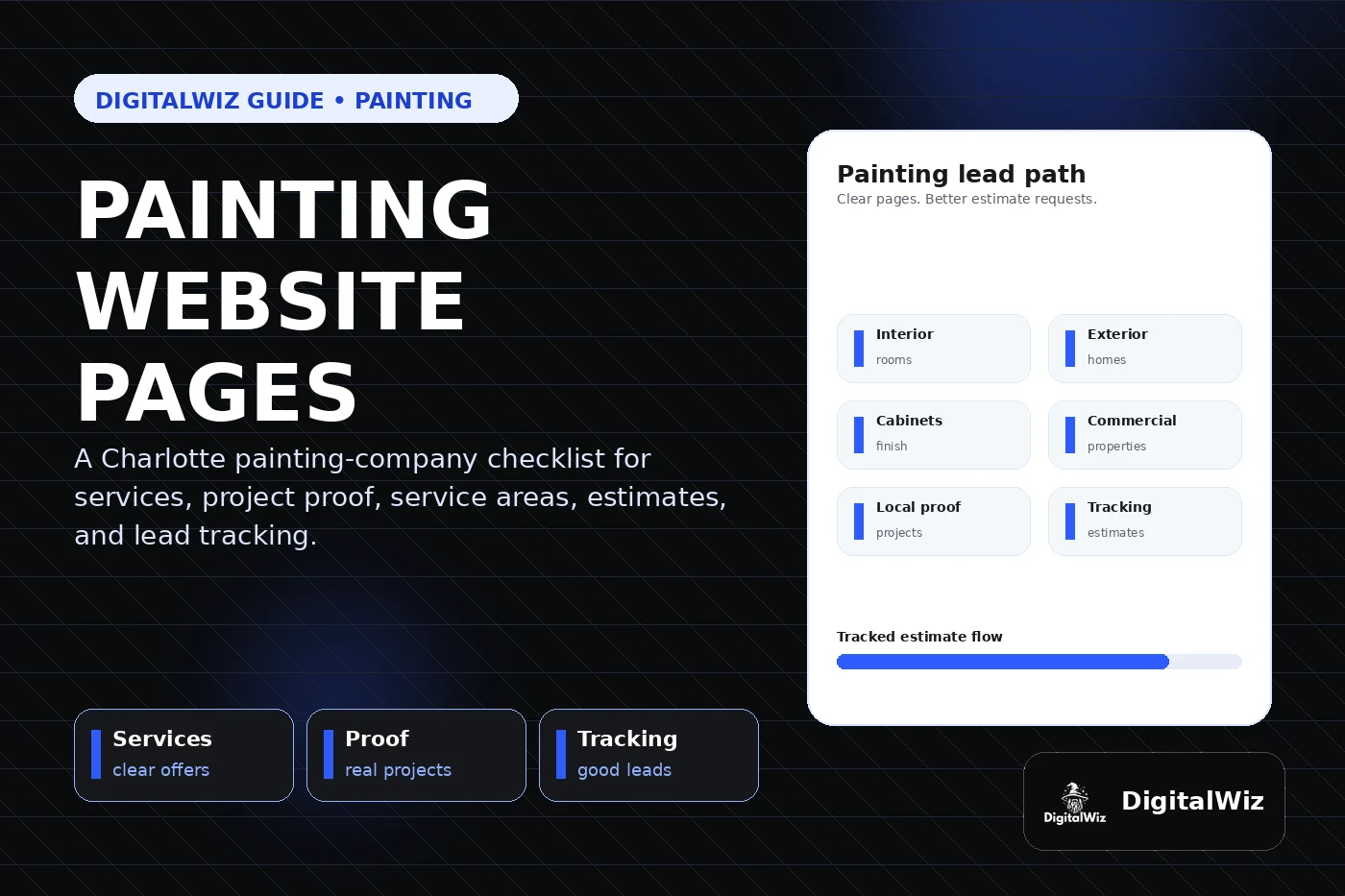
The practical rule is simple: give each important service a clear page, show relevant real work, state the real service area, and make the estimate path easy on a phone. That foundation helps the website, Search Visibility, and Paid Ads Management work together instead of sending every visitor to a generic page.
- Build focused pages for the painting services that produce meaningful revenue.
- Separate residential, commercial, interior, exterior, and specialty work when the sales process differs.
- Use real project photos, reviews, preparation details, materials, and local context as proof.
- Track calls, forms, estimate requests, landing pages, source, and lead quality.
Start with the painting services people are ready to buy
Begin with the work the company wants more of. For many residential painters, that means interior painting, exterior painting, cabinet painting, drywall repair tied to painting, deck or fence staining, and color-consultation support when it is genuinely part of the offer. A commercial team may need separate pages for offices, retail, multifamily turnovers, property management, industrial coatings, or scheduled maintenance.
Each service page should answer the same core questions quickly: do you paint this type of property, what preparation is included, what surfaces and finishes do you handle, can I see similar work, what affects the quote, and what happens after I request an estimate? A list of twenty services does not answer those questions. It just confirms that the company owns paint equipment.
Build these revenue pages before expanding the blog for its own sake. Service pages and blog posts play different roles in local SEO: helpful articles can answer early questions, while the service pages need to carry the actual sales conversation.
- Interior painting page: rooms, occupied-home protection, surface prep, finish options, cleanup, and estimate path.
- Exterior painting page: siding and trim types, preparation, weather considerations, access, coatings, and project proof.
- Cabinet page: cleaning, sanding or deglossing, spraying or brushing process, cure time, hardware, and care.
- Commercial page: property types, scheduling, access, safety expectations, phasing, and communication.
Show preparation and finished-work proof together
Painting is visual, but a polished after photo only tells half the story. Buyers also want to know whether the crew protects floors and furniture, repairs surface damage, handles peeling or failed coatings correctly, keeps the site orderly, and leaves clean edges. Show the preparation and the finish when you have permission-safe photos that make the process easy to understand.
Put the proof where the decision happens. Interior projects belong on the interior page. Cabinet examples belong beside the cabinet process. Exterior work should identify the surface and general project challenge instead of presenting an unrelated glamour image. A short note about the room, substrate, prep, coating type, and result can make one real project more useful than a wall of unlabeled photos.
A gallery can still serve as a proof hub, but it should not become a dead end. Organize it by project type and link each example back to the matching service and estimate path. The framework in Should Contractors Show Recent Projects on Their Website? works especially well for painters.
- Use only real, permission-safe work as portfolio proof.
- Show prep, protection, surface condition, finish, and cleanup when those details help the buyer.
- Add concise captions with project type, general area, surfaces, challenge, and result.
- Keep customer addresses, family details, license plates, and other sensitive information out of public photos.
Explain service areas without copying the same city page
Painting companies have a real travel radius, and project size can change it. A crew may accept a full exterior or commercial repaint farther away while keeping small interior jobs inside a tighter area. The website should explain where the company works without manufacturing dozens of near-identical city pages.
A Charlotte-area painter might genuinely serve Charlotte, Matthews, Indian Trail, Waxhaw, Monroe, Concord, Huntersville, Gastonia, or nearby markets. Build a dedicated location page only when there is useful local material to add: completed projects, property context, customer reviews, scheduling details, neighborhood or building types, or photos from that market.
Google says local results are mainly shaped by relevance, distance, and prominence, and it recommends complete, detailed business information. Clear service information can help a business describe its relevance; repeated city names cannot erase distance. Read Should I Build City Pages for Every Service Area? before turning one thin page into fifty.
- State the core service area clearly on the homepage and contact path.
- Explain any project minimums or different travel limits when they are real.
- Create a city page only when it includes useful local proof rather than swapped place names.
- Keep business name, service area, phone, hours, and website details consistent with Google Business Profile.
Answer cost, color, prep, and scheduling questions
Painting prices vary because scope varies. Square footage matters, but so do ceiling height, access, furniture, surface condition, repairs, previous coatings, trim detail, number of colors, primer, finish level, cabinet doors, spraying setup, exterior height, containment, and schedule. The site does not need to invent one universal price. It should explain what the estimator needs to see and what changes the quote.
Process questions matter too. Tell people what happens before work begins, who moves furniture, how colors are confirmed, how areas are protected, whether occupants can stay in the space, how daily cleanup works, and what the final walkthrough covers. Be specific where the company has a repeatable process and avoid promises the crew cannot consistently keep.
A useful FAQ can answer practical questions without burying the sales page: Do you provide paint? Can you match an existing color? How many coats are included? Do you repair drywall? How long should cabinets cure? What happens if weather changes the exterior schedule? For pricing copy, use the framework in Should I Put Prices on My Business Website?.
- Explain the factors that affect an estimate instead of avoiding every cost question.
- Describe preparation, protection, color confirmation, cleanup, and walkthrough steps in plain language.
- Use ranges or minimums only when the business can support them accurately.
- Place focused FAQs on the service page where the buyer is already making the decision.
Keep the estimate form short but useful
A painting estimate form should help route the conversation without feeling like homework. Ask for contact information, property location, interior or exterior, the rooms or surfaces involved, rough timing, a short project description, and optional photos. For commercial work, property type and preferred work hours can be useful. The form does not need every color and product decision before the first conversation.
Test it on a phone. A homeowner standing in a room or outside the house should be able to explain the project and attach a few photos without pinching, zooming, or fighting tiny controls. Keep a tappable number for people who prefer to call, and explain what happens after submission without promising a response time the office cannot meet.
Route leads by project type. Cabinet work, one-room interiors, full exteriors, apartment turnovers, and commercial repaints may have different estimators, minimums, calendars, or follow-up. A short form can still capture the one field that sends each request to the right person.
- Ask for property area, project type, surfaces or rooms, timing, brief scope, and optional photos.
- Use budget questions selectively and only with realistic choices.
- Confirm the next step after the form is submitted.
- Keep optional marketing consent separate and clear if texts or emails will continue beyond the estimate request.
Track which painting pages create good estimates
A painting website can generate a busy inbox without generating the right work. Track phone clicks, completed calls, forms, estimate requests, traffic source, landing page, device, project type, service area, and lead quality. Interior, exterior, cabinets, commercial work, SEO, and paid landing pages should not disappear into one total labeled leads.
That split shows where to improve. If cabinet traffic produces solid projects while exterior ads attract out-of-area requests, the answer may be targeting, page proof, minimums, service-area copy, quote context, or follow-up. Page-level data gives the team somewhere useful to look. Raw traffic does not.
Want a fast read on whether your painting website has the right pages, proof, estimate path, and tracking? Run a free BizScore audit. You will see the biggest gaps across the website, search visibility, lead flow, and measurement so you can fix the highest-impact issue first.
- Track calls and forms by landing page, campaign, service, and area.
- Review lead quality so spam, vendors, job seekers, tiny mismatched jobs, and out-of-area requests do not distort results.
- Compare estimate requests with quoted work, booked work, and revenue when the sales system allows it.
- Use the findings to improve service pages, proof, FAQs, ads, forms, and follow-up.