What Pages Should a Garage Door Company Website Have?
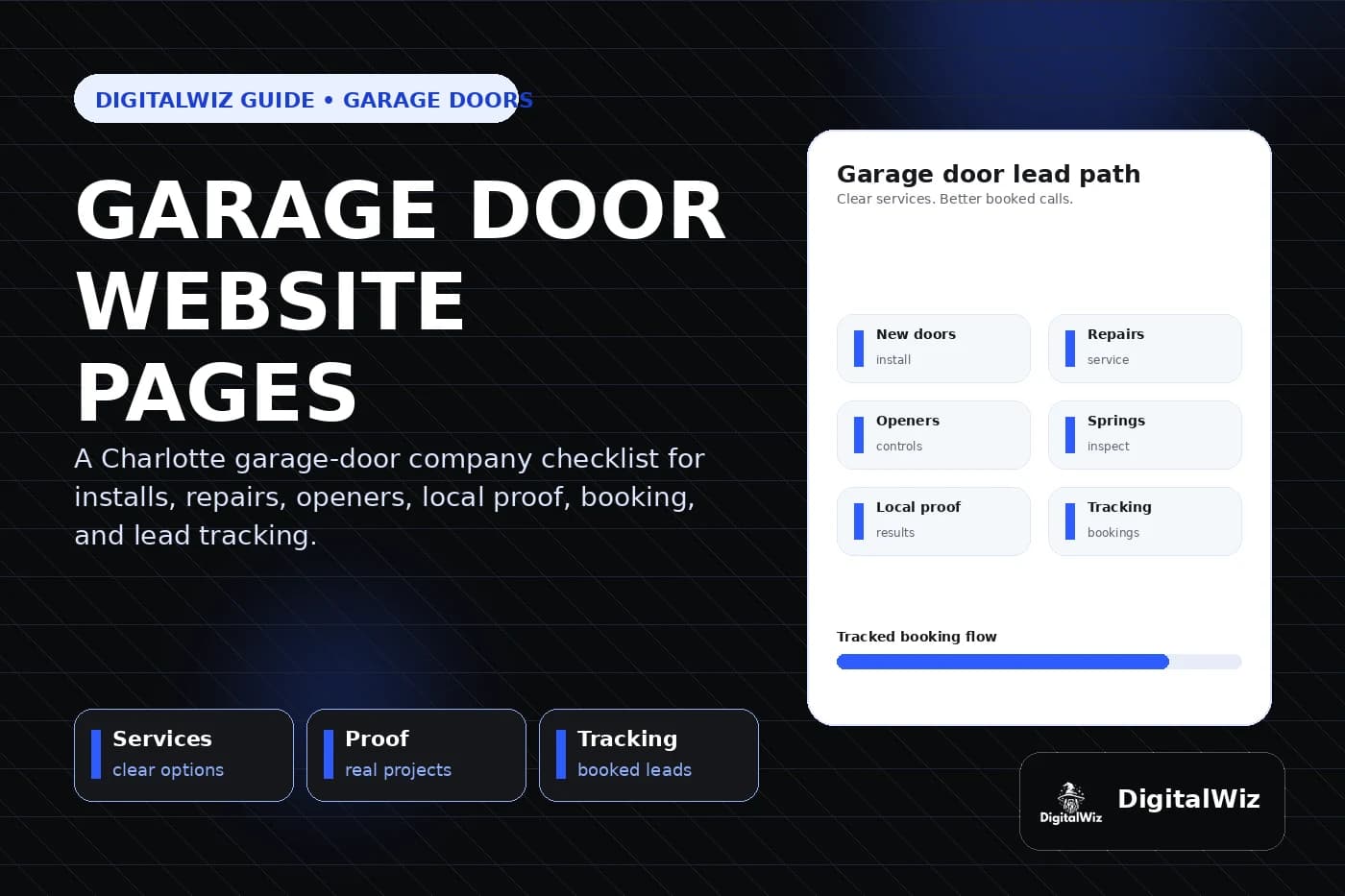
A garage door company website should have focused pages for installation, replacement, repair, openers, springs, commercial work, emergency availability, service areas, project proof, pricing context, FAQs, and estimates so local buyers can quickly judge the fit.
The direct answer
A garage door company website should have focused pages for the work customers actually compare: new garage door installation, replacement, repair, broken springs, cables and rollers, garage door openers, commercial doors when offered, emergency availability, service areas, project proof, reviews, pricing context, FAQs, and estimates. One broad services page makes a stressed homeowner hunt for the answer.
For a Charlotte or NC garage door company, installation and repair need different paths. A homeowner choosing a new insulated door has different questions than someone with a door stuck halfway, a snapped spring, a noisy opener, damaged panels, or a vehicle trapped inside. Commercial operators, loading doors, and planned maintenance bring another set of buyers and requirements.
Keep the structure practical: create a useful page for every profitable service, show real matching work, explain how scheduling and estimates work, state the actual service area, and make the next step obvious on a phone. That gives the website, Search Visibility, and Paid Ads Management specific pages to work with instead of sending every visitor to the homepage.
- Separate replacement, repair, opener, spring, and commercial services when the buyer and process differ.
- Match project photos, safety guidance, process details, and FAQs to each service.
- State real hours, response expectations, service areas, and estimate steps clearly.
- Track calls, forms, booked visits, quoted work, sold work, and lead quality.
Build pages around the calls the company wants
Start with the jobs that drive the business. For many residential garage door companies, that means new doors, door replacement, broken-spring repair, cables and drums, rollers and tracks, off-track doors, damaged panels, opener repair, opener installation, keypads, remotes, weather seals, and preventive maintenance. A team that handles rolling steel doors, sectional commercial doors, docks, gates, or property-management accounts may need a separate commercial section.
Each page should answer the first questions fast: do you handle this door or problem, do you serve my area, is the situation urgent, what information should I provide, can I see similar work, and what happens after I call? A long list of parts does not explain whether the company is equipped for a trapped vehicle, a full replacement, or a commercial service agreement.
Build these revenue pages before filling the blog with generic maintenance tips. Service pages and blog posts have different jobs in local SEO. Articles can answer early questions, but a service page needs to carry the specific repair, replacement, proof, and booking conversation.
- Installation page: door types, materials, insulation, styles, windows, hardware, removal, setup, and project proof.
- Repair page: common symptoms, inspection process, covered components, scheduling, limits, and safety guidance.
- Opener page: repair versus replacement, drive types, controls, compatibility, safety features, and setup.
- Commercial page: door systems, property types, access, planned maintenance, response expectations, and account inquiries.
Separate urgent repairs from planned replacements
Repair visitors are usually trying to solve a problem now. Put the phone number, service area, current hours, and booking action near the top. Explain whether the company offers same-day, after-hours, or emergency service only when that is genuinely staffed. If availability changes, the website should not promise a response the dispatch team cannot deliver.
Replacement visitors need room to compare. They may want to understand steel versus wood-look options, insulation, wind-load requirements when relevant, windows, colors, panel designs, hardware, opener compatibility, removal of the old door, lead times, warranties, and what an in-home estimate covers. A photo carousel alone leaves most of that decision unexplained.
Keep safety language calm and specific. A garage door is heavy, and springs, cables, brackets, and opener systems can be under tension. The site can tell customers to stop operating an unsafe door, keep people clear, and call for an inspection without turning every noise into a disaster or publishing risky do-it-yourself repair instructions.
- Show a tappable repair call action without hiding installation and estimate paths.
- Publish actual hours and response expectations instead of using vague 24/7 language.
- Explain what photos or door details help dispatch without asking customers to handle damaged parts.
- Use separate forms or routing rules for urgent repair, planned replacement, and commercial requests.
Show proof that matches the door and the job
Garage door work is visual, but one polished exterior does not prove every capability. Replacement buyers want to see full door elevations, panel style, windows, color, trim, seals, tracks, opener setup, and how the finished door fits the home. Repair customers care more about a clear explanation of the symptom, the inspected components, the completed scope, and safe operation afterward.
Put the right proof on the right page. A new-door page should show real installed doors with useful style and material context. An opener page can show tidy, compatible installations without exposing household security details. Commercial proof should focus on relevant door types, access, coordination, documentation, and completed work at a similar scale.
A central gallery can still work as a browsing hub. Organize it by residential replacement, repair, opener, and commercial work, then connect each example to the matching service and estimate path. Recent contractor projects strengthen a website when the work is real, permission-safe, clearly labeled, and tied to a buying decision.
- Use only real, permission-safe work as company portfolio proof.
- Add concise context: general area, door type, original issue or goal, scope, and result.
- Show complete, coherent installations rather than close crops that hide tracks, seals, or fit.
- Keep exact addresses, access codes, remote details, serial numbers, license plates, and customer information private.
Explain cost factors without quoting every repair sight unseen
Garage door prices change with the work. Door size, material, insulation, windows, finish, hardware, tracks, framing conditions, removal, opener choice, controls, electrical readiness, access, commercial duty cycle, specialty parts, and product availability can all affect a replacement estimate. Repair pricing can change with the component, door weight, spring system, extent of damage, labor, and whether another issue caused the failure.
The website can still give useful context. Some companies can publish service-call fees, diagnostic charges, project minimums, or typical ranges. Others are better served by explaining what the technician needs to inspect and which choices move the price. Either approach is stronger than advertising a tiny starting price that applies to almost no completed job.
Be clear about what a quote includes: parts, labor, removal, disposal, balancing, safety inspection, opener programming, warranty, and follow-up when applicable. If pricing copy feels risky, use the framework in Should I Put Prices on My Business Website? rather than avoiding the subject entirely.
- Explain the main repair and replacement cost drivers in plain language.
- Use ranges, fees, or minimums only when the company can support and update them.
- Separate optional design upgrades, opener controls, structural work, electrical work, permits, or commercial requirements when needed.
- Never diagnose a spring, cable, track, sensor, panel, or opener problem from one vague symptom alone.
Use service-area pages only when they add local value
Garage door companies have real geographic limits. Dispatch time, technician coverage, parts availability, traffic, after-hours staffing, commercial account needs, and project size can all change whether a call makes sense. State the core service area clearly instead of making buyers guess from a list of phone prefixes.
A Charlotte-area garage door company might genuinely work in Charlotte, Matthews, Indian Trail, Waxhaw, Monroe, Concord, Huntersville, Gastonia, Fort Mill, or nearby markets. A dedicated location page makes sense when the company can add real information: completed work, reviews, common door types, actual response coverage, neighborhood or property context, and service details for that market.
Google's Business Profile guidance describes local results as mainly based on relevance, distance, and prominence, and recommends complete and accurate business information. Clear services and truthful coverage help describe the business. Cloned city pages cannot remove distance. Read Should I Build City Pages for Every Service Area? before multiplying one template across the map.
- State the actual service area on the homepage, service pages, and booking path.
- Explain real dispatch hours, after-hours coverage, or travel limits when they affect fit.
- Create a city page only when it contains original local proof and useful information.
- Keep business name, service area, phone, hours, and website details aligned with Google Business Profile.
Make booking easy on a phone, then track the result
A garage door service form should collect enough detail to route the request without asking the customer to diagnose the system. Ask for contact information, property location, residential or commercial use, repair or replacement, a short description, whether the door is open or closed, whether a vehicle is trapped, preferred timing, and optional photos taken from a safe position. Commercial inquiries may also need door count, site contact, access hours, and account or maintenance needs.
Test the whole path on a phone. Someone standing safely inside a garage should be able to call or describe the issue, attach a photo, and understand what happens next without pinching or fighting a huge upload. Confirm that the number is tappable, forms send properly, and after-hours wording matches the real dispatch process.
Then track quality, not just call volume. Record traffic source, landing page, requested service, service area, booked visit, completed diagnosis, quote, sold work, revenue category, and lead quality when the sales process allows it. If spring pages create bookable repair calls while generic ads bring out-of-area parts shoppers, page-level data shows where targeting, copy, exclusions, proof, or follow-up needs work.
Want a fast read on whether your garage door website has the right service pages, local proof, booking path, search foundation, and tracking? Run a free BizScore audit. It will show the biggest gaps so you can fix the highest-impact issue first.
- Ask for location, property type, repair or replacement, door position, timing, and optional safe photos.
- Route urgent residential, planned installation, opener, commercial, and account requests appropriately.
- Track source and landing page through booked visit, quote, sold work, and lead quality when possible.
- Use the findings to improve service pages, ads, dispatch wording, forms, qualification, and follow-up.