Why Is Google Showing the Wrong Page From My Website?
Use Search Console and a query-to-URL check to find out whether the issue is search intent, duplicate content, canonical selection, indexing, or conflicting internal signals.
The direct answer
Google may show your homepage, a blog post, a city page, or another service page because that URL appears to match the query better—or because your intended page is not indexed, is treated as a duplicate, points to another canonical, or receives weaker internal signals. Start with the exact query and the exact URL Google shows. Then inspect both that URL and the page you expected before changing titles, canonicals, redirects, or content.
Do not treat a canonical tag as a switch that forces one page to rank. Canonicalization is mainly about selecting a representative URL from duplicate or very similar pages. If two pages target the same need but are both indexable, the real problem may be unclear intent, repeated content, or a site structure that makes the wrong page look more important.
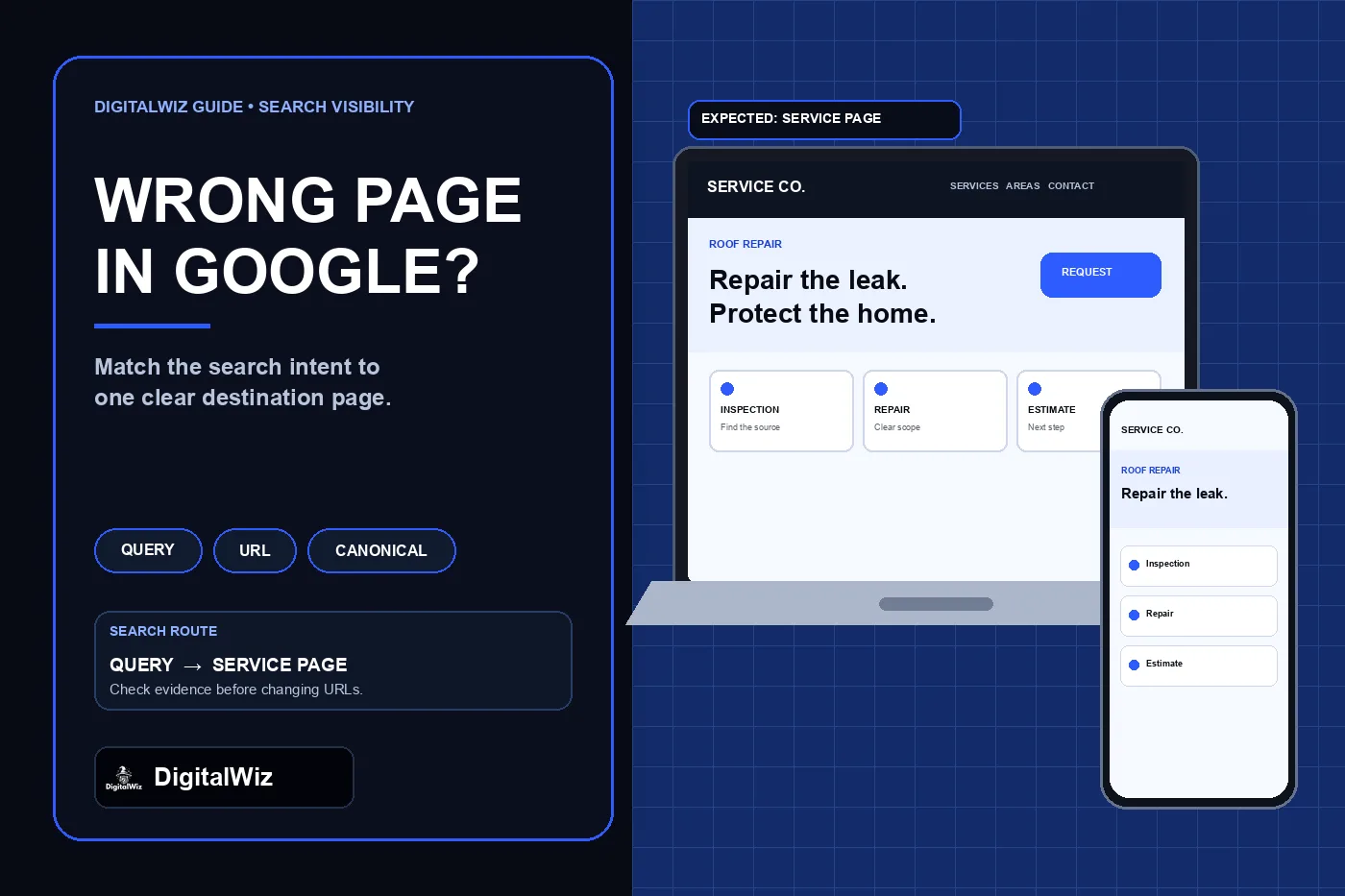
Illustrative interface mockup, not a client website, Search Console property, or ranking result.
- Confirm the query, country, device, date range, and URL that actually received impressions.
- Inspect the unexpected URL and the intended URL separately.
- Check indexing and canonical evidence before rewriting either page.
- Make one page the clearest destination for that intent, then strengthen consistent internal signals.
- Measure the change over time; no technical edit guarantees a ranking or URL selection.
First, identify what is actually wrong
“Google is showing the wrong page” can describe several different problems. The result may link to the wrong URL. It may link to the correct URL but display an unexpected title or description. The intended page may be missing from the index. Or two similar URLs may have been grouped together, with Google selecting a different canonical than the one you prefer.
Those problems need different fixes. A rewritten title will not repair a noindex directive. A canonical tag will not make a thin service page more useful for a commercial query. A redirect may be appropriate for a true duplicate or retired URL, but it is destructive when both pages serve different users and should remain available.
Write down four things before touching the site: the search phrase, the URL shown, the URL expected, and the difference a customer should find between those two pages. If that last answer is vague, Google may not be the only one struggling to tell them apart.
- Wrong URL: the search result links to a different page than expected.
- Wrong title or description: the destination is right, but the search presentation looks wrong.
- Not indexed: the intended page is unavailable to appear for any query.
- Different canonical: Google grouped the page with another URL and chose a representative.
- Intent mismatch: the displayed page simply answers the query more directly than the intended page.
Use Search Console to connect the query to the URL
Open the Search results Performance report in Google Search Console. Filter for the relevant query, then review the Pages dimension to see which URL has impressions and clicks. Compare a useful date range instead of relying on one manual search, because results can vary and low-volume data can be sparse. Google also omits some anonymized queries, so the table is evidence—not a complete record of every search.
Google's Performance report documentation explains that most data is assigned to the canonical URL. That matters: a page-level report may point to the selected canonical even when a duplicate URL was involved in the search experience. Keep the query report and URL Inspection evidence together rather than assuming the page table tells the whole story.
Also separate a ranking problem from a click-through problem. If the expected URL already receives impressions for the query but few clicks, inspect the visible title, description, position, and competing results. If a different URL receives the impressions, continue with the two-URL diagnosis below.
Inspect both the shown page and the intended page
Run URL Inspection for each URL. Check whether the page is indexed, whether crawling and indexing are allowed, the last crawl, the user-declared canonical, and the Google-selected canonical. Google's URL Inspection guide makes an important distinction: a live test can show whether the current page appears eligible, but it cannot predict which URL Google will ultimately select as canonical.
If the intended page is not indexed, fix that specific cause first. It may be blocked, return an error, lack discoverable links, or be considered a duplicate. If the shown page is the selected canonical for both URLs, compare the pages closely. Repeated service copy, city-swapped sections, matching titles, or near-identical main content can make the preferred distinction too weak.
Google's current canonicalization troubleshooting guidance recommends checking the selected canonical, technical signals, and whether clustered pages are meaningfully different. The same guidance notes that re-evaluation can take time after a fix. Request indexing for an important corrected URL, but do not submit repeated requests as if they guarantee selection.
Compare intent before changing technical signals
Read both pages as a customer. What job does each page perform? A homepage introduces the business. A service page should answer one commercial need. A city page should add real location value. A blog post should answer a question. If the intended service page is vague while the homepage clearly explains the service, the homepage may be the stronger answer even when its URL is less specific.
Check the title, H1, opening answer, service scope, proof, process, service area, related questions, and next step. Then look for genuine overlap. One strong roof-repair page is usually clearer than a roof-repair page, emergency-roof-repair page, leak-repair page, storm-repair page, and several city variants that repeat the same offer with minor wording changes.
This is where the existing DigitalWiz guides on choosing local SEO keywords, service pages versus blog posts, and city-page quality fit. Map each distinct intent to one useful destination. Do not create another URL simply to escape competition between pages you already own.
- Keep separate pages when they solve clearly different customer needs.
- Improve the intended page when it is thin, vague, or missing the answer the query implies.
- Consolidate only true overlap after reviewing traffic, links, conversions, and redirect implications.
- Avoid city-, service-, and synonym-swapped copies that make every page less distinct.
Align the signals around the page you want people to reach
Once the page's purpose is clear, make the surrounding signals consistent. Link to it from the main service hub, relevant navigation, related articles, and useful location pages with concise anchor text that describes the destination. Google's sitelinks guidance recommends a logical site structure, informative titles and headings, relevant internal links, and avoiding repetitive content.
Confirm that the page's canonical points to itself when it is the preferred unique URL. Keep the sitemap, redirects, navigation, breadcrumbs, and internal links aligned with that choice. Do not list one URL in the sitemap while canonicalizing it to another. Remove accidental redirects or cross-page canonicals only after confirming they are actually wrong.
Technical consistency supports the page; it does not replace the page. A self-referencing canonical, schema block, or sitemap entry cannot manufacture a useful distinction between two near-identical offers. Likewise, adding the keyword everywhere can make the page worse without resolving intent.
- One indexable preferred URL for one clear purpose.
- Descriptive title, H1, opening answer, and internal anchor text.
- Self-referencing canonical for a unique preferred page.
- Consistent sitemap, navigation, breadcrumbs, and redirect behavior.
- No accidental noindex, blocked resources, soft error, or unrelated canonical target.
Choose the fix that matches the evidence
If the intended page is not indexed, resolve the indexing reason. If Google selected another canonical because the pages are nearly identical, make the pages meaningfully distinct or consolidate genuine duplicates. If both pages are indexed but the wrong one matches the query better, improve the intended page's usefulness and internal prominence rather than trying to suppress the other page blindly.
Use a permanent redirect when a URL has truly moved or a duplicate should no longer exist. Use noindex when a page should remain accessible to users but should not appear in search, not as a shortcut for ordinary page competition. Change canonical tags only when they misstate the preferred representative among duplicates or very similar URLs.
If the result links to the correct page but the title looks wrong, focus on the page title, main visible heading, page content, and signals from links pointing to it. Google's SEO Starter Guide emphasizes descriptive organization, useful links, accessible content, and reducing duplication—not a secret tag that guarantees the exact result presentation.
Verify the change without chasing daily fluctuations
After the fix, test the live URL, request indexing for the important corrected page when appropriate, and record the date. Then monitor the same query and Pages view in Search Console. Check that the intended page remains indexable, the canonical signals stay consistent after deployment, and internal links still resolve to the preferred URL.
Do not judge the work from one private-browser search the next morning. Search results vary, Search Console data has reporting limits, and recrawling or canonical re-evaluation takes time. Look for a sustained shift in impressions to the intended page, then measure whether that page produces qualified calls, forms, or other useful next steps.
Need a careful review of which page should own a search intent—and whether the issue is content, internal linking, indexing, or canonicalization? Review DigitalWiz Search Visibility, run a free BizScore audit, or contact DigitalWiz.
- Record the change date and the exact query-to-URL problem.
- Reinspect both URLs after Google recrawls them.
- Watch query and page impressions over a reasonable period.
- Confirm the preferred page also gives visitors a clear next step.
- Keep the diagnosis reversible until the evidence supports consolidation or removal.