Should My Business Use a Subdomain or a Subdirectory?
Use a subdirectory for content that belongs to the same business and customer journey. Choose a subdomain when a separate product, platform, team, or technical boundary genuinely needs one.
The direct answer
For most small and local businesses, put a blog, service library, resource center, or location section in a subdirectory on the main website: example.com/blog/, example.com/services/, or example.com/locations/. That keeps one brand, one navigation system, one customer journey, and one set of website controls.
Use a subdomain—such as app.example.com, support.example.com, or portal.example.com—when the section is genuinely separate: a customer application, documentation system, support portal, franchise platform, different regional operation, or tool with its own release cycle, security boundary, team, or infrastructure. Do not create a subdomain merely because a vendor's template makes it convenient or because someone promises an automatic ranking advantage.
Google's documentation does not supply a universal rule that one structure always ranks better. The useful decision is operational: which structure lets the business maintain clear URLs, crawlable links, consistent ownership, reliable measurement, and a coherent experience without creating an unnecessary migration later?
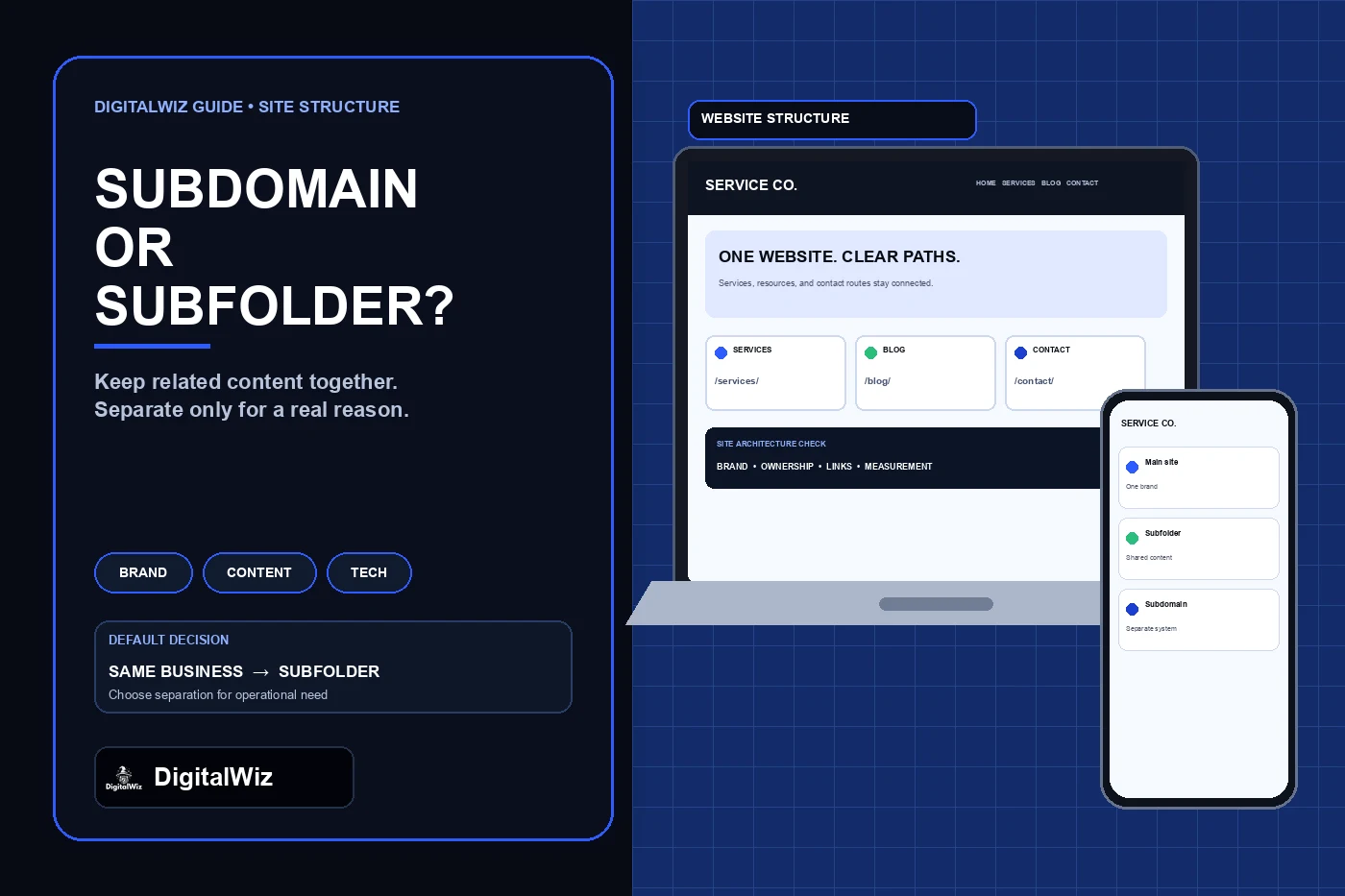
Illustrative site-architecture interface, not a client website, ranking result, or performance claim.
- Same business, audience, brand, and conversion path: start with a subdirectory.
- Separate application, security boundary, infrastructure, or operating team: consider a subdomain.
- Different language or country: choose from the supported locale structures based on maintenance and targeting needs.
- Existing section already performs well: do not move it solely to chase a theory.
- Before launch, assign ownership for links, canonicals, sitemaps, analytics, Search Console, and redirects.
Start with what the section is supposed to be
Name the section's job before choosing its hostname. A public blog that answers customer questions and leads readers to services is part of the marketing website. A logged-in estimating tool may be a separate product. A help center may support existing customers rather than attract new ones. Those differences matter more than whether the URL looks technically sophisticated.
Ask whether the section shares the main site's business identity, audience, editorial standards, navigation, design, conversion actions, legal policies, and analytics. The more answers are yes, the stronger the case for a subdirectory. A roofing company's educational articles, service pages, financing explanation, and project guidance normally belong in one connected website rather than being split across several hosts.
Then ask what separation solves. A subdomain can be useful when a third-party platform cannot run under the main path, when authentication and security policies differ, when a product team deploys independently, or when an international operation needs clear infrastructure separation. 'Our vendor recommends it' is a starting point for investigation, not the decision.
Why a subdirectory is usually the simpler default
A subdirectory keeps public content under one familiar origin. Customers can move from an article to a service page or contact form without feeling that they entered another site. The same header, footer, consent rules, structured data, accessibility standards, and tracking plan can be applied through one system.
It also reduces governance work. One content team can manage internal links, navigation, XML sitemaps, canonical URLs, redirects, and page templates together. Google's URL structure guidance recommends simple, descriptive URLs and warns that unnecessarily complex URL systems can make crawling inefficient. A readable path such as /blog/roof-repair-cost/ tells people what they are opening without creating another host to maintain.
This is an operational recommendation, not a promise that moving content into a folder creates a ranking boost. Useful content, crawlable links, stable URLs, intent match, and site quality still have to exist. A thin or disconnected resource library remains thin or disconnected regardless of its folder.
- One public brand and navigation system
- Shared templates, forms, consent, and accessibility controls
- Simpler internal linking and content ownership
- Fewer analytics, sitemap, canonical, and deployment boundaries
- Less chance that a vendor change forces a host-to-host migration
When a subdomain earns its complexity
Choose a subdomain when separation is part of the product or operating model, not an SEO decoration. A customer portal may require authentication, stricter headers, a different application stack, and a release process that should not affect the marketing site. Documentation may be generated by a specialized platform. A support center may have its own search, permissions, and content owners.
A subdomain can also make regional or language operations easier to separate. Google's multi-regional site guidance lists both subdomains and subdirectories as possible locale structures. In that specific context, Google describes subdomains as easy to separate and able to use different server locations, while subdirectories are low-maintenance on the same host but harder to separate. That table is a tradeoff guide for international architecture, not proof that every ordinary business blog belongs on a subdomain.
If the section will have different owners, hosting, security, deployment, language rules, or uptime requirements for years, the extra boundary can be justified. Document who owns DNS, TLS, monitoring, backups, content quality, accessibility, privacy, analytics, and incident response before launch.
- Authenticated application or customer portal
- Independent documentation or support platform
- Separate product with its own release and security requirements
- Regional or language operation that needs infrastructure separation
- Third-party system that cannot reliably use a reverse proxy or main-site path
Plan measurement and Search Console before launch
Do not assume reports will stay complete after adding another host. Google's Search Console property guidance says a Domain property can aggregate protocols, subdomains, and subpaths for the verified domain. A URL-prefix property covers only URLs that begin with the exact prefix, and it can be created for a specific subdomain or subpath when a team needs a narrower view.
Use a Domain property for the whole domain when DNS verification and access policy allow it, then add focused URL-prefix properties when a team needs separate reporting for /blog/ or support.example.com. Keep ownership in a business-controlled account. Record who can manage users, sitemaps, removals, and settings instead of leaving the only verified property with a temporary developer or vendor.
Analytics needs the same planning. Decide whether sessions should continue across the main site and subdomain, how referrals are handled, where consent state is shared, and which conversions belong to which system. Test a real journey from article or landing page to form, booking, portal, or purchase. A dashboard that fragments one customer into several sessions can make the architecture look worse or better than it is.
Keep discovery and internal links intentional
Whichever structure you choose, important public pages need crawlable links. Google's link guidance says Google generally crawls links expressed as anchor elements with href attributes and recommends that every page you care about receive a link from another page on the site. Do not rely on a JavaScript-only selector, an internal search box, or a sitemap as the only path to a section.
Connect related content in both directions. A blog article can point to the relevant service; a service page can link to the guide that answers a common objection; the main navigation or resource hub can expose the section. Use descriptive anchor text that sets the right expectation. If a subdomain is intentionally part of the same customer journey, link to it as deliberately as you would a main-site page.
Keep canonicals self-referencing unless there is a documented duplicate-content reason to do otherwise. Generate sitemaps from the URLs that should be indexed, keep robots rules and noindex controls consistent with the launch plan, and verify the rendered pages rather than checking only source files.
Do not move an existing section without evidence
If a blog or resource center already has useful traffic, links, indexed pages, and leads, leave it in place unless the move solves a real business or technical problem. Moving from blog.example.com to example.com/blog/ changes every public URL. That is a migration, not a formatting preference.
Google's site-move documentation recommends preparing an old-to-new URL map, testing the new site, using redirects, updating URL references and sitemaps, and monitoring both old and new locations. It also says significant changes can cause temporary ranking fluctuations while URLs are recrawled and reindexed. The expected benefit should be worth that work and risk.
When a move is justified, preserve one-to-one intent. Redirect each old article to its matching new article with a permanent server-side redirect, update internal and important external links, keep the content available, test canonicals and structured data, and retain the old host long enough for users and crawlers to process the move. Do not send every old URL to the new blog homepage.
- Inventory every live URL, title, canonical, internal link, backlink, and measured outcome.
- Map old URLs to equivalent new URLs before deployment.
- Test one-hop permanent redirects and remove redirect chains.
- Update navigation, internal links, sitemaps, canonicals, analytics, and campaign links.
- Monitor crawl errors, indexing, traffic, forms, and conversions on both locations.
Use this decision check before approving the build
Choose a subdirectory if the section answers the same customers, supports the same services, uses the same brand and conversion path, and can live under the same technical ownership. Choose a subdomain if the section behaves like a separate application or operation and the business is prepared to manage that boundary.
Write the decision in one sentence: 'This content belongs at example.com/resources/ because it is public marketing content for the same audience and will share navigation, analytics, and editorial ownership.' Or: 'This portal belongs at portal.example.com because it requires authentication, independent deployment, and separate security controls.' If the team cannot finish that sentence without mentioning a vague SEO shortcut, the architecture is not ready.
Need help mapping a new website or correcting a fragmented setup without creating unnecessary URL changes? Review DigitalWiz Website Development, see the guide to redesigning without losing SEO, or contact DigitalWiz for a site-structure review.