How Do I Redesign My Website Without Losing SEO?
Protect useful URLs, content, internal links, metadata, redirects, measurement, and crawl access with a prelaunch map and a reversible launch checklist.
The direct answer
Redesign the site around a written inventory, not a blank canvas. Before launch, record every useful URL, its purpose, search traffic, links, metadata, internal links, structured data, forms, and conversion tracking. Keep strong URLs unchanged whenever practical. When a URL must change, map it to the closest equivalent new page and use a direct permanent server-side redirect.
Build and test the new site away from the public index, then launch with crawl access open, self-referencing canonicals, an updated sitemap, working analytics and forms, and a tested redirect map. Monitor the old and new URLs after launch. A redesign can still cause temporary search fluctuations, so the goal is not to promise zero movement; it is to avoid preventable losses and make every change traceable and reversible.
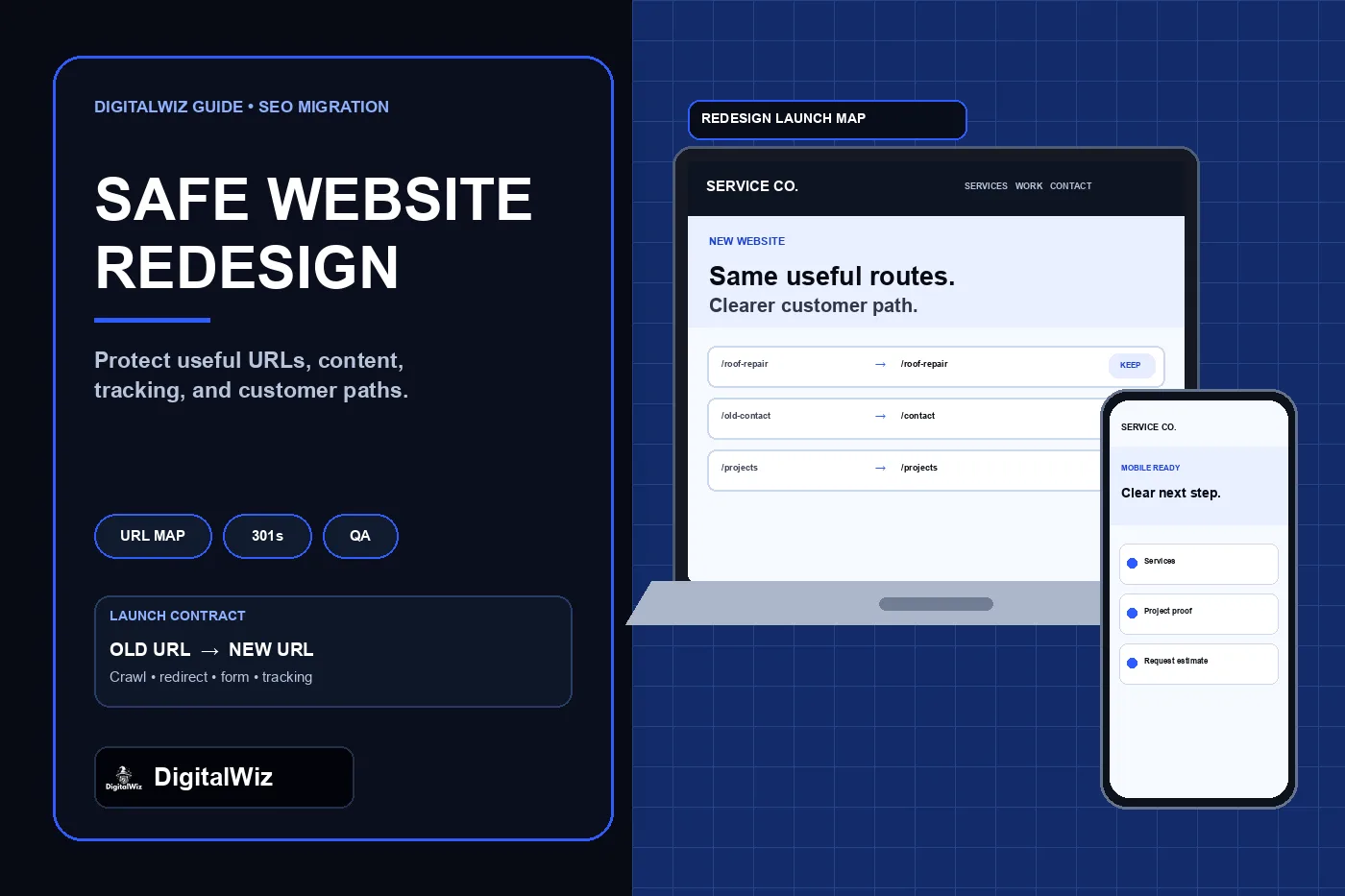
Illustrative website and migration interface, not a client project, Search Console property, traffic result, or ranking claim.
- Preserve valuable URLs unless there is a clear reason to change them.
- Map every changed URL to a relevant replacement before development is finished.
- Carry over the useful content and search signals users already rely on.
- Test redirects, canonicals, forms, tracking, crawl access, and the sitemap before launch.
- Keep a rollback path and monitor evidence after launch instead of relying on a visual check.
First, separate a redesign from a site move
A visual redesign does not automatically require new URLs, a new domain, or a new content structure. If the domain and paths can stay the same, keep them stable while changing the design system, templates, navigation, and page components. That removes an entire layer of migration risk.
A hosting change with the same public URLs is different from a domain change or URL restructure. Google's hosting-move guidance focuses on testing the new infrastructure, preserving Search Console verification, removing temporary crawl blocks, switching DNS, and monitoring both hosts. A move that changes URLs needs a complete old-to-new map and redirects.
Avoid changing the domain, CMS, URL structure, copy, navigation, tracking, and design all at once when those changes can be separated. Google's site-move guidance recommends changing one thing at a time where practical because each additional variable makes problems harder to diagnose.
Capture a baseline before anyone rebuilds a page
Crawl the current public site and export a URL inventory before development changes the source. Include normal HTML pages, PDFs or downloads people use, image assets that attract links, and alternate URLs that already redirect. Add data from the current sitemap, analytics, Search Console, backlink tools when available, lead tracking, and sales or call records. A page with modest traffic may still support an important referral, ad, form, or internal path.
For each indexable URL, record the status code, canonical, title, meta description, H1, main content purpose, internal links in and out, structured data type, organic landing-page activity, known external links, and primary conversion action. Save screenshots of high-value pages and a copy of the old sitemap. This becomes the launch contract and the comparison set for QA.
Do not decide that a page is disposable from its title alone. Review whether it serves a distinct customer need, earns impressions or links, assists conversions, or supports another important page. Consolidation may be appropriate, but it should be an evidence-based content decision rather than accidental cleanup during a design project.
- Current URL and intended post-launch URL
- HTTP status, canonical, robots directives, title, H1, and main topic
- Organic landing-page evidence and known external links
- Internal links, navigation placement, breadcrumbs, and sitemap membership
- Form, phone, booking, analytics, tag, and conversion dependencies
Create the URL map before launch week
Give every old indexable URL one explicit outcome: keep it, move it to a specific equivalent page, intentionally retire it, or hold it for review. The safest default for a useful page is to preserve its URL. If the path changes, choose the new page that satisfies the same user need—not the homepage and not a loosely related category page.
Use a permanent server-side redirect such as 301 or 308 for a page that has permanently moved. Google's redirect documentation describes permanent redirects as a signal that the target should become canonical. Point old URLs directly to final destinations, avoid redirect chains, and test the actual HTTP response instead of assuming a CMS rule works.
Do not blanket-redirect every removed page to the homepage. That is confusing for visitors and can be treated as a soft error when the destination is not an equivalent. If no useful replacement exists, an honest not-found or gone response may be clearer than a misleading redirect. Preserve existing redirects too: an old URL that already redirects should reach the final destination in one hop after launch.
- Keep: URL and intent remain the same.
- Move: old URL redirects directly to one equivalent new URL.
- Merge: multiple truly overlapping pages redirect to a stronger consolidated page after review.
- Retire: no equivalent exists and the response is intentionally handled.
- Review: uncertain pages stay out of automated deletion until traffic, links, and business value are checked.
Carry forward more than the visible words
A new page can look better while silently losing the parts that made the old page discoverable and useful. Preserve the main answer, service scope, proof that is still accurate, project or product details, FAQs that answer real objections, descriptive headings, image alt text, and useful internal links. Rewrite stale or weak content when needed, but do not replace a proven page with a thin hero and a contact form.
Recreate metadata intentionally. Each preferred page should have an accurate title and description, one clear H1, a self-referencing canonical, share metadata, and structured data that matches the visible page. Update breadcrumbs, navigation, contextual links, footer links, XML sitemap entries, and any feeds or machine-readable files so they point directly to final URLs instead of old paths.
Check internal anchor text and destination quality, not just whether links return 200. A link labeled for roof replacement that now lands on a generic services page is technically live but less useful. The same rule applies to paid-ad destinations, email campaigns, Google Business Profile links, directory profiles, QR codes, and saved proposal templates.
Keep the staging site private without blocking production
A staging copy should not compete with the real site in search. Protect it with authentication or network restrictions when possible. If a public test hostname is necessary, use noindex while it is a test environment and prevent it from becoming the canonical source. Do not rely on robots.txt alone to keep confidential or duplicate staging content private.
Before launch, remove staging-only noindex tags, authentication, IP rules, blocked resources, temporary canonical targets, test analytics IDs, and temporary form recipients from the production build. This handoff is a common failure point: the team correctly blocks staging and then ships the same block to the live site.
Test the production candidate as a crawler and as a customer. Confirm that CSS, JavaScript, images, fonts, forms, downloads, and structured data load without login. Use a host override or protected preview when available so the final build can be tested before DNS or aliases change.
Run a launch test that follows every important path
A successful homepage load is not a migration test. Crawl the production candidate and compare it with the baseline. Every kept URL should return the intended page. Every moved URL should return one direct permanent redirect to a live equivalent. Canonicals, sitemap URLs, navigation, breadcrumbs, and internal links should all agree on the preferred destinations.
Test the customer path end to end on desktop and mobile: click-to-call, contact form, booking, file download, thank-you state, CRM or inbox delivery, analytics event, and ad conversion when applicable. Keep existing measurement property IDs and verified ownership under business control unless there is a documented reason to change them. A redesigned form that says “sent” but never reaches the recipient is not a successful launch; use the form-delivery troubleshooting guide to test receipt, not just animation.
Save the final crawl, redirect results, screenshots, build identifier, deployment target, DNS or alias state, and rollback version. Assign owners for technical rollback, content corrections, form delivery, analytics, and Search Console monitoring. The launch window is not the time to discover that no one knows which prior deployment is safe.
- One H1, accurate canonical, and correct robots state on each important page
- No redirect chains, loops, mass homepage redirects, or unexpected 404s
- Updated sitemap containing canonical 200-status URLs only
- Working forms, calls, bookings, analytics, tags, and conversion events
- No broken images, downloads, navigation, breadcrumbs, or mobile layouts
- Recorded rollback target and named response owners
Use Change of Address only when the domain changes
If the redesign stays on the same domain, do not use Search Console's Change of Address tool. Google's Change of Address documentation says the tool is for moves from one domain or subdomain to another. It is not for path changes within one site, HTTP-to-HTTPS changes, switching between www and non-www on the same domain, or hosting changes with no visible URL change.
For a genuine domain move, verify the old and new properties, launch and test the redirects first, then submit the change in the old property. Keep the old domain under business control and maintain redirects for as long as practical. Google's site-move documentation recommends at least a year for redirects so signals and visitors have time to reach the new URLs.
Submit the updated sitemap and make sure it lists absolute canonical URLs. Google notes in its sitemap guidance that a sitemap is a discovery aid, not a guarantee of crawling or indexing. It supports a clean migration; it does not replace redirects, internal links, or accessible pages.
Monitor the launch against the saved baseline
Watch server or platform errors, crawl activity, Search Console indexing, sitemap processing, query and landing-page trends, analytics, forms, calls, and booked leads. Compare groups of equivalent URLs rather than panicking over one daily fluctuation. Google says meaningful site moves can cause temporary ranking movement while old and new URLs are recrawled and reprocessed.
Investigate changes in a useful order: availability and status codes, crawl blocks, canonicals, redirects, missing content, internal links, sitemap coverage, rendering, speed, and measurement. If the site is technically healthy but a key page lost its useful answer or proof, restore that value instead of adding more tags.
Keep the redirect map and old-site evidence available after launch. Do not delete the previous source, cancel the old domain, or remove redirects simply because the new design looks finished. Need a prelaunch URL map, redirect audit, and post-launch search check for a contractor or service-business website? Review DigitalWiz website development, Search Visibility, or contact DigitalWiz.
- First hours: uptime, redirects, robots, canonicals, forms, and tracking.
- First days: crawl errors, sitemap processing, key landing pages, and lead delivery.
- Following weeks: query-to-page changes, indexed URL patterns, qualified leads, and unresolved old-URL traffic.
- Ongoing: retain useful redirects, update major external links, and document later URL changes.