What Pages Should an HVAC Company Website Have?
An HVAC company website should have focused pages for AC repair, heating repair, installs, maintenance, indoor air quality, service areas, reviews, project proof, FAQs, pricing context, and contact so local customers can trust the company and call fast.
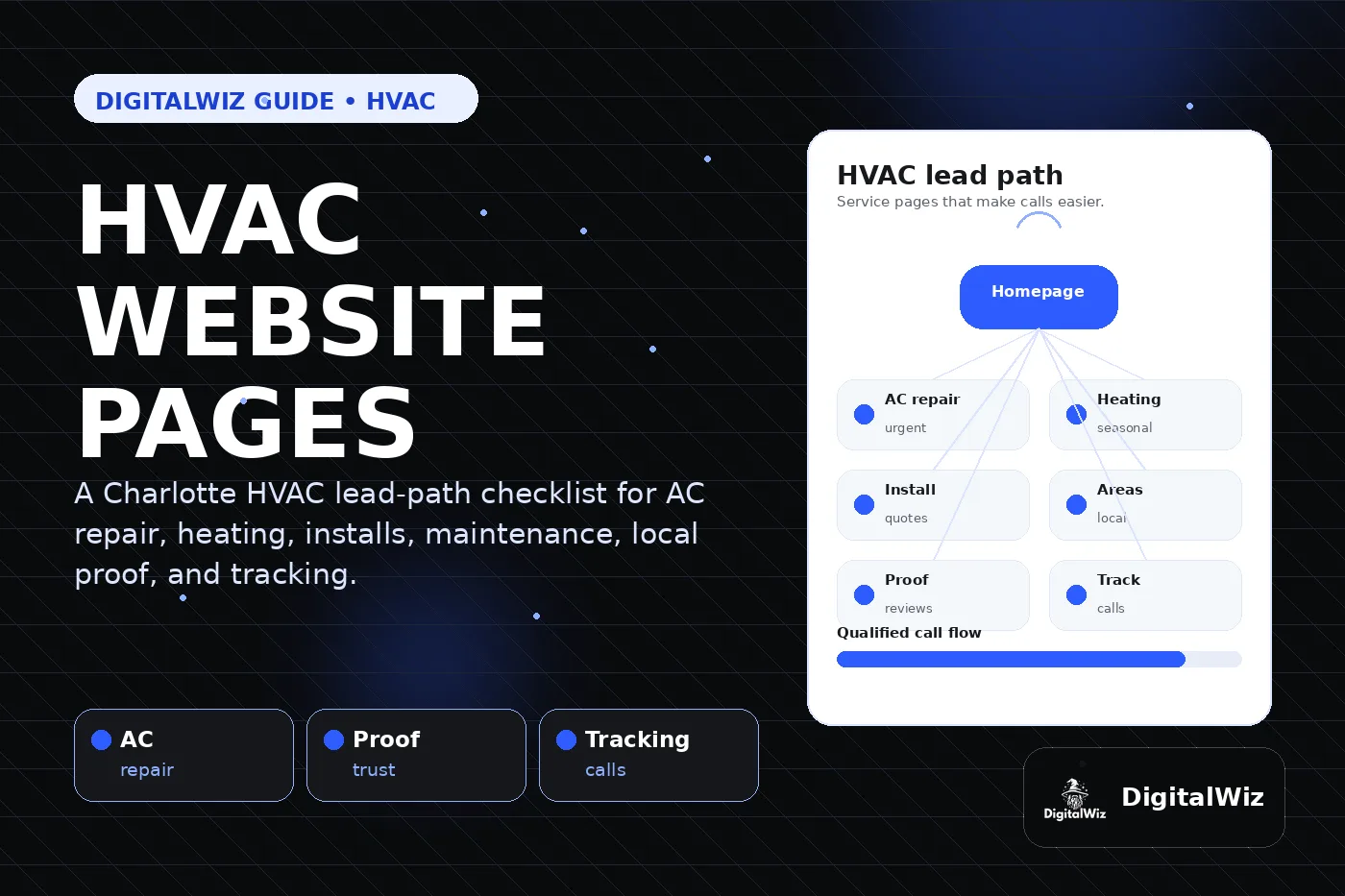
The direct answer
An HVAC company website should have pages that match how customers actually need help: homepage, AC repair, heating repair, system replacement or installation, maintenance plans, indoor air quality if offered, emergency service, service areas, reviews, project proof, FAQs, pricing context, and contact. If every offer is squeezed onto one generic services page, the site is probably making local buyers work too hard.
For a Charlotte or NC HVAC company, seasonality matters. A homeowner with no AC in July needs a different path than someone comparing a replacement quote, furnace repair, maintenance membership, ductwork, or indoor air quality options. The website should make the service, area, trust proof, phone number, and next step obvious on mobile.
The DigitalWiz rule: build pages around real HVAC decisions, not menu filler. Your website, Search Visibility, and Paid Ads Management all work better when each page has a clear service, local proof, CTA, and tracking.
- Create focused pages for the HVAC services that produce real revenue.
- Give urgent AC and heating leads a fast call path without fake urgency or unsupported promises.
- Use real local proof: reviews, photos, process notes, credentials, service areas, and financing details when accurate.
- Track calls, forms, booking clicks, landing pages, source, and lead quality.
Start with the revenue pages
The most important HVAC pages are the ones closest to revenue. For many companies, that means AC repair, heating repair, HVAC installation or replacement, tune-ups or maintenance plans, ductwork, thermostats, indoor air quality, and commercial HVAC if that is part of the business.
Each page should answer the buyer's immediate question: do you handle this problem, do you serve my area, can I trust you in my home or building, what happens next, and how do I call or request service? A thin services page with a list of every task rarely gives enough proof for search systems or customers.
This follows the same service-page-first strategy covered in Are Service Pages or Blog Posts Better for Local SEO?. Blog posts can support HVAC visibility, but the service pages have to carry the lead path.
- AC repair page: no cooling, weak airflow, leaks, noisy systems, emergency fit, and call path.
- Heating repair page: furnace or heat pump issues, safety notes, timing, and next step.
- Replacement page: system options, estimate process, financing context, rebates when accurate, and comfort goals.
- Maintenance page: what is included, cadence, membership benefits, and how scheduling works.
Give urgent HVAC leads a faster path
Urgent HVAC visitors behave differently. Someone with a broken AC, no heat, a leaking unit, or a system that stopped overnight is not reading a long company story first. They need to know whether you can help, how to call, what information to share, and what the first step looks like.
That does not mean promising response times, prices, or outcomes the team cannot honor. It means making the urgent service path clear and honest. Put click-to-call where mobile visitors can reach it, explain what details help the dispatcher or technician, and separate urgent repair content from broader replacement or maintenance pages.
If paid ads are involved, do not send every high-intent HVAC search to the homepage. A focused landing page can match the search, show local proof, reduce distraction, and track calls more cleanly than a general page.
- Use specific CTAs such as call for AC repair or request heating service.
- Make the phone number tappable and visible near the top on mobile.
- Explain what details help: address, system type, symptoms, photos, urgency, and access notes.
- Track urgent calls separately from replacement estimates and maintenance requests.
Build trust before asking for the call
HVAC leads are trust-heavy because the customer is often making a comfort, safety, or budget decision under pressure. The website needs proof close to the decision, not hidden in a footer or separate testimonial archive.
Useful trust content can include real reviews, technician or team photos, job photos, process steps, licenses, insurance, warranties, financing options, maintenance-plan details, and plain-language explanations of what happens after someone calls. An AC repair page should not rely on the same proof as an installation page if the business has better service-specific examples.
Google's local ranking guidance describes relevance, distance, and prominence as key local factors. Reviews, local proof, clear service information, and consistent business details can support that bigger trust system. The goal is not to decorate the page with badges. The goal is to make the choice feel safer.
- Place review snippets near high-value CTAs when the proof is real and current.
- Use photos or project notes that match the service being sold.
- Explain credentials, warranties, financing, or guarantees only when the details are accurate.
- Keep name, address or service area, phone, and website details consistent with Google Business Profile and citations.
Handle service areas without doorway pages
HVAC companies often serve a wide radius. That does not mean every town needs a nearly identical page. Thin city pages that only swap the location name can look weak to customers and search systems. Better service-area content includes real local context: reviews, project examples, neighborhoods served, dispatch expectations, photos, or common seasonal needs in that area.
A Charlotte HVAC company may eventually need useful pages for Charlotte, Matthews, Indian Trail, Waxhaw, Concord, Huntersville, Monroe, Gastonia, Rock Hill, or other real service areas. But fewer strong pages usually beat dozens of duplicate city pages with no local proof.
If you are deciding how far to build location content, read Should I Build City Pages for Every Service Area?. The answer is usually: build the strongest service pages first, then add location pages when there is enough real value to say.
- Start with the markets and services that already produce profitable leads.
- Mention real service areas naturally without city-name stuffing.
- Add local proof when available: reviews, job photos, response notes, or neighborhood details.
- Link service-area pages back to AC repair, heating repair, replacement, maintenance, and contact paths.
Answer cost, timing, and replacement questions
HVAC buyers care about cost, but repair and replacement decisions depend on scope. A useful website gives pricing context without inventing one universal number. Explain what affects cost: system size, age, access, refrigerant issues, parts, ductwork, electrical needs, thermostat controls, financing, warranties, and whether the work is repair, maintenance, or replacement.
Timing matters too. A customer wants to know what happens after they call, what information helps, whether a diagnostic visit or estimate is needed, and how the team communicates before arrival. Clear process copy reduces friction before the first conversation.
If you are unsure how much pricing context belongs on the site, read Should I Put Prices on My Business Website?. Silence can create low-quality calls. Honest context can help buyers decide whether to contact you.
- Explain cost factors instead of hiding every pricing question.
- Use ranges or starting points only when they are real and clearly qualified.
- Tell visitors what happens after a call, form, booking, diagnostic visit, or estimate request.
- Add FAQs near the service page they support, not only on one giant FAQ page.
Track which HVAC pages create real leads
An HVAC website can look polished and still leak leads if nobody knows what each page produces. Track phone clicks, real calls, forms, booking requests, traffic source, landing page, device, and lead quality. AC repair, heating repair, replacement, maintenance, and service-area pages should not be blended into one mystery number.
This matters for SEO and paid ads. If AC repair calls are strong but replacement leads are weak, the fix may be a page issue, an offer issue, tracking, proof, pricing context, or campaign message match. Without page-level tracking, the business guesses.
Want a fast read on whether your HVAC website has the right pages, proof, and tracking? Run a free BizScore audit or contact DigitalWiz. We will show you what to fix first across your website, search visibility, paid ads, and lead path.
- Track tap-to-call clicks and real phone calls separately when possible.
- Tie form submissions to the page, service, and source that created the lead.
- Review lead quality so spam, vendors, job seekers, and wrong-service requests do not distort results.
- Use the data to decide which service pages, FAQs, ads, and proof sections to improve next.