How Do I Get More Phone Calls From My Website?
To get more phone calls from your website, make the service and location obvious, put a click-to-call CTA near the top on mobile, add proof beside the action, remove form friction, and track which pages actually create qualified calls.
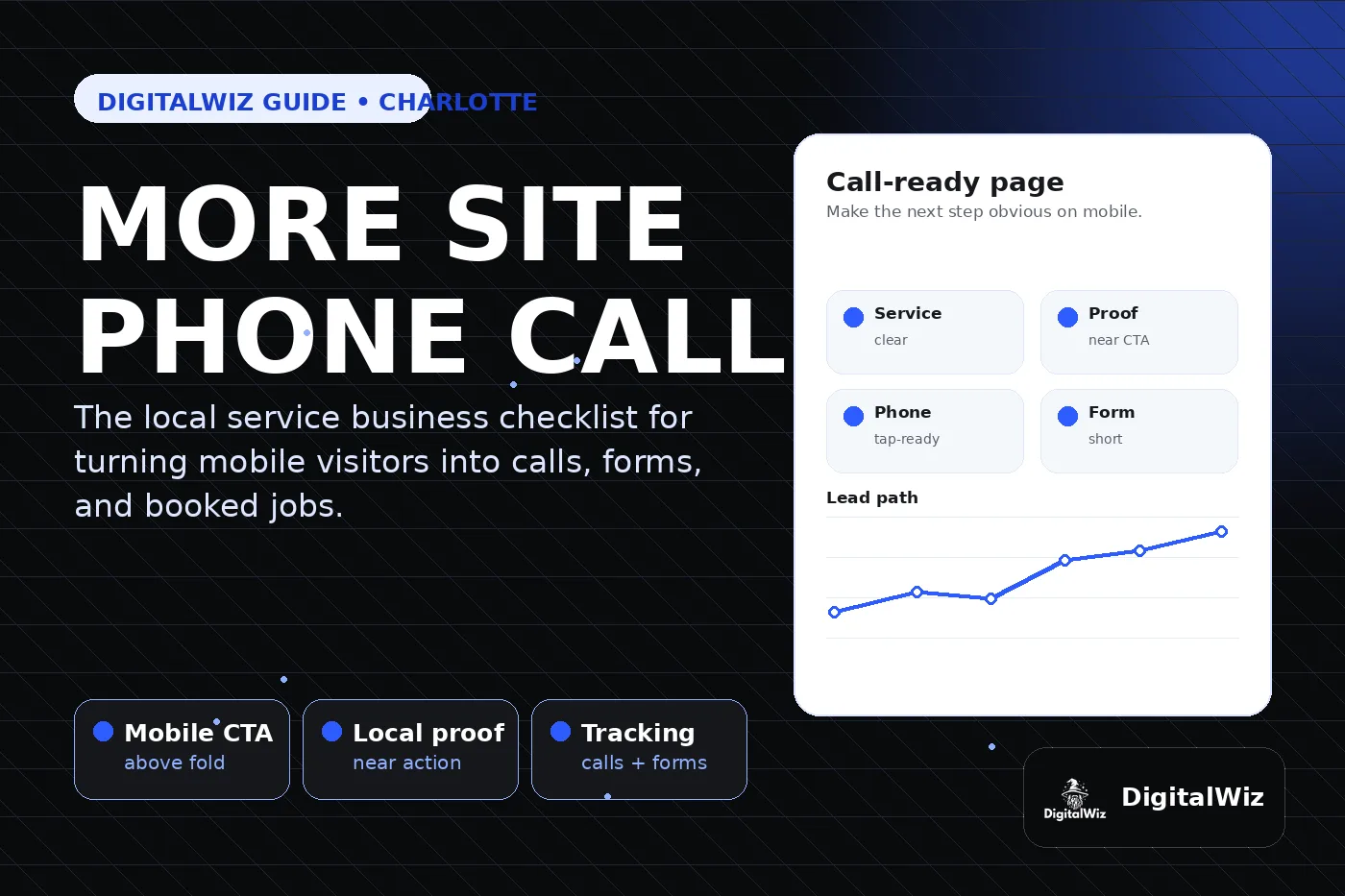
The direct answer
To get more phone calls from your website, stop treating the site like a brochure and make it act like a local lead path. The visitor should know what you do, where you do it, why they can trust you, and exactly how to call or request the next step within a few seconds.
For a Charlotte or NC service business, the fastest wins are usually practical: a clearer headline, a tap-ready phone button on mobile, stronger local proof near the CTA, shorter forms, service pages that match buyer intent, and tracking that separates real calls from noise.
The DigitalWiz rule: calls come from clarity plus confidence. Your website, Search Visibility, and Paid Ads Management all work better when the page makes the next step obvious and measurable.
- Say the service and service area in plain English above the fold.
- Make the phone number tappable and visible on mobile.
- Put reviews, proof, process, or guarantees you can support close to the CTA.
- Track calls, forms, source, landing page, and lead quality before spending more on traffic.
Start with the page people actually land on
Many business owners judge the homepage, but calls often start on service pages, city pages, Google Business Profile clicks, blog posts, or paid-ad landing pages. If the landing page is vague, a visitor may never reach the contact page.
Look at the first screen on a phone. Does it say the exact service? Does it mention the local market when location matters? Is the call button easy to tap? Is there a form or booking path for people who do not want to call yet? If those basics are missing, traffic is not the main problem.
This is why service pages usually matter more than random content for local lead generation. We covered that in Are Service Pages or Blog Posts Better for Local SEO?. The page closest to the buyer's problem needs the strongest conversion path.
- Audit top landing pages, not just the homepage.
- Match the headline to the service, location, and buyer intent.
- Repeat the primary CTA naturally as the page gets longer.
- Do not bury contact options behind a menu, footer, or generic contact page link.
Make click-to-call obvious on mobile
A local buyer on a phone should not have to pinch, hunt, or copy a number. Use a real tap-to-call link, keep the button readable, and place it where it supports the decision instead of interrupting it.
The best mobile CTAs are specific. "Call for a roof repair estimate" is stronger than "Contact us" because it confirms the action and the service. If your team books appointments, quotes, consultations, or audits, say that. The CTA should reduce uncertainty, not add another vague step.
Also check the basics: the phone link should use the right number, the button should not be hidden by sticky banners, and the page should still feel clean on small screens. A pretty desktop layout does not matter if mobile visitors cannot act.
- Use a tap-ready phone link with the correct number.
- Put the primary call button near the top and repeat it after proof sections.
- Use action-specific text such as call, book, request a quote, or start an audit.
- Test the page on a real phone before judging results.
Add proof beside the action
People call when the page feels safe enough. Proof should sit near the CTA, not only on a separate reviews page. Local reviews, project examples, before-and-after context, credentials, service-area details, photos, process steps, and FAQs can all lower the risk of calling.
The proof should match the service. A med spa consultation page needs different reassurance than an emergency plumbing page, a dentist page, a law firm page, or a contractor estimate page. Generic badges and stock-photo sections are weaker than specific details that answer real objections.
If pricing context matters, include it honestly. You do not always need exact prices, but buyers need to understand the range, factors, or next step. That is why pricing context on a business website can improve lead quality as well as conversion.
- Place reviews, examples, or process notes close to call and form CTAs.
- Use local proof when location is part of the buying decision.
- Answer the objections that stop people from calling: price, timing, fit, trust, and availability.
- Avoid exaggerated claims, fake urgency, or unsupported ranking promises.
Remove friction from forms without killing call volume
Some visitors will not call first. That does not mean the page should force everyone into a long form. Keep first-contact forms short enough to start the conversation, then collect details after the lead is engaged.
A good form and a good phone CTA support each other. The phone button helps urgent buyers. The form helps people who are comparing options, at work, after hours, or not ready to talk yet. Both should be tracked separately so you know which pages and channels create real opportunities.
If ads are involved, this becomes even more important. A strong Google Ads landing page should match the ad, focus on one offer, make calling or booking easy, and measure lead quality before the budget scales.
- Ask for only the details needed to start the sales conversation.
- Label the next step clearly: quote, consultation, booking, inspection, audit, or callback.
- Make error states and required fields obvious on mobile.
- Use thank-you pages or events so form leads can be measured cleanly.
Track calls before you buy more traffic
More SEO or ads will not fix a lead path you cannot measure. At minimum, track phone clicks, forms, landing pages, traffic source, campaign source, and lead quality notes. Google Analytics 4 lets businesses define key events, and Google Ads can track conversion actions, but the setup only helps if the business chooses meaningful actions.
Call tracking should answer practical questions. Which page created the call? Was it a qualified lead? Did it come from Google Business Profile, organic search, paid search, social, referral, or email? Did the call become an estimate, appointment, consultation, or sale? Without that context, call volume can be misleading.
If your site gets visits but the phone is quiet, read Why Is My Website Getting Traffic But No Leads?. The fix may be traffic intent, page clarity, trust, mobile UX, offer strength, or tracking—not just a new headline.
- Track click-to-call actions and real phone calls separately when possible.
- Tag GBP posts, ads, email, and campaigns with source information.
- Review lead quality, not just total calls.
- Use call data to improve service pages, ads, FAQs, and follow-up.
A simple call-generation checklist
Pick one high-value page first. Do not redesign the whole site in one pass. Improve the headline, mobile CTA, proof, form, speed, and tracking on the page most likely to create revenue. Then review whether calls and qualified leads improved.
For most Charlotte service businesses, the winning pattern is straightforward: clear service page, local proof, tap-ready phone CTA, short form, fast mobile experience, and lead tracking that shows what happened after the click.
Want a fast read on why your website is not producing enough calls? Run a free BizScore audit or contact DigitalWiz. We will show you what to fix first across your website, search visibility, paid ads, and conversion path.
- Choose one service page or landing page to improve first.
- Make the offer, service area, proof, and CTA visible on mobile.
- Track calls and forms by source and page.
- Improve the next page only after you know what changed.