Why Is My Website Getting Traffic But No Leads?
Traffic is not the win. If visitors are not calling, booking, or requesting quotes, your page has a conversion, trust, offer, or tracking problem.
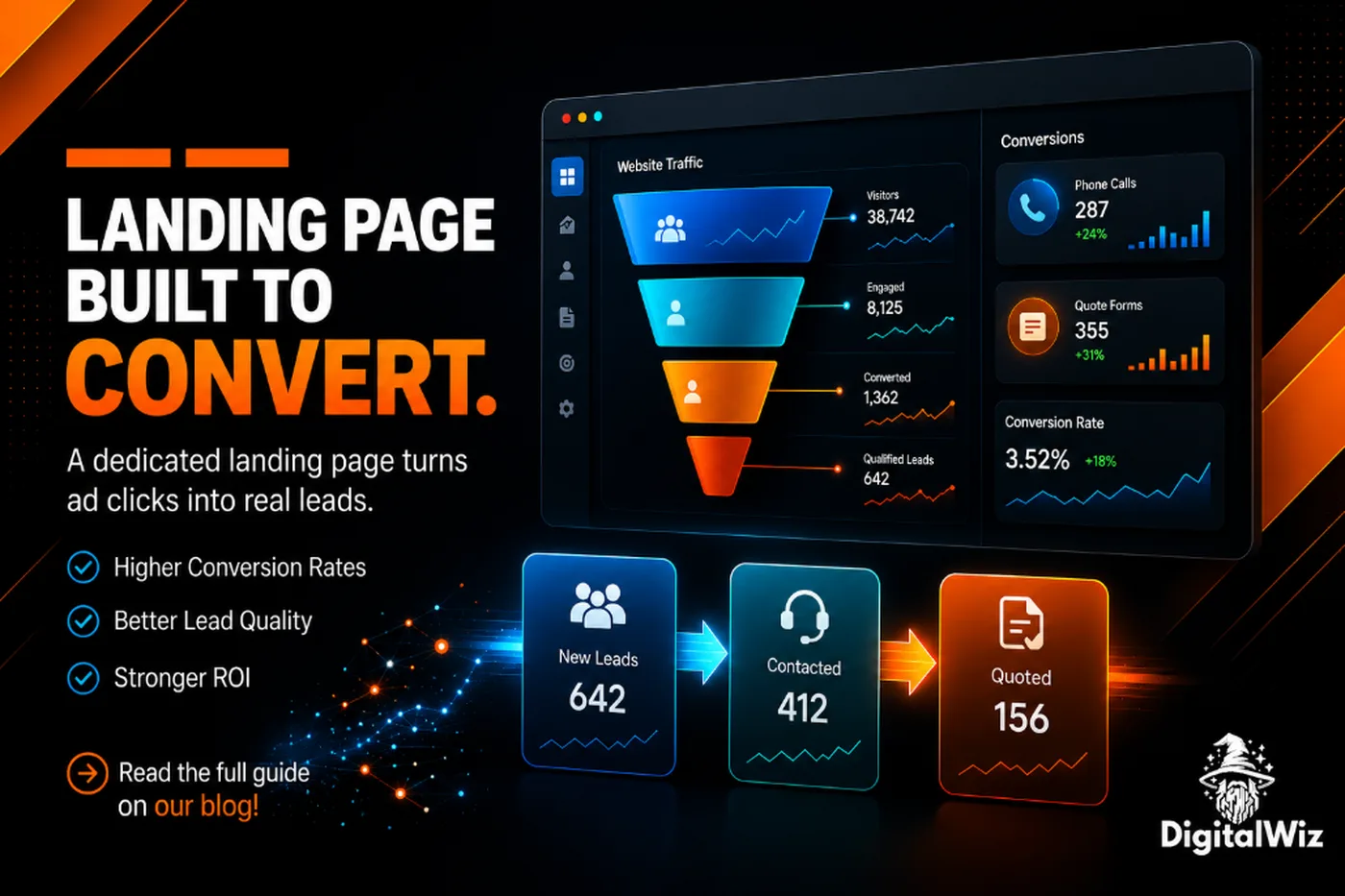
The direct answer
If your website gets traffic but does not produce leads, the problem is usually not “more SEO.” It is that the page is attracting the wrong intent, failing to explain the offer, missing trust signals, hiding the next step, loading poorly on mobile, or tracking conversions incorrectly.
For Charlotte and NC service businesses, traffic only matters when it turns into calls, forms, booked appointments, quote requests, or real sales conversations. A roofer, contractor, med spa, dentist, law firm, or home service company can have plenty of visitors and still lose money if the site does not make buyers confident enough to act.
Start by auditing the page where the traffic lands. Ask one blunt question: can a mobile visitor understand what you do, why they should trust you, and how to contact you in less than a few seconds?
- Check whether the traffic matches a buyer intent, not just a keyword.
- Make the page promise specific: service, location, audience, and outcome.
- Add proof close to the CTA: reviews, photos, credentials, projects, or process.
- Make calls, forms, and booking actions easy on mobile.
- Track qualified leads, not just sessions and clicks.
1. The traffic may be too broad
Not all traffic is equal. A page ranking for a broad informational question can bring visitors who are researching, comparing, or learning — not ready to call. That traffic can still be useful, but it should not be judged the same way as high-intent local searches like emergency repair, near-me services, consultations, or quotes.
Look at the landing pages and queries that bring visitors in. If the page answers a beginner question but the CTA asks for a sales call, the mismatch is obvious. If the page targets one city but the visitors are outside your service area, conversion will suffer even if the traffic chart looks good.
This is why Search Visibility should be tied to revenue intent. Rankings are nice. Qualified local demand is better.
- Broad educational traffic: use internal links, retargeting, and softer CTAs.
- Local service traffic: use direct calls, quote forms, booking buttons, and proof.
- Out-of-area traffic: tighten location language and service-area pages.
- Low-value traffic: stop celebrating it if it never becomes a prospect.
2. The offer is not clear enough
Many websites make visitors work too hard. The headline says something vague like “solutions for your business,” the services are buried, and the CTA does not explain what happens next. That creates hesitation, especially on mobile.
A strong page says the actual service, the market, and the next step in plain language. For example: custom websites for Charlotte contractors, Google Business Profile optimization for home services, paid search landing pages for med spas, or local SEO for law firms. Specific beats clever.
DigitalWiz separates Website Development, Search Visibility, and Paid Ads Management for the same reason. Different buyers have different problems. Your pages should not force all of them through one generic pitch.
- Put the service and audience in the headline or first screen.
- Use buyer language, not internal jargon.
- Explain who the offer is for and who it is not for.
- Keep one primary CTA on the page.
3. There is not enough trust before the call to action
People do not convert just because a button exists. They convert when the page lowers risk. If the page has no reviews, no project examples, no photos, no process, no local context, and no clear reason to choose you, the visitor may leave and keep comparing.
Trust does not have to mean huge case studies. For local businesses, it can be real customer reviews, before-and-after photos, licenses, warranties, service-area proof, team photos, financing details, FAQs, or a simple explanation of what happens after someone requests a quote.
Google's SEO starter guidance still points back to making pages helpful, descriptive, and easy to navigate. That is not just good for search engines. It is good for nervous buyers.
- Place proof near each major CTA, not only at the bottom.
- Use local proof when possible: Charlotte, Matthews, Concord, Huntersville, Indian Trail, Waxhaw, Monroe, and nearby NC markets.
- Answer price, timeline, service area, and process questions before the form.
- Avoid fake urgency, fake reviews, and claims you cannot back up.
4. The next step is too hard
A visitor should not have to hunt for the phone number, pinch the screen, fill out a long form, or wonder whether anybody will respond. If your site is hard to use on a phone, your best traffic can still disappear.
For service businesses, the conversion path should match how buyers actually contact you. Some want to call. Some want a quote form. Some want to book a consult. Some need to send photos. Give them the right options without turning the page into a menu of distractions.
If you are paying for traffic, this matters even more. A weak page can make a decent ad campaign look broken. A focused landing page gives each campaign a better chance to turn clicks into conversations.
- Use tap-to-call buttons on mobile.
- Keep forms short and label fields clearly.
- Repeat the CTA after major proof sections.
- Tell visitors what happens after they submit: response time, consult, quote, inspection, or next step.
- Make the page fast and readable before adding more widgets.
5. You may be measuring the wrong thing
Sometimes the website is creating leads and the reporting is the problem. If calls are not tracked, forms are not firing events, booking clicks are ignored, or leads are reviewed only by total traffic, you can make the wrong decision fast.
Track the actions that matter: phone calls, form submits, booked calls, quote requests, email clicks, chat starts, and qualified leads. Then separate raw conversions from real opportunities. A spam form and a booked estimate should not count the same.
If you need the setup, start with our guide on tracking where website leads come from. You want a weekly view that tells you which page and channel created actual conversations.
- Use conversion events for forms, calls, booking clicks, and contact buttons.
- Use UTMs for ads, GBP posts, email, social, and partner links.
- Review lead quality, not just lead count.
- Tag missed calls and unqualified inquiries so the report reflects reality.
6. The fix is usually a page-level rebuild, not a full panic
Do not redesign the whole site just because one traffic report looks disappointing. Start with the pages that already get visits or the pages closest to revenue. Improve the headline, proof, CTA, mobile layout, speed, internal links, and tracking before you chase another channel.
For a Charlotte contractor, that might mean rebuilding the roof replacement page. For a med spa, it might mean tightening the Botox landing page. For a dentist, it might mean adding proof and FAQs to the implants page. For a local agency, it might mean turning a vague services page into a clear offer page.
The goal is simple: make the existing demand easier to convert before buying more traffic.
- Choose one high-value page first.
- Rewrite the top section around one clear buyer problem.
- Add proof and FAQs that match that exact service.
- Simplify the CTA and form.
- Measure lead quality for a few weeks before making the next change.
The bottom line
Traffic without leads is a signal, not a mystery. It means the page, offer, trust, CTA, intent, or tracking needs work.
Before spending more on SEO or ads, fix the pages where buyers are already landing. Make the offer obvious, prove you are trustworthy, remove mobile friction, and measure real conversions. Then decide whether you need more traffic or simply a better path from visit to lead.
Want a clear read on where the leak is? Run a free BizScore audit or contact DigitalWiz. We will show you what to fix first across your website, search visibility, paid ads, and lead tracking.