Will Redesigning My Website Hurt My Google Rankings?
A redesign does not have to hurt your Google rankings. Most drops come from avoidable mistakes: changed URLs without redirects, deleted content, a leftover noindex or robots.txt block, and broken tracking. Here is how local service businesses can rebuild a site without losing the search traffic it already earns.
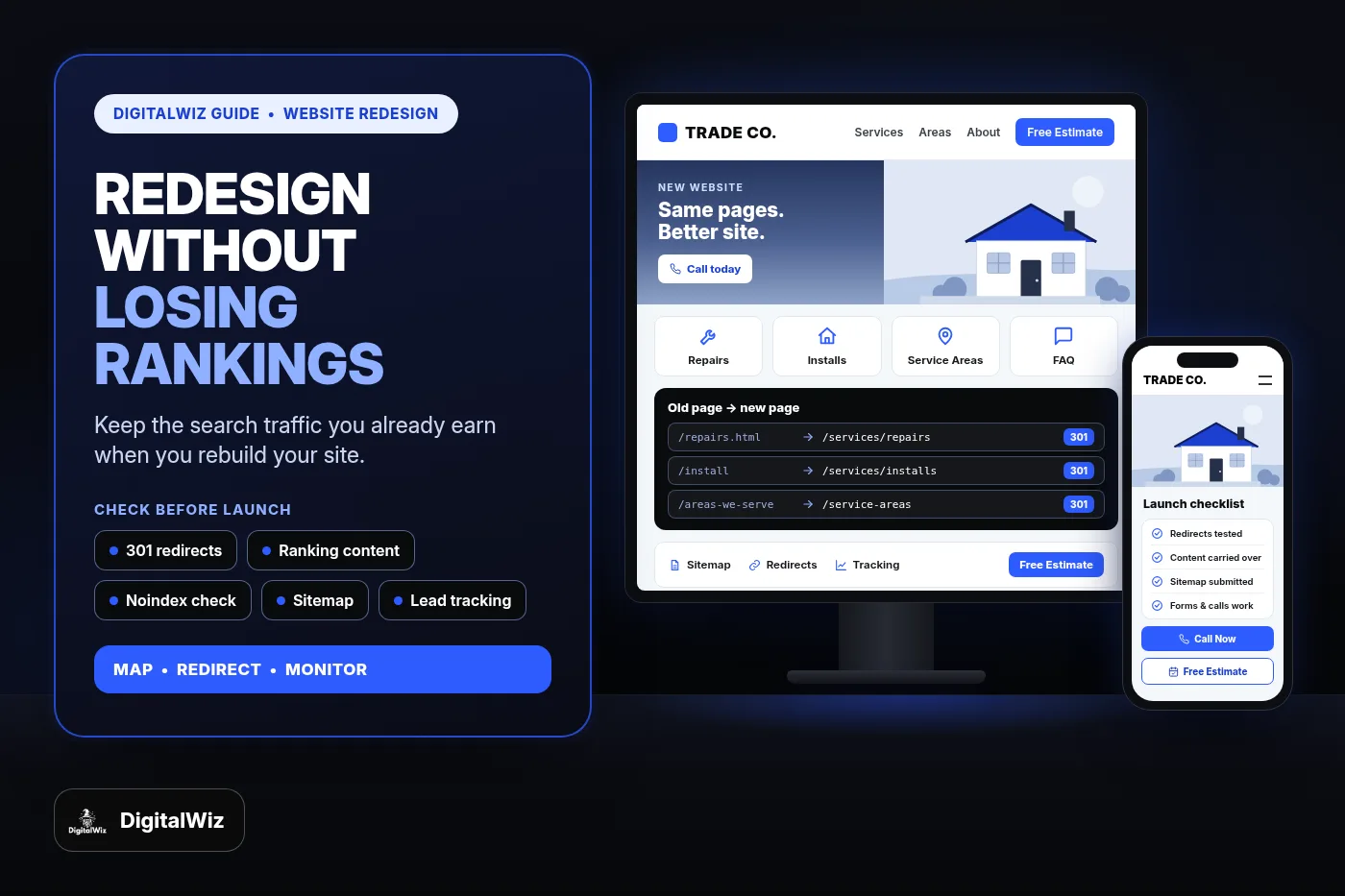
The direct answer
Not if it is planned well. A new design by itself is rarely what sinks a local business website in Google. The drops people blame on "the redesign" usually come from a handful of avoidable mistakes made during the rebuild or on launch day.
Google's own site move guidance says to expect some temporary ranking fluctuation after any significant change while it recrawls the site, and that permanent redirects do not cost you link credit. Short-term movement is normal. A lasting loss usually means something was broken.
The mistakes that cause most real damage:
- Page URLs changed and the old ones were not redirected, so Google and past visitors hit 404 errors.
- Pages or text that were bringing in search traffic were cut to make the new design look cleaner.
- A noindex tag or robots.txt block from the development site went live with the new site.
- Forms, call tracking, analytics, or ad conversion tags stopped working, so leads dropped or simply stopped being counted.
How risky your redesign is depends on what changes
"Redesign" can mean very different projects, and the risk goes up with each layer you touch:
- New look only: same platform, same URLs, same page content, new layout and styling. Lowest risk, as long as the text and headings that matter stay on the page.
- New content or structure: pages merged, split, rewritten, or removed. Medium risk, because Google ranks the content on each page, and that content is changing.
- New URLs, platform, or domain: moving to a different website builder, renaming pages, or switching domains. Highest risk, because every old URL needs somewhere correct to go.
Keep your URLs, or redirect every one that changes
The simplest protection is to keep the URLs you have. If /water-heater-repair ranks today, the new site can have the same address with a better page on it.
When URLs do have to change, which is common when switching platforms, Google recommends mapping every old URL to its new equivalent and using server-side permanent redirects (301 or 308). A few details from Google's guidance matter for small sites:
- Redirect each old page to its closest match, not everything to the homepage. Google says mass redirects to one irrelevant page can confuse users and may be treated as a soft 404.
- Redirect straight to the final URL. Avoid chains where page A points to B, which points to C.
- Keep redirects for as long as possible, and generally at least a year, so Google can transfer signals to the new URLs.
- Include images and PDF files that get traffic or links, not just pages.
- If a page is truly gone with no replacement, a 404 or 410 is the honest answer. Do not fake it with a redirect to something unrelated.
- Update your own internal links to point at the new URLs instead of relying on redirects.
Do not throw away the content that ranks
Redesigns often aim for a cleaner, more minimal look. That is fine for the layout, but it goes wrong when it strips out the service details, service areas, FAQs, and plain-language explanations that helped a page rank in the first place.
Before anything is rebuilt, export your Search Console Performance report by page. Any page that gets clicks or impressions should have a planned home on the new site, with its useful content carried over or improved. If you are restructuring, our guide to what pages a local service business website should have is a good outline to check against.
This is also a good moment to make pages better, not just prettier. Clearer answers, better photos of real work, and stronger calls to action can help both rankings and leads.
Launch-day mistakes that quietly block Google
Many sites are built on a staging copy that is hidden from search on purpose. Google's troubleshooting list for site moves starts with forgetting to remove those blocks. Structured data is another easy thing to lose; our guide on whether your website needs schema markup covers what to carry over. Check these on launch day:
- No leftover noindex tags on live pages, and robots.txt is not blocking the site.
- Every page's canonical tag points to its own live URL, not the staging domain or an old address.
- The XML sitemap lists the new URLs, and it is submitted in Search Console.
- Your Search Console verification still works. A verification file or meta tag can get left behind on the old site.
- Structured data made it across. Business details and FAQ markup often get lost in a theme change.
- The site loads on both the www and non-www versions and settles on one.
Make sure the redesign does not break your leads
Rankings are only half of it. A redesign can keep its traffic and still lose leads if the plumbing behind the site breaks. Test every form submission and confirm it reaches the right inbox. Call your tracking numbers from the new pages. Confirm analytics and any Google Ads conversion tags fire on the new site.
Google also recommends updating links you control to point at the new URLs, including social profiles and ad campaigns. For a local business that means your Google Business Profile website link, any directory listings, and every ad's final URL.
If you are not sure what is being tracked today, sort that out before launch so you can compare before and after. Our guide on tracking where website leads come from covers the basics.
Get access sorted before you start
A safe redesign needs access to your domain registrar, DNS, current hosting or website builder, Google Search Console, and analytics. If a previous designer controls any of those, a rebuild can stall right before launch or redirects cannot be set up on the old URLs.
Google also recommends changing one thing at a time where possible. If you want a new domain, a new platform, and a new design, doing all three at once makes it hard to tell what caused a problem. Our guide on who should own your website, domain, and Google accounts explains how to get control back first.
What to expect after launch
Some movement in the first weeks is normal. Google says that for small to medium sites it can take a few weeks for most pages to move after URL changes, and that visibility may fluctuate temporarily during that time.
Watch these in Search Console for the first month or two: the Page indexing report for a spike in Not found errors, the Sitemaps report to see new URLs being indexed, and the Performance report for your most important service pages. Spot-check old URLs yourself to confirm they land on the right new pages.
When to worry: an important page that used to get clicks now returns an error, new pages are excluded from indexing, or a key service page stays well below its old performance for several weeks. Check redirects, indexing settings, and missing content first. Those three explain most problems.
A redesign SEO checklist
- Export your current URLs from your sitemap, website builder, and Search Console, and note which pages get clicks.
- Keep URLs where you can. Map every changed URL to its closest new page.
- Carry over or improve the content on every page that brings in search traffic.
- Set up 301 or 308 redirects and test them before and after launch.
- Remove staging noindex and robots.txt blocks, and check canonical tags.
- Submit the new sitemap and confirm Search Console verification still works.
- Test forms, phone links, call tracking, analytics, and ad conversion tags.
- Update your Google Business Profile website link, listings, and ad final URLs.
- Monitor indexing, Not found errors, and key pages for the next several weeks.
Common questions
Will changing only the look of my website affect SEO?
Usually very little, if URLs and page content stay the same and nothing blocks Google. Changes to headings, text, or internal links can still move rankings in either direction, so treat those as content changes, not just styling.
How long should I keep redirects after a redesign?
Google recommends keeping them as long as possible, generally at least one year. Google also suggests considering keeping them indefinitely for visitors, since old links and bookmarks can keep sending people to the old addresses.
Should I change my domain name during a redesign?
Only if you have a good reason. Google recommends changing one thing at a time, so moving to a new domain and launching a new design together makes problems harder to diagnose. If you do change domains, redirect every old URL and use the Change of Address tool in Search Console.
Is a 302 redirect okay?
A 302 is a temporary redirect. For pages that have moved for good, Google recommends permanent redirects such as 301 or 308.
My rankings dropped right after launch. Should I roll back?
Not automatically. Some fluctuation is normal while Google recrawls. First check for broken or missing redirects, noindex tags, robots.txt blocks, and pages that lost their content. Fixing those is usually better than reverting the whole site.
The bottom line
A redesign is a chance to improve a website that already has some search value, not a reason to start over in Google. Keep URLs where you can, redirect the rest page by page, carry over the content that ranks, and check indexing and tracking on launch day.
Planning a new site and want to keep the visibility you have? See how we approach website development and search visibility, then contact DigitalWiz to talk through your redesign before anything goes live.