Who Should Own Your Website, Domain, and Google Accounts?
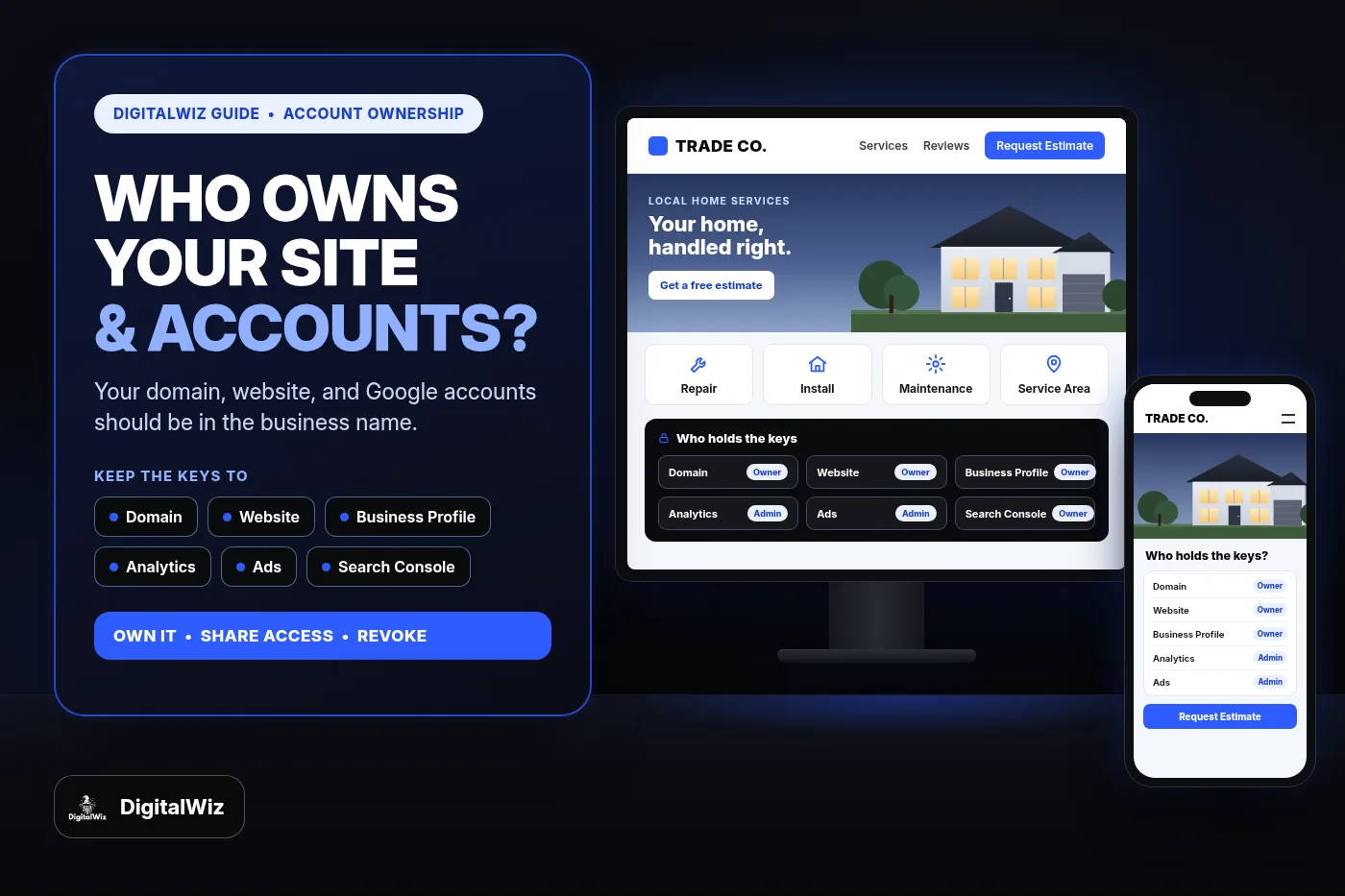
Your business should own its domain, website, hosting, Google Business Profile, Analytics, Search Console, and ad accounts. Your web designer, agency, or employee should get their own access with a role you can change or remove, never your only login.
The direct answer
Your business should own every account your marketing runs on: the domain name, the website and hosting, your Google Business Profile, Google Analytics, Google Search Console, your Google Ads account, and any call tracking or form tools. Your web designer, marketing agency, or office manager should be added as a user with their own login and a role you can change or remove.
That is not a sign of distrust. It is basic housekeeping. People leave, agencies change, freelancers get busy, and the person who set things up five years ago may not answer the phone anymore. If the only login to your domain or your Business Profile sits in someone else's email, your website, your Maps listing, and your lead history are one awkward conversation away from being stuck.
The rule is simple: the business owns the account, other people get access.
- Register accounts under a business email you control, not a vendor's or employee's personal address.
- Make yourself the owner or top-level admin on every platform.
- Give vendors and staff their own logins with the lowest role that lets them do the job.
- Review who has access at least once a year and whenever a vendor or employee leaves.
Why this matters more than it sounds
Most local service businesses never think about account ownership until something breaks. The usual stories are familiar: a designer registered the domain on their own account and stopped renewing it, an old agency still holds the only owner seat on the Google Business Profile, or nobody can log in to Analytics because it was set up under a former employee's Gmail.
Any of those can stop you from changing your hours, updating your phone number, launching a new site, or seeing which channel actually produced leads. If you are trying to track where your website leads come from, the reports are only as reliable as your access to the accounts behind them.
It also affects how freely you can make decisions. When you own the accounts, switching designers, bringing marketing in-house, or adding a new agency is a matter of changing who has access. When you do not, every change starts with asking someone else for permission.
The ownership checklist for a local service business
Here is what should be in the business's name, and the role you should hold on each one. Platform names change over time, but the principle does not.
- Domain name: registered at a registrar account you log in to, with your business listed as the registrant and your email on the contact records.
- Website and hosting: the hosting or website-builder account in your name, plus a way to get a copy of your site, including the code repository for a custom-built site.
- Google Business Profile: you as the primary owner; your agency or staff as managers or additional owners.
- Google Analytics: you as an Administrator on the account and property.
- Google Search Console: you as a verified owner of the property.
- Google Ads: you as an Admin on the account itself, with the payments profile in the business's name.
- Google Tag Manager, call tracking, form, and scheduling tools: accounts in your name, with vendors added as users.
- Social and Meta ad accounts: business assets you control, with partners given access rather than ownership.
- Business email: the mailbox that receives password resets and leads should be on your domain and under your control.
How to give an agency access without giving away ownership
Every major platform separates owning an account from working in it. Use those roles. Do not share your own password, and do not let a vendor create the account under their email "to save time."
On a Google Business Profile, Google's help page on Business Profile owners and managers explains that owners have full control, including adding or removing users and deleting the profile, while managers can do most day-to-day work but cannot add or remove users or remove the profile. A profile can have several owners but only one primary owner. Most agencies can do their job as managers.
In Google Analytics, the access management roles include Administrator, Editor, Marketer, Analyst, and Viewer. Administrators can manage users; Editors can change settings but cannot manage users. Keep Administrator for the business and give a vendor the role that matches their work.
In Google Ads, the access levels run from Email-only and Billing up to Read-only, Standard, and Admin. Standard users can edit campaigns, while only Admins can manage user access and account links. Agencies often manage clients through their own manager account. That is normal, but make sure your own login is also an Admin on your Google Ads account so you are not depending on the agency's manager account to see or control it.
In Google Search Console, owners, full users, and restricted users have different rights. Only owners can add users. A verified owner proves ownership with a token such as an HTML tag, file, or DNS record, while a delegated owner is added by an existing owner. You want to be a verified owner yourself.
For paid ads and search visibility work, the right agency setup looks like this: you own the accounts, the agency gets a named login with an appropriate role, and you can see the same data they see.
The domain is the account you cannot afford to lose
Your domain is the address behind your website, and usually your business email too. Losing control of it can take both down at once.
Under ICANN's Transfer Policy, the registered name holder, also called the registrant, is the only party with authority to approve or deny moving a domain to a different registrar. That is why the registrant record should be your business, not your designer. To move a domain between registrars you also need a transfer authorization code; ICANN notes that registrars either let the registrant generate that auth code in a control panel or provide it within five calendar days of a request.
Practical steps: log in to your registrar, confirm the registrant and contact email are yours, turn on auto-renew with a current card, and turn on two-step verification. If the domain is on someone else's registrar account, ask them to move it to an account you own while the relationship is good.
Website, hosting, and the files themselves
Owning the domain is not the same as owning the website. Ask where the site lives, whose account pays for hosting, and how you would get a full copy if you changed providers.
On hosted website builders, the site often cannot be moved as-is to another platform, so the account owner matters even more. On WordPress or a custom-coded site, ask who holds the hosting login and where the code or backups are stored. Your choice of website platform affects how portable your site is, so it is worth asking before a build starts.
Whether DigitalWiz builds your website or another developer does, put the ownership questions in writing up front: who owns the domain, the hosting account, the design, the content, and the photos once the project is paid for.
A 20-minute access audit you can do this week
You do not need a technical background for this. Open a spreadsheet, list every account, and check three things for each: whose email owns it, what your role is, and who else has access.
- Log in to your domain registrar and confirm the registrant, contact email, renewal date, and auto-renew.
- Open your Google Business Profile, go to People and access, and confirm you are the primary owner.
- In Google Analytics and Search Console, check that you are an Administrator and a verified owner.
- In Google Ads, check that you are an Admin and that the payments profile is in the business's name.
- List hosting, website builder, tag manager, call tracking, and form tools, and who holds each login.
- Remove people who no longer work with you, and downgrade anyone who has more access than they need.
- Store the logins in a password manager the business controls, with two-step verification turned on.
What to do if someone else already owns an account
Start with a polite, specific request. Ask the person or agency to add you as an owner or admin, then, where the platform allows it, to transfer primary ownership to you. Most will do it when asked clearly.
Expect some platform rules. Google notes that a new Business Profile owner or manager has to wait 7 days before they can transfer primary ownership or remove other owners, and the profile needs at least one other owner or manager before primary ownership can be transferred. In Search Console, removing a verified owner does not delete their verification tokens; Google says the tokens should be removed as well, or that person can re-verify.
If you cannot reach the person who controls an account, each platform has its own recovery path, such as requesting access to a Business Profile, verifying ownership in Search Console, or contacting your registrar. Those processes take time, which is the best argument for fixing ownership before you need it. If your listing is also struggling in Maps, the Business Profile visibility checklist covers the next steps.
Common questions
Is it a red flag if an agency wants to own my accounts? It is worth asking why. Some agencies set up accounts for convenience and transfer them on request; others hold them as leverage. Get the answer in writing before you sign, and prefer a setup where the business owns the accounts from day one.
Should my office manager be an owner? Usually a second owner or admin is a good idea, so the business is not locked out if one person is unavailable. Google Ads' own help notes that an account with only one administrator can lose access to its tags if that person becomes unavailable. Just make it someone you trust, and review it when roles change.
Do I need to understand these tools to own them? No. Owning the accounts means you can see, add, and remove access. Your agency or staff can still do the work.
The bottom line
Own the accounts, share access, and review who has the keys once a year. It costs nothing, takes an afternoon, and protects the website, Maps listing, and lead data you have already paid to build.
Not sure what you actually control today? Run a free BizScore audit or contact DigitalWiz, and we will help you sort out what you own, what you need access to, and what to fix first.