Should My Business Be on Apple Maps and Bing Places, Not Just Google?
For most local businesses, Bing Places is a quick, free win, especially if you can import a verified Google Business Profile. Apple Maps depends on whether customers can actually visit your location: storefronts and offices should claim their place card, while home-based and mobile service businesses should not create one.
The direct answer
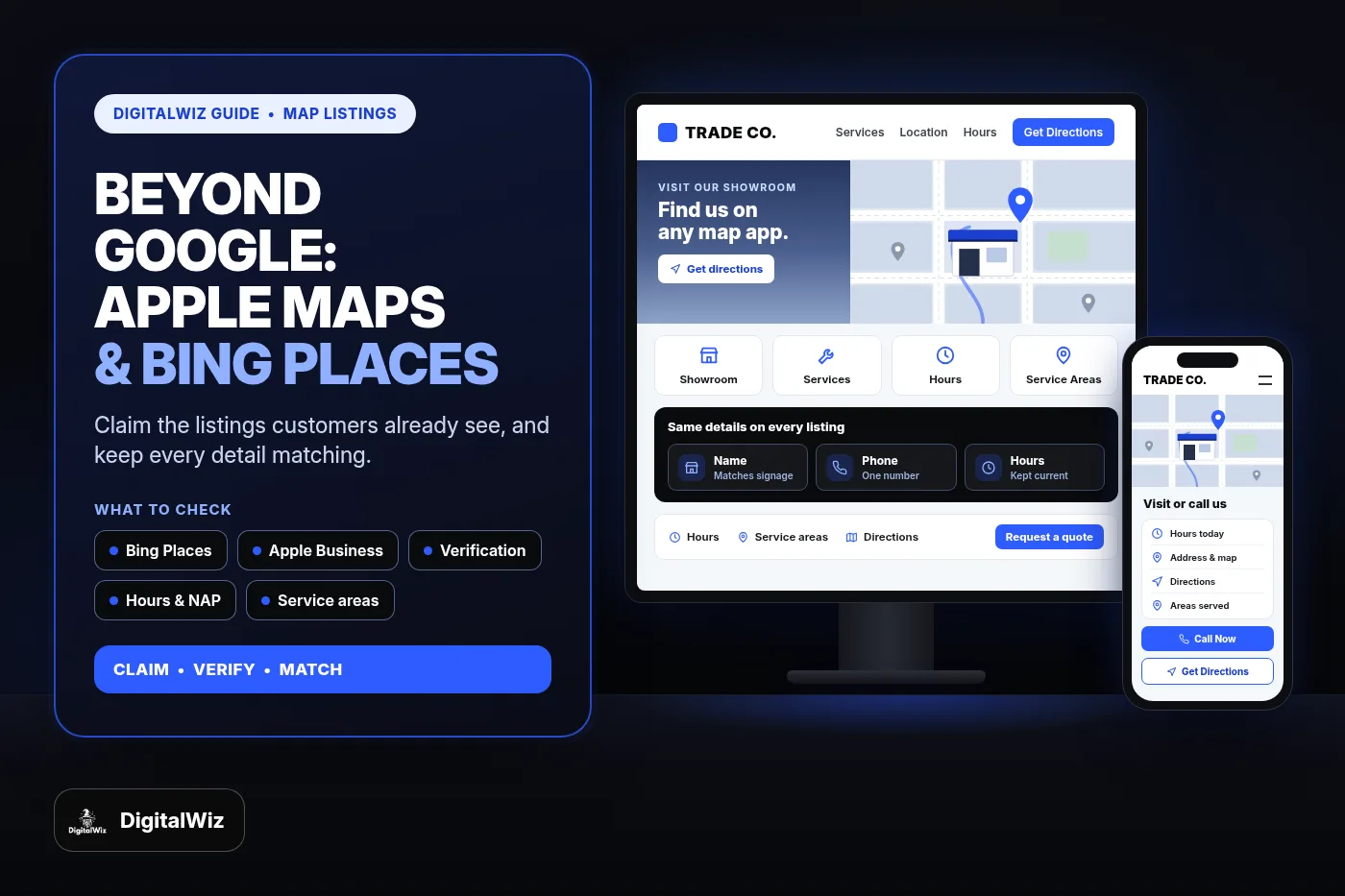
Yes, most local businesses should be on Bing Places, and many should be on Apple Maps too. Google is still the first place to focus, but some of your customers look businesses up in Apple Maps or Bing instead, and both listings are free to manage.
The real question is which setup fits how your business actually operates. Bing is easy for almost everyone. Apple is stricter: it wants a real place customers can visit.
A quick way to decide:
- Bing Places: set it up. If your Google Business Profile is verified, you can usually import it in a few minutes.
- Apple Maps with a storefront, office, or showroom customers visit: claim and complete your place card in Apple Business.
- Apple Maps as a home-based or mobile service business: do not create a location. Apple's own guidance rules those out. Put your effort into Google, Bing, and your website instead.
Why these listings matter if Google is the big one
Apple Maps is the built-in maps app on every iPhone, and Apple says Apple Business helps companies reach local customers across Maps, Mail, Wallet, Siri, and more. When someone asks their phone for directions to your shop or looks up your hours, the answer may come from Apple's data, not Google's.
Microsoft describes Bing Places as the free tool businesses use to appear in Bing search results and Bing Maps, and has said it is investing in deeper integrations with Bing Maps and Copilot. Microsoft has not published how Copilot chooses local businesses, so treat that as a reason to keep your Bing listing accurate, not as a ranking trick.
There is also a simpler reason. If you never claim these listings, they can still exist, built from whatever data Apple or Microsoft found. Old phone numbers, wrong hours, and closed locations are common. Claiming them lets you fix that. For how AI assistants find and describe local businesses more broadly, see our guide on showing up in AI search.
Bing Places: the fastest setup
Bing Places now lives at bing.com/forbusiness. Microsoft rebuilt it in October 2025 and improved the import from Google, so for most businesses this is the easy one.
If your Google Business Profile is already verified, choose the option to import from Google Business Profile, sign in with the Google account that manages it, and pick a sync frequency. Bing's setup flow says importing a verified Google profile gives you instant verification, so you can skip the PIN.
Read the fine print before you click import:
- The import brings in every profile it finds in that Google account. If an old location or a client's profile sits in the same account, clean that up first.
- Imports can create duplicates, and some fields, such as categories, may not carry over exactly. Open the listing afterward and check every field.
- Once a listing is synced with Google, you generally make changes in Google and let the sync carry them to Bing.
- If you add a listing by hand instead, Bing verifies it with a PIN sent by phone, text, email, or postcard, and publishing can take a week or two after that.
Apple Maps: it depends on your location
Apple replaced Apple Business Connect with Apple Business on April 14, 2026. It is free, and locations that were already claimed in Business Connect moved over automatically. If you claimed your place card before, log in to Apple Business and make sure it is still accurate.
Apple is clear about which locations belong on Maps. Its location guidance says a listing needs a distinct, customer-facing physical place that the public can find and navigate to. It also lists disqualifiers: no physical presence, website-only, a residential address, a mobile business, or a place the public cannot visit.
If you do have a qualifying location, a few rules from Apple's setup guidance are worth knowing:
- The address should be where customers get goods or services during your open hours, and it should match the address on your website.
- Your display name needs to match the name on your storefront, signage, or official website. No keywords or city names tacked on.
- The map pin should sit on top of your building, not the street or parking lot.
- Apple verifies the organization with two methods, such as an EIN or D-U-N-S number, a DNS record on your domain, or an official document like a business license or utility bill. Apple says this can take up to five business days, and you have 60 days to finish or the setup is deleted.
If you are a service-area business
Most contractors around Charlotte, Indian Trail, and Matthews work out of a truck or a home office. Customers never visit. That is exactly the case Apple's guidance says should not become a Maps location.
So do not invent one. Do not list a virtual office, a mailbox store, or your house, and do not drop a pin on a nearby commercial building. Those shortcuts can get a listing rejected and they put the wrong information in front of customers.
What you can do: check whether Apple already shows an old or incorrect place for your business and report it, keep your website's contact page and service area pages clear, and make Google and Bing as complete as possible. On Google, a service-area profile with a hidden address is allowed. If yours is not appearing, start with why a Google Business Profile does not show up.
Keep one version of your business everywhere
The point of these listings is consistency, not volume. Your business name, phone number, hours, website, and address (if you show one) should match on Google, Bing, Apple, and your website. Our Google Maps guide explains why consistent name, address, and phone details matter.
Hours are the detail that drifts most. A Bing listing synced from Google will follow your Google changes on its sync schedule. Apple does not sync from Google, so holiday hours and phone changes have to be updated there separately.
Set these accounts up under a business email you control, then add your marketing help as a user. Our guide on who should own your website, domain, and Google accounts covers why that matters when you change vendors.
A short setup checklist
- Search your business name on Bing and in Apple Maps and note what already shows up.
- Clean up your Google Business Profile account so only your real, current locations are in it.
- Import into Bing Places, then review name, categories, hours, phone, and website.
- If customers visit your location, claim or add it in Apple Business and complete verification within 60 days.
- If you are home-based or mobile, skip the Apple location and report any wrong Apple place you find.
- Put a reminder on your calendar to update Apple whenever hours or phone numbers change.
Common questions
Do Apple Maps and Bing Places cost anything?
No. Bing Places for Business and Apple Business are both free to use for managing your listing. Apple has announced optional paid ads in Maps, but you do not need them to claim or update a place card.
Will a Bing or Apple listing help my Google rankings?
There is no evidence that it directly does. Google, Apple, and Bing run separate systems. The benefit is being accurate and findable on those platforms, and keeping your business details consistent across the web.
Can I hide my home address on Apple Maps like I can on Google?
We have not found a service-area, hidden-address option in Apple's location guidance like the one Google offers. Apple's guidance says residential addresses and mobile businesses should not be submitted as locations, so most home-based service businesses should not create an Apple Maps place card.
If I import from Google, do I still need to manage Bing?
Less than you would otherwise, but check it. Some fields can import differently, duplicates can appear, and the sync runs on the schedule you choose. Look at your Bing listing after major changes.
What happened to Apple Business Connect?
Apple folded it into Apple Business, which launched on April 14, 2026. Existing Business Connect data, including claimed locations, was moved to the new platform.
The bottom line
Bing Places is worth the few minutes it takes for nearly every local business. Apple Maps is worth claiming if customers come to you, and worth skipping if they do not. Either way, Google and your website remain the foundation.
Not sure how your business looks across Google, Bing, and Apple? Run a free BizScore audit, see how we handle search visibility and website development, or contact DigitalWiz to talk it through.