Why Is My Google Business Profile Not Showing Up?
If your Google Business Profile is not showing up, the usual causes are verification issues, weak category or service relevance, distance from the searcher, low prominence, thin website proof, or inconsistent local business details.
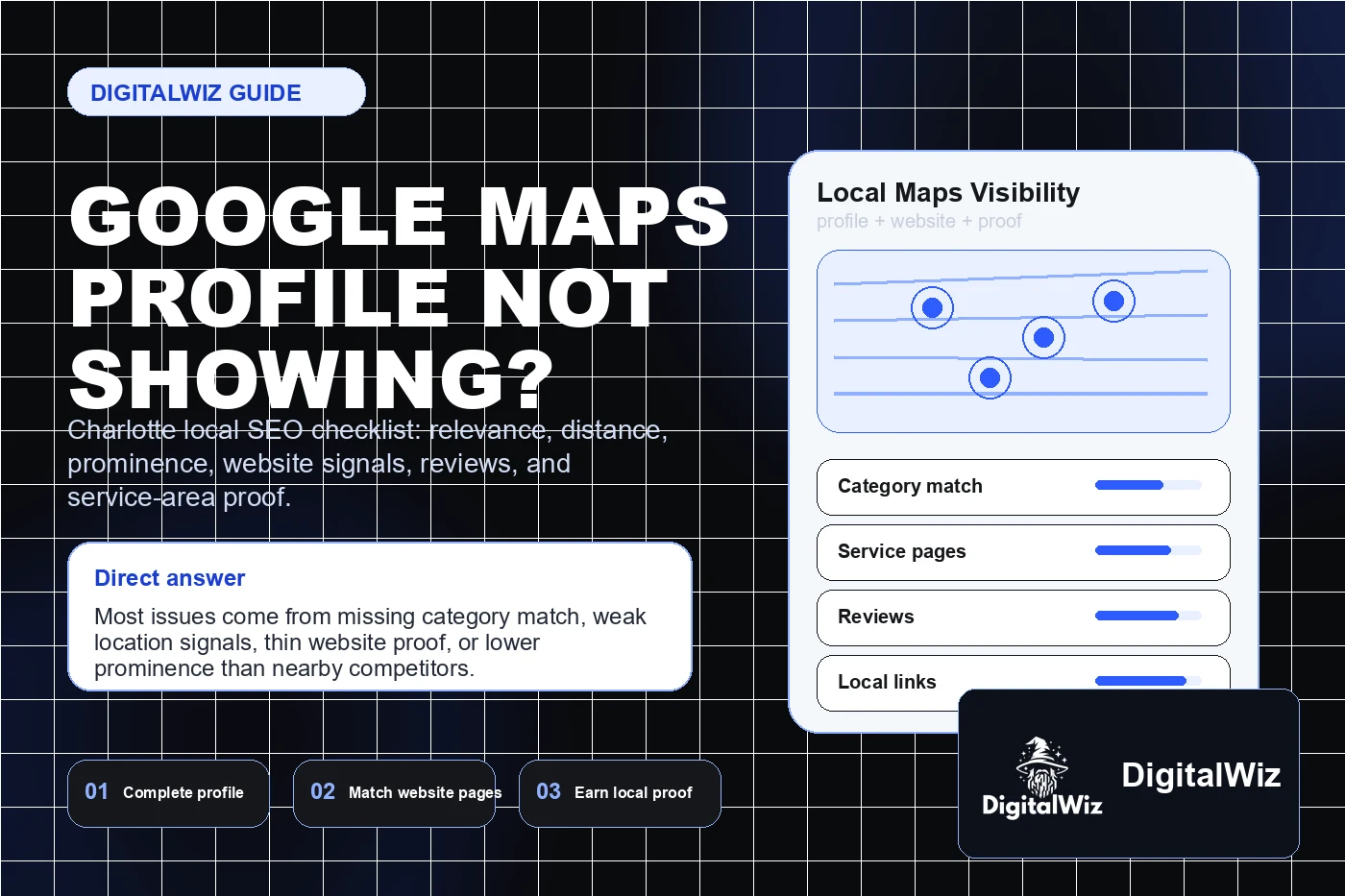
The direct answer
If your Google Business Profile is not showing up, start with the basics: the profile may not be verified, the business category may not match the search, the service area may be unclear, the business may be too far from the searcher, or competitors may have stronger prominence signals.
Google says local rankings are driven by relevance, distance, and prominence. That means a Charlotte service business needs a profile that clearly matches the job, proves the local service area, and is supported by reviews, photos, website content, citations, and other real-world trust signals.
Do not jump straight to ads or a full rebrand. Fix the profile, connect it to useful service pages, make your NAP details consistent, earn better local proof, and track whether calls and form leads improve. That is the practical path DigitalWiz uses across Search Visibility, Website Development, and local lead generation work.
- Confirm the profile is verified, live, and not suspended or restricted.
- Use the most accurate primary category and fill out services, products, hours, photos, and business details.
- Make sure your website supports the profile with clear service, location, review, and contact information.
- Build prominence with reviews, local mentions, helpful content, and consistent citations.
First, check whether the profile is actually eligible to show
A profile that is unverified, recently changed, suspended, or missing key details can behave strangely in search and Maps. Before you diagnose SEO, log in and check the status. Make sure the business name, address or service area, phone number, website, hours, and categories are accurate.
Be careful with keyword stuffing in the business name. If the real business name is simple, keep it simple. Trying to force city and service keywords into the profile name can create trust problems and may trigger policy issues. A cleaner profile with accurate details usually beats a messy profile that tries to game the system.
For service-area businesses around Charlotte, this also means being honest about where you actually work. If you serve Charlotte, Matthews, Indian Trail, Monroe, Waxhaw, Concord, Huntersville, Gastonia, or Rock Hill, show that through your service area, website pages, project examples, and reviews instead of relying on vague claims.
- Check profile verification and suspension messages before assuming it is a ranking issue.
- Use the legal or real-world business name, not a keyword-stuffed version.
- Confirm phone number, website URL, hours, services, attributes, and service area are complete.
- Search for the exact business name and phone number to see whether Google can identify the entity.
Relevance: does the profile match the search?
Relevance is how well the profile matches what someone is looking for. If you are a roofer, med spa, dentist, restaurant, attorney, HVAC company, plumber, or remodeling contractor, your category and services have to line up with the searches you want to appear for.
This is where many local businesses lose visibility. The profile says one thing, the website says another, and the service pages are too thin to help Google understand the business. If your site has one generic services page, Google has less context than it would from focused pages for each profitable service and city pattern.
Start with the primary category, then build supporting evidence. Add clear service descriptions in the profile, publish helpful service pages, answer real customer questions, and connect your Google Business Profile to a website that explains what you do and where you do it.
- Choose the closest primary category, then add accurate secondary categories only when they truly fit.
- Fill out service descriptions in plain language instead of stuffing keywords.
- Create or improve service pages that match the work you want more calls for.
- Use FAQs, project examples, and review language to reinforce real service fit.
Distance: are you close enough for the query?
Distance is the piece business owners cannot fully control. A searcher in South End, Ballantyne, Matthews, Indian Trail, or Huntersville may see different Maps results for the same service because local intent changes with location. You can be a strong business and still not show everywhere for every search.
That does not mean you are stuck. You can clarify your service area, build city-specific proof, publish location-aware service content, and earn reviews that mention the actual areas you serve. The goal is not to pretend you are located everywhere. The goal is to make your real local footprint easier to understand.
If you want to build service-area coverage, read Should I Build City Pages for Every Service Area?. City pages can help when they are useful and specific. Thin duplicate pages can do the opposite.
- Test visibility from different nearby cities instead of checking only from your desk.
- Make the service area clear on the profile and website.
- Add useful city or neighborhood context only when you can support it with real work, proof, or service details.
- Avoid fake locations, virtual addresses, or doorway pages built only to chase Maps rankings.
Prominence: does Google have enough proof to trust you?
Prominence is how well-known and trusted the business appears to be. Google notes that prominence can be influenced by information across the web, including links, articles, directories, review count, and review score. In plain English: your profile is not judged in isolation.
For a local business, prominence usually comes from steady trust signals: real reviews, fresh photos, helpful responses, consistent citations, local links, accurate directory listings, strong website pages, and branded searches. None of these are magic by themselves. Together, they make the business easier to understand and easier to trust.
This is why Do Google Reviews Help Local SEO? matters. Reviews can support trust, relevance, and conversion, but they work best when the rest of the local presence is clean. A profile with reviews but a weak website can still lose leads after the click.
- Ask happy customers for honest reviews and reply professionally.
- Add real photos of work, team, location, process, or finished projects when appropriate.
- Keep citations consistent across major business directories and local sites.
- Earn local links and mentions through partnerships, sponsorships, projects, press, or community involvement.
Your website still matters for Maps visibility
A Google Business Profile can generate calls, but the connected website often supplies the detail that makes the profile more credible. The site should explain services, locations, proof, process, pricing context when possible, FAQs, photos, and next steps. It should also load fast and make calls or bookings easy on mobile.
If the website is vague, outdated, slow, or missing service-area context, it can weaken the whole local search path. A stronger website gives customers and search engines more confidence that the business is real, relevant, and ready to help.
For deeper cleanup, start with What Pages Should a Local Service Business Website Have? and Does My Local Business Website Need Schema Markup?. The goal is not technical busywork. The goal is clearer proof.
- Build dedicated pages for high-value services instead of relying on one generic services page.
- Show local proof: reviews, project photos, areas served, case details, credentials, and FAQs.
- Use clear contact information and schema markup where it fits the business.
- Track calls, forms, and profile-driven leads so you know whether visibility is turning into revenue.
What to fix this week
If your profile is not showing, make a short cleanup sprint. Do not touch twenty random things at once. Fix the profile completeness, category fit, website proof, review process, and tracking in a controlled order so you can see what changed.
Start with eligibility and accuracy. Then improve relevance. Then build prominence. Then measure leads. That sequence keeps the work grounded and prevents expensive guessing.
If you want a faster read on what is holding visibility back, run a free BizScore audit or contact DigitalWiz. We will look at your website, Google Business Profile path, local SEO signals, AI-search readiness, paid traffic opportunities, and lead tracking so you know what to fix first.
- Day 1: verify profile status, categories, hours, phone, website, services, and service area.
- Day 2: update the website pages that support your most profitable services and locations.
- Day 3: clean up major citations and inconsistent business details.
- Day 4: add real photos, answer common questions, and create a simple review request process.
- Day 5: check tracking for calls, forms, GBP clicks, and lead quality before judging results.