How Should I Back Up My Small Business Website?
Back up every component needed to rebuild the site, keep at least one copy separate from production, automate the schedule around acceptable data loss, and prove recovery with a safe restore test.
The direct answer
A dependable website backup is more than a copy of visible pages. It must contain every component needed to rebuild the working site, run automatically at a frequency tied to how much data the business can afford to lose, remain protected from the same failure as production, and pass a restore test in a safe environment.
For many small business websites, that means source code or theme files, database content, uploaded media, configuration, environment settings, DNS records, form and integration details, and clear recovery instructions. A hosting snapshot can be useful, but it should not be the only recovery path when the same account, provider, deletion, or compromise could affect both the live site and the snapshot.
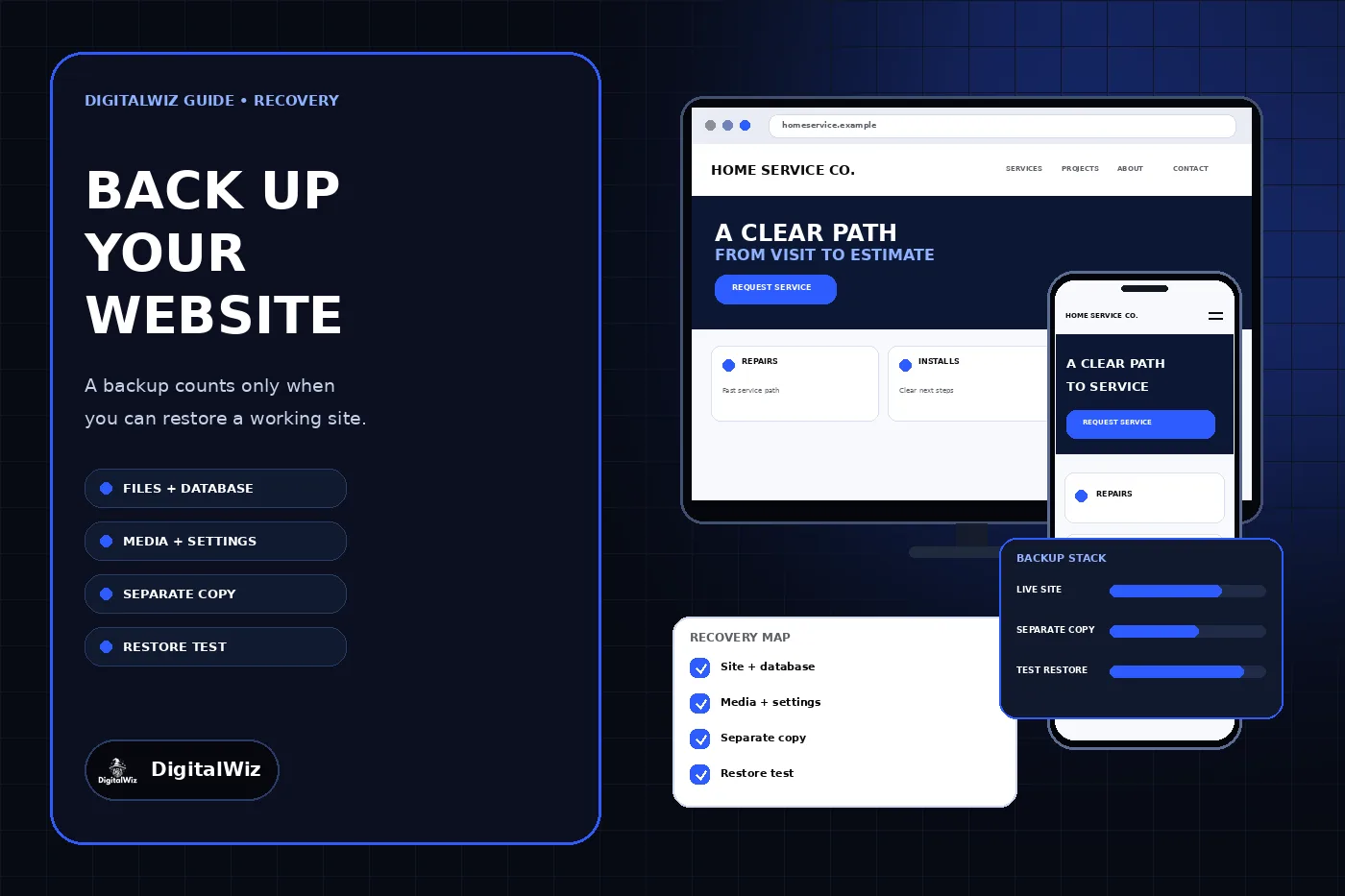
Start with a simple recovery contract: what must be restored, the latest acceptable restore point, the longest acceptable outage, who can authorize recovery, where the separate copies live, and how the team proves the restored site works. The interface above is illustrative. It is not a client website, hosting dashboard, backup result, or uptime claim.
- Inventory every component required for a working site.
- Choose frequency from acceptable data loss, not a vendor default.
- Keep at least one protected copy outside the production failure path.
- Retain several restore points instead of only the newest copy.
- Test a real restore without overwriting the live site.
Inventory the whole website system
Map the site before choosing a backup tool. List the domain registrar, DNS provider, host, source repository, content management system, database, media storage, form provider, email delivery service, analytics and tag settings, booking or payment integrations, and any external service the customer path depends on. Record which systems hold original data and which can be recreated from documented settings.
A WordPress site may need the database, wp-content files, server configuration, and a list of active themes and plugins. A custom Next.js site may keep code in a repository while forms, environment variables, deployment settings, and external databases live elsewhere. A hosted website builder may control the application layer while the business still needs exports, media originals, DNS records, account ownership, and integration documentation.
CISA’s small-business backup guidance recommends beginning with an inventory of critical information and specifically includes configuration files, software settings, and website and operational databases. The useful test is not “Did the backup job run?” It is “Could another authorized person reconstruct the customer path from these copies and instructions?”
- Site code, CMS files, themes, plugins, and dependency records
- Database content, form records, products, accounts, and settings
- Uploaded images, documents, videos, and original brand assets
- Environment variables, redirects, DNS records, and deployment configuration
- Provider list, account owners, recovery contacts, and restoration instructions
Set backup frequency from acceptable loss
Decide how much recent work the business could lose and still recover. This is the recovery point objective, often shortened to RPO. A brochure site that changes twice a month may not need the same database schedule as a store, booking system, membership site, or lead portal that changes throughout the day. Code, media, and transactional data can also require different schedules.
Then define the recovery time objective, or RTO: how long the website or critical customer path can be unavailable before the disruption becomes unacceptable. That answer affects whether recovery can wait for one vendor, whether a documented fallback form or phone path is needed, and whether the team needs a faster warm copy or deployment process.
Use those decisions to configure automation and retention. Keep multiple historical restore points so accidental deletion, corruption, or compromise discovered late does not leave only a recent bad copy. Record the time zone, schedule, retention period, expected backup contents, and owner who reviews failures. A green dashboard from last month is not evidence that last night’s required data was captured.
Keep a copy outside the production failure path
A copy in the same hosting account can speed up ordinary rollback, but it may share the same credentials, billing problem, account lockout, provider incident, or destructive action as the live site. Keep at least one recoverable copy under separate protection. The separation can involve another account, provider, storage system, or offline copy depending on the platform and risk.
CISA describes the 3-2-1 approach as three copies of important data, on two types of storage, with one copy off-site. The exact implementation can vary for a cloud website, but the principle remains useful: do not let one failure erase production and every recovery copy. Encrypt sensitive backup data, protect backup accounts with multifactor authentication, and restrict deletion rights.
Do not expose archives inside a public web directory or rely on a filename nobody will guess. A database dump, environment file, customer export, or full site archive can contain credentials or personal information. Apply the same access, retention, and disposal discipline to backups that the underlying data requires. The DigitalWiz website security guide covers ownership, access, monitoring, and incident preparation as one maintained system.
- Production rollback copy for fast routine recovery
- Separate protected copy outside the primary account or failure path
- Several dated restore points with documented retention
- Encryption and limited access for sensitive backup contents
- Alerts that reach a named owner when a job or upload fails
Test a restore without risking production
A backup is unproven until it produces a working site. Restore a selected recovery point into an isolated staging account, local environment, temporary database, or other safe destination. Do not overwrite the live database or sync restored test data back into production. Keep customer information protected during the exercise and remove temporary copies according to the retention plan.
Verify more than the homepage. Open representative service and article pages, load images, test navigation, inspect redirects and canonical URLs, submit a labeled test form to a safe destination, check authentication or checkout when applicable, and confirm that scheduled jobs and integrations are either deliberately disabled or safely configured. Compare the restored version with the recovery inventory and note anything that had to be recreated manually.
CISA advises scheduled recovery tests to verify backup integrity and refine recovery objectives. Google’s site recovery guidance also distinguishes clean, current backups from outdated or compromised copies and emphasizes restoring files, databases, and media before correcting the underlying vulnerability. A successful download is not the same as a successful restore.
- Restore into a safe non-production destination.
- Record the selected backup, start time, owner, and steps used.
- Check pages, media, forms, redirects, permissions, and integrations.
- Confirm the recovered version is clean and from the intended date.
- Update the runbook with every missing file, secret, setting, or dependency.
Know what the backup does not cover
A website backup does not automatically preserve the domain registration, DNS account, email mailbox, advertising account, analytics history, payment-provider records, booking platform, CRM, or third-party form service. Some of those systems provide their own exports or retention controls; others must be recovered through account access and vendor support. Put each dependency in the recovery map instead of assuming the website archive contains it.
A backup also does not fix the incident that made recovery necessary. If the site was compromised, preserve appropriate evidence, identify the entry point, rotate affected credentials, patch or replace vulnerable components, and restore only content believed to be clean. If personal information may have been exposed, involve qualified security and legal professionals for the actual notification and regulatory requirements.
Finally, a backup is not version control, uptime monitoring, or a deployment rollback by itself. Those controls complement one another. Version control explains code changes, monitoring identifies failure, a rollback can reverse a bad release quickly, and a protected backup supports recovery when the normal platform path is unavailable or the data itself must be restored.
Write a one-page recovery runbook
Keep the runbook short enough to use under pressure. Name the business owner and technical contact, production host, backup locations, account recovery methods, latest tested restore point, RPO and RTO, first diagnostic checks, approval required before a restore, isolated test procedure, fallback customer contact path, and the final checks required before production returns.
Review it after a redesign, hosting move, CMS or framework change, new database, form replacement, payment or booking integration, DNS change, or staff and vendor transition. Also review the backup schedule whenever the website begins receiving more frequent customer data. The DigitalWiz guide to giving an agency access without sharing passwords explains how to preserve business ownership while granting named, revocable access.
The practical next step is to choose one recent backup and conduct a supervised restore drill outside production. Time the process, document what was missing, and fix the recovery map before the next incident. If the website architecture, forms, hosting, and deployment path need to be reviewed together, explore DigitalWiz Website Development or contact DigitalWiz for a practical plan.
- Who declares an incident and authorizes restoration?
- Which restore point is clean, complete, and recent enough?
- Where can the site be restored without touching production?
- How will customers reach the business during the outage?
- Which checks must pass before DNS or traffic returns?