Does My Small Business Website Need a Privacy Policy?
If your website collects personal information, uses analytics or advertising tools, or serves people covered by privacy laws, you likely need an accurate privacy notice. Build it from a real data inventory instead of copying a template.
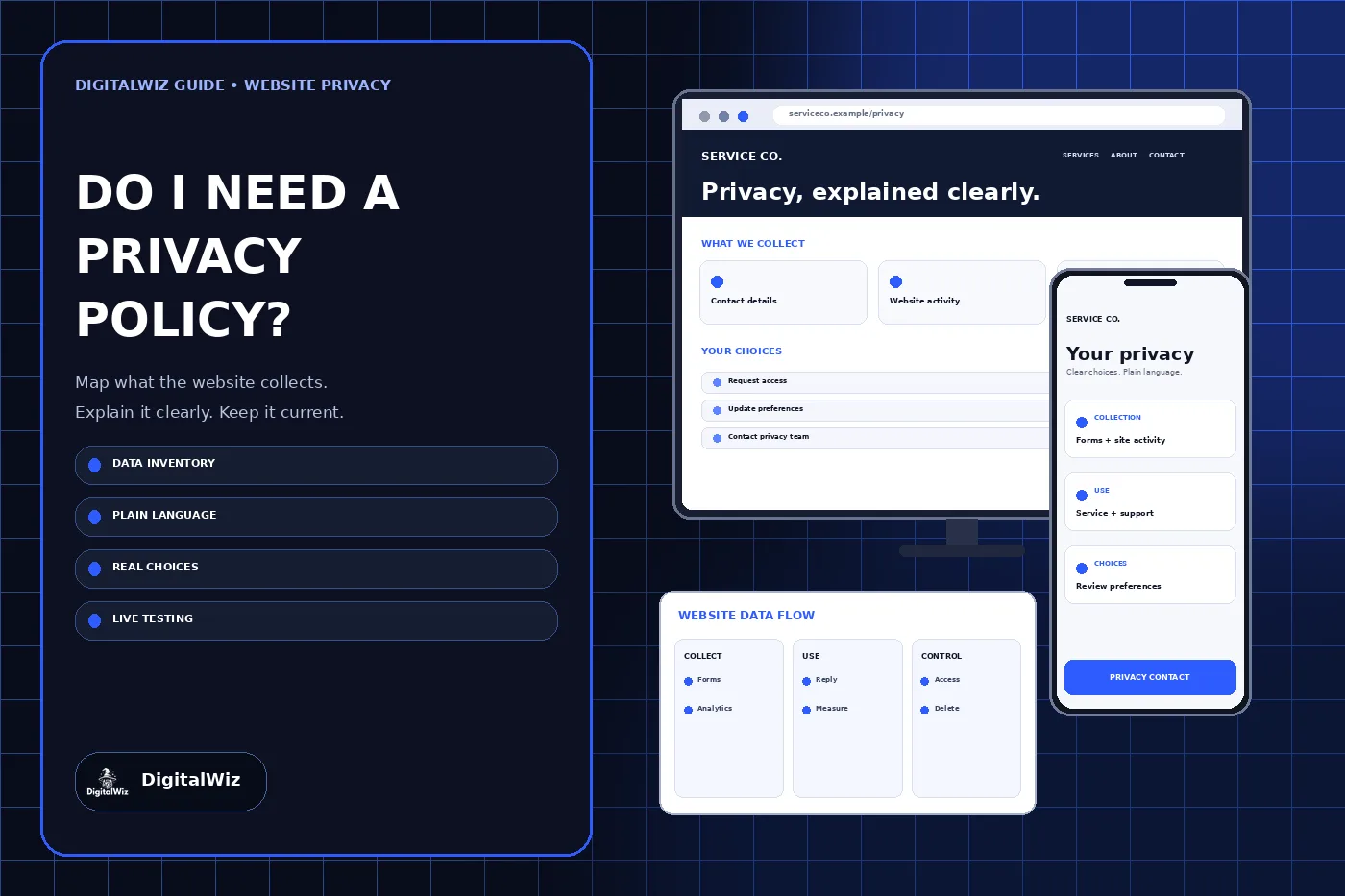
The direct answer
If your business website collects personal information, uses analytics or advertising tools, embeds third-party services, or serves people protected by an applicable privacy law, you likely need a privacy notice that accurately explains those practices. A basic brochure site can still collect data through contact forms, server logs, cookies, analytics, chat, scheduling tools, maps, videos, or spam protection.
There is no single sentence that settles the question for every U.S. business. Requirements depend on where the business and visitors are located, what information is collected, what the business does with it, and whether special rules apply to the audience or industry. This article is a practical website-planning guide, not legal advice. Use qualified counsel for the laws that apply to your operation.
Start with what the website actually does
Do not begin by downloading a policy template. Begin with a data inventory. The Federal Trade Commission’s privacy and security guidance tells businesses to be clear about what they do with personal information and to honor the promises they make. A policy that describes tools you do not use—or omits tools you do use—creates the wrong record.
Review the live website, tag manager, forms, hosting account, plugins, embedded services, advertising accounts, CRM, email platform, call tracking, chat, payment flow, and scheduling tools. Record what each one receives, why it receives it, where the information goes, who can access it, and how long it is retained. Include data collected automatically, not just fields a visitor types.
- Contact, quote, booking, newsletter, account, and payment forms
- Analytics, advertising pixels, session tools, cookies, and similar identifiers
- Chat widgets, call tracking, maps, videos, reviews, and social embeds
- IP addresses, device details, referral data, server logs, and security records
- CRM, email, scheduling, payment, hosting, and spam-control providers
What a useful privacy notice should explain
A readable notice should answer the questions a visitor would reasonably ask: what information is collected, where it comes from, why it is used, which categories of providers receive it, how long it is kept, how it is protected, and how a person can contact the business about privacy. If applicable, it should also explain choices or rights and how to exercise them.
Use plain language and name the real business responsible for the website. Distinguish information a visitor submits from information collected automatically. Describe third-party services by their function and identify them when needed for accuracy. Avoid promises such as “we never share data” or “your information is completely secure” unless the business can support those statements across every vendor and workflow.
Collect less and keep it for a reason
The FTC’s guide to protecting personal information organizes data security around five practical steps: take stock, scale down, lock it, dispose of it, and plan ahead. That is also a useful test for website forms. If the business does not need a field to answer the inquiry or deliver the service, do not collect it by default.
Document retention instead of keeping every submission forever. Limit access to people who need it, use named accounts and multifactor authentication where available, and remove former staff or vendors promptly. A privacy notice explains the practice; it does not secure the data. The operational controls must exist behind the wording.
Check location, audience, and industry rules
Privacy obligations can come from federal law, state law, contracts, platform requirements, and industry-specific rules. North Carolina’s privacy laws and guidance page lists state and federal sources affecting personally identifiable information and notes that its list is not exhaustive. A North Carolina business may also receive visitors or customers from other states or countries, so its analysis should not stop at the company address.
Special categories require extra care. Websites directed to children can raise COPPA obligations. Health, financial, education, employment, insurance, credit, account, and payment data can trigger different rules and risks. If the website handles these areas, obtain advice for the actual data flow before publishing generic language or adding new tracking tools.
Match the notice to analytics and advertising
Analytics and advertising tools can collect identifiers, page activity, campaign details, and device information even when a visitor never submits a form. Inventory every tag and confirm when it loads, what settings are active, and whether URL paths or custom event fields could expose contact details. The DigitalWiz guide to Google Analytics for small businesses covers ownership, purposeful measurement, consent, and avoiding personal information in analytics data.
Do not rely on a plugin name or a banner’s default text as proof of compliance. Test the production site before and after each available consent choice. Verify that optional tags behave as described, essential functions still work, and the preference can be changed later. Repeat the test after a redesign, vendor change, new campaign, or tag-manager publish.
Publish, test, and maintain it
Give the notice a stable public URL, descriptive page title, readable mobile layout, and a visible effective or last-updated date that reflects a real review. Link it from the footer and from relevant collection points. Make sure the business name, contact method, vendors, purposes, and choices match the live website—not a staging copy or an old stack.
Review the notice whenever the website adds a form, analytics product, advertising platform, chat tool, scheduler, payment flow, account feature, or embedded service. Also review it when the business changes how long it keeps data, who receives it, or which markets it serves. A short accurate notice supported by a maintained data inventory is more useful than a long policy nobody can verify.
- Inventory the live data flow and every third-party tool
- Remove unnecessary fields, tags, accounts, and retained records
- Draft the notice from actual practices and applicable requirements
- Place notice and choices where visitors encounter the collection
- Test forms, tags, consent states, links, and mobile readability
- Assign an owner and review after every material website change
The practical next step
Open your website in a private browser window and complete every customer path: form, call, chat, booking, payment, newsletter, and account flow. Then compare what happened with the current privacy notice and vendor list. Any unexplained collection, outdated tool, broken choice, or unsupported promise belongs on the correction list.
If you need the website, forms, tracking, and policy links reviewed as one customer journey, explore DigitalWiz website development or contact DigitalWiz. Legal conclusions should come from qualified counsel; the website implementation should make the approved requirements accurate, visible, and testable.