How Do I Give a Marketing Agency Access Without Sharing Passwords?
Keep ownership of your domain, website, analytics, search, and ad accounts while giving an agency named, limited access it can use and you can revoke.
The direct answer
Do not send an agency the password to your main email, domain registrar, website, analytics, or advertising account. Keep the business as the owner or top-level administrator, invite a named agency user through each platform's access controls, grant only the role needed for the work, require multifactor authentication, and record what was granted. When the engagement ends, revoke that user's access without changing ownership or rebuilding the account.
The safest setup is boring on purpose: the business controls the recovery email, billing relationship, domain registration, and at least one administrator account. The agency gets its own login or manager connection. Shared credentials, personal employee accounts, and an agency-owned domain create avoidable lockout and continuity risk.
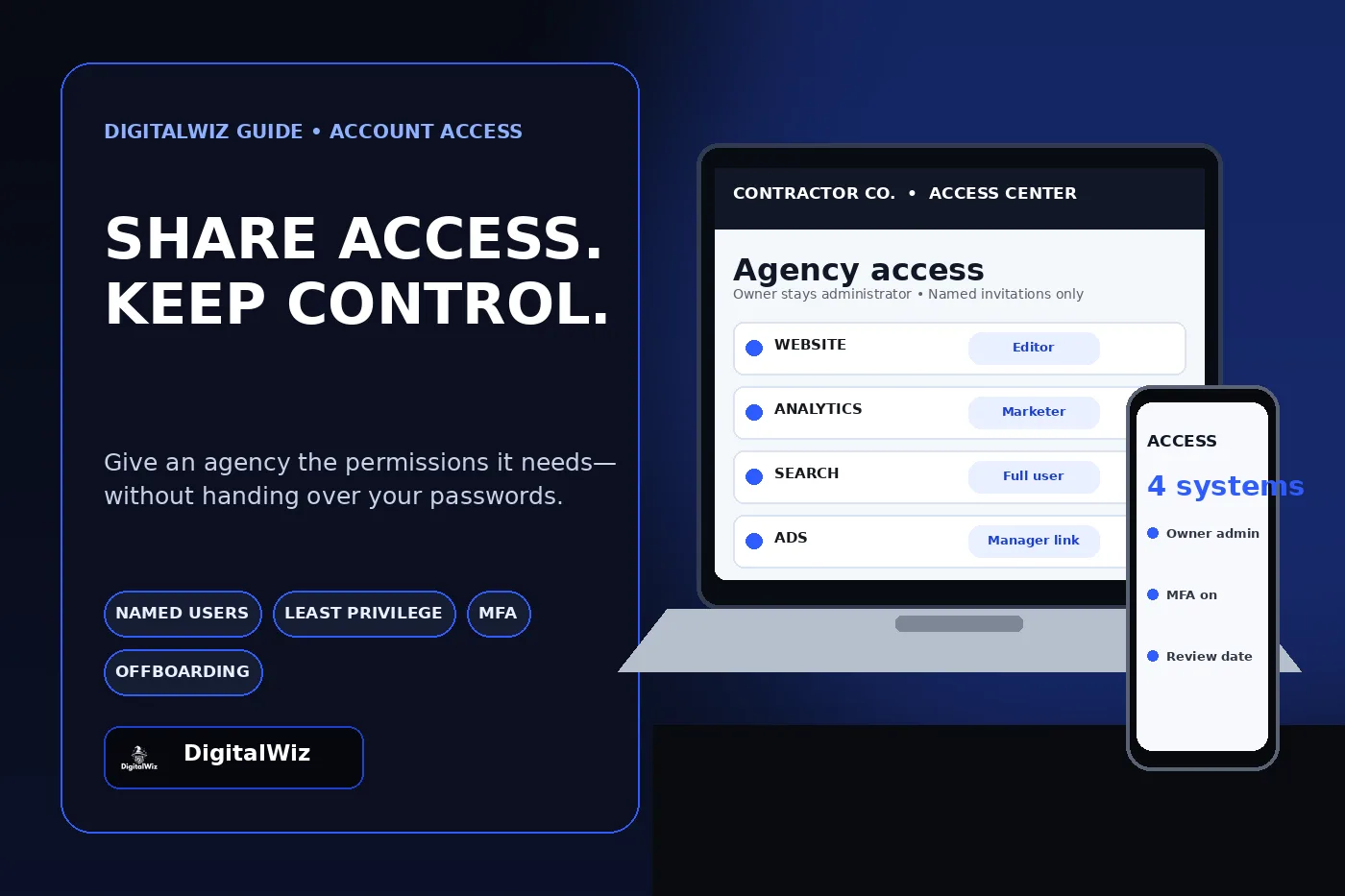
Illustrative access-screen mockup, not a client account or performance result.
- Business-owned account and recovery method
- Named invitation for each agency user or approved agency group
- Least-privilege role matched to the task
- Multifactor authentication on every privileged login
- Dated access record and a written offboarding step
Keep ownership separate from working access
Ownership and working access are not the same thing. Your web partner may need to publish a page, configure an analytics event, review Search Console, or manage an ad campaign. None of those tasks automatically requires control of the business owner's email account, domain registration, billing profile, or every other property in the account.
Start with a simple rule: the business owns the durable assets; the agency receives revocable access to do defined work. Use a company-controlled email address for the primary administrator. Keep recovery codes and account-recovery methods somewhere the agency cannot silently replace. Add a second trusted internal administrator when the platform supports it so one lost device or departed employee does not become a lockout.
This matters most for the domain. If the business loses registrar or DNS control, the website and business email can both be affected. An agency may need DNS access for a launch or verification record, but that should be an explicit task with a change record—not a reason to hand over the owner's mailbox password.
Grant the smallest role that can complete the job
Give access from the platform's user or permission screen. Start narrow, test whether the work can be completed, and increase access only when a specific blocked task requires it. A reporting specialist may need view access. A campaign manager may need editing rights. A developer publishing a container may need more than someone who is only checking tags.
Google Analytics separates roles such as Viewer, Analyst, Marketer, Editor, and Administrator. Administrator can manage users and grant full permissions, so it should not be the default for routine reporting or campaign work. Review Google's current Analytics access-role documentation before choosing a role, especially because permissions can be inherited from an account or organization.
Google Search Console also separates owner, full-user, and restricted-user permissions. Owners can manage users and settings; many SEO tasks can be completed with full-user access instead. Google explains the current distinctions in its Search Console users and permissions guide. Keep at least one verified owner under business control.
- Website or CMS: editor or developer role for the required site, not a shared owner login.
- Analytics: Viewer, Analyst, Marketer, or Editor according to the actual deliverable; Administrator only when user management is required.
- Search Console: full or restricted user for routine work; owner only when ownership-level actions are necessary.
- Tag Manager: separate read, edit, approve, and publish responsibilities when the workflow allows it.
- Hosting, registrar, and DNS: limit access to the specific property and time period whenever the provider supports scoped roles.
Protect the account before the work starts
Turn on multifactor authentication for business owners and agency users before granting privileged access. CISA recommends MFA for business accounts and says organizations should aim for phishing-resistant methods. Its current small-business MFA guidance is a better baseline than relying on a password shared through email or text.
Use a password manager for any credential that truly cannot be delegated, and share it to a named user rather than pasting it into a project thread. Do not reuse the business email password for the CMS, hosting, or registrar. Do not send backup codes, API keys, payment-card details, or customer exports in ordinary email. If a temporary secret must be shared, define who receives it, where it is stored, and when it will be rotated.
Keep a short access register. It does not need to be complicated: platform, account or property, owner, invited user, role, purpose, approval date, MFA status, and review or removal date. This makes onboarding faster and offboarding possible without guessing which accounts the agency touched.
Review billing, publishing, and data separately
A person who can edit a campaign does not always need to change billing. A person who can build a website page does not always need production deployment, customer exports, or DNS control. Separate these responsibilities when the platform allows it, especially for ad spend, domain changes, tag publishing, form submissions, CRM data, and financial information.
Agree on a change path before work begins. Which changes can the agency publish directly? Which need written approval? Who can raise ad budgets, add users, modify conversion definitions, change a form recipient, edit DNS, or connect a new data destination? A clear approval rule protects both sides and prevents a routine optimization from becoming an account-control dispute.
For DigitalWiz engagements, the practical goal is the same across website development, Search Visibility, and Paid Ads Management: enough access to do the agreed work, without making the client dependent on a shared password or an account it does not own.
Offboard access without breaking the business
Offboarding should remove access, not destroy assets. Inventory every user, manager link, API token, deployment key, repository membership, CMS role, form integration, call-tracking login, analytics property, tag container, Search Console property, ad account, hosting project, registrar, and DNS provider used during the engagement. Transfer any approved deliverables first, then revoke the agency's users and tokens.
After removal, verify that the business still controls the domain, hosting, website repository, production deployment, analytics, tags, search data, ads, billing, forms, CRM routing, and recovery methods. Rotate any credential that was shared rather than delegated. Test the live website, forms, analytics events, ads links, and primary email flow so access cleanup does not silently interrupt lead delivery.
Need help mapping who owns what before a website, SEO, or paid-ad project starts? Run a free BizScore audit or contact DigitalWiz. We can identify the access and tracking gaps that should be fixed before work moves into production.
- Export or document approved deliverables before revoking access.
- Remove agency users, manager links, tokens, keys, and recovery methods that are no longer needed.
- Confirm at least one business-controlled administrator remains on every critical system.
- Rotate any password or secret that was ever shared.
- Test the custom domain, forms, analytics, ads links, and lead routing after cleanup.