How Do I Know If My Small Business Website Is Secure?
A padlock is only the starting point. Check account ownership, multifactor authentication, software updates, data collection, security headers, monitoring, backups, and a tested recovery path.
The direct answer
You cannot prove that a website is secure from a padlock, a scanner grade, or a hosting badge alone. Treat security as a maintained system: confirm who controls the domain, hosting, source code, website accounts, forms, analytics, and recovery methods; require multifactor authentication where available; keep supported software and dependencies updated; minimize the data the site collects; monitor important behavior; and test that clean backups can actually restore the site.
HTTPS is required because it protects data in transit and helps visitors reach the intended site, but it does not prove that the application, plugins, accounts, forms, or third-party scripts are safe. A useful review combines what a customer can see with account, platform, code, data, and recovery checks.
If the site accepts payments, account logins, health information, financial details, or other sensitive data, this general checklist is not a security assessment or compliance opinion. Use the requirements for the actual platform, data, contracts, and operating locations, and involve a qualified security or legal professional when the risk warrants it.
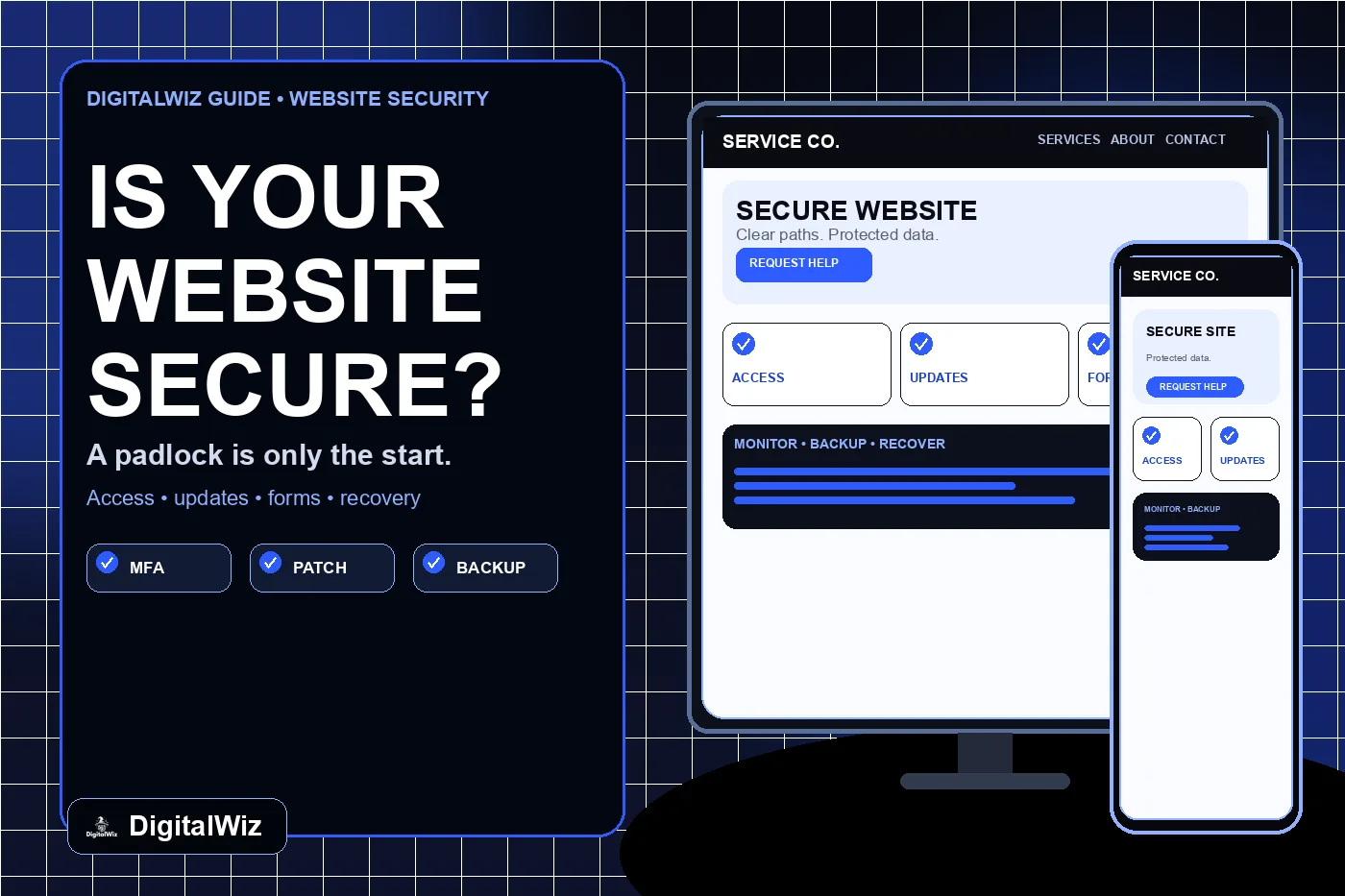
The image above is an illustrative website-security review interface, not a client system, scan result, certification, or guarantee.
- Ownership: the business controls the domain, hosting, code, data, billing, and recovery paths.
- Access: named users have only the permissions they need, with multifactor authentication enabled.
- Software: the platform, packages, plugins, themes, integrations, and runtime remain supported and patched.
- Data: forms collect only what is needed and send it to an approved, monitored destination.
- Recovery: monitoring, logs, backups, restore tests, and an incident plan exist before something breaks.
Start with ownership and account access
List every system that can change the website or receive its data: domain registrar, DNS provider, hosting platform, source repository, content management system, deployment service, form provider, email inbox, analytics, tag manager, booking tool, payment provider, chat tool, and backup location. Record the business owner, technical owner, recovery email, billing contact, and current users for each one.
Use individual accounts instead of a shared agency password. Remove former staff and vendors, reduce administrator access to the people who need it, and enable multifactor authentication wherever the provider supports it. CISA places strong passwords, MFA, prompt software updates, logging, backups, and incident preparation among its core practices for small and medium businesses.
Confirm that the business can remove a vendor without losing the domain, website, customer inquiries, analytics history, or deployment access. The DigitalWiz guide to giving an agency access without sharing passwords explains how to use owned accounts and role-based access instead.
- Business-controlled owner account and recovery method for every critical service
- Named users, least-privilege roles, and no unexplained administrators
- MFA on registrar, DNS, hosting, repository, CMS, email, analytics, and payment accounts
- Documented offboarding for employees, freelancers, and agencies
- No secrets, API keys, or recovery codes stored in public code or ordinary shared documents
Check HTTPS, mixed content, and browser protections
Open the final public URL and confirm that HTTP redirects to the preferred HTTPS version, the certificate is valid for the hostname, and important pages and assets load without mixed-content warnings. Check both the preferred host and any public alternate such as www so an old or misconfigured deployment is not left exposed.
MDN lists HTTPS for every page and subresource as a core web-security practice, along with controls for cross-origin requests, cookies, user input, third-party resources, authentication, secrets, and dependencies. That is why the browser padlock should be read as “this connection is protected,” not “this entire website has been audited.”
Have a developer review response headers for the actual application. OWASP documents protections such as Content Security Policy, frame restrictions, X-Content-Type-Options, Referrer-Policy, and Strict-Transport-Security. These controls must fit the site: copying a strict header without testing can break forms, embeds, analytics, payments, or legitimate third-party resources.
- HTTP redirects to one preferred HTTPS hostname.
- Certificate covers every public hostname and renews reliably.
- Pages, images, scripts, fonts, forms, and embeds avoid insecure HTTP resources.
- Security headers are reviewed and tested against real site features.
- Cookies and authenticated areas use settings appropriate to their purpose.
Keep the software and supply chain current
Identify what actually runs the site: framework or CMS, server runtime, plugins, themes, packages, build tools, form handlers, third-party scripts, and external widgets. Record supported versions and where security notices arrive. An automatic update setting is useful only if someone notices failed builds, broken pages, or incompatible changes afterward.
The FTC advises small businesses to update software and back up files regularly, while CISA recommends prompt installation of security updates. Prioritize known exploited or critical issues that affect the components you use, remove abandoned extensions, and replace software that no longer receives fixes. Test consequential changes in a controlled environment or with a verified rollback path.
Limit third-party code to tools with a clear owner and purpose. A chat widget, scheduler, map, analytics tag, review badge, or advertising script can affect privacy, performance, and security even when the main site code is sound. Keep an inventory and remove tools the business no longer needs.
- Supported framework, CMS, runtime, plugins, themes, and packages
- Security notices routed to a person who can act
- Dependency and secret scanning in the development workflow where appropriate
- Unused plugins, accounts, scripts, and integrations removed
- A tested rollback or restore path before consequential updates
Review forms, uploads, logins, and collected data
Map every place a visitor can send information: contact forms, quote requests, chat, booking, newsletter signup, account creation, file uploads, payments, and embedded tools. For each one, record what is collected, why it is needed, where it goes, who can access it, how long it remains, and what happens when delivery fails.
Collect the minimum information needed for the next step. An ordinary estimate form rarely needs account passwords, government identifiers, payment card details, medical information, or confidential project files. If sensitive data is genuinely required, use a system designed and governed for that purpose rather than sending it through a general contact form or unprotected email path.
Test server-side validation, spam controls, file-type and size restrictions where uploads exist, authorization for private records, and truthful success messages. A form that displays “sent” without delivering the inquiry is an operating failure; the DigitalWiz guide to a contact form that sends no email covers that complete delivery path.
- Every field has a defined business need and approved destination.
- Private records require authorization; hidden links are not access control.
- Uploads are restricted, stored safely, and scanned or handled according to risk.
- Success messages reflect actual delivery, not only a front-end animation.
- Retention, deletion, vendor access, and privacy statements match real behavior.
Monitor the site and know the warning signs
Monitor more than uptime. Watch certificate renewal, public-page changes, deployment failures, unusual administrator logins, repeated authentication failures, unexpected DNS edits, form-delivery errors, new users, modified files, dependency alerts, and traffic or search changes that could indicate spam pages or redirects.
Warning signs include unknown pages appearing in search, visitors being redirected elsewhere, browser or search-engine warnings, unfamiliar administrator accounts, changed contact details, sudden outbound email, unexplained code or DNS changes, disabled security tools, and forms sending data to a new destination. One sign is not a diagnosis, but it deserves prompt investigation.
Keep logs long enough to investigate the systems that matter, restrict access to them, and avoid storing sensitive form contents merely because logging makes it convenient. Alerts need an owner, severity, and response path; an unread notification is not monitoring.
- Availability and certificate checks for important public routes
- Alerts for account, DNS, deployment, code, and integration changes
- Form-delivery tests that verify the business receives a labeled test once
- Search and site checks for injected pages, redirects, or altered contact details
- A named person and escalation path for each important alert
Back up the right things and test recovery
A backup is useful only when it contains what the business needs, is protected from the same failure as the live site, and can be restored. Depending on the platform, recovery may require source code, database content, uploaded media, environment settings, DNS records, form configuration, deployment settings, and documentation for third-party services—not just a zip file of visible pages.
Define how much data the business can afford to lose and how long the site can be unavailable. Use those limits to choose backup frequency and retention. Keep clean copies separated from ordinary production access where practical, protect backup accounts with MFA, and run a restore test in a safe environment on a schedule tied to the site’s change rate and business risk.
Write a short incident plan before it is needed: who can take the site offline, who preserves evidence, who contacts hosting and security providers, how customers use a fallback channel, who handles required notifications, and how the team decides a restored version is safe to return to service. CISA and the FTC both emphasize recovery and incident planning as part of ordinary business security.
- Backup scope includes code, data, media, configuration, and recovery instructions.
- Copies are protected from the same compromised account or failed system.
- Retention and frequency match acceptable data loss and downtime.
- A real restore test confirms the backup can produce a working site.
- Incident roles, provider contacts, fallback operations, and escalation are documented.
Use a practical website security review
Begin with an inventory, not a badge. Confirm business ownership and MFA, inspect the final HTTPS hosts, review supported software and third-party code, map every data path, test important forms and private areas, review browser protections with a developer, and restore a recent backup in a controlled environment. Record evidence, owners, and follow-up dates rather than marking a permanent “secure” checkbox.
Use scanners as one input. The MDN HTTP Observatory can identify certain browser-header practices, but a homepage scan cannot verify account ownership, authorization, data handling, plugin status, form delivery, backups, or incident readiness. Different applications also need different controls, so interpret findings in context before changing production settings.
Need help inventorying the public website, lead path, integrations, and maintenance gaps before deciding what to fix? Review DigitalWiz Website Development, run a free BizScore audit, or contact DigitalWiz. For a formal penetration test, compliance review, or active incident, use a qualified security provider for that scope.
- Inventory the systems, owners, users, data, dependencies, and vendors.
- Verify HTTPS, headers, supported software, and high-risk site features.
- Test forms, access controls, alerts, backups, and recovery.
- Prioritize findings by customer harm and business disruption.
- Recheck after meaningful changes; security is an operating process.