How Often Should I Update My Small Business Website?
Update customer-facing facts as soon as they change, monitor critical paths continuously, review important pages monthly, and run a deeper content and technical review each quarter.
The direct answer
Update a small business website whenever a customer-facing fact changes; do not wait for a monthly maintenance day to correct hours, services, staff, prices, policies, phone numbers, locations, availability, or an offer that has ended. Monitor uptime and important lead paths continuously where practical, review the pages customers use most at least monthly, and run a broader content, accessibility, performance, and technical review each quarter.
Treat that as a practical starting schedule, not a universal rule. A restaurant changing menus, a contractor running seasonal services, and a professional firm with stable information have different update needs. The right frequency follows change and risk: the more often the business changes, the more transactions the site handles, and the more plugins or third-party tools it depends on, the shorter the review interval should be.
Do not rewrite pages merely to make them look fresh. A useful update corrects a fact, improves an answer, repairs a customer path, strengthens accessibility, or resolves a technical problem. Keep a record of what changed and verify the live site after the release.
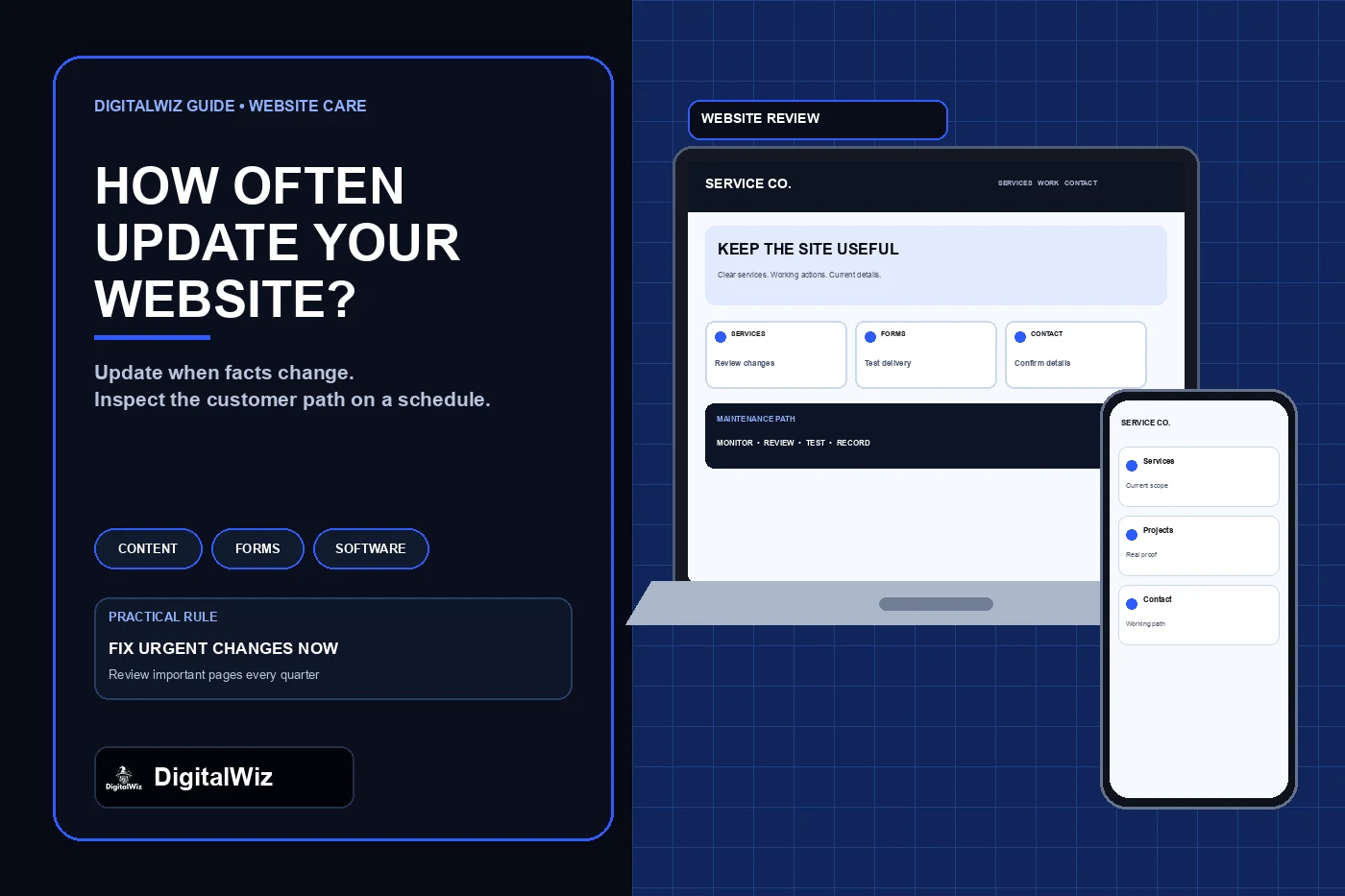
The image above is an illustrative website-maintenance interface, not a client website, audit result, or performance claim.
- Immediately: changed business facts, urgent security updates, broken forms, and unavailable services.
- Continuously or daily: uptime, certificate, form-delivery, and obvious error monitoring where available.
- Monthly: important pages, calls, forms, booking, analytics, software notices, and backups.
- Quarterly: complete content, link, accessibility, mobile, performance, and search review.
- Annually: ownership, vendors, platform fit, recovery plan, and larger design or architecture decisions.
Separate change-driven updates from scheduled maintenance
Two clocks govern website maintenance. The first is event-driven: something changed in the business or broke on the site, so the page needs attention now. The second is scheduled: nothing obvious has failed, but the business checks for quiet problems before customers find them.
Event-driven updates include a new service, discontinued offer, changed service area, revised hours, new phone number, staff departure, policy change, expired promotion, sold-out event, or a platform warning. Scheduled reviews catch less visible drift: an old team bio, a form that displays success but sends no message, an expired project link, a mobile menu that no longer closes, or a third-party widget that loads slowly after a vendor change.
Assign an owner to each type of change. The person who approves business facts may not be the developer who installs software updates, and the person reading lead notifications may be the first to notice a delivery failure. A small ownership table—item, source of truth, reviewer, update trigger, and last test—is more useful than a vague instruction to “keep the website current.”
Correct customer-facing facts as soon as they change
Start with information that can cause a customer to make the wrong decision. Check hours, phone and email links, address or service area, active services, pricing language, financing or warranty descriptions, staff and credential claims, response expectations, promotions, inventory or availability, and the next step after a form or booking request.
Update every surface that repeats the fact. A phone number may appear in the header, footer, contact page, structured data, ad landing pages, call-tracking fallback, and downloadable files. Hours may also appear on a Google Business Profile or booking tool. The website edit is incomplete if another owned surface still contradicts it.
Keep the claim no broader than the verified business information. Do not convert a service update into an invented result, customer story, review, certification, or local project. If a page depends on a subject-matter decision—such as legal wording, regulated advice, warranties, or safety instructions—route that part to the appropriate qualified owner before publishing.
- What changed, and what is the source of truth?
- Which pages, schema fields, files, profiles, and campaigns repeat it?
- Does the call, form, booking, or payment path still match the new information?
- Who confirms the live change is accurate after deployment?
Use monitoring for failures that should not wait a month
A calendar review is too slow for an outage, certificate problem, broken form, failed checkout, or compromised site. Use automated monitoring where it is appropriate, then define who receives the alert and what a successful response looks like. An unread alert is not a maintenance system.
Monitor more than the homepage. Include important service and campaign pages, the contact or estimate path, booking or checkout handoffs, and the confirmation state. A page returning a successful status code does not prove that the menu opens, the form reaches the business, or the scheduling provider accepts a request.
Run labeled test submissions on a sensible schedule and exclude them from lead totals. The DigitalWiz guide for a form that says sent but delivers no email explains why the visible confirmation and the business-side receipt both need verification. Keep a fallback contact method available when a third-party tool fails.
- Public pages return the expected response and certificate.
- Primary navigation, phone links, and contact actions work on mobile.
- Test forms or bookings reach the monitored destination once.
- Error and uptime alerts go to a person who can act.
- Recovery steps and vendor contacts are available outside the failed system.
Run a monthly operating review
Once a month is a useful default for the pages and systems most likely to affect a lead. Read the homepage, top service pages, active landing pages, contact page, and the most-used customer resources as a first-time visitor. Confirm that the opening answer, proof, scope, service area, next step, and contact expectations still match the business.
Review software and vendor notices during the same operating window. CISA advises businesses to establish regular patching procedures, prioritize critical vulnerabilities, enable automatic updates where appropriate, and replace unsupported systems. For a website, that can include the content management system, plugins, themes, server packages, form tools, analytics tags, and external widgets. The exact process depends on the platform; test consequential updates against a backup or controlled environment rather than clicking through blindly.
Check account access and billing too. Confirm that the domain, hosting, analytics, form destination, email service, and major integrations remain under business-controlled ownership with current recovery methods. The DigitalWiz guide to giving an agency access without sharing passwords provides a safer role-based approach when outside help maintains the site.
- Read the main customer pages for accuracy and clear next steps.
- Submit one labeled test through each important lead path.
- Review software, integration, security, and end-of-support notices.
- Confirm backups and a practical restore path exist for the current platform.
- Remove access for former staff or vendors without disrupting business ownership.
Use the quarterly review to find content and experience drift
A quarterly review should look beyond the obvious pages. Inventory indexable URLs, navigation, internal links, downloads, redirects, structured data, image descriptions, third-party embeds, and campaign destinations. Identify outdated facts, duplicated answers, pages with no clear owner, broken destinations, and pages that no longer support a real customer question.
Review accessibility throughout ordinary development, not only during a redesign. W3C recommends evaluating accessibility early and throughout the development process and notes that automated tools cannot determine conformance by themselves. Combine automated checks with keyboard use, visible focus, text zoom, mobile testing, form errors, headings, labels, alternative text, and knowledgeable human evaluation when a conformance decision is required.
Check performance on representative templates and real customer paths. Field data, repeated lab tests, error reports, and observed task failures can reveal different problems. The DigitalWiz guide to small business website speed explains how to evaluate main-content loading, interaction responsiveness, layout stability, and the business action together.
Do not create new articles or city pages simply to make the site look active. Add or revise a page when the business has a real question to answer, verified information to contribute, and a useful place for the page in the customer journey. When an existing page already satisfies the intent, improve it in place instead of publishing a synonym.
Update dates and sitemap signals honestly
A changed footer, build timestamp, or spelling correction does not make every page newly published. Preserve the original publication date and add a modified date only when the page received a meaningful update that readers would recognize. Keep the visible date, structured data, and other machine-readable dates consistent.
Google's guidance on dates for web pages says it can make sense to use a fresh date after a substantial change, but warns against artificially freshening content without significant new information. That makes the date part of the editorial record, not a decoration for search results.
Use sitemap `lastmod` the same way. Google's lastmod guidance says the value should consistently match reality and represent a significant modification, such as changed primary text, structured data, or links. Do not stamp every URL with the deployment time when the page itself did not materially change.
- Keep the original publish date for the original article.
- Use a modified date only after a meaningful reader-facing change.
- Align visible dates, structured data, feeds, and sitemap values.
- Record what changed so another maintainer can understand the date.
- Never imply a new review, result, or firsthand experience that did not occur.
Review the strategy annually without forcing a redesign
Once a year, review the website as an owned business system. Confirm domain and hosting ownership, account recovery, vendor responsibilities, renewal dates, backups, privacy and consent setup, accessibility process, analytics purpose, active integrations, platform support, and the route from a visit to a qualified outcome.
Ask whether the current structure still fits the offers and customers. A new service may deserve a focused page. A retired service may need careful in-place correction or a planned redirect. A growing project library may need better navigation. Those are evidence-based changes; they do not require replacing the visual design on an arbitrary anniversary.
Redesign when the current system blocks a real goal, cannot be maintained safely, no longer supports the content structure, fails important mobile or accessibility needs, or requires a platform migration. Preserve useful URLs, metadata, forms, tracking, and verified content during that work. The DigitalWiz guide to redesigning without losing SEO covers that release plan.
Need a practical inventory of what is outdated, broken, slow, or unclear before deciding what to rebuild? Run a free BizScore audit or contact DigitalWiz for a website review tied to the customer path rather than a cosmetic update quota.
- Keep: accurate pages and routes that still help customers.
- Improve: pages with useful intent but weak, stale, or incomplete answers.
- Repair: broken customer paths, accessibility barriers, and unsupported dependencies.
- Plan carefully: URL changes, platform migrations, and redesigns.
- Measure: completed customer actions and verified delivery, not update volume.