Should My Small Business Use a One-Page or Multi-Page Website?
A one-page website can work for one simple offer and one next step. Use multiple pages when customers need separate service answers, proof, locations, or search destinations.
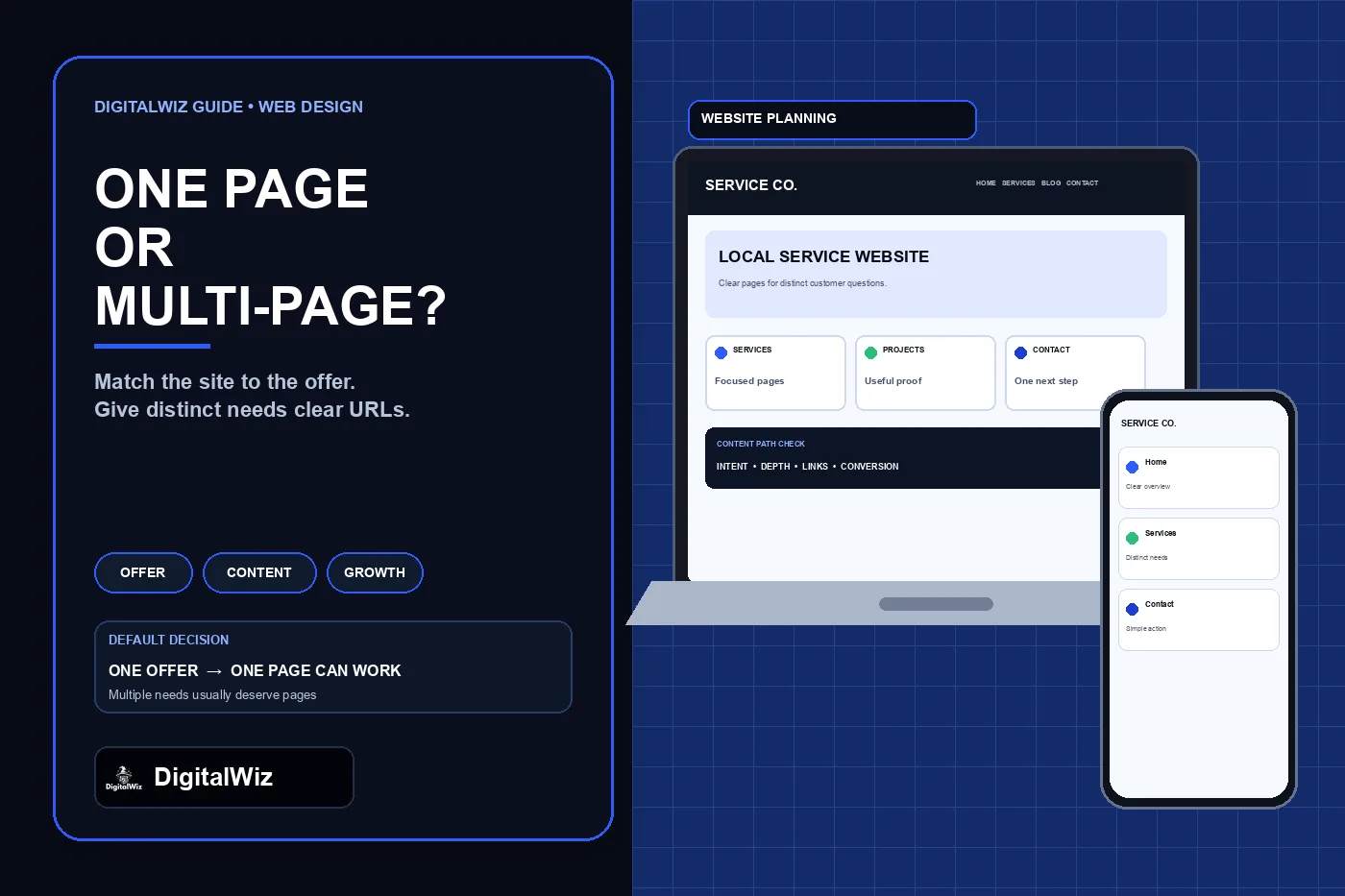
The direct answer
Use a one-page website when the business has one straightforward offer, one main audience, and one primary action such as calling, booking, joining a waitlist, or requesting a quote. The page still needs enough detail to explain the offer, establish trust, answer the main objections, and make the next step easy.
Use a multi-page website when customers arrive with different needs: several services, multiple locations, separate residential and commercial work, project examples, detailed processes, financing or warranty questions, recruiting, resources, or different conversion paths. Give each genuinely distinct need a useful URL instead of forcing every visitor through one long scroll.
The decision is not “modern design versus old design,” and it is not a guarantee about rankings or conversion rates. It is an information-architecture decision. Choose the smallest structure that answers the real buying questions clearly today and can expand without rebuilding the site around an avoidable limitation.
Illustrative website-planning interface, not a client website, ranking result, or performance claim.
- One offer, one audience, one action: a one-page site may be enough.
- Distinct services, questions, audiences, or locations: use focused pages.
- A paid-ad landing page can stay focused without replacing the full business website.
- Do not create thin pages merely to increase the page count.
- Plan the next likely pages before choosing a platform or template.
When one page is the better first release
A one-page site can be the right first release for a new business with one defined service, a campaign or event, a temporary launch, a personal portfolio, a waitlist, or an offer that people already understand from referrals. It can also be a practical validation site while the business learns which questions, services, and traffic sources deserve deeper pages.
Keep the page focused rather than short for its own sake. Use a clear headline, service fit, meaningful details, trust information that can be verified, process, common objections, contact options, and one primary call to action. Add a sticky or repeated action when the page is long, but avoid turning every section into a different demand.
A one-page site still needs normal website fundamentals: a descriptive title and meta description, an accessible heading structure, readable text, working forms and phone links, privacy and terms links where applicable, fast mobile behavior, analytics that respect consent, and an honest not-found response for invalid URLs. “Only one page” is not permission to ship an untestable brochure.
- Single offer with a short buying path
- Referral or direct traffic that already knows the business
- Event, launch, waitlist, campaign, or temporary proof of concept
- Enough verified content for one strong page but not several useful pages
- A written expansion plan if additional services or search goals appear
When multiple pages earn their place
Build multiple pages when the business has separate services that customers evaluate independently. A useful service page can answer scope, fit, exclusions, process, proof, related questions, and the correct action without making a visitor decode the entire company. Industry pages can be appropriate when the work, language, requirements, or proof really changes—not when the same paragraph is copied under a new label.
Separate pages also help when the site has substantial project details, case studies, resources, hiring information, customer support, or location-specific operations. Each page should have a durable purpose. A thin “Services” page plus six near-empty service pages is not automatically better than one complete service guide.
Google's developer guide for Search says that all pages should be reachable from another findable page and that JavaScript applications with one HTML page should give each screen or individual piece of content a URL. That does not mean every accordion or sentence needs a URL. It means important, distinct content should be discoverable, addressable, and testable rather than hidden behind a state that cannot be reliably opened or shared.
A focused multi-page foundation for many service businesses might include Home, About, Services, one page for each materially distinct service, Projects or Case Studies when real examples exist, Service Area information where it adds real operational value, Contact, and required policies. Add a blog or resource library only when the business can publish useful answers rather than keyword-swapped filler.
Do not confuse a one-page website with a landing page
A one-page website is the business’s primary public site. It has to introduce the company, explain the offer, provide trust and contact information, support branded searches, and handle ordinary visitors from many sources. A landing page is a focused destination for a particular campaign, audience, or offer. It can remove broad navigation and concentrate on one action because the ad, email, QR code, or referral already supplied context.
A business may need both. The main website can use several durable pages for services and trust, while a Google Ads campaign sends visitors to a focused page aligned with one ad group and offer. The DigitalWiz guide on separate Google Ads landing pages explains that the landing page should match the ad’s promise and conversion path rather than act as a substitute for every other business question.
Keep campaign destinations governed. Decide whether they should be indexed, include them in analytics and consent testing, use accurate canonicals, and retire or redirect them carefully when the offer ends. Do not fill the public index with dozens of lightly changed landing pages for cities, trades, or keywords.
Avoid the technical traps of single-page applications
A one-page business website and a JavaScript single-page application are not the same thing. The first describes content structure. The second describes how the interface is rendered and routed. A multi-route website can feel instant and app-like, while a visually simple one-page site can still use excessive JavaScript poorly.
Google's JavaScript SEO documentation explains that JavaScript content goes through crawling, rendering, and indexing, and recommends server-side or pre-rendering because it helps users and crawlers and because not every bot runs JavaScript. If the site uses client-side routing, important views should have real URLs, links should contain resolvable href values, and invalid routes should return or lead to meaningful error handling rather than a 200-status empty screen.
Test the production build with JavaScript failures, slow connections, direct visits to deep URLs, browser back and forward controls, refreshes, and invalid routes. Confirm that titles, descriptions, canonicals, headings, text, links, forms, and structured data appear in the rendered page. A design that works only after a perfect client-side load is fragile regardless of how many pages appear in the menu.
- Every important view has a stable, shareable URL.
- Direct visits and refreshes return the correct page.
- Navigation uses crawlable href links.
- Invalid routes produce an honest 404 or controlled noindex error state.
- Critical text and metadata appear in rendered HTML.
- Mobile forms, calls, menus, and back-button behavior are tested.
Use a reversible launch plan
If the right answer is still unclear, launch the smallest structure that preserves future options. Choose a platform that supports clean routes, reusable page templates, redirects, editable metadata, analytics, forms, and an XML sitemap. Reserve sensible service paths even if only the strongest page is ready today. Do not lock the business into a builder that can publish one screen but cannot add a normal service page without a migration.
Set expansion triggers in advance. Add a dedicated page when a service becomes a real offer with distinct scope and proof, when sales conversations repeatedly need the same deeper answer, when a campaign needs a better-matched destination, or when reliable search and lead data show that one combined page is serving conflicting intents. Expansion should follow evidence and customer needs, not a target page count.
If an existing one-page site already receives traffic and leads, do not replace its URLs casually. Preserve the homepage, map any new routes, update internal links and navigation, maintain analytics and form tracking, and test the release on mobile and desktop. The DigitalWiz guide to redesigning without losing SEO covers the launch inventory and redirect work when URLs change.
Need a page map that fits the services customers actually buy? Review DigitalWiz Website Development, run a free BizScore audit, or contact DigitalWiz for a practical website-structure review.
- Map today’s real audiences, offers, questions, proof, and actions.
- Launch one strong page when one decision genuinely covers the business.
- Create separate pages only for distinct, maintainable customer needs.
- Keep campaign landing pages focused but governed alongside the main site.
- Test links, routes, metadata, forms, analytics, and mobile behavior before launch.