How Fast Should a Small Business Website Load?
Aim for real visitors to see the main content within 2.5 seconds, receive a response within 200 milliseconds after interacting, and avoid disruptive layout shifts—not merely a perfect one-time speed score.
The direct answer
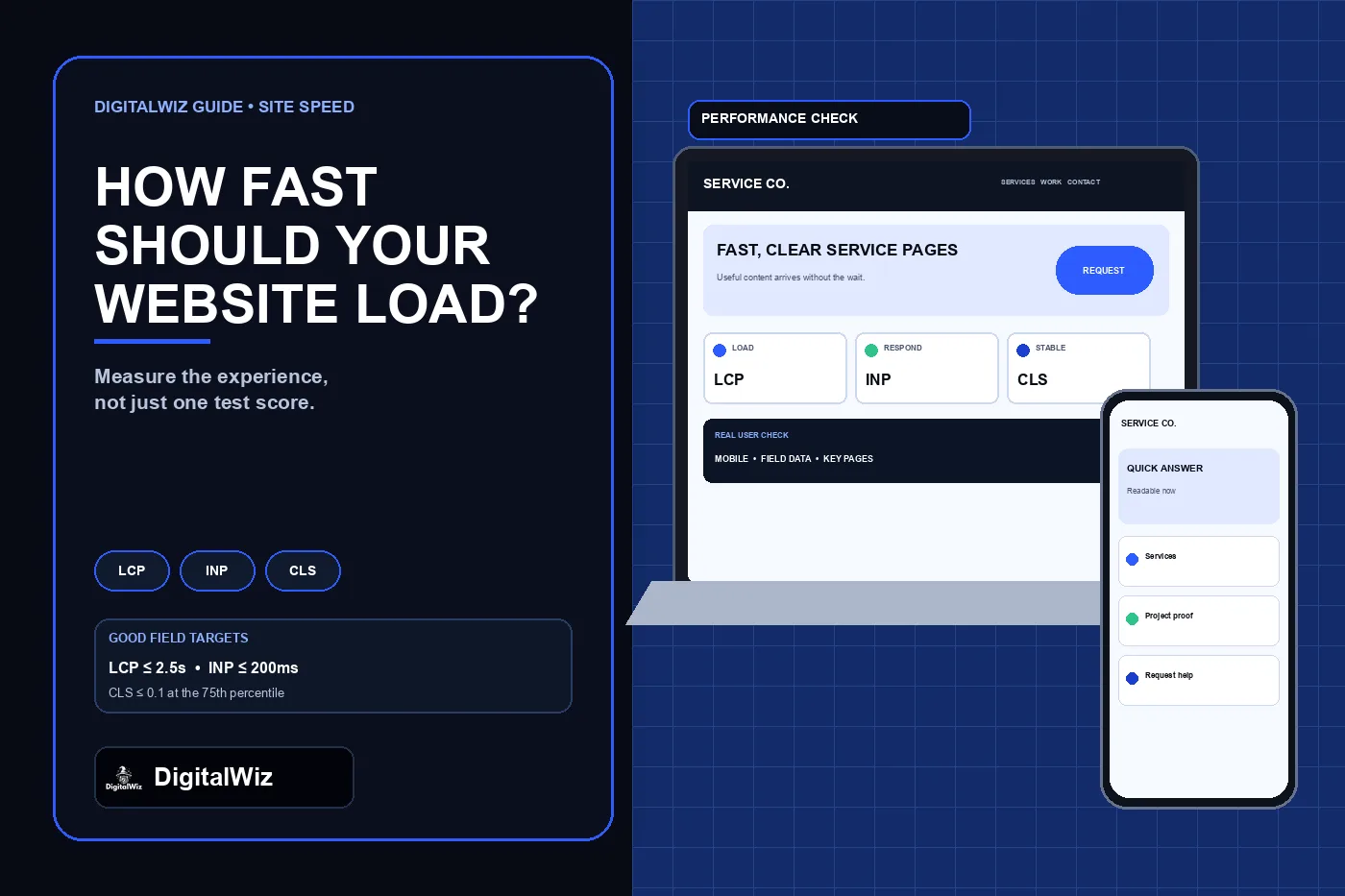
A small business website should feel useful quickly on an ordinary phone and connection. A practical target is to meet Google’s good Core Web Vitals thresholds for real users: Largest Contentful Paint within 2.5 seconds, Interaction to Next Paint at 200 milliseconds or less, and Cumulative Layout Shift at 0.1 or less. Evaluate those results at the 75th percentile separately for mobile and desktop, rather than treating one fast test as proof that every visit is fast.
Those three measures answer different questions. LCP asks when the main visible content arrives. INP asks how promptly the page responds after a visitor clicks, taps, or types. CLS asks whether content stays in place instead of jumping while the page loads. A site can appear quickly but still feel broken if the menu freezes, the form lags, or the call button moves under a visitor’s thumb.
Do not optimize for a round number alone. Test the pages that create decisions—home, important service pages, paid-ad landing pages, contact, booking, and forms—and verify that their calls, forms, menus, and tracking still work after performance changes. The image above is an illustrative performance-planning interface, not a client website, speed result, or performance claim.
- LCP: 2.5 seconds or less for the main visible content.
- INP: 200 milliseconds or less for interaction responsiveness.
- CLS: 0.1 or less for visual stability.
- Measure the 75th percentile of real visits on mobile and desktop.
- Verify business actions as well as technical scores.
Use Core Web Vitals as the baseline, not the whole definition of fast
Google’s Web Vitals guidance defines LCP, INP, and CLS as the current Core Web Vitals and recommends evaluating them at the 75th percentile. That gives a shared baseline, but customers experience more than three metrics. They also notice when useful text is hidden behind a loader, a cookie banner covers the action, a third-party booking tool stalls, or a form confirms success without delivering the inquiry.
Treat speed as a customer path. The first screen should identify the service and next step. Navigation should respond without a long pause. Images should reserve their space. The phone link, form, scheduler, chat, and payment path should remain usable under realistic mobile conditions. A technically passing page can still waste time if it makes visitors hunt for the answer or load several unnecessary steps.
The right goal is therefore “fast enough for the intended task, consistently.” Core Web Vitals provide measurable limits. Task testing confirms whether a person can actually choose a service, review proof, request help, and receive a truthful completion state.
Read field data before chasing a Lighthouse score
PageSpeed Insights can show two different kinds of evidence. Field data comes from the Chrome User Experience Report and reflects eligible real-user visits over a trailing 28-day period. Lab data comes from Lighthouse in a controlled simulation and is useful for diagnosing a page before or after a change.
If field and lab results disagree, do not average them into one number. Field data tells you what a group of real visitors experienced; lab data helps reproduce likely causes. A new or low-traffic page may not have enough field samples, so PageSpeed Insights may show origin-level data or no field assessment. That absence is not a pass. Use repeated lab tests, browser performance tools, and your own privacy-conscious real-user monitoring when appropriate.
A Lighthouse performance score can vary between runs because the simulated environment and page activity vary. Record the tested URL, device mode, date, major third-party scripts, and the individual metrics. Fix the repeated bottleneck rather than optimizing for a screenshot of one high score.
- Field data: real eligible Chrome visits over time.
- Lab data: controlled diagnostics for reproducing problems.
- Page-level data: preferred when enough samples exist.
- Origin-level data: broader fallback that may hide page-specific problems.
- One score: a clue, not a complete business verdict.
Test the pages and states that customers actually use
Begin with a small page inventory. Include the homepage, the highest-value service page, the page receiving the most organic entrances, every active paid-ad landing page, the contact path, and any booking or quote flow. A fast homepage does not protect a slow campaign page or an embedded scheduler that appears only after several taps.
Test cold loads and repeat visits on mobile and desktop. Accept and reject optional cookies where the site offers that choice. Open the menu, expand service details, submit a labeled test form, trigger validation errors, tap the phone link, and complete the booking or checkout handoff without creating a real order. Watch for delayed controls, duplicate submissions, content shifts, and third-party widgets that arrive after the rest of the page.
Keep the test tied to a business outcome. If the form becomes faster but no longer sends campaign information, the change failed. If removing a script improves the score but disables call attribution, decide whether the script can be delayed or simplified without losing the measurement needed for a real decision. The broader DigitalWiz guide to testing website lead sources explains how to preserve the path from visit to qualified outcome.
Fix the largest visible delays first
When LCP is slow, identify the actual LCP element on the affected template. It may be a hero image, heading block, banner, or another visible element. Reduce server delay, make the critical resource discoverable early, avoid lazy-loading the above-the-fold hero, serve an appropriately sized modern image, and remove render-blocking work that postpones the element. Do not compress every image blindly while leaving the one critical image or server response untouched.
When INP is slow, inspect what runs after a click, tap, or keystroke. Large JavaScript tasks, heavy tag managers, chat tools, scheduling embeds, visual builders, and repeated event handlers can occupy the main thread. Load nonessential tools later, split long work, avoid re-rendering large interfaces for small changes, and test the real menu, form, and CTA after each change.
When CLS is high, reserve dimensions for images, videos, ads, embeds, and consent controls. Avoid inserting banners above existing content without space. Load fonts in a way that limits large text shifts, and keep sticky headers or promotional bars from changing height unexpectedly. Fix the unstable element, not merely the overall score.
- Slow main content: inspect the LCP element, server response, and critical resource path.
- Laggy controls: reduce main-thread work and delay nonessential third-party code.
- Jumping layout: reserve space and stop late content from pushing the page.
- Large payloads: resize and compress media for the rendered use.
- Template regressions: test one representative URL from every important layout.
Be strict with third-party scripts
Marketing sites often accumulate analytics tags, ad pixels, chat, heatmaps, review widgets, maps, video players, schedulers, consent tools, and form integrations. Each tool may be useful, but each one also adds requests, code, failure modes, and maintenance. Build an inventory that names the owner, purpose, pages, consent behavior, loading method, and removal plan for every third-party dependency.
Load a tool only where its job exists. A scheduler needed on one booking page may not belong on every article. A video can start with a lightweight poster and load the full player after a visitor chooses to play. A map may use a static link or preview until interaction. These choices reduce initial work without pretending the feature disappeared.
Never remove measurement or consent controls just to improve a score. Simplify the implementation, reduce duplication, and confirm that the remaining setup records the intended event once. The DigitalWiz article on testing Google Ads conversion tracking shows why a fast page with an unverified conversion path is still an incomplete launch.
Protect speed with budgets and release checks
Performance is easier to preserve than to recover after months of additions. Set a modest budget for critical images, page JavaScript, fonts, and third-party requests on the main templates. The exact budget depends on the site, but the rule should be enforceable: a new feature must explain what it adds, what it costs, where it loads, and how it will be tested on a phone.
Before a release, compare the changed page with the current production version under the same lab conditions. Check the individual LCP, INP diagnostic proxies, CLS, request waterfall, and transferred bytes. Then run the customer task: navigation, call, form, booking, payment, or another monitored action. After deployment, watch field data long enough to capture the new version instead of declaring success from the build alone.
Document the last known good result and the release that changed it. If a regression appears, that record narrows the search to a template, asset, tag, embed, or deployment. Repeating this check on a few representative pages is more useful than occasionally testing only the homepage.
- Set budgets for critical images, JavaScript, fonts, and third parties.
- Test representative templates before deployment.
- Run the full call, form, or booking path after optimization.
- Compare production field data after the updated version has enough time and samples.
- Assign an owner for regressions and unnecessary scripts.
Use a simple small-business speed review
Choose five to ten URLs that represent the business, not every URL on day one. Run mobile and desktop PageSpeed Insights, note whether the result is page-level or origin-level, and record the Core Web Vitals status. Use browser tools or a developer review to identify the actual LCP element, long interactions, layout shifts, heavy media, and third-party work.
Prioritize by customer impact and repeatability. Fix a slow service-page template before polishing one low-traffic article. Repair a delayed contact form before shaving a small amount from a decorative image below the fold. Remove or defer a sitewide script before hand-tuning a single icon. Re-test the same URLs and tasks after each meaningful change.
Need a practical review of speed, mobile usability, website structure, and the path from visit to inquiry? Run a free BizScore audit or contact DigitalWiz. DigitalWiz can help identify which website changes should be addressed first without treating a single test score as the whole customer experience.
- Select representative pages and conversion paths.
- Record mobile and desktop field and lab evidence.
- Identify the specific element or script behind each problem.
- Fix sitewide and high-intent issues first.
- Re-test the technical metric and the real business action.