How Do I Choose Website Hosting for My Small Business?
Choose the least complex hosting setup that fits the website, keeps the business in control, defines who maintains each layer, proves recovery, and provides a practical support and exit path.
The direct answer
Choose the least complex hosting setup that can run your real website reliably and that your team can operate or support. The business should control the account or have durable administrative access, understand which party maintains each layer, know how the site is monitored, keep a recoverable copy outside the production failure path, and be able to move the site without losing its domain, data, or customer routes.
Do not choose from storage space and an introductory monthly price alone. Compare the website workload, account ownership, software support, security responsibilities, backup and restore process, support boundaries, renewal cost, resource limits, migration plan, and exit terms. A five-page brochure site, an active WordPress site, a booking system, and an online store do not have the same operating needs.
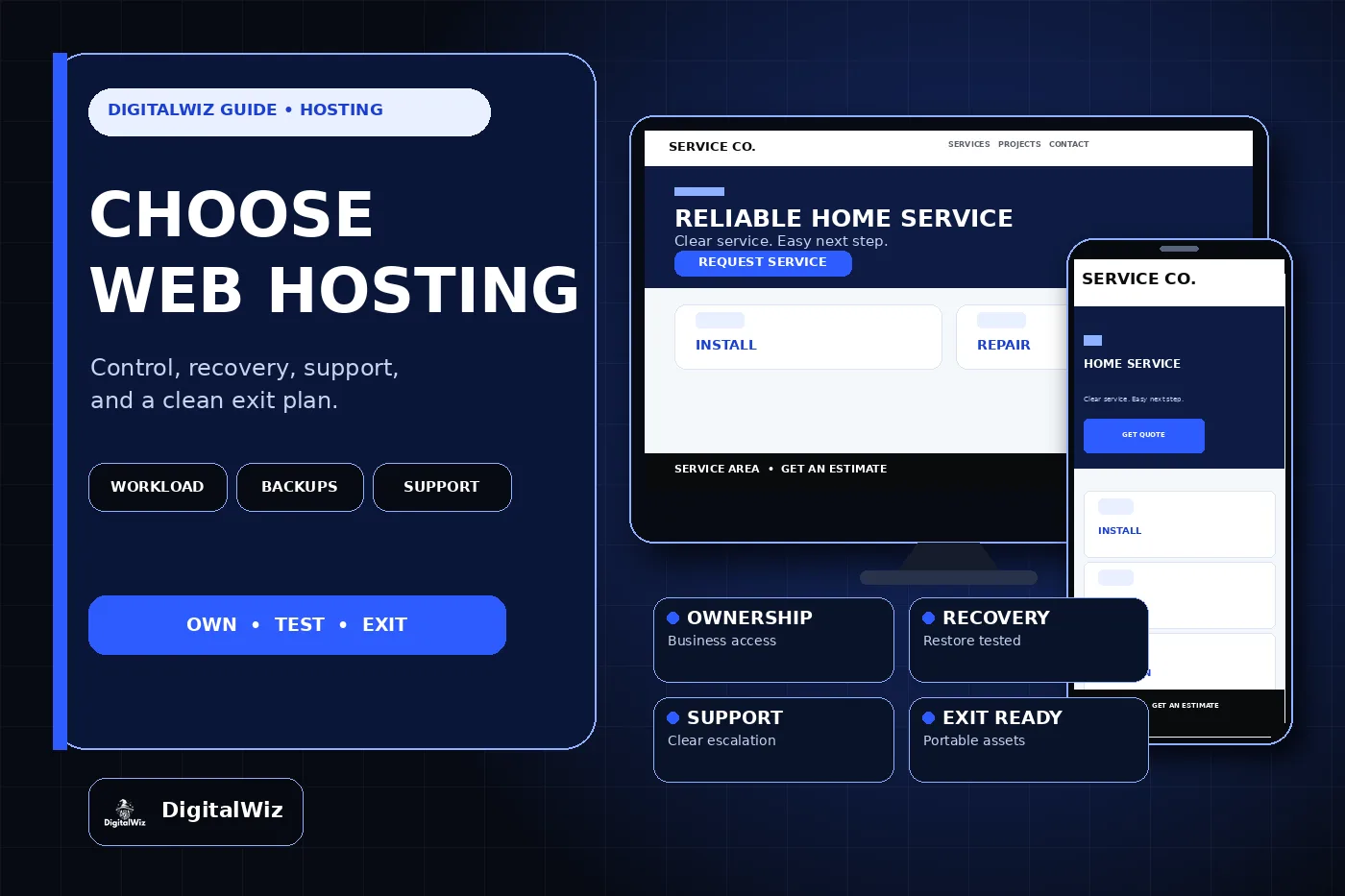
The website and hosting-control interface above are illustrative. They are not a client website, hosting provider dashboard, uptime result, security certification, or performance claim.
- Fit the hosting type to the website and the cost of failure.
- Put every maintenance and security responsibility in writing.
- Keep the domain, billing, recovery, exports, and administrator access under business control.
- Require a complete backup and a safe restore test.
- Confirm support, migration, renewal, and cancellation terms before signing.
Start with the workload, not a hosting label
Inventory what the website actually does. Record the platform, database, media library, forms, customer accounts, payments, booking tools, email delivery, analytics, advertising tags, third-party integrations, traffic patterns, storage, expected changes, and any legal or contractual requirements. Then identify what happens to customers and staff if the site is slow, unavailable, or missing recent data.
A static marketing site can often use a simpler managed platform because there is little server administration and no changing production database. A WordPress site needs a supported PHP and database environment plus clear ownership for WordPress core, themes, plugins, custom code, caching, backups, and updates. A store, member portal, or booking system may need more frequent data protection, stronger availability planning, application logs, staging, and a tested way to handle transactions during recovery.
Avoid buying a virtual private server merely because it sounds more professional. More control also creates more work: operating-system updates, firewall rules, account security, monitoring, backups, log review, certificates, capacity, and incident response need an owner. Choose self-managed infrastructure only when someone competent is assigned to run it.
- Website platform and supported software versions
- Changing data such as orders, accounts, bookings, forms, or inventory
- Third-party services and server-side integrations
- Normal traffic, campaign spikes, storage, and transfer needs
- Acceptable outage time and acceptable recent data loss
Define what managed hosting actually manages
The word “managed” is incomplete without a responsibility table. A provider may manage physical infrastructure and the operating system while leaving the website application, plugins, forms, analytics, and content to the customer. Another plan may include WordPress updates and backups but exclude custom code, malware cleanup, performance work, DNS, or email delivery.
Ask who owns server patches, runtime upgrades, application updates, staging, deployment, certificates, backups, restore tests, uptime monitoring, security alerts, form delivery, database work, and incident response. Name the person or provider that receives each alert and has permission to act. If two vendors share the work, document where one team’s responsibility ends and the other begins.
CISA’s website security guidance specifically tells organizations to discuss security roles and responsibilities with the hosting or managed-service provider. It also recommends multifactor authentication, supported software, HTTPS, backups, logging, vulnerability remediation, and recovery planning. A feature list is useful only when someone is accountable for configuring and maintaining the feature.
Keep control of the business assets
The business should control the domain registration and recovery path even when an agency manages the website. Record the registrar, DNS provider, hosting provider, billing owner, account administrators, recovery email, multifactor method, source repository, database, media storage, form destination, and backup locations. Use named accounts and delegated roles instead of one shared login.
Confirm that the business can add or remove administrators and export the website’s useful assets. Depending on the platform, that may include source code, theme and plugin files, database content, media, redirects, DNS records, environment configuration, form data, and deployment instructions. A proprietary platform may not export every feature in a portable form, so identify those limits before the website depends on them.
The DigitalWiz guides to choosing a business domain and giving an agency access without sharing passwords cover the ownership and delegated-access parts in more detail. Hosting convenience should not turn one vendor into the only person who can renew, recover, export, or move the business website.
- Business-controlled billing and recovery contact
- Multifactor authentication for privileged accounts
- Named, revocable access for staff and vendors
- Usable exports for content, files, database, and configuration
- A documented offboarding and account-recovery path
Ask for recovery evidence, not a backup checkbox
Ask exactly what the host backs up, how often each component is captured, how long versions are retained, where copies are stored, who can restore them, what a restore costs, and how much recent data could be lost. A server snapshot may be valuable, but it is not automatically a complete independent recovery plan for the application, database, media, DNS, forms, external services, and business-owned source files.
Keep at least one protected copy outside the same production account or failure path. Then restore a selected copy into a safe non-production destination and verify representative pages, images, forms, redirects, users, and integrations. CISA recommends automated backups kept remotely and tested disaster-recovery scenarios. The official WordPress backup guidance also distinguishes site files from the database and explains that both are needed for a typical full restore.
Set the schedule from acceptable data loss. A site that receives orders or account changes throughout the day may need a different database schedule from a brochure site updated twice a month. The DigitalWiz small-business website backup guide explains how to define the recovery point, recovery time, retention, separate storage, and restore drill without treating a green backup icon as proof.
- Scope: files, database, media, configuration, and required service data
- Frequency and retention matched to the website’s rate of change
- Protected copy outside the production failure path
- Named restore owner and expected recovery time
- A completed restore test in a safe destination
Test support before an outage
“24/7 support” may mean only that a ticket can be opened at any hour. Ask which channels your plan includes, who sends the first meaningful response, how infrastructure incidents are escalated, whether application help is included, and what happens when a problem crosses hosting, DNS, code, database, email, or an external integration.
Send one specific pre-sales question based on the planned website. A useful answer should explain the relevant limit, responsibility, and escalation path instead of repeating a product page. Read the provider’s status history, incident communication policy, backup documentation, resource-limit documentation, migration process, and cancellation terms. Support quality is easier to judge from concrete answers than from an unqualified response-time slogan.
Decide who monitors the website independently of the host. At minimum, important sites need a working external uptime check and a named recipient. Higher-risk websites may also need application errors, form delivery, certificate renewal, security events, database health, capacity, and key customer actions monitored. The alert must reach someone who can diagnose or escalate it.
- Support hours, channels, plan eligibility, and escalation route
- Infrastructure support versus application and integration support
- Incident updates and status history
- External monitoring and a named alert owner
- Emergency work, restoration, and after-hours costs
Compare the real cost and the exit path
Compare the standard renewal price, not only the introductory term. Add required licenses, backups, staging, storage, transfer, email, security tools, monitoring, support upgrades, management labor, migration, overages, and taxes. A low hosting invoice can still produce a high operating cost if every restore, update, or technical question becomes separate developer work.
Read what happens at cancellation. Confirm the notice period, data-retention window, export method, migration assistance, transfer charges, refund exclusions, and when backups disappear. Keep the domain registration separate from a hosting cancellation decision unless there is a deliberate reason to move both. The goal is not to avoid every proprietary feature; it is to understand what can move and what must be rebuilt.
Use a simple scorecard with evidence beside each claim. Mark account control, technical fit, resource limits, security responsibilities, recovery, support, monitoring, migration, exit, and multi-year cost. “Unlimited,” “fully managed,” and “secure” are not evidence until the provider defines the limit, task, and responsibility.
Prove the choice with a controlled migration
Before changing DNS, build and test the website on the new environment. Check representative pages, images, forms, downloads, login or checkout when applicable, redirects, certificates, analytics, email delivery, backups, and restore access. Preserve the current environment and a rollback path while the new one is being validated.
Google’s hosting-change guidance recommends preparing and testing the new infrastructure, changing DNS, monitoring traffic on the old and new hosts, and shutting down the old environment only when users and Googlebot are reaching the new one correctly. It also calls for removing temporary crawl blocks at launch and preserving Search Console verification.
The practical next step is to write a one-page hosting brief before requesting plans: website workload, required platform, changing data, integrations, ownership, responsibilities, acceptable data loss, acceptable outage, monitoring, support, migration, exit, and multi-year budget. If you need the hosting decision reviewed as part of the complete website and lead path, explore DigitalWiz Website Development or contact DigitalWiz for a practical plan.
- Build and test the complete site before DNS cutover.
- Keep the old environment and rollback information available.
- Verify crawl access, canonicals, forms, analytics, and certificates on production.
- Monitor both environments while DNS changes propagate.
- Cancel the old plan only after traffic and required data have fully moved.