How Do I Choose a Domain Name for My Business Website?
Choose the closest clear match to your real business name, favor an address people can hear and type correctly, check trademark conflicts, and keep registration and DNS control in a business-owned account.
The direct answer
Choose a domain that matches the name customers already hear from your business, is easy to say once and type correctly, and still makes sense if your services or territory grow. For most U.S. service businesses, the cleanest available .com is a practical first choice—not because .com receives a special ranking boost, but because it is familiar and reduces explanation.
Before buying, check the exact name and close variations in ordinary search results, business registries, relevant social platforms, and trademark records. Confirm that the address does not send people toward an established business in the same field. Then register it in an account the business controls, use a monitored business email, enable multifactor authentication, turn on renewal protection, and record who can change DNS.
Do not build the name around a string of services and cities merely to chase search rankings. Google says keywords in a domain have hardly any ranking effect by themselves and that the top-level domain usually does not matter unless it carries a real country-targeting purpose. A durable brand is more useful than a disposable keyword address.
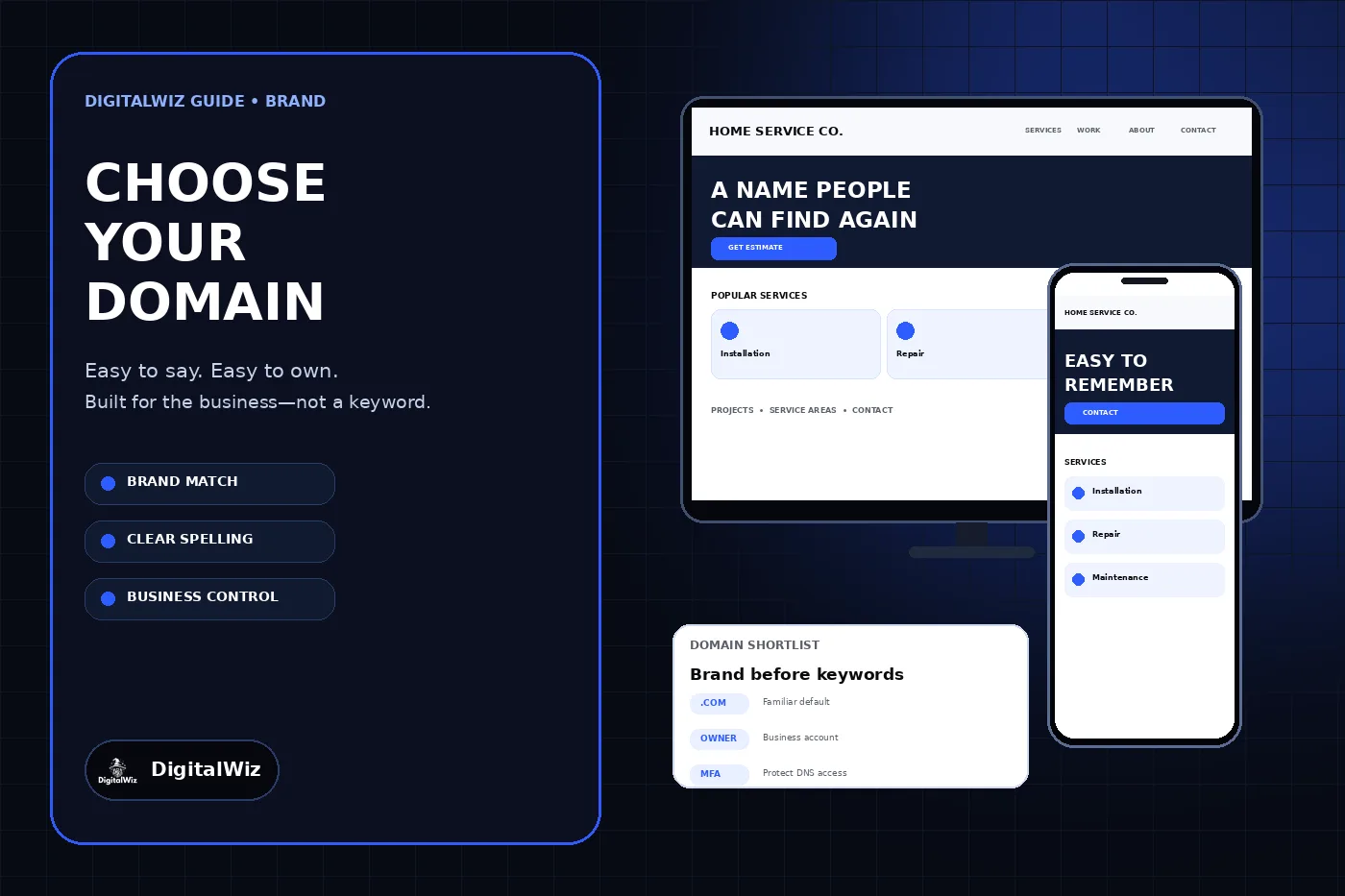
The website, device screens, and shortlist card shown above are illustrative. They are not a client website, registrar account, trademark clearance, search result, or security assessment.
- Match the real business name as closely as practical.
- Pass a spoken spelling test before buying.
- Check brand and trademark conflicts, not only availability.
- Choose the extension for customers and market scope, not an SEO myth.
- Keep registration, recovery, DNS, and renewal under business control.
Start with the brand customers will actually remember
Write down the exact public business name, the shorter name customers use in conversation, and any approved abbreviation. The best domain is usually one of those recognizable forms. Google’s site-name guidance recommends a unique, concise, commonly recognized name and consistent use across the homepage. That same discipline makes a domain easier to connect with the company on signs, invoices, email, vehicles, and search results.
Test every candidate out loud. Say it as part of an email address and over a phone call. Ask someone who has not seen it to type what they heard. Hyphens, numbers, repeated letters, unusual spellings, and words that run together can create avoidable mistakes. There is no universal character limit; clarity matters more than winning a shortest-name contest.
Leave room for the business to grow. A domain tied to one neighborhood, one narrow service, or one temporary offer can become misleading when the company expands. Location belongs in the domain only when it is a stable part of the brand or market—not as a substitute for useful service and location pages.
Treat .com as a default, not an SEO requirement
A .com address is a sensible default for many U.S. businesses because it is familiar and works across industries. If the exact .com is unavailable, compare the cost and confusion of acquiring it with the cost of choosing a clearer brand variation. Do not pay an inflated price or adopt an awkward company name merely because one domain is taken.
Other generic extensions can work when they fit the brand and customers will remember them. A country-code extension can be appropriate when the business genuinely targets that country. Google’s SEO Starter Guide says the top-level domain generally does not affect rankings, while country-specific domains can provide a location signal for the relevant market.
Check the same name on .com even if you plan to use another extension. If the .com belongs to an active company—especially one serving a similar audience—customers may land there by habit. That can be a reason to change the candidate rather than accepting permanent confusion. An available registration is not the same thing as a usable brand.
Check legal and market conflicts before committing
Search the exact wording, spelling variations, and similar-sounding names. Review businesses offering related goods or services, not only identical domains. Check the relevant state business registry, social accounts you plan to use, and the USPTO trademark search when the business operates in the United States.
The USPTO explains that registering a domain does not create trademark rights and that a domain may still conflict with someone else’s mark. A basic search can reveal an obvious collision, but it is not a legal clearance opinion. For a name central to a new company, expansion, franchise, or major investment, use a qualified trademark attorney for the appropriate scope.
Also inspect what currently exists at the candidate address and how the name has been used. A parked page, expired brand, unrelated international business, or prior reputation issue may each change the decision. Preserve screenshots and notes for the finalists so the choice is based on evidence rather than availability alone.
- Exact and similar names in web search
- Related businesses and local market confusion
- State business-name records where applicable
- Federal trademark records and broader clearance needs
- Existing site content, history, and active email use
- Matching social handles only on platforms the business will maintain
Keep the domain in a business-controlled account
The business should be the registrant or account owner, with a monitored recovery address it controls. A developer or agency may manage DNS for a launch, but the permanent registration should not depend on one vendor’s personal login or mailbox. The DigitalWiz guide to giving an agency access without sharing passwords covers the same ownership principle across website and marketing systems.
Record the registrar, account owner, recovery methods, renewal date, payment owner, nameservers, DNS provider, and approved administrators. Turn on automatic renewal when the registrar supports it, keep the payment method current, and add a separate calendar check before expiration. Renewal automation reduces risk, but it does not replace an owner who notices failed billing or account notices.
ICANN’s transfer guidance explains that the registered name holder or an authorized contact initiates transfers and that some changes can trigger a 60-day transfer lock. Keep contact information current and understand the transfer process before changing ownership details during a website move.
Protect registrar and DNS access from the start
Use a unique password stored in a password manager and enable multifactor authentication on the registrar and DNS provider. Prefer individual administrator accounts over a shared login when the platform supports them. Limit access to the people who need it, remove former vendors promptly, and keep recovery codes in a controlled location.
Domain control affects more than the website. DNS changes can redirect web traffic, disrupt email, or alter verification records. CISA recommends multifactor authentication for registrar and DNS accounts and verification that DNS records point to the intended destinations. Keep a change log and review nameserver, A or AAAA, CNAME, MX, and verification records after consequential changes.
Use registrar lock or equivalent transfer protection when available, but document how an authorized owner can remove it. Security that nobody can recover is another failure mode. The goal is controlled access, observable changes, and a tested recovery path—not simply enabling every switch in a dashboard.
- Business-owned account and monitored recovery email
- Unique password and multifactor authentication
- Automatic renewal plus an independent renewal reminder
- Registrar or transfer lock with a documented release process
- Named DNS administrators and a change log
- Periodic review of nameservers, web records, and mail records
Decide what to do when the first choice is taken
First determine whether the domain is in active use, parked for sale, or unavailable for another reason. If it supports an established business with a similar name, treat that as a brand-confusion warning. If it is legitimately for sale, set a budget before contacting the owner and use a reputable transaction process. Do not let one premium address consume money the business needs for the actual website and launch.
A clean variation can be better than a questionable purchase. Consider a natural company descriptor or approved short form that people can still say and spell. Avoid stuffing the domain with every service, city, superlative, and modifier. Also avoid intentionally confusing spellings that require an explanation in every advertisement and email address.
Buying defensive variants is optional, not a universal requirement. Protect a common misspelling or alternate extension when confusion is likely and the ongoing renewal cost is justified. Redirect those variants to the primary domain, maintain one canonical website, and keep every defensive registration in the same ownership inventory.
Use a final pre-purchase checklist
Before checkout, compare the finalists side by side. Confirm the chosen domain matches the public brand, passes the spoken spelling test, avoids obvious conflicts, fits the real market, and can remain useful if the business adds services or expands. Check the first-year price, renewal price, transfer terms, privacy options, DNS controls, MFA support, support process, and who will own the account.
After registration, save the receipt and ownership record, enable the agreed protections, connect the domain only through documented DNS changes, and test both the website and business email. Once the site launches, use one preferred HTTPS host, redirect other host variants consistently, and align the homepage name, canonical URL, structured data, analytics, and search tools.
Need help choosing an address and planning the website around a durable business brand? Review DigitalWiz Website Development, run the free BizScore audit, or contact DigitalWiz for a practical domain, site structure, and launch review.