What Should I Do About 404 Errors on My Small Business Website?
Fix 404s that break real customer paths, restore or redirect pages that moved, and leave truly nonexistent URLs as honest 404s instead of sending everything to the homepage.
The direct answer
Do not redirect every 404 to the homepage and do not treat every reported 404 as an emergency. First identify the exact URL, where people or crawlers found it, and what the missing page was supposed to do. Then choose one honest outcome: restore the page if it should still exist, permanently redirect it to a genuinely equivalent replacement if it moved, or keep a real 404 or 410 response if the resource is gone and has no suitable replacement.
Prioritize 404s that interrupt customer journeys: navigation links, service pages, paid campaign destinations, contact paths, booking links, downloadable files, heavily visited articles, and URLs with valuable external links. A mistyped address that never existed usually needs no action unless people repeatedly use it. Google explicitly says many 404s do not hurt site indexing or ranking when the URLs should not exist.
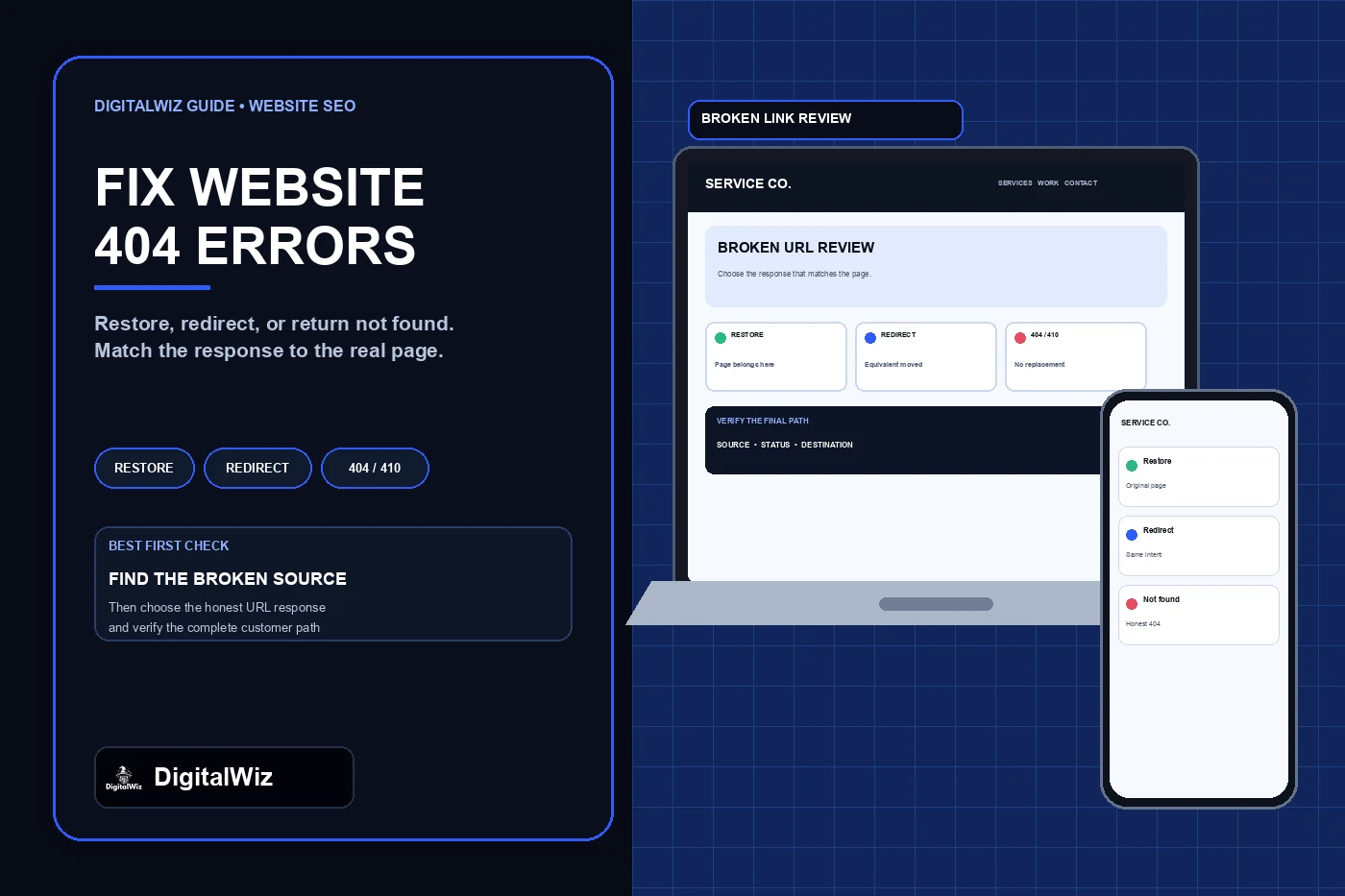
The image above is an illustrative broken-link review interface, not a client website, crawl report, search result, or performance claim.
- Page should still exist: restore the intended content at the original URL.
- Page moved to an equivalent replacement: use a direct permanent server-side redirect.
- Page was removed with no equivalent replacement: return an honest 404 or 410.
- Internal link is wrong: correct the link at its source, even if a redirect also exists.
- Unknown or mistyped URL: usually leave it as 404 unless the mistake is common and the intended destination is clear.
Start with the source of the broken URL
A 404 report is a list of symptoms, not a repair plan. Record the complete URL, response status, first known referrer, whether it appears in navigation or page content, whether it is listed in the XML sitemap, and whether it has traffic, conversions, or useful external links. Test the URL without being logged in and follow any redirects to the final response.
Check sources you control first: site navigation, buttons, article links, image and document links, structured data, canonical tags, hreflang when used, XML sitemaps, email templates, ads, QR codes, and business profiles. Fixing the source prevents customers and crawlers from repeatedly requesting the bad address. A redirect can protect old bookmarks and external links, but it should not become an excuse to leave broken internal links in place.
Search Console can show discovered 404 URLs, but the list is not necessarily a complete site crawl or a list of required fixes. The Page Indexing report treats an expected 404 for a removed page as a legitimate reason for a URL not to be indexed. Use a crawler, analytics, server or platform logs, and manual testing of important paths to find customer-facing failures that may not appear in that report.
- Customer impact: does the URL interrupt a call, quote, booking, purchase, or trust path?
- Discovery source: internal link, sitemap, external link, campaign, bookmark, or typo?
- Original intent: what content or action did visitors expect at this address?
- Replacement quality: is there one page that truly satisfies the same intent?
- Evidence: traffic, conversions, backlinks, campaign use, and current business relevance.
Know the difference between 404, 410, redirects, and soft 404s
A 404 response means the server cannot find the requested resource. A 410 response means the resource is no longer available and that condition is expected to be permanent. MDN distinguishes the two at the protocol level, while Google currently handles 404 and 410 responses similarly for Search: URLs returning ordinary 4xx responses are not indexed, and previously indexed URLs are removed over time.
A 301 or 308 response is for a permanent move. Google treats a permanent redirect as a strong signal that the destination should be processed as the canonical URL. A 302 or 307 is temporary and is appropriate only when the original URL is expected to return. Use server-side redirects where the platform allows them, point directly to the final destination, and avoid chains and loops.
A soft 404 is different: the server returns a successful 200 response, or sends visitors to an unrelated page, even though the requested content does not exist. That can confuse people and search systems. A friendly design does not make a response “soft”; a custom not-found page can still return the correct 404 status.
- 200: real content loaded successfully; do not use it for a missing-page message.
- 301 or 308: the resource permanently moved to a relevant replacement.
- 302 or 307: the move is temporary and the original URL remains the long-term address.
- 404: the requested resource is not found or its permanence is unknown.
- 410: the resource is intentionally gone and is not expected to return.
Restore the page when the original URL still matters
Restore rather than redirect when the 404 came from an accidental deletion, failed deployment, routing bug, expired content record, missing file, or broken integration and the original page should still serve customers. Keep the same URL when its purpose and content remain valid. That preserves bookmarks, internal links, campaigns, and any external references without adding another hop.
Confirm that restoration includes the real customer path, not only a page shell. The route should return 200, show the intended heading and useful content, load its images and downloads, appear in navigation or relevant internal links, use the intended canonical URL, and complete its call, form, booking, or purchase action.
If the problem followed a redesign or platform migration, compare the current site with the prelaunch URL inventory. The DigitalWiz guide to redesigning a website without losing SEO explains how to preserve useful URLs, map necessary moves, and test redirects before and after launch.
Redirect only when the replacement is genuinely equivalent
Use a permanent redirect when the old URL moved and one current page fulfills substantially the same purpose. A renamed service page can point to its new service URL. A merged article can point to the retained article when the destination actually contains the useful answer. A changed document path can point to the current version of that document.
Do not redirect unrelated deleted pages to the homepage, a broad service list, or whichever page you want to rank. Google warns that sending nonexistent URLs to unrelated pages can be treated as a soft 404. It is also poor customer service: the visitor expected one answer and received a generic destination with no explanation.
Test the HTTP response rather than trusting a dashboard setting. The old URL should return one direct 301 or 308 to a live 200 destination. Update internal links, navigation, canonical references, sitemap entries, ads, emails, and owned profile links to use the final URL directly. Keep a redirect record with the source, destination, reason, owner, and test date.
- Good redirect: old roof-repair service URL to the renamed roof-repair service URL.
- Good redirect: retired article to a consolidated article that now contains the same answer.
- Bad redirect: every deleted article to the homepage.
- Bad redirect: an unavailable service to an unrelated higher-margin service.
- Incomplete fix: redirect works, but navigation and the sitemap still publish the old URL.
Build a useful custom 404 page without hiding the error
A custom 404 page should say plainly that the requested page could not be found, preserve the normal site identity and navigation, and offer a few useful recovery choices. Include a link to the homepage, core services, contact page, and site search when the search actually works. For a service business, a visible phone or contact option can help a customer who followed an old link.
Keep the page lightweight and accessible. Use one clear heading, readable text, keyboard-accessible links, a sensible page title, and no automatic redirect. Do not imitate a real service page, insert keyword-heavy replacement copy, or display a success message that implies the content exists. Most importantly, verify that the server still returns 404 for an invalid route.
Test several nonsense URLs on desktop and mobile. A framework may render the right-looking not-found component while a hosting rewrite returns 200, or it may redirect every unknown path to the homepage. Visual appearance and HTTP behavior are separate checks.
- Clear “page not found” explanation without blame or technical jargon
- Normal logo and primary navigation
- Links to the homepage, services, contact, and working search when available
- Correct 404 response for invalid routes
- No countdown, forced redirect, fake content, or dead links on the error page itself
Verify the repair and keep the list under control
After a repair, test the source link and the old URL. A restored page should return 200. A permanent move should return one 301 or 308 followed by a 200 destination. A removed page should return 404 or 410 and should no longer appear in the sitemap or internal links. Confirm the preferred destination has a self-consistent canonical and remains crawlable when it should be indexed.
Use Search Console URL Inspection for a high-priority URL when you need to compare Google’s indexed record with the live response. The broader DigitalWiz guide to checking whether Google indexed a website page explains that the indexed result and live test answer different questions. Allow time for reports and search results to catch up after the technical response is corrected.
Review broken links after launches, URL changes, campaign retirements, plugin or CMS changes, and document replacements. For ordinary maintenance, track new high-impact 404s and repeated sources instead of trying to make the report show zero. The goal is a clean customer journey and honest URL behavior, not a cosmetically empty error report.
Need help separating harmless missing URLs from broken customer paths, redirect mistakes, and sitemap problems? Review DigitalWiz Search Visibility, run a free BizScore audit, or contact DigitalWiz for a practical website review.
- Recheck navigation, buttons, forms, documents, and campaign destinations.
- Confirm response codes and final URLs from outside the admin session.
- Remove dead URLs from internal links and the XML sitemap.
- Monitor high-value old URLs and recurring misspellings.
- Keep a redirect log so future redesigns preserve intentional behavior.