What Pages Should a Foundation Repair Company Website Have?
A foundation repair company website should have focused pages for evaluations, settlement and wall concerns, crawl spaces, drainage, repair methods, projects, service areas, pricing context, FAQs, and estimates.
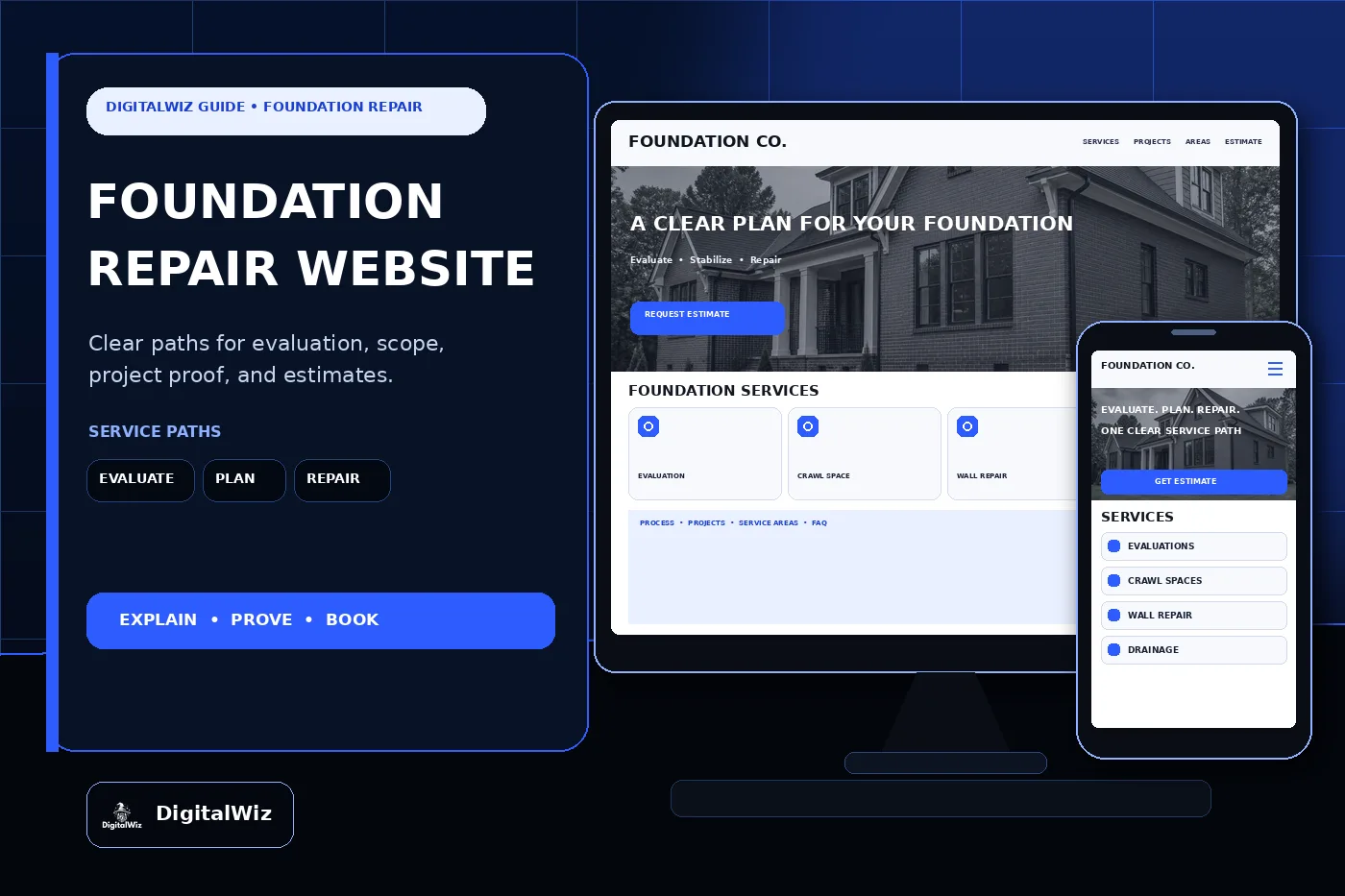
The direct answer
A foundation repair company website should have focused pages for the work homeowners actually need to compare: evaluations, settlement concerns, foundation-wall repair, crawl-space support, slab work when offered, moisture and drainage scope, repair methods, service areas, credentials, project proof, pricing context, warranties, FAQs, and estimates. One broad services page leaves a worried homeowner trying to decide whether a crack, sticking door, uneven floor, or damp crawl space belongs to your crew at all.
For a Charlotte-area or North Carolina foundation company, the site also needs to separate symptoms from conclusions. Expansive soil, drainage, grading, plumbing leaks, framing movement, masonry, additions, tree roots, age, and prior repairs can create very different conversations. A photo can help route a request, but it cannot establish the cause, the correct repair, or whether movement is active.
Build the site around the real field process. Explain what the first call covers, what an evaluation includes, which records or photos help, when an engineer or another trade may be needed, how a proposal is prepared, and what happens after work is approved. That gives your website, Search Visibility, and Paid Ads Management useful landing pages instead of sending every lead to the homepage.
- Separate evaluations, wall concerns, crawl spaces, slab work, drainage, and specialty repair paths when the process differs.
- Explain inspection, documentation, engineering boundaries, proposal, installation, cleanup, and follow-up.
- Publish accurate service areas, credentials, project minimums, warranties, financing details, and estimate expectations.
- Track calls and forms through evaluation, proposal, sold work, repair type, territory fit, and lead quality.
Separate symptoms, evaluations, and repair services
Start with an evaluation page. Tell customers which property types and foundation systems the company reviews, what accessible areas are examined, whether measurements or photographs are taken, what the owner should prepare, how findings are delivered, and what the visit does not include. A sales estimate, contractor evaluation, home inspection, structural-engineering report, and code inspection are different things. Use the right term for the service you actually provide.
Then create service pages around real scopes—not every symptom someone might type into Google. Useful paths may include bowed or cracked wall concerns, pier-and-beam or crawl-space support, sill or beam work within scope, slab settlement, helical or push-pier systems when offered, wall anchors or bracing, crack repair, drainage coordination, waterproofing boundaries, and existing-repair evaluation. Each page should explain the property conditions the crew reviews, the normal planning process, access needs, and who designs or approves the work when that responsibility falls outside the contractor.
Symptom pages can still be useful. Doors that bind, floors that slope, drywall or masonry cracks, gaps around openings, leaning walls, standing water, and musty crawl spaces are common reasons people start looking. But keep the language careful. Say that these signs deserve evaluation; do not turn one photo or checklist into a diagnosis. The strongest page helps a homeowner choose the next sensible conversation without promising a repair before anyone has seen the property.
- Evaluation page: property types, accessible areas, measurements, documentation, deliverable, fee, and limitations.
- Service pages: supported systems and methods, planning, access, related trades, cleanup, and follow-up.
- Symptom pages: observable concerns, safe documentation, urgency guidance, and a clear evaluation request.
- Specialty pages: commercial, real-estate, historic, new-construction, or engineered work only when the company supports it.
Explain engineering, licensing, and permit boundaries
Foundation work can cross contractor, engineer, building-code, excavation, plumbing, electrical, drainage, and waterproofing responsibilities. Spell out who does what. If the company works from a licensed engineer's design, coordinates engineering, or asks the owner to obtain a report first, explain that handoff plainly. Do not imply that a salesperson's visit is an engineering opinion when it is not.
Make credentials verifiable. List the legal business name, insurance information, applicable contractor license details, employee certifications, manufacturer training, and engineer relationships accurately. North Carolina's Licensing Board for General Contractors provides a public license and qualifier search. Link to the official lookup rather than using a decorative badge that customers cannot verify. Also state which person or company holds each credential; one individual's qualification should not become a blanket claim about every crew member.
Permit needs vary with location and scope, so avoid a universal promise. Tell customers who checks requirements, who submits documents, who schedules inspections, and which fees are included in the proposal. For projects in Charlotte or Mecklenburg County, point people to the relevant local building and development resources when useful. Keep the page current, and never suggest that a permit, engineer, or inspection is unnecessary simply because a similar-looking project did not require one elsewhere.
- Identify the contractor, engineer, permit, inspection, utility, drainage, and finish-work responsibilities.
- Link to official license verification and publish only credentials the business can support today.
- Explain how design documents, permit fees, revisions, inspections, and closeout records are handled.
- Avoid remote structural diagnoses, code guarantees, or claims that one repair method fits every property.
Show the process and project proof without fake results
A useful process page should make the job easy to picture. Start with the intake questions and scheduling. Then cover arrival, property access, interior and exterior review, measurements or documentation, discussion of findings, engineering coordination when needed, proposal, pre-work preparation, excavation or interior access, installation, cleanup, final review, paperwork, and follow-up. Match the copy to the crew's real checklist. A polished timeline that the office cannot follow will create more friction than trust.
Project pages need context. A helpful example can identify the general area, foundation type, the owner's original concern, observable conditions, evaluation steps, engineer involvement when applicable, agreed scope, repair method, access challenge, drainage or utility coordination, finish repairs, and completed result. Wide photographs should show how the house, grade, foundation, crawl space, wall, and work area relate. Close-ups need captions; a steel bracket or patched crack means little without explaining where it is and what scope was approved.
Use only real, permission-safe work as proof. Never invent settlement measurements, engineer findings, load claims, customer addresses, before-and-after outcomes, reviews, ratings, warranties, or completed projects to fill a layout. Conceptual website imagery is fine when it is clearly design imagery—not a fake case study. Recent contractor projects strengthen a website when they help a buyer understand fit, not when they mimic a technical report nobody produced.
- Show the actual intake, evaluation, design, proposal, preparation, repair, cleanup, documentation, and follow-up sequence.
- Label foundation type, general location, original concern, agreed scope, method, access, and related trades.
- Use real project photography with permission and remove addresses, faces, documents, access details, and private information.
- Do not invent engineering conclusions, movement data, capacities, rankings, reviews, savings, or guaranteed outcomes.
Explain pricing, warranties, financing, and service areas
Foundation repair pricing changes with far more than home size. Foundation type, access, excavation, soil and drainage conditions, number and location of repair points, wall height, crawl-space clearance, structural design, materials, equipment, utility conflicts, landscaping, interior finishes, permits, engineering, travel, cleanup, and related trades can all move the proposal. A tiny starting price can attract the wrong calls when it excludes the conditions most local properties have.
The website can still give useful cost context. Some companies can publish an evaluation fee, service-call minimum, financing availability, or planning range for a tightly defined repair. Others are better served by explaining the major cost drivers, what information helps before the visit, when engineering may be separate, and what the written estimate includes. The framework in Should I Put Prices on My Business Website? helps set expectations without pretending every crack has one price.
Put warranty wording in plain English. Separate workmanship, installed components, manufacturer coverage, engineering documents, cosmetic crack repairs, water-entry limits, drainage maintenance, landscaping, plumbing, and future movement outside the repaired scope. State what records the owner receives, which maintenance responsibilities apply, whether the warranty transfers, and how a service request is reviewed. Financing pages should name the provider and current terms accurately without advertising a payment that only applies to an undisclosed best-case amount or credit profile.
Service areas should match crew and equipment reality. Evaluations, small repairs, engineered projects, commercial work, warranty calls, and emergency stabilization may have different travel limits. Publish the true core territory, project minimums, and scheduling boundaries. A useful location page adds local soil, housing, access, permitting, and service details; it is not the same generic paragraph with a different town name.
- Explain the largest foundation, access, design, permit, equipment, material, finish, drainage, and travel cost drivers.
- Publish ranges, fees, minimums, or payment examples only when their assumptions are clear and kept current.
- Separate workmanship, component, engineering, water, cosmetic, maintenance, and transfer terms.
- State real evaluation, project, commercial, warranty, and specialty coverage when those territories differ.
Make the estimate path useful on a phone, then track lead quality
A foundation request form should collect enough information to route the call without asking the homeowner to diagnose the structure. Ask for name, phone, email, service address, property type, foundation type if known, visible concern, when it was noticed, whether it appears to be changing, recent plumbing or drainage events, prior repairs or reports, access notes, desired timing, and optional photos taken safely from normal living areas or the ground. Do not ask a homeowner to enter an unsafe crawl space or move structural components for a better picture.
Route inquiries where the office process changes. A general evaluation, real-estate deadline, engineer-referred repair, active water issue, bowed wall, crawl-space support concern, existing-system service request, and commercial property should not all land in one undifferentiated inbox. Confirmation copy should say what happens next and when the appointment becomes confirmed. It should not promise an exact cause, repair method, completion date, insurance outcome, or final price.
Then track more than form count. Record source, campaign, landing page, service area, property and foundation type, inquiry category, evaluation scheduled, qualified opportunity, engineering need, proposal, sold work, repair type, project value, and lead quality when the sales process allows it. That shows whether wall-repair pages bring suitable projects, broad crack searches produce early research traffic, or paid ads reach homes outside the crew's practical territory.
Test the entire path on a real phone. Tap-to-call should work. Photo uploads should not fail silently. The form should reach the right inbox or CRM, and the response should match the request. Want a quick read on your own service pages, local-search foundation, project proof, estimate flow, and tracking? Run a free BizScore audit.
- Ask for property, foundation, observable concern, timing, prior records, safe access notes, and optional photos.
- Route evaluations, engineered scopes, real-estate deadlines, crawl spaces, walls, water concerns, and service calls appropriately.
- Track source and landing page through evaluation, qualification, proposal, sold work, repair type, and lead quality.
- Use those findings to improve pages, ads, forms, territory, scheduling, handoffs, and follow-up.