What Pages Should a Chimney Service Company Website Have?
A chimney service company website should have focused pages for inspections, sweeping, fireplace and venting systems, masonry repairs, caps and crowns, service areas, credentials, project proof, pricing context, FAQs, and estimates.
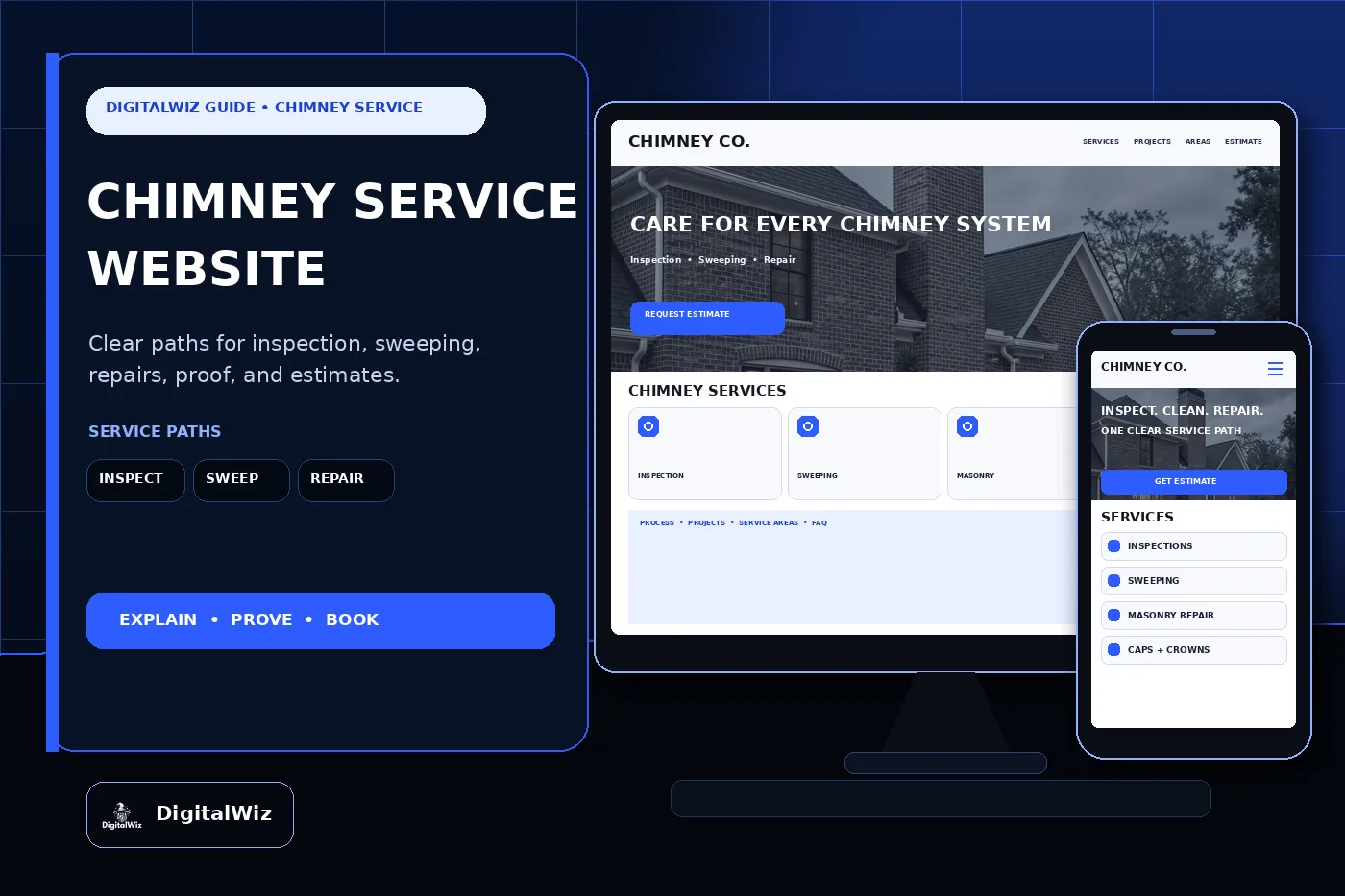
The direct answer
A chimney service company website should have focused pages for the work customers actually need to compare: chimney inspections, sweeping, fireplace and wood-stove systems within scope, dryer or other venting services when offered, masonry repairs, crowns, caps, flashing coordination, liners, waterproofing within scope, animal or obstruction questions, service areas, credentials, project proof, pricing context, FAQs, and estimates. One catch-all page makes a homeowner sort through safety questions, equipment, masonry, and scheduling while trying to decide whether the fireplace is usable.
For a Charlotte-area or North Carolina chimney company, those paths should separate a routine inspection from visible staining, odor, smoke entering a room, a damaged cap, loose masonry, a recent home purchase, an appliance change, or a system that has not been used in years. Fuel type, appliance, flue, chimney construction, access, roof conditions, prior work, and the customer's actual concern can all change the visit.
Keep the site tied to the real operation. Give inspection and sweeping their own destinations. Explain what the first appointment covers, what the customer should have ready, which conditions trigger a different inspection or trade, how findings are documented, and how repair estimates are prepared. That gives the website, Search Visibility, and Paid Ads Management useful landing pages instead of sending every call to the homepage.
- Separate inspections, sweeping, masonry, caps and crowns, liners, appliance-related work, and venting services when the process differs.
- Explain scheduling, access, evaluation, documentation, cleaning, repair proposals, and next steps.
- Publish accurate credentials, service areas, roof-access limits, warranties, fees, and estimate expectations.
- Track calls, forms, booked visits, completed inspections, proposals, sold repairs, service type, and lead quality.
Separate inspections, sweeping, and repair paths
An inspection page should tell people what kind of appointment they are booking. Explain the systems the company evaluates, the accessible areas included, whether cameras or other documentation may be used, what preparation is needed, how findings are delivered, and when a more involved inspection may be recommended. A visual look from the firebox, a full sweeping, a real-estate evaluation, and an investigation after a chimney fire or building change are not interchangeable services.
Sweeping deserves its own page too. State which fireplaces, stoves, flues, or venting systems the team services, what the appointment normally includes, how the work area is protected, how debris is contained, and what happens when the technician sees damage or a condition outside the booked scope. The page should never imply that brushing the visible firebox alone is a complete chimney service.
Repair visitors arrive with different clues: cracked mortar, a deteriorated crown, missing cap, staining, loose brick, damaged flashing, liner concern, draft problem, or an old unused system. Build pages around the repairs the company truly performs. Explain that the team must evaluate the system and property before choosing a repair. A phone photo can help route the request, but it cannot establish every hidden condition or prove that a fireplace is safe to use.
Keep adjacent trades clear. Roofing, structural engineering, HVAC, gas fitting, electrical work, appliance installation, historic masonry, mold remediation, wildlife removal, and interior finish repairs may require a different qualified party. If the company coordinates those scopes, say how. If it does not, name the boundary before a customer expects one crew to handle everything.
- Inspection page: supported systems, appointment type, access, preparation, documentation, findings, and limitations.
- Sweeping page: system types, work-area protection, cleaning scope, debris handling, observations, and follow-up.
- Repair pages: masonry, crowns, caps, flashing boundaries, liners, dampers, waterproofing, and appliance connections actually offered.
- Specialty pages: real-estate, post-event, historic, commercial, dryer-vent, or multi-flue work only when the company supports it.
Answer safety questions without diagnosing online
Homeowners want a straight answer about inspection timing. The Chimney Safety Institute of America homeowner guidance cites NFPA 211 and says chimneys, fireplaces, and vents should be inspected at least annually for soundness, deposits, and correct clearances, with cleaning, maintenance, and repairs performed when necessary. Put the guidance in context: an inspection determines what the actual system needs; a calendar reminder is not a remote diagnosis.
The same page can explain why use alone does not tell the whole story. Debris, animals, moisture, corrosion, damaged components, prior alterations, appliance changes, or deterioration can matter even when a fireplace is rarely used. Keep the wording measured. Do not use a stock photo, an odor description, or one exterior crack to declare a chimney safe, condemned, blocked, leaking, or ready for a fire.
Create a clear urgent-contact section without trying to replace emergency services. Smoke or carbon-monoxide alarms, fire, active smoke entering living space, falling masonry, a suspected chimney fire, or a fuel-burning appliance behaving abnormally should not be routed through a slow estimate form. Tell visitors to stop using the affected system, leave danger areas, follow alarm and emergency instructions, and contact the appropriate emergency or utility service before requesting routine contractor work.
Keep do-it-yourself instructions out of the conversion pages. Do not coach customers to climb roofs, enter flues, dismantle appliances, burn chemical products as a substitute for inspection, test draft with an open flame, or modify caps, dampers, liners, gas connections, or venting. Ask for photos taken safely from the ground or living area, then let a qualified professional decide what access is needed.
- Use current, attributable guidance and distinguish general maintenance information from a property-specific finding.
- Explain common system parts in plain language without turning the page into a repair tutorial.
- Route alarms, active fire or smoke, falling masonry, and fuel or utility hazards to the proper emergency path.
- Never guarantee safe use, draft, leak elimination, fire prevention, or code compliance from an online description.
Show credentials, process, and useful project proof
Credentials need names and dates, not a strip of borrowed badges. List only current certifications, training, licenses or registrations where applicable, insurance, manufacturer relationships, and employee qualifications the company can support. Attribute individual credentials to the right people. Do not turn one technician's certification into a claim about every crew member or imply that an industry organization endorses work it has not reviewed.
A strong process page makes the visit easy to picture. Start with scheduling and the questions the office asks. Then cover arrival, protection of floors and furnishings, system and access review, inspection or sweeping, photographs or video when used, findings, immediate-use guidance within the technician's qualifications, written recommendations, repair proposal, cleanup, and follow-up. Match the copy to the field checklist instead of borrowing a polished process the crew does not follow.
Project proof should include context. A useful example identifies the general area, chimney and appliance type, the customer's original concern, visible and documented conditions, agreed scope, materials or components used, access challenge, work by other trades, and completed result. Wide exterior views show the chimney, roofline, cap, crown, and flashing relationship. Interior or camera images need captions so customers understand what they are seeing.
Use only real, permission-safe work as proof. Never invent inspections, fire damage, findings, repairs, certifications, warranty terms, reviews, ratings, customer locations, or before-and-after outcomes to fill a design. Conceptual website imagery can support the page, but it should not masquerade as a completed chimney project. Recent contractor projects strengthen a website when the examples help a buyer judge fit.
- Attribute certifications and qualifications accurately, including who holds them and which work they cover.
- Show the real booking, preparation, protection, inspection, sweeping, documentation, cleanup, and proposal process.
- Label project context, system type, original concern, agreed work, materials, access, and completed condition.
- Remove exact addresses, faces, family details, alarm information, access codes, inspection documents, and private customer data.
Explain pricing, warranties, and service areas
Chimney pricing changes with more than the number of fireplaces. System type, appliance, fuel, flue count, chimney height, roof pitch and access, interior access, deposits, obstructions, inspection level, camera work, documentation, masonry condition, crown or cap scope, liner, scaffolding or lift needs, travel, permits when applicable, materials, cleanup, and work by other trades can all move the proposal. A tiny sweeping price can set the wrong expectation when it excludes the system the customer owns.
The website can still give useful context. Some companies can publish standard inspection or sweeping fees for clearly defined conditions, service-call minimums, camera charges, or planning ranges for common cap and crown work. Others are better served by explaining cost drivers, what information helps at booking, when a site visit is required, and what the written estimate includes. The framework in Should I Put Prices on My Business Website? helps add context without pretending every chimney has one price.
Spell out warranty boundaries. Separate inspection documentation, cleaning service, workmanship, masonry, sealants or coatings, fabricated caps, liners, dampers, appliance components, manufacturer coverage, water-entry limitations, and maintenance responsibilities. State what records the owner should keep and how a concern is reported. Do not imply that one repair guarantees the entire roof, chimney, fireplace, appliance, or house against future problems.
Service areas should reflect roof access, crew travel, equipment, seasonality, small-service minimums, masonry scheduling, commercial work, and follow-up. Publish the real core territory. If routine sweeping, repair projects, emergency calls, historic masonry, or commercial accounts have different travel limits, explain that instead of drawing one oversized map.
- Explain the largest system, access, inspection, cleaning, masonry, equipment, material, travel, and scheduling cost drivers.
- Publish prices, ranges, minimums, or fees only when their conditions can be supported and kept current.
- Separate inspection, cleaning, workmanship, material, component, water-entry, and manufacturer warranty terms.
- State real sweeping, inspection, repair, commercial, specialty, and follow-up coverage when those ranges differ.
Make booking useful on a phone, then track lead quality
A chimney request form should collect enough information to route the visit without asking the homeowner to diagnose the system. Ask for name, phone, email, service address, requested service, fireplace or appliance type if known, fuel type if known, number of systems, last inspection or sweeping date if known, visible concern, recent property purchase or building change, access notes, desired timing, and optional safe ground-level or room-level photos. Keep emergency instructions outside the form and easy to see.
Route inquiries where the office workflow changes. Routine inspection, sweeping, real-estate deadline, visible masonry damage, water concern, cap request, appliance or liner question, commercial property, and post-event evaluation should not all land in one undifferentiated inbox. Confirmation copy should say what happens next and when the appointment becomes confirmed. It should not promise safe use, exact repair scope, a completion date, or a final price nobody has accepted.
Then track more than raw form count. Record source, campaign, landing page, requested service, service-area fit, system type, booked appointment, completed visit, inspection outcome category, repair proposal, sold work, follow-up, and lead quality when the sales process allows it. That shows whether inspection pages fill the schedule, repair ads bring suitable projects, or broad safety searches mostly create information-only traffic.
Test the full journey on a real phone. Tap-to-call should work. Photos should upload without failing silently. Forms should reach the right inbox or CRM. The response should fit the request. Want a quick read on your own service pages, local-search foundation, project proof, booking flow, and tracking? Run a free BizScore audit.
- Ask for service address, requested service, system and fuel details if known, timing, safe access notes, and optional photos.
- Route inspections, sweeping, repairs, real-estate, appliance, commercial, and post-event requests appropriately.
- Track source and landing page through booking, completed visit, proposal, sold work, follow-up, and lead quality.
- Use those findings to improve pages, ads, forms, territory, scheduling, handoffs, and follow-up.