What Pages Should a Generator Installation Company Website Have?
A generator installation company website should separate standby systems, load planning, transfer equipment, fuel and site review, installation, maintenance, service areas, projects, warranties, and estimate paths.
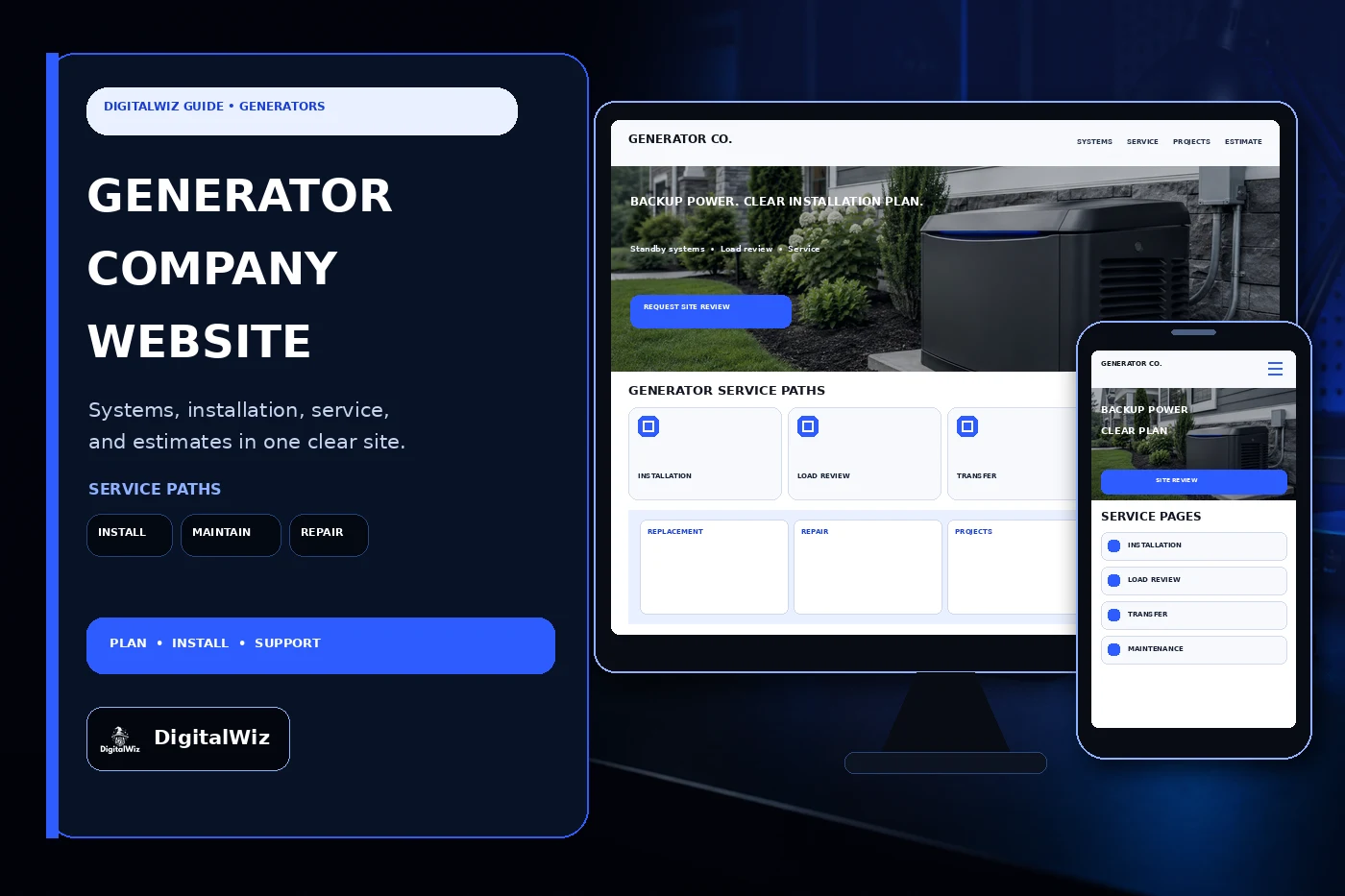
The direct answer
A generator installation company website should have focused pages for whole-home standby generators, essential-load options, load assessment, transfer switches and related electrical work, fuel and site review, the installation process, replacement, maintenance, repair, service areas, completed projects, pricing context, financing when genuinely offered, warranties, FAQs, and estimate requests. If the company also serves commercial properties, manages remote monitoring, or provides temporary or portable equipment, those need clearly separated paths.
Do not squeeze everything into a page that says ‘Never lose power again.’ Customers need to understand what the system may support, what happens during a normal consultation, which trades and utilities may be involved, and what still has to be confirmed on site. A marketing page should not promise unlimited runtime, whole-house coverage, automatic operation, installation timing, code approval, or a final price before the property and equipment are reviewed.
Specific pages also give the website, Search Visibility, and Paid Ads Management useful destinations. A homeowner searching for standby-generator installation should land on an installation page. An existing customer looking for annual service should not have to dig through a sales page or submit the same form as a new-system lead.
The best structure follows the actual job. It helps a visitor identify the property, outage priorities, existing electrical service, likely fuel path, installation location, desired timing, and whether the request is for a new system or an existing unit. Then it routes that person to a real review—not an instant recommendation disguised as a quiz.
- Separate standby systems, load planning, transfer equipment, site and fuel review, installation, replacement, maintenance, repair, service areas, projects, warranties, and estimates.
- Create distinct residential, commercial, new-installation, and existing-customer paths only when the operation supports them.
- Explain what can be screened online and what still requires electrical, fuel, utility, permit, manufacturer, or site confirmation.
- Track each lead from source and landing page through consultation, site review, proposal, approval, installation, startup, service, and lead quality.
Build service pages around systems, loads, and transfer equipment
The standby-generator page should explain the system category without turning into a catalog dump. Cover the broad difference between protecting selected essential circuits and planning for wider household loads. Mention the inputs the company actually reviews: service size, panel condition, major appliances, heating and cooling equipment, pumps, medical or work-from-home priorities, starting loads, load management, available fuel, placement, sound considerations, maintenance access, and the customer’s outage goals.
Keep sizing language careful. An online form can collect appliance and equipment details, but it cannot replace a qualified load calculation, equipment review, or field inspection. Do not imply that square footage alone selects a unit. Two similar homes may have different service equipment, HVAC systems, wells, sump pumps, cooking equipment, fuel availability, additions, workshops, or priorities.
Transfer equipment deserves its own page because it is central to how a standby system connects and operates. Explain the transfer-switch or service-equipment options the company installs, how selected-circuit and broader-load approaches differ at a high level, and why panel condition, service layout, grounding and bonding, utility coordination, available working space, and local requirements matter. Avoid do-it-yourself wiring steps or diagrams that could be mistaken for universal installation instructions.
If load-management devices, remote monitoring, cold-weather accessories, batteries, surge protection, or related electrical upgrades are offered, give each a factual place in the site. State compatibility and subscription requirements where relevant. Tie exact capacities, operating limits, fuel-consumption data, sound levels, warranty terms, and accessory claims to the current selected model and manufacturer documentation.
- Standby-system pages: outage priorities, essential or broader loads, property inputs, fuel, placement, access, and maintenance.
- Load-review pages: service and panel details, major equipment, starting loads, management options, and field-confirmation boundaries.
- Transfer-equipment pages: supported configurations, service layout, panel condition, utility coordination, and qualified installation.
- Accessory pages: monitoring, load management, weather kits, surge protection, or batteries only when sold, installed, and supported.
Show the site review and installation process
A strong process page starts before anyone chooses equipment. Map the inquiry, service-area check, phone conversation, outage priorities, safe photo or document intake, electrical and fuel review, site visit, placement discussion, equipment recommendation, written proposal, permitting or utility coordination, scheduling, installation, inspections, startup, owner walkthrough, documentation, registration when included, and maintenance plan.
Placement should be discussed without publishing a one-size-fits-all distance diagram. Openings, air intakes, property lines, easements, flood exposure, grade, drainage, vegetation, combustibles, decks, meters, regulators, tanks, utility equipment, service access, manufacturer instructions, adopted codes, and local approval can all shape the final location. The website should tell customers what information helps the review while making clear that the approved site plan controls.
Fuel work needs an honest boundary. State whether the company handles natural-gas or propane planning itself, uses licensed trade partners, or requires the customer to coordinate with a utility or fuel supplier. Existing meter or regulator capacity, tank size and placement, piping route, other connected appliances, trenching, pressure, permits, and scheduling may affect the scope. Do not guarantee that an existing fuel service can support a proposed unit before it is evaluated.
Safety copy belongs in the process too. The U.S. Consumer Product Safety Commission’s generator and carbon-monoxide guidance is especially important when a business discusses portable or temporary generators: combustion equipment can create deadly carbon monoxide, and unsafe backfeeding creates electrical hazards. Keep portable-generator emergency guidance separate from professionally installed standby-system marketing, and direct customers to current manufacturer instructions and qualified emergency authorities rather than improvising advice.
- Map consultation, review, recommendation, proposal, permits, utility or fuel coordination, installation, inspection, startup, and handoff.
- Explain placement factors without publishing a universal setback or implying that one photo can confirm approval.
- Define electrical, gas, propane, trenching, concrete-pad, landscaping, utility, permit, inspection, and restoration responsibilities.
- Separate installed standby systems from portable-generator safety information, temporary power, and emergency electrical concerns.
Give maintenance, repair, projects, pricing, and warranties real pages
Maintenance should not be a footnote under installation. Build a page for the services the company truly performs: scheduled inspections, exercise-history review, battery checks or replacement, oil and filter service, air-filter service, spark-plug service when applicable, enclosure and intake inspection, transfer-system checks within scope, software or monitoring review, and documented testing. Intervals and procedures must follow the specific model, operating history, environment, and current manufacturer guidance.
Create a separate repair path for existing owners. Ask for the model and serial information, installation address, approximate age, warning or fault shown, recent outage or storm context, maintenance history, monitoring status, whether the unit is currently running, and any obvious fuel or electrical emergency. Tell customers not to remove panels, touch damaged conductors, enter flooded areas, or run combustion equipment in unsafe conditions just to complete a form.
Project pages should work like short case studies. Show the broad property type, outage priorities, selected system category, load-management approach, transfer equipment, general placement, pad and access considerations, fuel coordination, permit or inspection milestones, startup, and maintenance plan. Remove addresses, account numbers, serial numbers, access details, family information, and anything else that could identify or compromise the property.
Pricing pages can explain the moving parts without inventing a cheap teaser. Equipment class, load plan, transfer configuration, electrical-service condition, conductor routes, fuel source and capacity, trenching, pad, access, crane or lifting needs, permits, utility work, inspections, restoration, monitoring, accessories, maintenance, travel, and work by other trades can all affect the proposal. Warranty pages should separate manufacturer equipment coverage, installation workmanship, labor, travel, consumables, maintenance obligations, registration, transfer rules, exclusions, and the service process according to the actual documents.
- Maintenance pages: supported models, inspection, fluids and filters, battery, exercise history, transfer checks, monitoring, and records.
- Repair pages: model details, warning state, outage context, maintenance history, safe intake, triage, and service availability.
- Project pages: real property context, priorities, selected scope, installation constraints, coordination, startup, and maintenance handoff.
- Pricing and warranty pages: equipment, electrical, fuel, access, permits, trades, accessories, service, coverage, and exclusions.
Create local estimate paths and measure qualified work
Service-area pages should match where the company can survey, permit, install, inspect, start up, maintain, and repair systems. Charlotte, Matthews, Mint Hill, Indian Trail, Monroe, Waxhaw, Concord, Huntersville, and nearby communities can involve different utilities, fuel suppliers, inspection departments, lot conditions, flood exposure, neighborhood rules, scheduling, travel, and service capacity. Do not create fake local offices or clone one thin paragraph across every city.
The estimate form should collect enough context to route the request: name, phone, email, property address or ZIP code, residential or commercial use, new installation or existing unit, outage priorities, major electric loads, electrical-service information when known, natural gas or propane availability, preferred installation area, desired timing, and safe optional photos of the exterior area, meter, panel exterior, or existing equipment. Keep it short enough to finish on a phone.
Use different forms or routing for new-system consultations, replacement estimates, planned maintenance, no-start calls, active alarms, monitoring questions, warranty concerns, and commercial requests. Confirmation copy should say whether the request was received, is being reviewed, or has a confirmed appointment. It should not imply that equipment is reserved, an emergency technician is dispatched, or an installation date is approved unless that actually happened.
Finally, connect marketing to the work the company wants. Track source, campaign, landing page, location, new or existing system, requested service, property type, consultation, site review, proposal, approval, equipment category, scheduled installation, completion, maintenance enrollment, value, loss reason, and lead quality. DigitalWiz builds contractor websites, search visibility, and paid-ad systems around the real sales and service process. Want a practical list of the page, local-search, estimate, and tracking gaps worth fixing first? Run a free BizScore audit.
- Build local pages around real survey, installation, inspection, startup, maintenance, repair, travel, and utility capacity.
- Ask for property, request type, outage priorities, major loads, service details, fuel, location, timing, and safe photos.
- Test tap-to-call, forms, uploads, confirmations, CRM delivery, appointment routing, service requests, and mobile layout end to end.
- Track source and landing page through review, proposal, approval, installation, maintenance, value, loss reason, and lead quality.