How Do I Prepare Website Copy for a Redesign?
Build a page-by-page content map from real customer questions, verified business facts, approved proof, and the next action each page must support.
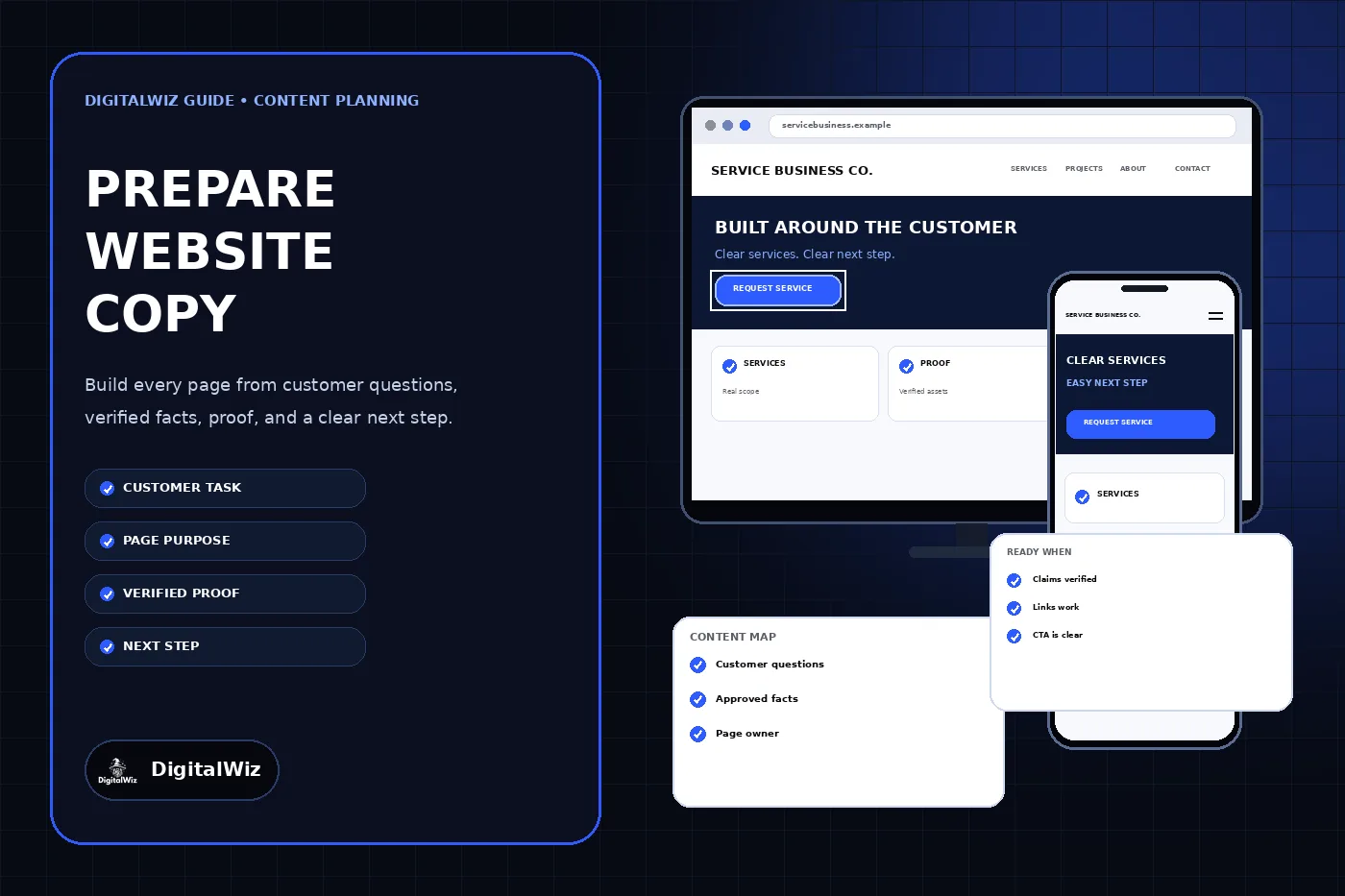
The direct answer
Prepare website copy before a redesign by giving every planned page one primary customer task, one clear answer, verified business facts, approved proof, and a specific next step. Put those inputs in a page-by-page content map before anyone writes polished paragraphs or designs final layouts.
Start with evidence already inside the business: sales questions, call notes, form submissions, search queries, support emails, estimates, service documents, policies, product information, and current pages that customers still use. Separate facts that are approved for publication from claims that need an owner, source, permission, or update. Then draft the most important answer first and fit it into the real mobile and desktop page templates.
The website and content-planning panels above are illustrative. They are not a client website, completed content inventory, customer record, usability result, or performance claim.
- Inventory current pages, useful content, documents, images, and customer questions.
- Assign one primary customer task and one business next step to each page.
- Verify services, service areas, prices, timelines, warranties, credentials, and proof before publication.
- Draft the answer before slogans, introductions, or search-focused wording.
- Review the copy inside the real responsive design and test every link and form.
Collect customer evidence before writing pages
Do not begin with a blank document and a list of keywords. Begin with the questions customers ask while deciding whether the business can solve their problem. Gather recurring questions from calls, emails, estimate forms, reviews the business is allowed to reuse, chat transcripts, sales notes, support requests, internal site search, Search Console queries, and conversations with the people who answer customers every day.
Turn each useful question into a task. A visitor may need to confirm that a service fits the problem, understand the process, compare options, see whether the company serves the property, prepare for an appointment, or request an estimate. The GOV.UK user-needs guidance recommends defining who needs to do what and why, then using acceptance criteria to describe when the need has been met. That model keeps a page focused on a real outcome instead of filling a template.
Record the source beside each input. A current policy document and an old website sentence do not carry the same authority. Mark unanswered questions rather than filling them with plausible copy. Missing information belongs with a named business owner for confirmation, not inside a published page as an assumption.
- Question or task in the customer’s own language
- Where the evidence came from and when it was current
- Which service, audience, and stage of the decision it supports
- Who can confirm the business answer
- Whether the answer is approved, pending, outdated, or not for publication
Give every page one primary job
Create a content map with one row for every proposed page. Name the page, primary audience, main task, direct answer, supporting questions, required proof, intended next step, content owner, and status. A homepage can introduce the offer and route people, but it should not carry the full explanation for every service. A service page should answer a specific commercial need. A project page should explain real work with permission. A resource should answer a question without pretending to be a service page.
Compare the proposed map with the current site before adding new URLs. Keep content that still answers a distinct need, improve weak pages in place when possible, and flag real overlaps for a deliberate decision. The existing DigitalWiz guide to redesigning without losing SEO explains how to preserve useful URLs, content, links, metadata, and redirects during the technical migration.
Avoid creating several pages whose only difference is a city, trade, service synonym, or search phrase. Google’s people-first content guidance asks whether content provides original information or useful analysis and whether readers can leave feeling they learned enough to achieve their goal. A content map should make the distinct purpose of each URL obvious before the page is written.
Build a verified facts and proof matrix
List every factual claim the new site may make and attach an owner and source. Include the legal business name, phone numbers, email addresses, service list, service areas, hours, response process, licenses or certifications, product relationships, financing, warranties, guarantees, prices, scheduling language, staff bios, years in business, review excerpts, project descriptions, and outcome claims. Remove or qualify anything the business cannot support.
Treat proof as a publication asset with provenance. For a project, record who owns the photos, whether the customer allowed publication, what work the business actually completed, which details are safe to disclose, and who approved the caption. For a review, preserve the exact wording and source under the applicable platform and permission rules. Do not invent names, ratings, project counts, local anecdotes, savings, rankings, or results to make the design look complete.
Keep operational boundaries visible. If a quote requires an inspection, say what can be estimated online and what must be confirmed. If availability changes, avoid permanent copy that promises a fixed response. If a service depends on location, product compatibility, licensing, permits, or another trade, publish the accurate boundary instead of a universal claim.
- Claim and exact page where it appears
- Authoritative source, owner, and last confirmed date
- Permission or attribution required for proof
- Approved wording and any necessary limitation
- Review date when the fact can change
Draft the answer first, then the supporting path
Write the first useful answer near the top of the page. A service page should quickly state what the service is, who it is for, the important scope boundaries, and the next step. Follow with the questions a qualified customer needs answered: options, process, preparation, proof, pricing context when supportable, service area, timing factors, warranties, and what happens after contact.
Use the customer’s vocabulary where it is accurate, but do not force every keyword variant into headings. Descriptive page titles and headings should help a person predict what comes next. W3C’s headings and labels guidance explains that clear labels help people find information and understand how sections relate. Keep one H1 for the page, use logical subheadings, and make link text describe its destination.
Write calls to action that match the customer’s stage. “Request an estimate,” “Check service availability,” “Book a consultation,” and “Call for repair help” set different expectations. The confirmation after a form should say whether a request was received, is under review, or is actually scheduled. It should not imply that a quote, appointment, dispatch, or approval exists when it does not.
Plan copy for scanning, mobile use, and accessibility
Review the copy at the width where customers will read it. A heading that looks concise in a document may wrap into six lines on a phone. A comparison table may require horizontal scrolling. A long introduction may push the useful answer below a sticky header, cookie notice, chat control, and hero image. Shorten and restructure the content instead of shrinking the type.
Use concise paragraphs, descriptive subheadings, real lists, meaningful link text, persistent form labels, and instructions that appear before a person needs them. Do not put essential service details only inside images, sliders, hover states, downloadable PDFs, or video. The content should remain understandable when images fail, the page is zoomed, or a person navigates by headings and links.
Plan image alternatives and captions while selecting assets. Describe what a meaningful image contributes in that page context; use empty alternative text for decoration. Captions for real projects should identify only verified, publishable details. The DigitalWiz guides to website accessibility review and writing image alt text provide the detailed checks.
Assign owners and freeze the launch version
Every content stream needs an owner who can answer questions and a decision-maker who can approve publication. That may be the same person on a small team. Record owners for services, pricing, policies, legal claims, projects, reviews, photography, forms, contact details, and ongoing updates. Set review dates early enough that unresolved facts are not published as assumptions.
Use a simple status for each page and asset: not started, source gathering, draft, business-fact review, revision, approved for publication, entered in the site, and production verified. Keep authorship separate from approval. The visible byline identifies the authorized author; the workflow record should identify who actually reviewed each business fact and whether any human editorial review occurred.
Choose a content freeze before launch. After that point, every change should be logged against the page and checked in the production candidate. This prevents an approved document, a designer’s layout, and the deployed page from becoming three different versions without anyone noticing.
Review the copy inside the working website
Paste-ready documents are not the final deliverable. Review every page in the real design on phone and desktop. Confirm that the H1, opening answer, sections, links, forms, images, captions, metadata, structured data, and calls to action agree. Check that text is not clipped, proof is not separated from its context, and a button does not promise something the form cannot complete.
Test the customer path end to end. Open the navigation, follow service and related-content links, tap the phone number, submit a labeled test inquiry to a safe destination, inspect the confirmation, and verify receipt. Check titles, descriptions, canonicals, social previews, sitemap entries, and redirects for any URL that changed. A polished page with an old phone number or a broken inquiry path is not ready.
Keep the content map after launch. Add the production URL, publication date, owner, source links, next review date, and known follow-up work. It becomes the maintenance record for future edits instead of forcing the next redesign to rediscover which claims are current. If you need help turning customer questions, business facts, and existing pages into a practical site plan, review DigitalWiz Website Development or contact DigitalWiz.
- Approved copy matches the production page and mobile layout.
- Every public claim has a source or named business owner.
- Internal links, calls, forms, and confirmations work end to end.
- Metadata, schema, sitemap, and social previews match the visible page.
- The content map records the live URL, owner, status, and next review date.