How Do I Write a Website Project Brief?
Describe the business problem, the customer task, the launch scope, content owners, constraints, budget boundary, decision process, and the evidence that will prove the website is ready.
The direct answer
Write a website project brief that explains the business problem, the people the site must help, the actions those people need to complete, and the smallest launch that solves the problem. Add the known pages and functions, content and asset owners, fixed constraints, open decisions, working budget range, meaningful deadline, approval path, and concrete completion checks.
Keep the brief focused on needs and boundaries rather than prescribing every layout or technology. A useful brief gives a web partner enough context to recommend an approach and gives the business a stable basis for comparing proposals. It should also make uncertainty visible. Mark a requirement as fixed, preferred, or open instead of presenting an assumption as a settled fact.
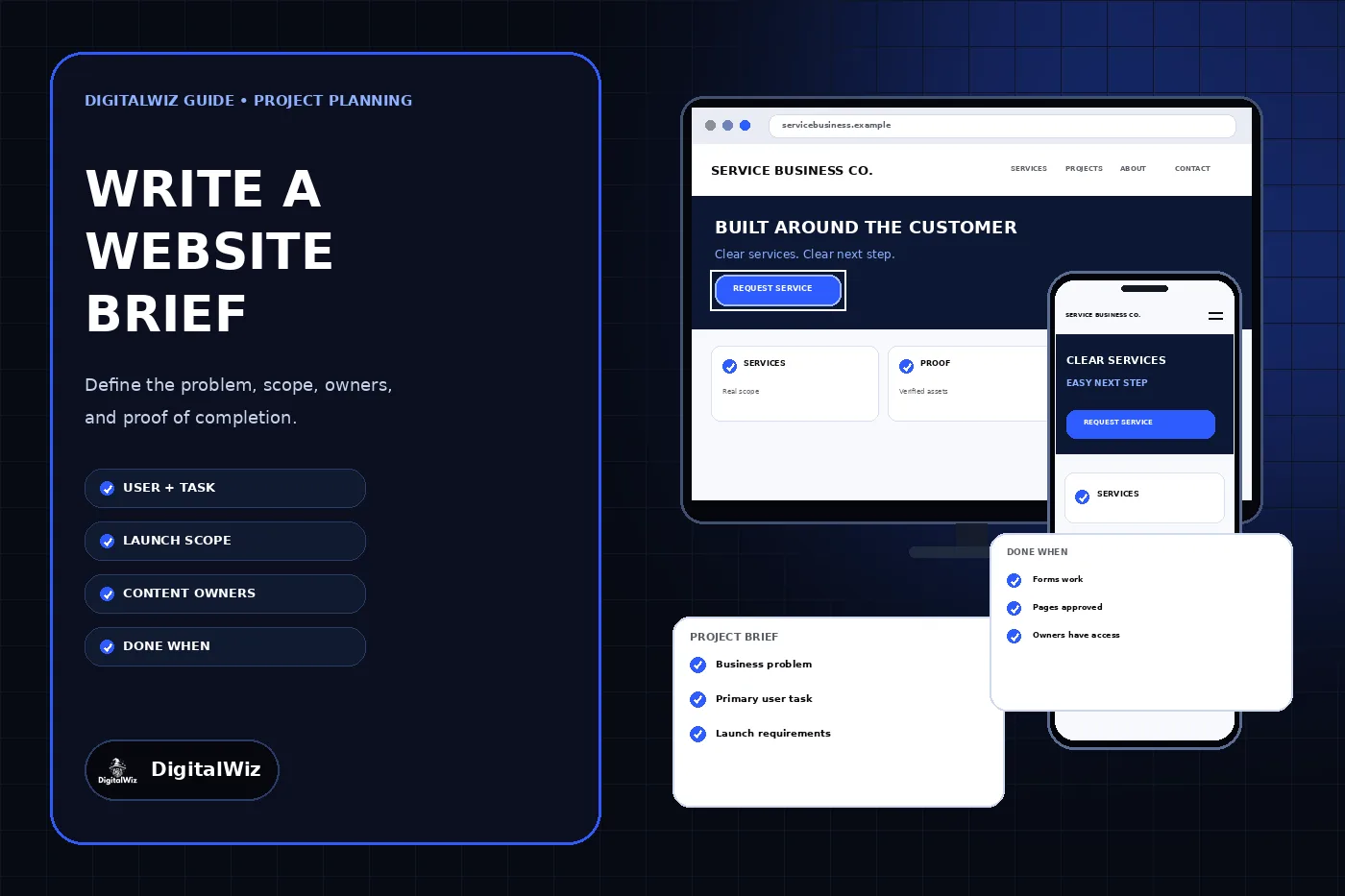
The website and project cards shown above are illustrative. They are not a client website, project plan, completed deliverable, proposal, or performance result.
- Business problem and reason for acting now
- Primary customer, task, and desired next step
- Required launch scope, exclusions, and later ideas
- Content, asset, access, and approval owners
- Budget boundary, dependencies, timing, and completion evidence
Start with the problem, not a page count
Open with a short description of the business, what it sells, who it serves, and where it operates. Then describe what is not working today in language someone outside the company can verify. Examples include customers being unable to distinguish two services, estimate requests going to the wrong inbox, important project information living only in sales conversations, or staff being unable to update time-sensitive details.
Connect that problem to a customer task. The GOV.UK user-needs guidance recommends describing who needs to do what and why, using words the user would recognize. A local service brief might say: “A homeowner with an urgent repair needs to confirm that we handle the problem in their area and request an appointment without searching through unrelated services.” That is more useful than “build a modern five-page website.”
Do not invent a target customer from demographics alone. Use real sales questions, support requests, search data, form submissions, call notes, and conversations when available. If the evidence is incomplete, label the audience or task as a hypothesis to test during discovery instead of turning it into false certainty.
Separate the launch scope from the wish list
List what the first release must contain to solve the stated problem. Name required pages or content types, forms, booking or payment steps, integrations, tracking, redirects, migrations, legal pages, training, and post-launch support when they genuinely belong in the project. For each important item, add the business reason it is needed.
Create separate sections for launch requirements, optional improvements, later phases, and items that require investigation. This keeps a customer portal, calculator, additional language, automation, or advanced integration from silently entering the base estimate before anyone confirms the need or feasibility. It also prevents a low quote from looking complete when it excludes content, migration, testing, analytics, or launch work the business assumed was included.
State what is outside the project too. Branding, photography, copywriting, CRM cleanup, email migration, paid advertising, or ongoing SEO may be related without being part of this website engagement. Explicit exclusions make proposals easier to compare and give future work a place to live without expanding the current launch.
- Required for the first usable launch
- Optional if time and budget allow
- Later phase with a separate decision
- Requires discovery or technical assessment
- Explicitly outside the current project
Inventory content, proof, and approvals
A page list is also a content workload. Record the copy, service details, pricing context, policies, logos, brand files, photographs, videos, project examples, reviews, certifications, documents, and contact information the site may use. For each item, name its source, owner, status, publication permission, reviewer, and due date. Do not treat an old website, shared drive, or social account as proof that every asset is current and licensed for the new site.
Identify claims that need business or specialist confirmation before publication. Service availability, service areas, warranties, financing, licenses, certifications, product compatibility, prices, response times, accessibility claims, and customer results should not be filled with plausible placeholders. If the business cannot verify a claim before launch, remove it, qualify it accurately, or keep it pending.
Assign one decision-maker for final business facts and one owner for each content stream. That does not mean one person must create everything. It means the team knows who can answer a question and who can approve publication. Include the required review time in the schedule rather than assuming approvals happen instantly.
- Item and intended page
- Authoritative source and current version
- Owner, reviewer, and approval status
- Permission to publish and required attribution
- Delivery format and due date
Describe functions and integrations as real workflows
Do not write only “contact form,” “CRM integration,” or “online booking.” Describe what the visitor submits, where the record must arrive, who receives it, what confirmation the visitor sees, what the business does next, and how a labeled test will prove the workflow. A form that animates a success message but never reaches the business is not complete.
List the systems involved and the account owner for each one: domain registrar, DNS, hosting, repository, content management system, form provider, email, booking, payment, CRM, analytics, tag manager, call tracking, and advertising accounts. Share account names and access requirements in the brief, not passwords, recovery codes, API keys, or customer data. The DigitalWiz guide to giving an agency access without sharing passwords explains the safer ownership and invitation model.
For an uncertain integration, attach public documentation or a sanitized field list and mark it for assessment. State who can authorize access and how duplicates, failures, test records, and offboarding should be handled. Do not promise that two systems can exchange data merely because both advertise an API.
Record fixed constraints and open decisions
Separate true constraints from preferences. An established domain, approved legal name, required payment provider, existing customer database, contractual accessibility target, privacy requirement, or launch tied to a real event may be fixed. A preferred color treatment, page builder, animation style, or menu idea may be open to a better recommendation.
Add brand files and a small set of reference websites, but explain what you like or dislike about each one. “Clean and modern” gives little direction. “We like the short mobile navigation, visible service paths, restrained motion, and readable project captions” gives a designer something testable without asking them to copy another company.
Include accessibility, privacy, security, performance, browser, device, editing, hosting, and data-location requirements early enough to affect the plan. W3C advises integrating accessibility throughout a project rather than treating it as an end-stage patch. The DigitalWiz website accessibility checklist can help turn a vague accessibility request into design, content, development, and testing work. Use qualified legal or technical advice when the required standard depends on law, contracts, sensitive data, or a regulated workflow.
Give budget and timing enough context
A budget range helps a provider recommend an appropriate first release instead of guessing whether the business expects a template setup, a custom marketing site, or a complex application. Clarify whether the range includes strategy, writing, photography, design, development, software licenses, migration, hosting, testing, training, taxes, and ongoing support. Ask proposals to separate one-time project work from recurring costs.
Name the target launch date and why it matters. Then list dependencies that can move it: content delivery, stakeholder review, photography, account access, integration assessment, legal review, data migration, domain changes, and testing. A date attached to a campaign or event is different from a preferred date with room to move.
Define who attends reviews, who consolidates feedback, and who can approve changes to scope, cost, or schedule. Several uncoordinated reviewers can create conflicting direction even when each comment is reasonable. One documented decision path keeps the brief useful after kickoff instead of letting important choices disappear into separate email threads.
Define what done means before work starts
Turn important user tasks into acceptance criteria. GOV.UK’s user-story guidance describes acceptance criteria as outcomes used to confirm that a service has done its job. For a small business website, “done” might mean a visitor can identify the correct service, submit a labeled test inquiry on phone and desktop, receive an accurate confirmation, and have the inquiry arrive once in the approved destination with its source preserved.
Add release evidence for the complete site: approved pages and claims, working navigation, correct contact details, accessible form labels and errors, responsive layouts, loaded images, expected redirects, unique metadata, canonical URLs, indexable production routes, an updated sitemap, analytics and conversion tests, business-controlled administrator access, backup or export instructions, and a documented support owner. Match the checks to the actual project instead of copying a generic checklist blindly.
Separate delivery checks from future business outcomes. A developer can prove that tracking fires once and a form reaches the CRM. The website alone cannot guarantee a particular number of qualified leads, rankings, or sales. Use the existing lead-attribution guide to define how the business will measure traffic sources and lead quality after launch without turning an unsupported forecast into an acceptance criterion.
- Customer tasks work on the agreed devices and browsers.
- Forms, calls, bookings, or payments reach the correct business system.
- Approved content, metadata, schema, redirects, and index controls match the release.
- The business retains administrator, domain, data, billing, and recovery control.
- Known issues, support ownership, and post-launch measurement are documented.
Use the brief to compare proposals
The brief explains what the business needs. A proposal should explain the provider’s recommended approach, included deliverables, exclusions, assumptions, dependencies, schedule, price, recurring costs, ownership terms, change process, and support. A contract then records the agreed obligations. Do not assume that mentioning an idea in the brief automatically places it inside a quoted scope.
Compare proposals against the same brief. Look for how each provider handles the customer task, content workload, mobile experience, accessibility, integrations, migration, search preservation, testing, ownership, training, and post-launch responsibility. Ask providers to identify gaps and alternatives; a thoughtful recommendation may challenge part of the original wish list while protecting the actual goal.
Keep the final brief short enough to use and attach supporting inventories separately. If you want help turning the business problem, customer path, existing content, and launch requirements into a practical website plan, review DigitalWiz Website Development or contact DigitalWiz.