Does My Small Business Website Need an XML Sitemap?
Usually, yes. A clean XML sitemap gives search engines a maintained list of the canonical public URLs you want discovered, but it does not replace internal links or guarantee indexing.
The direct answer
Usually, yes. An XML sitemap is a low-maintenance way to publish the preferred public URLs you want search engines to discover. It is especially useful when a site is new, changes regularly, contains pages that are not easy to reach through navigation, or includes important image, video, or news content.
A small, well-linked website can be discovered without one. Google says a site with roughly 500 or fewer pages, comprehensive internal linking, and little specialized media may not need a sitemap. Even then, a correctly generated sitemap is often worth keeping because it gives the business a reviewable URL inventory and creates a monitored submission in Google Search Console.
The file is a discovery signal, not an approval list. Submitting it does not force crawling, indexing, or rankings. Every listed page still needs a successful response, useful content, normal internal links, an indexable robots directive, and a canonical that agrees with the URL in the file.
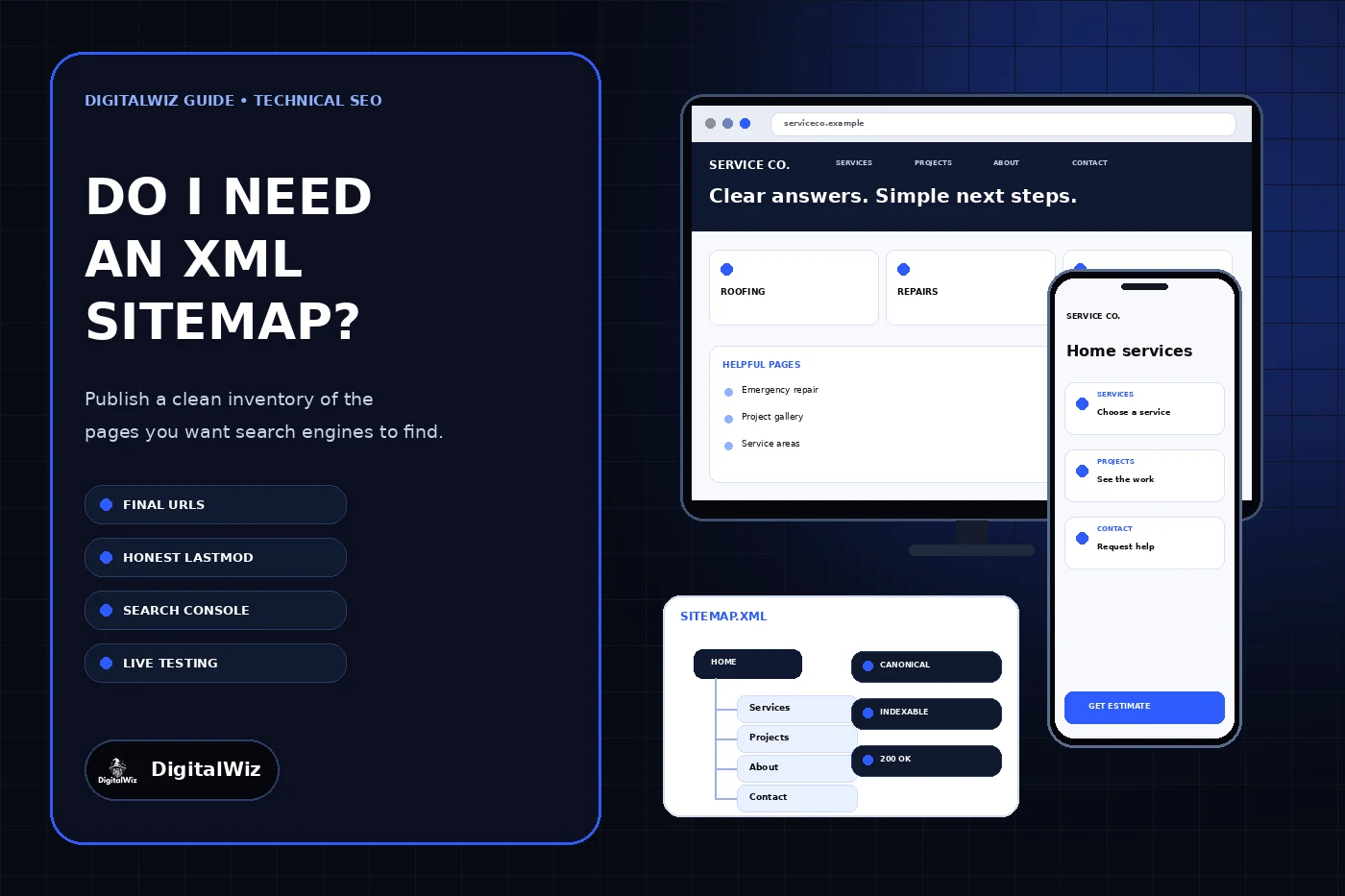
The website and sitemap interface above are illustrative. They are not a client website, Search Console report, indexing result, or ranking claim.
- Use the sitemap to list preferred, public, indexable URLs.
- Use internal links to make every important page reachable by people and crawlers.
- Use canonicals, redirects, robots directives, and status codes for their separate jobs.
- Use Search Console to monitor whether Google can fetch and process the file.
- Do not treat sitemap submission as a guarantee that a page will appear in search.
Know when a sitemap adds the most value
Google’s sitemap overview explains that properly linked pages can usually be discovered through normal crawling. It also identifies stronger use cases: large sites, new sites with few external links, and sites with substantial image, video, or news content. The practical question is not whether every website is required to have a sitemap; it is whether the file improves discovery and maintenance for this website.
For a local service business, the answer often becomes yes as the site grows beyond a handful of pages. Service pages, locations, projects, resources, and articles can be added over time by different people or systems. A generated sitemap makes it easier to compare what the site intends to publish with what the public site actually serves.
A sitemap is more valuable when it stays connected to the same source of truth that renders the website. A manually maintained file may be acceptable for a very small site, but it becomes fragile when pages are launched, renamed, redirected, or removed. Once the site has more than a few dozen changing URLs, generate the file from the website’s real page registry, CMS, or database instead of relying on memory.
- New site with few links pointing to it
- Growing library of services, locations, projects, or articles
- Important pages deeper than the main navigation
- Image, video, news, or multilingual content with supported sitemap details
- A redesign or migration where the final URL inventory needs close monitoring
Include only preferred public URLs
Treat the sitemap as a clean inventory of URLs the site wants search engines to consider for results. Google’s build-and-submit guidance recommends fully qualified absolute URLs and says to include the canonical URLs you prefer to show. That means the file should use one intended protocol and hostname and point directly to final destinations.
Include the homepage, useful service and location pages, real project or portfolio pages, important articles, and other public resources that are meant to be indexed. Exclude administrative tools, account screens, internal search results, checkout steps, staging or preview routes, duplicate parameter URLs, intentionally noindex pages, redirects, missing pages, and anything protected for privacy.
Do not use the sitemap to repair weak architecture. Every important page should still receive at least one ordinary crawlable internal link from another useful page. The sitemap can support discovery, but it should not be the only path to a page. If a URL is important enough to list, decide where a customer should naturally find it from navigation, a service hub, a related article, or another contextual path.
- Returns a normal 200 response
- Uses the preferred HTTPS hostname
- Has a self-consistent canonical URL
- Is allowed to be crawled and does not carry noindex
- Contains useful public content and is linked from the site
- Does not redirect to a different destination
Keep the XML simple and the dates honest
A basic XML sitemap needs a urlset container and one loc value for each URL. The Sitemaps protocol requires UTF-8 encoding and entity escaping. A sitemap can also use lastmod to state when a page was meaningfully modified. Do not stamp every URL with the build date when its content did not change.
Google says it ignores priority and changefreq values. It may use lastmod when those dates are consistently and verifiably accurate. That makes an honest, minimal file more useful than one filled with optimistic priorities, daily change claims, or timestamps that refresh on every deployment.
A single sitemap is limited to 50,000 URLs or 50 MB uncompressed. Sites beyond either limit should split the inventory and use a sitemap index. Most local business websites will remain far below those limits, but the generator should still be deterministic, encode URLs correctly, and avoid adding the same canonical more than once.
- loc: required absolute canonical URL
- lastmod: optional date of a meaningful page change
- changefreq: optional protocol field that Google says it ignores
- priority: optional protocol field that Google says it ignores
- One host per normal sitemap unless a documented cross-submission setup is used
Publish, submit, and test the live file
Publish the sitemap at a stable URL, commonly /sitemap.xml at the site root. Open that exact production URL in a private browser window and confirm it returns successfully without authentication. Parse the XML, count the URLs, and test a representative sample that includes the homepage, a service page, a location page when used, an article, and the newest page added.
Reference the full sitemap URL in robots.txt and submit the same URL in Google Search Console. The robots.txt reference supports discovery; Search Console provides fetch and processing information. The DigitalWiz guide to robots.txt for small business websites covers the difference between crawler access and indexing, while the Search Console setup guide explains property ownership and ongoing monitoring.
Test every public hostname that can serve the site. If www redirects to the apex domain, verify the redirect is intentional and the sitemap lists only the preferred final host. If both hosts serve content, fix the duplication instead of listing both versions. After a redesign or hosting move, verify the live sitemap again rather than assuming the source generator and production alias still agree.
- The sitemap URL returns 200 and valid XML.
- Every listed URL uses the preferred production host.
- A representative sample returns 200 without redirect chains.
- Listed canonicals, robots directives, and sitemap URLs agree.
- robots.txt references the correct absolute sitemap URL.
- Search Console can fetch and process the submitted file.
Audit it whenever the site structure changes
Recheck the sitemap after launches, redesigns, domain or hostname changes, CMS migrations, route changes, bulk content updates, and changes to canonical or robots rules. Compare the file with the actual indexable page registry, not only the navigation menu. Then look for redirects, errors, noindex pages, duplicate canonicals, staging hosts, orphaned URLs, and meaningful pages that are missing.
If a submitted URL is not indexed, do not repeatedly resubmit the sitemap as the only response. Inspect the exact URL’s status, crawl access, noindex state, canonical selection, rendered content, internal links, and Search Console evidence. The DigitalWiz guide to checking whether Google indexed a website page provides that page-level process.
The durable setup is straightforward: generate one clean file from the production URL registry, list only preferred public pages, publish truthful modification dates, expose the file through robots.txt, monitor it in Search Console, and test it after structural changes. If you want a technical search review tied to real customer paths, explore DigitalWiz Search Visibility, run a free BizScore audit, or contact DigitalWiz.
- Count listed URLs and compare them with the intended public inventory.
- Remove redirects, errors, duplicate variants, and noindex URLs.
- Add missing canonical pages only when they are useful and internally linked.
- Correct false lastmod dates instead of refreshing them automatically.
- Verify the production sitemap after every consequential release.