Does My Small Business Website Need a Robots.txt File?
Often, yes—but keep it simple. Use robots.txt to manage crawler access, not to hide private pages or force URLs out of search. Protect sensitive content properly and test every rule.
The direct answer
A small business website can benefit from a robots.txt file, but many simple sites need only a short, conservative one. Its job is to tell cooperating crawlers which URL paths they may request. It can also publish the absolute location of the XML sitemap. It does not improve rankings by existing, and it is not a reliable way to keep a public URL out of search.
If the site has only public pages and no duplicate, filtered, account, checkout, internal-search, or staging paths, allowing normal crawling may be the correct setup. If the platform generates crawlable paths that provide no useful public destination, robots.txt can help manage those requests—after someone confirms that blocking them will not hide pages or resources search engines need to understand the site.
Use authentication or another real access control for private material. Use a noindex meta tag or X-Robots-Tag when a public URL must remain accessible but should not appear in supported search results, and leave that URL crawlable so the directive can be read. Use an honest 404 or 410 for removed content. Choose the control from the outcome you need instead of treating every search problem as a robots.txt problem.
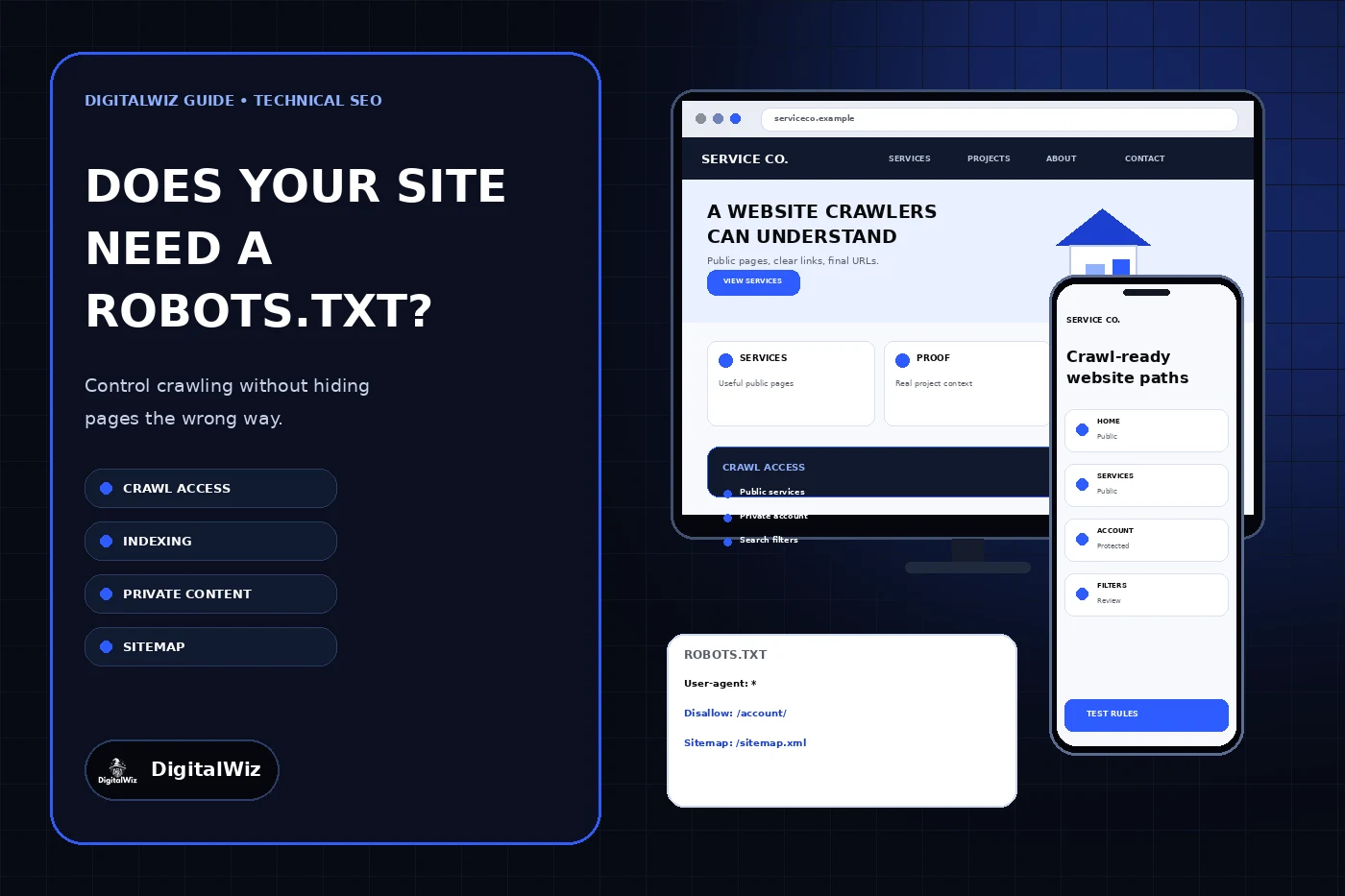
The website and crawl-control interfaces above are illustrative. They are not a client website, crawl report, Search Console result, or ranking claim.
- Manage crawler access: robots.txt
- Keep a public page out of supported search results: noindex
- Protect private or sensitive content: authentication and authorization
- Remove a URL with no replacement: 404 or 410
- Help crawlers discover preferred public URLs: internal links and an XML sitemap
Decide whether the site actually needs crawl rules
Start with a URL inventory, not a copied template. List the public pages customers should find, the system paths the platform creates, and any parameter, filter, search, account, cart, preview, API, or staging routes. For each pattern, decide whether a normal visitor should reach it, whether a search crawler needs its content or resources, and whether the URL should ever appear in search.
Google describes robots.txt as a way to manage crawler traffic and avoid crawling unimportant or similar URLs. Its robots.txt introduction also says the file is not a mechanism for keeping a web page out of Google. That distinction matters even on a small site: a blocked URL can still be discovered through links and may appear without a useful description because the crawler cannot fetch the page.
Do not create rules merely because another business blocks the same directory name. A path such as /search/, /account/, /uploads/, /api/, or /assets/ can have a different function on another platform. Blocking CSS, JavaScript, images, or API responses required for rendering can make public pages harder for crawlers to understand. Verify what each path serves before restricting it.
- Public service, location, project, article, and contact pages should normally remain crawlable.
- Authenticated account areas should be protected by access control, not only a crawler request.
- Internal search, filter, calendar, and parameter paths need platform-specific review.
- Staging and preview systems should be private or otherwise prevented from competing with production.
- CSS, JavaScript, image, and data resources needed to render public pages should remain available.
Separate crawling, indexing, and privacy
Crawling is the act of requesting a URL. Indexing is the decision to process and potentially show content from that URL in search. Privacy is an access-control question. These are related systems, but one instruction does not solve all three.
A Disallow rule asks a cooperating crawler not to request a matching path. It does not require every automated client to comply, and it does not make the URL secret. The robots.txt file is public, so its blocked paths can be read by anyone. Never list a confidential address there as if the list were a password.
Google’s noindex guidance explains that the search engine must crawl a URL to see a noindex meta tag or HTTP header. If robots.txt blocks that URL, Google may be unable to read the directive. For private customer portals, documents, administrative tools, drafts, or sensitive records, require authentication and authorization and avoid exposing the material through public links or sitemaps.
- robots.txt is a crawl instruction, not an access-control system.
- noindex is an indexing instruction that must be discoverable through crawling.
- A password or authenticated session controls who can open protected content.
- A sitemap supports discovery; it does not override a block or guarantee indexing.
- A canonical identifies a preferred duplicate; it does not make an alternate URL private.
Put the file on the correct host
The file must be named robots.txt and live at the root of the host it controls, such as https://example.com/robots.txt. Google’s creation guide states that a file in a subdirectory does not control the entire site. The rules apply only to the protocol, host, and port where that file is served.
That scope becomes important when a business uses apex and www hosts, a booking subdomain, a store, a support portal, or a separate staging hostname. A file on https://example.com does not automatically govern https://shop.example.com. Inventory every publicly reachable host and confirm whether it redirects, serves unique content, or needs its own tested rules.
Serve the file as plain UTF-8 text with a normal success response. Check it from outside an administrator session. A framework can generate robots.txt dynamically, but the live response—not the source filename or CMS screen—is the authority. Confirm that deployment, redirects, caching, and environment settings did not produce a different file on production.
Keep the rule set small and understandable
A rule group begins with a user-agent and then uses Allow or Disallow paths. An asterisk can target broadly, while named groups can address supported crawlers more specifically. Paths are case-sensitive, and small punctuation changes can broaden or narrow the match. Start with the fewest rules that express the verified plan.
For a public brochure site, an intentionally simple file may allow ordinary crawling and publish the sitemap location. A site with a real customer account path might disallow crawler requests to that path while still enforcing authentication at the application layer. Parameter and filter patterns require extra care because a wildcard that looks tidy can block valuable pages or fail to match the URLs the platform actually emits.
The Sitemap field takes a fully qualified URL. Use the preferred production hostname and verify that the sitemap returns successfully and lists final canonical URLs. Do not list staging, redirecting, missing, or intentionally noindex URLs. The DigitalWiz guide to checking whether Google indexed a page explains how crawl access, indexing directives, canonical selection, links, and the sitemap work together.
- Identify the crawler group with User-agent.
- Use Disallow only for verified path patterns that should not be crawled.
- Use Allow only when a narrower exception is needed inside a broader block.
- Publish the absolute preferred sitemap URL when useful.
- Comment the purpose of unusual rules and record who owns future changes.
Avoid the mistakes that cause real damage
The most damaging mistake is a production-wide block copied from staging. A broad Disallow: / rule can stop compliant search crawlers from fetching the entire host. Treat changes to environment configuration, framework metadata, hosting rules, and generated robots files as launch-critical changes and verify the final custom domain immediately after deployment.
Another common mistake is blocking pages that carry noindex. The crawler then cannot read the instruction that should remove those pages from search. The reverse mistake is leaving private material publicly accessible because someone assumed Disallow made it secure. Fix the underlying access and indexing controls instead of layering contradictory signals.
Do not block resources simply to make the file look optimized. If a public page depends on CSS, JavaScript, images, or data for its meaningful rendered content, let the crawler fetch what it needs. Do not add unsupported directives and assume every crawler interprets them the same way. Use the syntax documented by the crawler you are trying to manage and test representative URLs.
- Accidental sitewide block on production
- Disallow combined with noindex on the same URL
- Sensitive paths exposed without authentication
- Public pages or rendering resources blocked by an overbroad wildcard
- Sitemap URL using the wrong host or listing blocked and noncanonical URLs
- Rules copied from another platform without checking actual route behavior
Test before and after every consequential change
Before publishing, create a small test table with examples that should be allowed and examples that should be blocked. Include the homepage, core service pages, one article, the contact path, CSS and JavaScript resources, image URLs, any account or internal-search pattern, and the sitemap. Evaluate exact final URLs rather than shortened examples.
After deployment, request robots.txt directly on every relevant production host and record the response status and body. Then open representative public pages in a browser, verify their rendered content and internal links, inspect their robots meta directives and canonicals, and confirm the sitemap contains the preferred versions. Use Search Console’s robots.txt report and URL Inspection when the property is available, but do not treat a source-file check as proof of the live response.
Recheck after redesigns, CMS or framework upgrades, hosting moves, hostname changes, new account or ecommerce features, parameter changes, staging migrations, and security work. If a valuable page disappears from search, compare crawl permission, noindex, status, canonical, sitemap, links, and rendered content before changing the rule set. Need a practical crawl and indexing review connected to the real customer path? Explore DigitalWiz Search Visibility, run a free BizScore audit, or contact DigitalWiz.
- robots.txt returns a successful plain-text response on the intended host.
- Important public pages and their rendering resources are allowed.
- Private content is protected independently of crawler rules.
- Noindex pages remain crawlable until the directive is processed.
- The sitemap uses the preferred host and final canonical URLs.
- Desktop and mobile customer paths still work after the release.