What Should a Small Business Thank-You Page Include?
Confirm exactly what the website received, explain the real next step, set an honest response expectation, provide a useful fallback, and measure the handoff without treating every page view as a lead.
The direct answer
A small business thank-you page should confirm exactly what the website received, explain what the business will do next, give an honest response expectation, and provide an appropriate fallback if the request is time-sensitive. It should match the form that came before it and distinguish a received request from a booked appointment, approved estimate, completed payment, or reviewed application.
Keep the page focused. Use one clear confirmation, a short explanation of the next step, the expected contact method or operating window when the business can support it, and one useful action such as viewing preparation instructions or returning to the relevant service page. The internal notification and follow-up process must work too; a polished confirmation screen does not prove that anyone received the lead.
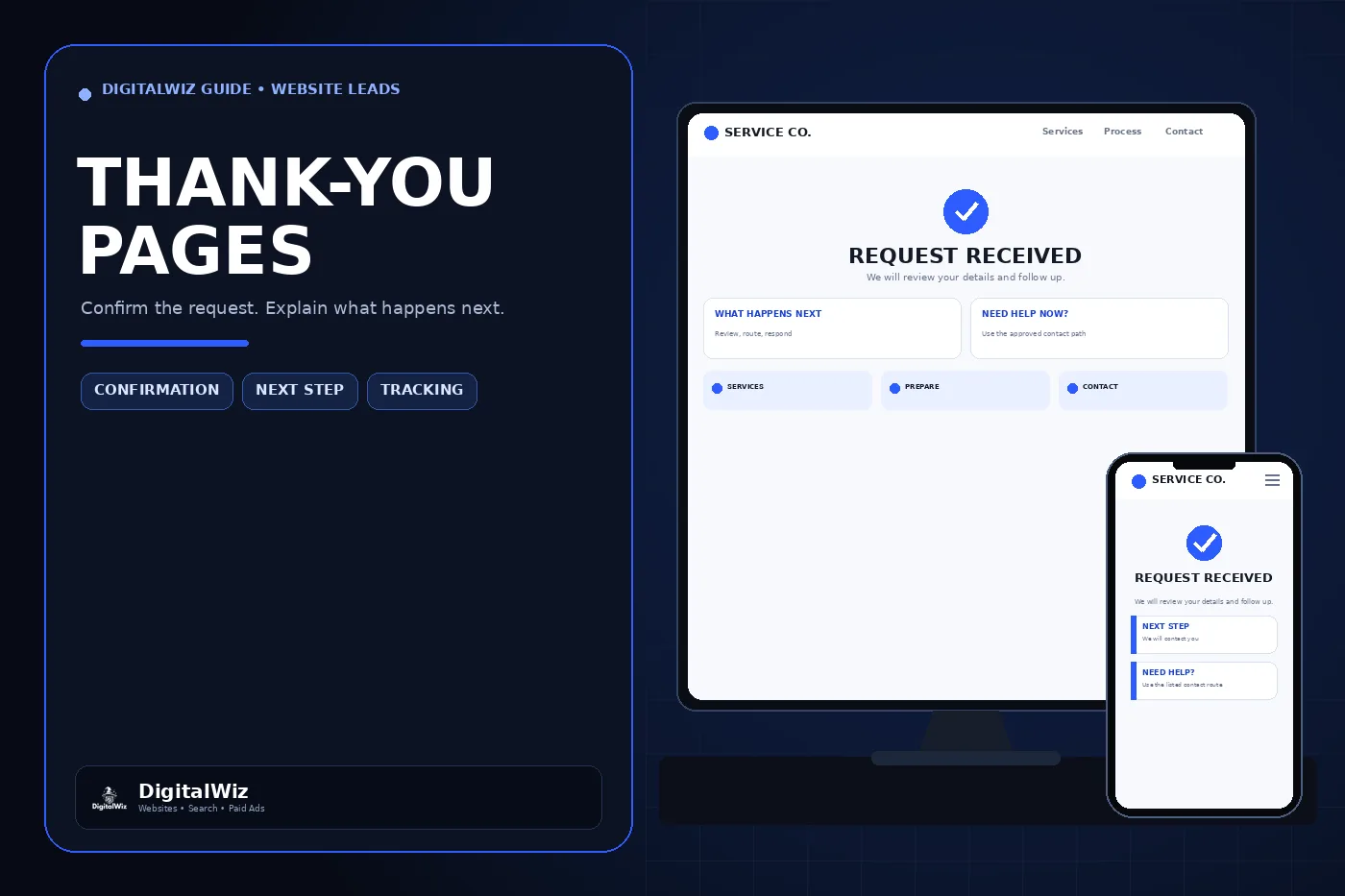
The confirmation-page interfaces shown above are illustrative. They are not a client website, customer record, delivered lead, response-time promise, booking, or performance result.
- Confirm the action that actually succeeded.
- Name the next step without implying that staff have already reviewed the request.
- State a response window only when the business can meet it.
- Offer one relevant fallback or preparation path.
- Test the customer message and the internal handoff as separate outcomes.
Confirm the result without promising more
Use the same noun and status throughout the form and confirmation. If the button says “Request an estimate,” the next page can say “We received your estimate request.” It should not say “Your estimate is confirmed” unless the website has actually produced and confirmed one. An appointment request is not a booked appointment, and a submitted application is not an approval.
Name the information the customer needs, not the software action. “Your message was sent” may be sufficient for a general contact form. A service request may need to say that the details were received and will be reviewed for availability. A direct booking flow can show the reserved service, date, time zone, location, and change policy only after the scheduling system confirms those details.
Avoid displaying the customer’s full submission on a publicly reachable page. If a reference number helps support or duplicate handling, generate one that does not expose an email address, phone number, street address, account identifier, or other private form data. Never place sensitive values in the page URL or analytics parameters.
Explain the real next step and response expectation
Tell the customer what will happen after receipt: the request enters a monitored inbox, staff review service-area or project details, someone checks availability, or a team member follows up using the contact method provided. Keep the wording aligned with the actual workflow. If several departments receive different request types, the confirmation should describe the route for the form that was submitted rather than using one generic message everywhere.
Publish a response window only when staffing, business hours, holidays, and seasonal demand support it. “During normal business hours” may be more accurate than a permanent promise of a reply within minutes. If the business has a dependable standard, state the time zone and explain how requests received after hours are handled.
Urgent instructions need the same discipline. Show a phone number or emergency route only when the business monitors it for that purpose. A general website form should not be presented as an emergency channel. Businesses handling electrical, plumbing, medical, legal, financial, or other high-risk matters should have the wording and escalation path reviewed for their actual service and obligations.
Give the customer one useful next action
The primary job of the page is confirmation, not another sales pitch. After that message is clear, offer one next action that fits the request. A project inquiry might link to a preparation checklist. A consultation request might explain what information to gather. A service request might link to current hours or the relevant service details. A completed booking might offer directions or a calendar action.
Do not surround the confirmation with another popup, a second long form, unrelated offers, or five competing buttons. The visitor just completed the action the website requested. Preserve the context and make the next choice easy on a phone.
Use real proof only when it is authorized and relevant. A verified project, review, policy, or credential may help a customer prepare, but the thank-you page is not permission to invent testimonials, ratings, badges, client logos, response statistics, or outcome claims.
Make confirmation accessible in either page pattern
A dedicated confirmation page and an inline success message can both work. A dedicated page creates a clear new context and can support a stable follow-up path. An inline message keeps the visitor in place and can preserve surrounding information. Choose the pattern that fits the form, then test what keyboard and screen-reader users experience after submission.
For an inline update, the success or error message should be programmatically announced without forcing a user to hunt for it. W3C’s guidance for status messages explains that assistive technologies need to identify important changes that do not take focus, including a successful form submission. Do not rely only on a green icon, a short animation, or a button changing color.
For a dedicated page, use a descriptive page title and H1, place the confirmation near the start of the main content, keep keyboard focus behavior predictable, and make the next action reachable without horizontal scrolling. Test slow connections and failed submissions too; the website must not show success while the request is still pending or has been rejected.
Keep private confirmation pages out of search
A generic thank-you page usually has no reason to appear in search results. Give a dedicated confirmation route a noindex directive and leave it out of XML sitemaps and navigation. Google’s noindex documentation explains that crawlers must be able to access the page to read the directive, so blocking the same URL in robots.txt can prevent the instruction from being seen.
Noindex is not privacy or access control. Anyone with the URL may still open the page. Do not render submitted details merely because the route is excluded from search, and do not depend on an unguessable address to protect an order, account, document, or customer record. Sensitive confirmation details belong behind appropriate authentication and authorization.
Use a stable route only when the page is safe to revisit. If reloading or sharing the URL could repeat a payment, resubmit a request, expose another customer’s state, or fire a business action twice, fix the application flow rather than trying to hide the address.
Measure the handoff without counting false leads
Record the successful customer action at the point where the system has accepted the intended request. Google Analytics documents a confirmation-page key event pattern that creates a separate event from a page view and recommends the generate_lead event for a lead request. The exact implementation depends on the form, consent setup, analytics configuration, and whether a dedicated page view reliably represents success.
A page view alone can overcount. A visitor may refresh the confirmation route, return through browser history, open a saved link, or reach the page without submitting the form. Prefer a server-confirmed submission or a one-time completion event when the application supports it, and prevent repeated navigation from creating another business record or duplicate conversion.
Keep marketing measurement separate from operational truth. A generate_lead event means the website recorded the selected action; it does not prove that the request reached the correct inbox or CRM, that the contact details are valid, that the opportunity is qualified, or that anyone followed up. Reconcile analytics with delivery logs and the system where staff actually manage inquiries.
Test the complete path before relying on it
Submit labeled test requests from the live website on desktop and mobile. Use valid input, required-field errors, a duplicate click, a slow connection, a network failure, and an after-hours scenario. Confirm what the customer sees, what assistive technology announces, where the record arrives, which staff member is notified, what analytics records, and whether a refresh or back-button visit creates a duplicate.
Check that the page matches the exact form type, shows the correct phone number and hours, uses the intended noindex directive, stays out of the sitemap, and contains no private values in the URL or visible page. Follow every preparation, service, contact, and policy link. Test the fallback route instead of assuming it works because it is displayed.
Repeat the test whenever the form provider, CRM, notification inbox, phone service, business hours, scheduling tool, analytics tag, consent setup, or website platform changes. If your confirmation page and lead handoff need to be mapped as one customer path, DigitalWiz can review the website, tracking, and follow-up through Website Development or a strategy call.
- The customer receives an accurate success or error state.
- The request reaches the intended operational system once.
- The page does not expose submitted data or imply an unconfirmed outcome.
- Analytics records the intended event without treating a revisit as a new lead.
- The responsible person can find, own, and respond to the test request.