What Pages Should an Irrigation Company Website Have?
An irrigation company website should separate design and installation, repairs, smart controllers, maintenance, commercial work, service areas, project proof, pricing context, FAQs, and estimates.
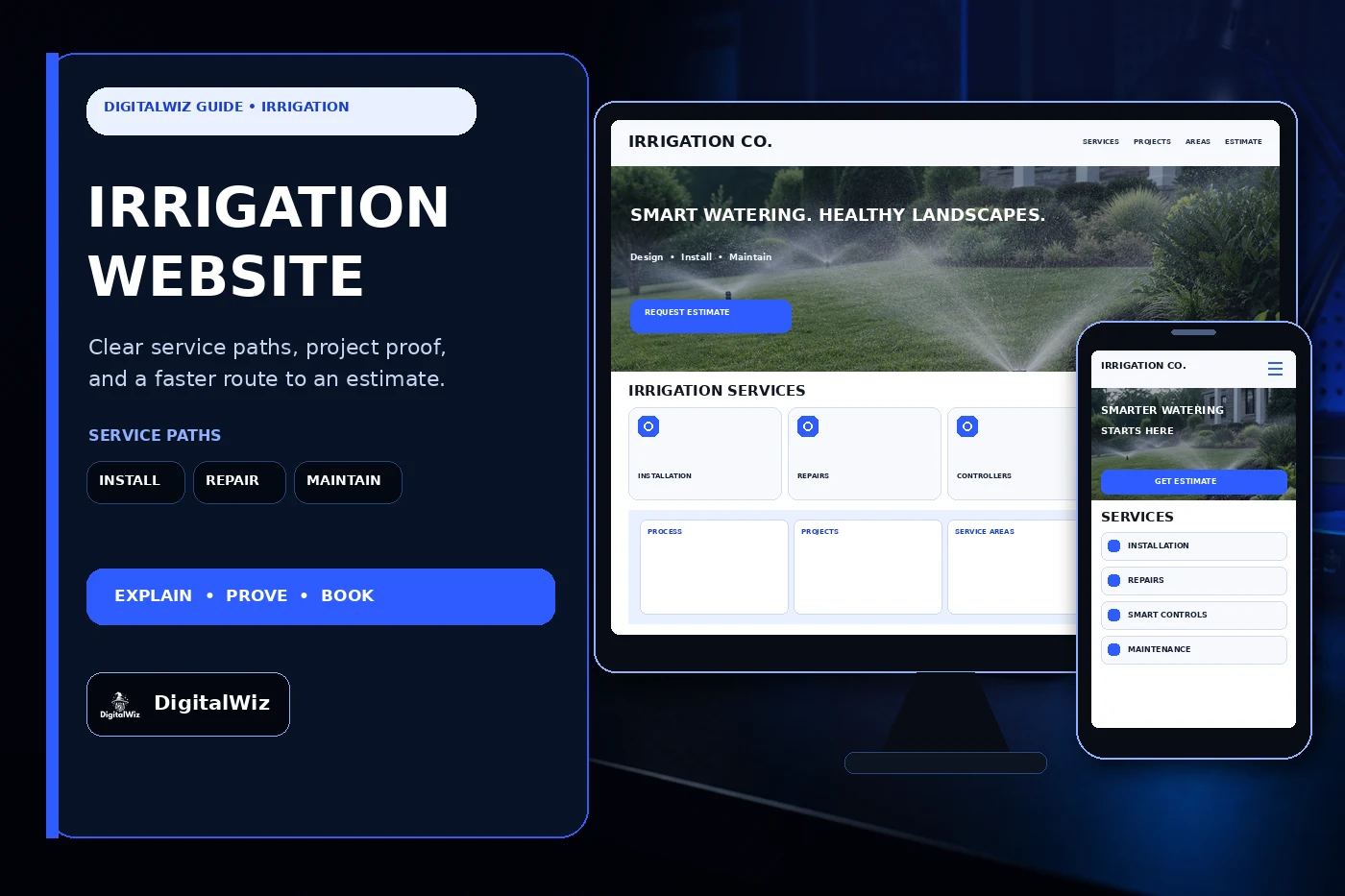
The direct answer
An irrigation company website should have focused pages for system design and installation, sprinkler and drip repairs, controller upgrades, seasonal startup and winterization when offered, routine inspections, water-efficiency work, commercial or HOA service, service areas, credentials, project proof, pricing context, FAQs, and estimates. One catch-all services page makes a homeowner or property manager guess whether the crew handles a new landscape, a dry zone, a leaking valve, an aging controller, or a multi-property maintenance plan.
Start with the work the company can actually design, license, install, and support. A residential repair company needs a different website path than a contractor building complete systems for custom homes, builders, commercial sites, athletic fields, HOAs, municipalities, or large landscapes. Separate those paths when plans, water sources, permits, backflow work, controls, trenching, plant material, scheduling, or documentation change.
Each page should help a buyer confirm fit before calling. Explain the property types served, the first visit, what information helps, which related trades may be involved, and how an estimate is prepared. That gives the website, Search Visibility, and Paid Ads Management useful landing pages instead of sending every lead to the homepage.
- Create a page for each meaningful installation, repair, controller, maintenance, efficiency, and commercial service the company provides.
- Explain evaluation, design or diagnosis, authorization, installation or repair, programming, testing, cleanup, and handoff.
- Publish accurate licensing, service areas, project minimums, scheduling limits, warranties, and estimate expectations.
- Track calls and forms through site visit, qualified opportunity, proposal, sold work, service type, territory, and lead quality.
Separate installation, repair, and maintenance paths
New-system buyers need a design and installation page. Cover the normal site review, landscape or plan information, water source, pressure and flow questions, zones, spray and drip areas, controller options, sensors, sleeves, trenching, restoration, testing, programming, and owner handoff. If builders, landscape architects, general contractors, or property managers have a different bid process, give them a dedicated route for plans, schedules, vendor documents, alternates, and closeout records.
Repair visitors arrive with symptoms, not a scope. Dry spots, overspray, a zone that will not run, a valve that will not close, low pressure, visible leaks, controller errors, damaged heads, drainage concerns, or unexpectedly high water use can have different causes. Explain the diagnostic process and supported system types without promising a fix from one photo or selling a universal repair package.
Maintenance deserves its own page when it is a real service. State whether the company offers seasonal checks, controller programming, head adjustment, drip inspection, leak review, startup, winterization, backflow coordination, commercial inspections, or ongoing account service. Be clear about what a visit includes, what requires separate approval, and whether customers must already have a system the company supports.
- Installation page: property types, design inputs, zones, components, trenching, restoration, testing, programming, and handoff.
- Repair page: supported systems, diagnostic visit, common symptoms, authorization, parts, cleanup, and follow-up.
- Controller page: compatible equipment, weather or soil inputs, connectivity, programming, owner access, and service boundaries.
- Maintenance page: inspection cadence, seasonal work, included adjustments, exclusions, records, and account scheduling.
Show real projects, system logic, and service areas
Irrigation work is hard to judge from one close-up of a sprinkler head. A useful project page shows the property or zone context, the original goal, landscape type, water-source considerations, agreed scope, controller or sensor approach, spray and drip areas, access constraints, sleeves or crossings, restoration, testing, and final handoff. When approved, a simple plan excerpt or zone diagram can help—but remove addresses, utility information, access details, and other private data.
Use only real, permission-safe work as company proof. Never invent customer names, water-use reductions, coverage measurements, project quantities, inspection outcomes, reviews, ratings, certifications, or before-and-after results. A conceptual website mockup can illustrate page structure, but it should not pretend to be a completed client project. The same rule applies to manufacturer logos and product badges: use them only with current permission and accurate context.
Service-area pages should match crew routes and job economics. Residential repair, new installations, builder work, commercial accounts, warranty calls, and seasonal service may have different boundaries. Publish the true core territory and any practical minimums. A useful Charlotte-area page adds real availability, property context, water-provider or permitting links when relevant, and matching project examples; it is not the same paragraph copied under twenty town names.
- Label project type, general area, landscape context, agreed system scope, components, access, restoration, and handoff.
- Use wide property views and useful details without exposing addresses, plans, utility markings, access points, or customer data.
- Separate conceptual design imagery from completed company work, and never manufacture proof to fill a gallery.
- State real installation, repair, maintenance, commercial, seasonal, and warranty coverage when those territories differ.
Give pricing context without quoting an imaginary system
Irrigation pricing changes with more than lawn size. Property layout, plant zones, water source, pressure and flow, meter or well conditions, controller and sensor choices, number of zones, spray or drip components, trenching, roots, rock, slopes, access, sleeves, hardscapes, existing-system condition, diagnostics, parts, permits, backflow responsibilities, restoration, travel, and scheduling can all affect the estimate.
The website can still answer cost questions. Some companies can publish a diagnostic fee, service-call minimum, seasonal-check price, controller-upgrade range under defined conditions, or minimum installation size. Others should explain the main cost drivers, which photos or plans help, when testing or an on-site review is required, what the written proposal includes, and how changed conditions are approved. The framework in Should I Put Prices on My Business Website? helps set expectations without pretending every yard is identical.
Warranty language needs the same clarity. Separate workmanship, supplied components, manufacturer coverage, controller connectivity, programming, freeze damage, root or landscape changes, water quality, pressure, third-party work, owner maintenance, and future property changes. State what records the customer receives, what maintenance is expected, and how a service request is reviewed.
- Explain the largest design, component, water-source, trenching, access, hardscape, restoration, permit, travel, and scheduling cost drivers.
- Publish fees, ranges, minimums, or package prices only when their assumptions and exclusions stay current.
- State what is included, separately approved, supplied by others, or subject to findings during diagnosis or excavation.
- Keep workmanship, component, programming, connectivity, freeze, landscape-change, and maintenance warranty terms distinct.
Make the estimate path work on a phone, then track lead quality
An irrigation request form should collect enough information to route the job without asking the customer to design or diagnose the system. Ask for name, phone, email, service address, property type, new system or existing system, requested service, controller or system details if known, visible symptoms, affected zones, water source if known, recent landscape or construction changes, access notes, desired timing, and optional ground-level photos or plans that are safe to share.
Route inquiries where the office process changes. A leaking system, controller question, one-zone repair, complete replacement, new construction bid, drip conversion, seasonal visit, commercial account, and out-of-area request should not all land in one inbox. Confirmation copy should say what happens next and when an appointment becomes confirmed. It should not promise an arrival time, diagnosis, final price, water savings, permit outcome, or completed schedule before review.
Then follow the lead beyond the form. Record source, campaign, landing page, requested service, territory, property type, scheduled visit, qualified opportunity, proposal, sold work, project or repair category, account type, project value, and lead quality when the sales process supports it. That shows whether repair pages bring serviceable systems, installation ads reach the right project sizes, or broad traffic falls outside the crew's route.
Test the whole path on a real phone. Tap-to-call should work. Photo and plan uploads need a graceful fallback. Forms should reach the right estimator or dispatcher, and urgent wording should match real coverage. Want a clear view of the service pages, local visibility, estimate flow, and tracking gaps on your own site? Run a free BizScore audit.
- Ask for property, system status, requested service, symptoms, water source if known, timing, safe access notes, and optional files.
- Route installation, repair, controller, seasonal, commercial, builder, urgent, and out-of-area requests appropriately.
- Track source and landing page through site visit, qualification, proposal, sold work, service category, and lead quality.
- Use those findings to improve pages, ads, forms, territory, minimums, scheduling, handoffs, and follow-up.