What FAQs Should a Local Service Business Website Have?
A local service business website should answer the questions that stop buyers from calling: cost, timing, service area, process, trust, guarantees, and what happens after they reach out.
The direct answer
A local service business website should have FAQs that answer the questions buyers ask right before they call, book, or request an estimate. The best FAQs are not filler. They remove doubt around price, timing, service area, process, qualifications, guarantees, and what happens after someone reaches out.
For a Charlotte or NC service business, those answers matter because visitors are comparing options fast. A roofer, HVAC company, med spa, dentist, law firm, restaurant, or contractor can lose a lead when the page dodges the question the buyer cares about most.
The practical DigitalWiz rule: put FAQs where they support the next step. Your website, Search Visibility, and Paid Ads Management all work better when the page answers real objections before asking for the call.
- Answer cost and pricing factors without inventing numbers you cannot stand behind.
- Explain timing, availability, and what the first appointment or estimate looks like.
- Clarify service areas, service fit, and any limits before someone contacts you.
- Use FAQs to support conversion, not to stuff keywords at the bottom of the page.
Start with the questions that block a lead
The easiest FAQ plan starts with sales friction. Look at calls, form submissions, consultations, estimate requests, chat logs, reviews, and objections your team hears every week. If the same question keeps coming up, the website should probably answer it before the visitor has to ask.
Most local service buyers want to know whether the business serves their area, handles their exact problem, fits their budget, can respond in time, and feels trustworthy enough to contact. Those questions deserve clear answers near the service page, landing page, or contact path—not buried in a generic FAQ archive.
This is also better for helpful content. Google's public guidance focuses on useful, reliable, people-first information. A page that answers real buyer questions in plain language is stronger than a page padded with vague SEO questions nobody would ask.
- Pull questions from real leads, reviews, sales calls, and service conversations.
- Prioritize questions that affect whether someone calls, books, or leaves.
- Keep answers short enough to scan on mobile.
- Link deeper when a question needs a full guide, service page, or pricing page.
The core FAQ categories every local service site should cover
Most local service websites need the same basic FAQ categories, even though the wording changes by industry. Start with cost, timing, service area, process, qualifications, preparation, guarantees or warranties, and what happens after the form or call.
A contractor may need questions about estimates, permits, project timelines, materials, and cleanup. A med spa or dental office may need careful questions about consultations, candidacy, recovery, and financing. A law firm may need questions about consultation fit, documents, timelines, and confidentiality. The category is the same: reduce uncertainty without overpromising.
If you already publish pricing context, connect the two. We covered that in Should I Put Prices on My Business Website?. FAQs can explain what changes the price, what is included, and what details are needed for a quote.
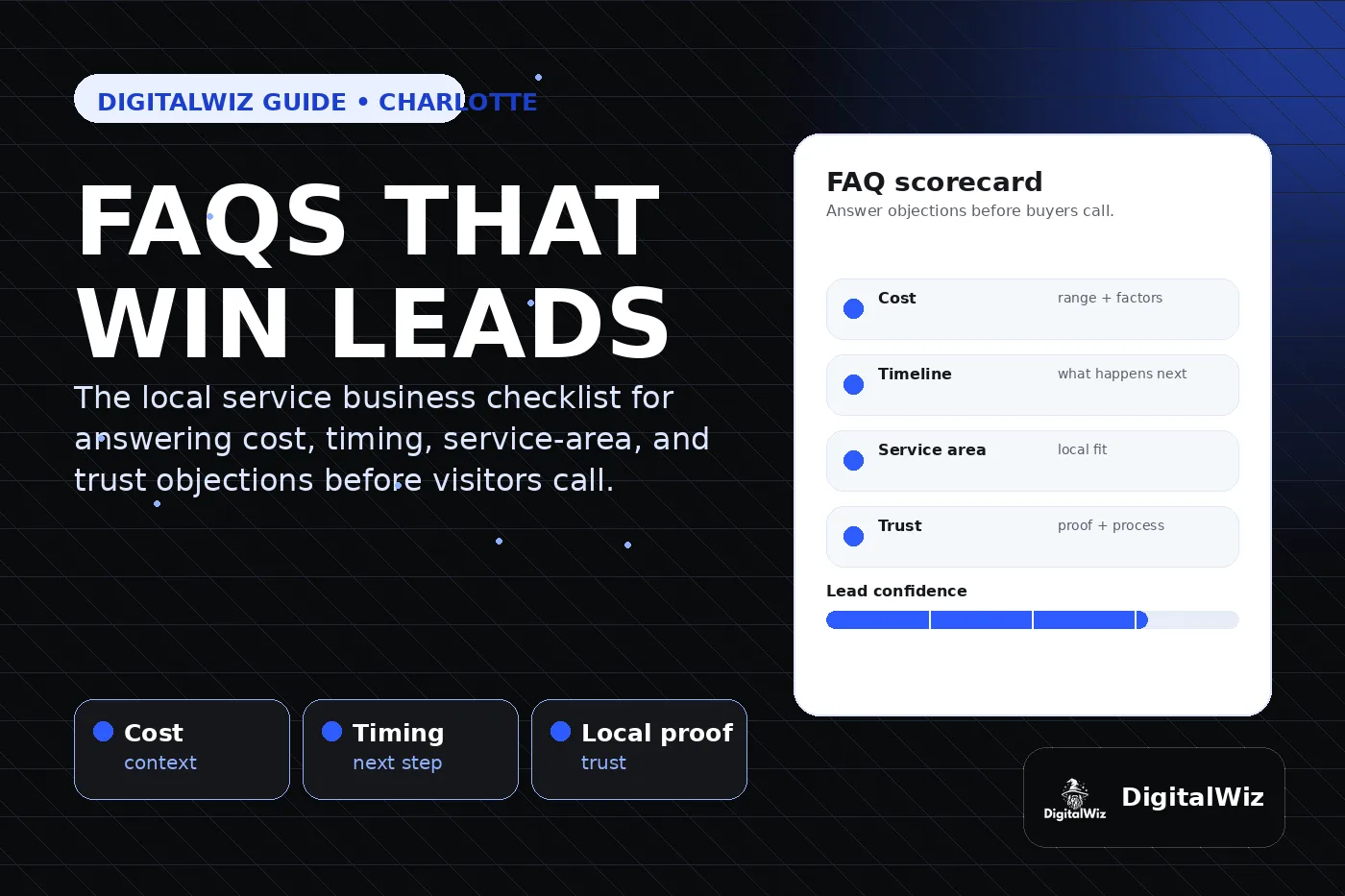
- Cost: ranges, starting points, factors, deposits, financing, or custom quote logic.
- Timing: response time, appointment length, project schedule, seasonality, and urgent needs.
- Service area: cities, neighborhoods, travel limits, remote options, or in-shop requirements.
- Process: consultation, estimate, proposal, booking, installation, follow-up, and support.
- Trust: licenses, insurance, reviews, experience, photos, credentials, warranties, and policies.
Where FAQs should live on the site
Put FAQs close to the decision they support. A question about roof repair timing belongs on the roof repair page. A question about ad landing-page tracking belongs near the landing page or paid ads offer. A broad company FAQ can still help, but it should not replace specific answers on revenue pages.
Service pages usually deserve their own focused FAQ section because those pages match high-intent searches and high-intent visitors. Blog posts can answer bigger questions in more depth, then link back to the service page that can convert the visitor. That is the same service-page-first strategy we covered in Are Service Pages or Blog Posts Better for Local SEO?.
For paid ads, keep FAQs tighter. A local Google Ads landing page should answer the doubts that stop the conversion, not send visitors into a maze of unrelated content.
- Homepage: broad fit questions about who you help and what you do.
- Service pages: specific questions about that service, price factors, proof, and next steps.
- Location or city pages: local service-area questions only when the page has real local value.
- Blog posts: detailed answers that support internal links back to service and contact pages.
- Contact page: what happens after someone submits, books, or calls.
How to write FAQs that actually help conversion
A good FAQ answer sounds like a helpful sales conversation, not a legal disclaimer or keyword dump. Lead with the answer, then add the context needed to make the buyer comfortable. If the answer depends on scope, say that and explain what details change the recommendation.
Avoid fake certainty. Do not promise rankings, exact lead volume, guaranteed response times, medical outcomes, legal outcomes, or project results you cannot support. Clear and honest answers build more trust than hype.
Every FAQ should either answer a real objection, clarify the next step, or point the visitor toward a more useful page. If it does none of those, delete it.
- Use the customer's language, not internal jargon.
- Answer first, explain second, and keep the CTA nearby.
- Use examples only when they are accurate for the business.
- Make answers easy to scan on mobile with short paragraphs and bullets.
- Review FAQs when offers, pricing, service areas, or policies change.
Do FAQs help SEO and AI search?
FAQs can help SEO and AI search when they make the page clearer. Search systems need to understand what the business does, where it works, what questions it answers, and what proof supports the offer. Real FAQs add that clarity because they connect services, buyer intent, local context, and next steps in plain language.
They are not magic. FAQ schema, by itself, will not make a weak page rank or guarantee special search results. Google has limited where FAQ rich results appear, and structured data should match visible page content. Treat markup as a clarity layer after the page itself is useful.
For local visibility, FAQs also support the bigger trust system: service pages, Google Business Profile details, reviews, citations, internal links, and conversion tracking. Google describes local ranking around relevance, distance, and prominence; FAQs mainly help relevance and user confidence.
- Use FAQs to answer real buyer questions in visible page copy.
- Add structured data only when it accurately reflects visible FAQs and the template supports it.
- Link FAQs to related service pages, pricing context, Google Business Profile cleanup, or tracking guides.
- Measure calls, forms, and lead quality instead of judging FAQs by rankings alone.
A simple FAQ checklist for this week
Pick one high-value service page. Add five to eight questions that buyers actually ask before choosing you. Cover cost, timing, service area, process, proof, and next step. Then check whether the page is easier to understand on a phone.
Do not publish a giant FAQ wall just to look thorough. Start with the questions that reduce friction and improve the lead path. Better answers on one revenue page are more useful than twenty generic questions across the site.
Want a fast read on which questions your website should answer first? Run a free BizScore audit or contact DigitalWiz. We will show you the gaps across your website, search visibility, paid ads, and conversion path.
- Choose one service page or landing page to improve first.
- Add FAQs from real calls, forms, reviews, and sales objections.
- Place the FAQ section before or near a clear call, booking, quote, or audit CTA.
- Update tracking so you can see whether the page produces better leads.