Should My Business Use Email at Its Own Domain?
Yes—use an address at a business-controlled domain for customer-facing work. Keep ownership separate from any employee, inventory every sender, and configure SPF, DKIM, and DMARC before enforcing a strict policy.
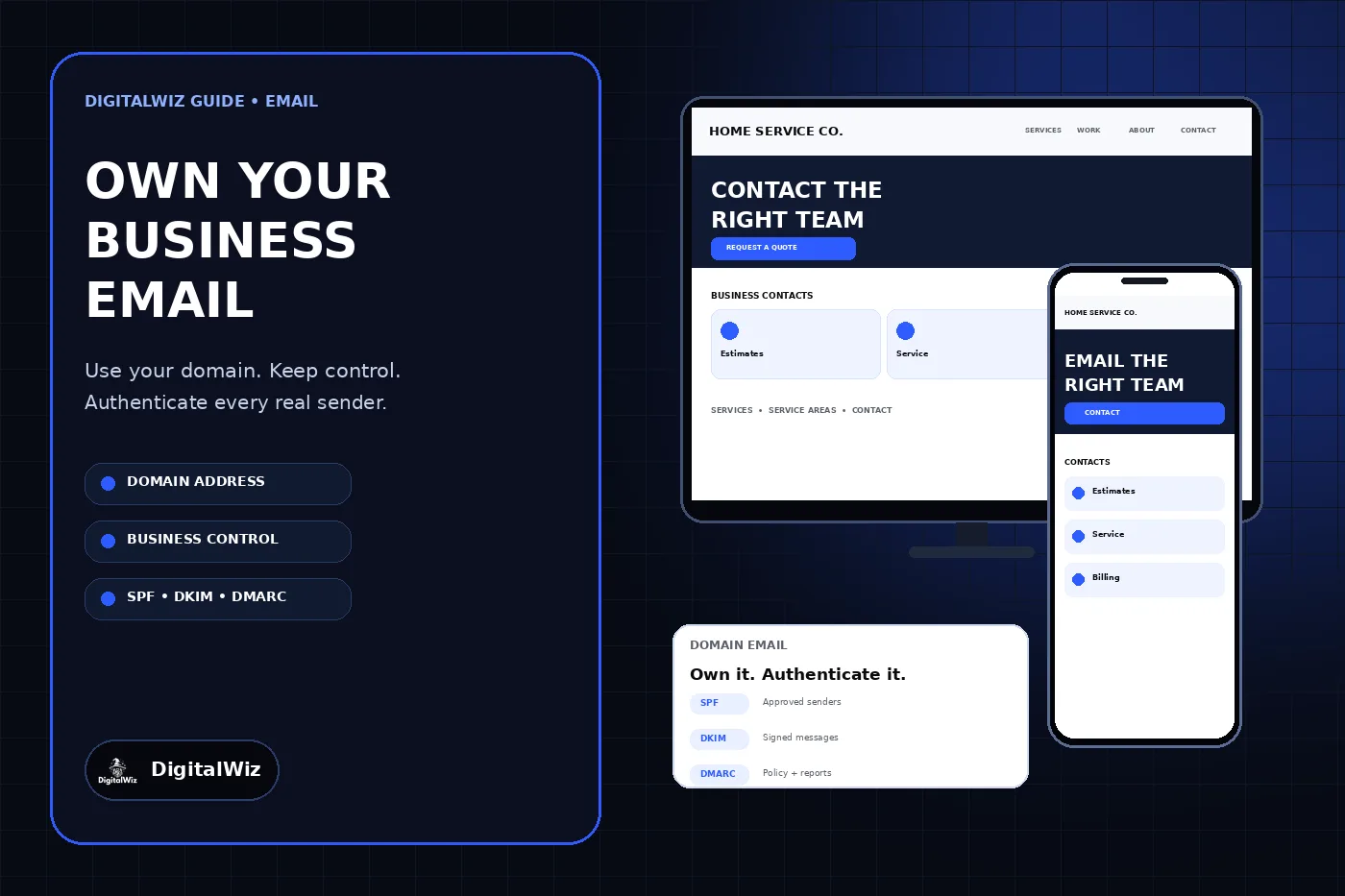
The direct answer
Yes. For customer-facing work, use an address at a domain the business controls, such as estimates@example.com or service@example.com. It keeps the public identity tied to the company instead of one employee or a free mailbox provider, and it gives the business a durable address when staff, agencies, or software change.
The domain name is only the visible layer. A dependable setup also needs a business-owned administrator account, individual mailboxes for people, role addresses for durable functions, multifactor authentication, documented recovery, and email authentication for every legitimate service that sends on the domain’s behalf.
Do not publish SPF, DKIM, or DMARC records by copying a generic example into DNS. First inventory every sender—including the primary mailbox provider, website forms, invoicing tools, CRM, scheduling, newsletters, and automated notices—then use each provider’s current instructions. Move DMARC toward enforcement only after legitimate mail is authenticated and reports have been reviewed.
The website, device screens, and authentication card shown above are illustrative. They are not a client website, mailbox account, DNS audit, deliverability result, or security assessment.
- Use the business domain for public, sales, service, and billing communication.
- Keep domain, DNS, and email administration in business-controlled accounts.
- Give each person an individual account; use role addresses for lasting functions.
- Inventory every service that sends mail before changing DNS authentication.
- Verify SPF, DKIM, and DMARC with real messages and monitored reports.
Use the domain as company infrastructure, not a cosmetic upgrade
A domain-based address helps a customer connect the message with the same name used on the website, estimate, invoice, and business profile. It also lets the company preserve addresses such as estimates@, service@, or billing@ even when the person handling that work changes. The practical value is continuity and control—not a promise that every message will reach the inbox.
A free mailbox can still have a narrow place as a recovery address, an emergency contact, or a temporary setup account. It should not be the only identity customers rely on once the business has an established domain. If an employee’s personal inbox owns the domain, administers the mail service, and receives all recovery notices, the company has one avoidable point of failure.
Choose the domain before building the mailbox structure. The DigitalWiz guide to choosing a business domain explains the brand, ownership, renewal, and DNS checks that should come first. The email service should attach to that business-controlled foundation, not replace it.
Separate named users from durable business roles
Create individual accounts for people who sign in, such as name@example.com. This supports clear access, multifactor authentication, account removal, and an audit trail. Do not let several people share one mailbox password when the provider supports delegated mailboxes, groups, aliases, or role-based access.
Use role addresses for functions that should survive staff changes: estimates@, service@, billing@, careers@, or privacy@ when the business actually needs them. A role address can route to the responsible people without exposing one person’s login. Keep the list short enough that every published address has an owner and a response process.
Decide what happens when someone leaves before creating the accounts. Remove their sign-in access, preserve records according to the business’s real retention needs, transfer active conversations, update recovery methods, and review forwarding or delegation rules. The guide to giving an agency access without sharing passwords applies the same named-access principle to outside vendors.
- Named mailbox: one person signs in and is accountable for its use.
- Role address: a durable business function with a documented owner.
- Alias: another address that delivers to an existing mailbox; usually no separate login.
- Group or shared mailbox: controlled access for a team without a shared password.
- Recovery address: monitored separately and protected with multifactor authentication.
Inventory every system that sends as the business
The primary mail provider is rarely the only sender. Website contact forms, CRM automations, invoicing software, appointment reminders, review requests, newsletters, support tools, and proposal platforms may all send messages that display the business domain. List each service, the From address it uses, its return-path or bounce domain when available, the owner, and whether it is still needed.
Google’s SPF setup guidance specifically tells administrators to include all services that send for the domain, including web servers, contact forms, and third-party providers. An incomplete inventory can make legitimate mail fail authentication; an outdated inventory can keep former vendors authorized after the business stops using them.
Do not let a website form impersonate the visitor’s address in the From field. Use an address authorized for the sending service and place the visitor’s address in Reply-To when the provider supports that pattern. The DigitalWiz article on contact forms that say sent but produce no email covers the end-to-end test from form submission through provider delivery and CRM routing.
Understand what SPF, DKIM, and DMARC each do
SPF is a DNS record that identifies approved sending sources for a domain used in the mail transaction. DKIM adds a cryptographic signature that a receiving system can verify with a public key published in DNS. DMARC checks whether the authenticated SPF or DKIM domain aligns with the domain people see in the From address, states how receivers should handle failures, and can send aggregate reports.
These controls work together. Microsoft’s email authentication overview explains that SPF, DKIM, and DMARC are interdependent building blocks. CISA’s email security guidance likewise describes SPF and DKIM as authentication signals and DMARC as the policy receivers consult when messages fail.
Authentication is not a guarantee of inbox placement. Receiving systems can also consider reputation, message content, complaint history, recipient behavior, and other signals. Treat passing authentication as a necessary identity and anti-spoofing control, not evidence that a campaign, form, or mailbox is performing well.
- SPF: which sources may send for the relevant envelope domain.
- DKIM: whether a signed message validates against a public domain key.
- DMARC: whether SPF or DKIM aligns with the visible From domain and what policy applies.
- Reports: evidence used to find legitimate senders, failures, and unauthorized use.
- Message headers: the place to verify the result on a real delivered test.
Roll out authentication without breaking legitimate mail
Start with the inventory, then follow the exact setup instructions from the current mailbox and sending providers. Publish one coherent SPF policy for each sending domain rather than stacking multiple competing SPF records. Enable DKIM in each provider and publish the selectors it gives you. Send test messages to an independent mailbox and inspect the authentication results in the full headers.
For DMARC, create a monitored reporting destination and begin with observation while the business identifies legitimate sources and alignment problems. Google’s DMARC setup guidance recommends starting with p=none, reviewing how messages authenticate, and moving over time to quarantine or reject. Microsoft similarly advises testing and verification before strict enforcement so good mail is not rejected by an unintended failure.
A copied record is risky because providers use different hostnames, selectors, return paths, and alignment methods. DNS interfaces also differ in whether they automatically append the domain. Save the previous records before editing, make one controlled change at a time, wait for the provider’s documented propagation window, and verify from multiple real message paths before tightening policy.
Protect administration, recovery, and daily use
Keep the primary administrator and recovery methods under business control. Use named administrator accounts, least-privilege roles, multifactor authentication, and a controlled location for recovery codes. Review former users, external administrators, forwarding rules, application passwords, connected apps, and mailbox delegation on a schedule and after every staffing or vendor change.
Document the registrar, DNS host, mailbox provider, billing owner, administrator accounts, recovery addresses, renewal dates, and support path. Domain and email ownership are connected: a DNS change can affect both the website and mail flow. Record consequential changes so the next person can understand why an MX, TXT, or CNAME record exists before replacing it.
Train users on the limits of a branded From address. A message can look familiar and still be malicious through a compromised account, look-alike domain, or deceptive display name. Confirm unusual payment, banking, password, and account-change requests through a separate trusted channel instead of relying on the sender name alone.
Use a launch and maintenance checklist
Before publishing the new address, confirm the domain and subscription are owned by the business, every user has the correct account and recovery method, role addresses route to accountable people, and every sending platform is in the inventory. Verify inbound and outbound mail, replies, attachments, website forms, booking notices, invoices, password resets, and messages to several outside providers.
Inspect full headers for representative messages and confirm the expected SPF, DKIM, and DMARC results. Monitor bounce notices and DMARC aggregate reports, remove former sending services, and repeat the checks after changing the website, CRM, newsletter platform, mailbox provider, DNS host, or domain. A test performed before launch does not cover a sender added six months later.
Need help connecting a business-owned domain, website forms, tracking, and customer contact paths? Review DigitalWiz Website Development, run the free BizScore audit, or contact DigitalWiz for a practical implementation review.