Should My Small Business Website Use Live Chat or an AI Chatbot?
Use live chat when a person can respond reliably, a rules-based bot for a narrow guided path, and an AI chatbot only when its answers, data handling, handoff, and outcomes can be controlled.
The direct answer
Use live chat when a real person can answer during clearly stated hours and the conversation often needs judgment. Use a rules-based chat flow when visitors mainly need to choose a service, check basic availability, leave contact details, or reach the right page. Use an AI chatbot only when the business can control its source material, restrict what it may claim or collect, provide a fast human handoff, review failures, and connect the conversation to a real next step.
Do not add chat merely because a vendor promises more engagement. A chat bubble that blocks mobile content, invents answers, asks for sensitive details, or says someone is available when nobody is watching creates a new failure point. The smallest useful version is often a guided assistant that answers a few approved questions and offers call, form, booking, or human help.
Keep ordinary navigation, phone links, forms, and service pages working without chat. Chat should shorten a path, not become the only way to contact the business or understand the offer.
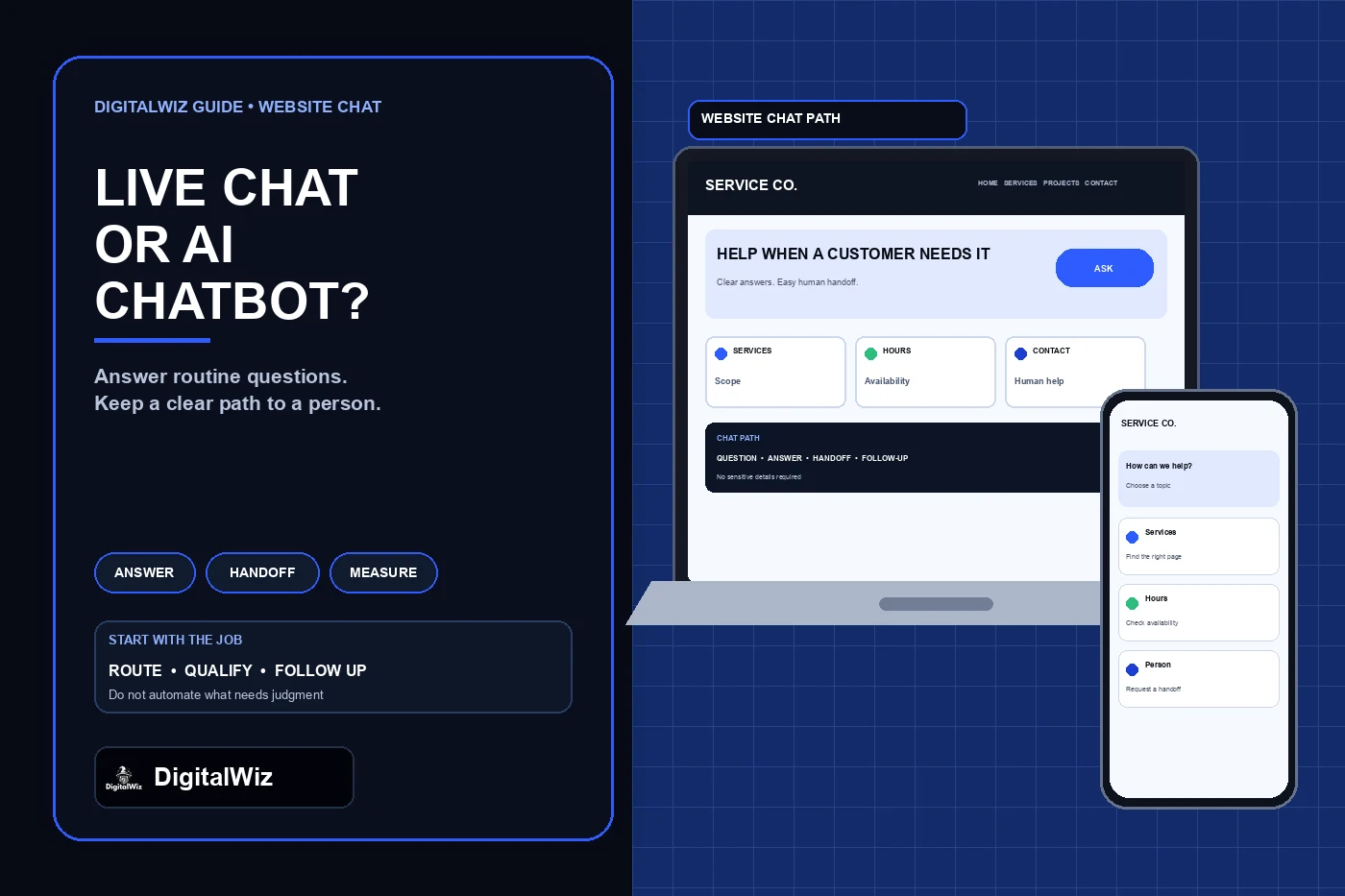
Illustrative website-chat interface, not a client system, conversation, lead result, or performance claim.
- Live chat: best for staffed conversations that need context or judgment.
- Rules-based flow: best for predictable routing and qualification steps.
- AI chatbot: useful only with controlled knowledge, boundaries, testing, and human escalation.
- Contact form or phone: often enough when volume is low or questions are uncommon.
- Keep every claim, collection field, availability message, and handoff truthful.
Choose the job before choosing the chat tool
Write one sentence describing what chat should accomplish. Good examples are: help a visitor find the right service page, answer approved questions about hours and process, collect the minimum details for a callback, or transfer a qualified question to a person. 'Increase engagement' is not specific enough to design or test.
Then list what the tool must not do. A home-service chatbot should not diagnose a dangerous electrical, structural, gas, health, legal, insurance, or financial situation. It should not quote a project that requires inspection, promise availability the calendar cannot support, invent a warranty, or decide whether someone qualifies for financing. Route those questions to the correct person or authoritative process.
Map each approved conversation to an existing destination. Service questions should link to the relevant service page. Estimate requests should reach the same inbox or CRM used by the normal form. Urgent safety issues should display an appropriate emergency limitation rather than pretending the bot can inspect the property. The chat layer should use the business's real operating rules, not create a second version of them.
- Audience: prospect, existing customer, applicant, vendor, or another group?
- Job: route, answer, qualify, schedule, or collect a message?
- Boundary: which questions require a person or qualified professional?
- Destination: phone, form, booking system, inbox, CRM, or service page?
- Owner: who updates answers and reviews failures after launch?
Match the conversation mode to the question
Live chat is appropriate when someone can monitor it, response expectations are accurate, and the business benefits from a real-time conversation. Publish the staffed hours, show what happens after hours, and avoid a 'live' label if messages simply enter an inbox for the next day. Give the agent enough page and source context to help without forcing the visitor to repeat everything.
A rules-based flow uses buttons and approved branches instead of generating an open-ended answer. It can ask whether the visitor needs repair, installation, maintenance, or another service; show a short answer; and send the person to a relevant page or contact path. It is easier to test because every branch is known, but it still needs an escape route when none of the choices fit.
An AI chatbot can interpret varied wording and summarize approved information, but flexibility creates more ways to be wrong. Limit retrieval to current business-controlled content where practical. Define forbidden topics, uncertainty language, escalation triggers, and what happens when the answer is not in the source. Do not let a fluent response substitute for verified availability, pricing, diagnosis, policy, or professional advice.
A normal form or prominent phone action may be the better answer when the site receives few questions, the team cannot monitor another channel, or every useful conversation ends with the same callback request. More interface is not automatically better service.
Control claims, privacy, and access
Tell visitors whether they are interacting with automation or a person when that distinction could affect what they share or expect. Describe the tool's capability plainly. Do not market an assistant as an expert, estimator, technician, lawyer, or guaranteed source of truth unless the evidence and operating controls genuinely support that claim.
Collect only what the business needs for the stated next step. Avoid asking for payment card data, account passwords, medical details, government identifiers, confidential documents, or other sensitive information in an ordinary marketing-site chat. Review the provider's retention, model-training, export, deletion, subprocessor, security, and incident terms before sending real customer conversations through it.
The FTC's privacy and confidentiality guidance for AI providers warns that customer inputs may include sensitive or confidential information and that companies must honor the commitments they make about data use. The practical website lesson is to align the visible notice, privacy policy, vendor settings, internal handling, and actual deletion or retention behavior. Do not promise that conversations are private, unrecorded, or excluded from training unless the complete system is configured and governed that way.
Keep the chat account under business-controlled ownership. Use named users, least-privilege roles, multifactor authentication where available, documented integration keys, and a clear offboarding process. An agency or contractor should be removable without losing the transcript archive, routing rules, knowledge source, or ability to answer customers.
Make human handoff a designed path
A handoff should be visible before the visitor becomes frustrated. Offer 'Talk to a person,' call, message, or form options near the start and after an uncertain answer. If a person is unavailable, collect the minimum callback details, state the expected response window honestly, and send the message to a monitored destination.
Pass useful context with permission: the page being viewed, selected service, visitor's question, chosen contact method, and conversation summary. Do not make the person repeat a long transcript merely because the bot and inbox are disconnected. At the same time, do not forward unnecessary sensitive content into email, notifications, analytics, or multiple vendor systems.
Define the failure states. What happens if the AI provider is down, the agent disconnects, the calendar is full, the CRM rejects the record, or the after-hours notification is missed? Keep a fallback link and verify that the message actually arrived. The DigitalWiz guide for a contact form that says sent but delivers no email applies to chat handoffs too: a confirmation animation is not proof that a person received the request.
- Visible human option before and after automation
- Truthful hours and response expectation
- Minimal context transferred to one owned destination
- Fallback phone or form when the provider fails
- Named owner for unanswered and failed conversations
Test accessibility and mobile behavior
The launcher, close control, conversation, choices, text field, send button, errors, and handoff must work with a keyboard and expose useful names and states to assistive technology. Do not trap focus inside the widget, move focus without warning, or hide essential page controls behind the panel. Keep text zoom, contrast, touch targets, and reduced-motion behavior usable.
Dynamic chat updates need deliberate status handling. The W3C explanation of WCAG status messages says important changes that do not take focus should be programmatically available to assistive technologies without unnecessarily interrupting the user's work. For chat, test sending, waiting, error, agent-connected, and new-message states with a screen reader instead of assuming visual bubbles are enough.
On mobile, verify the bubble does not cover the primary call button, cookie controls, form submit button, navigation, or browser-safe area. Open the keyboard, rotate the device, zoom the page, scroll a long conversation, close and reopen the widget, and return from an external booking page. The ordinary page should remain readable and usable when the widget is closed, blocked, or slow to load.
Measure customer outcomes, not chat opens
A chat open is an interface event, not a lead. Separate launcher views, chat opens, questions answered, human handoffs, contact details submitted, connected calls, bookings, qualified leads, existing-customer requests, spam, and unresolved conversations. That sequence shows whether chat shortened a useful path or merely created more events.
Use a traceable test conversation before launch. Start from an important landing page on mobile and desktop, ask an approved question, ask an unsupported question, request a person, submit a labeled test record, and verify that the right destination receives it once with the expected context. Repeat with analytics or consent declined, scripts delayed, and the provider blocked so the fallback remains visible.
Review transcripts or summaries only under the business's approved privacy and retention process. Group failures by cause: outdated answer, missing source, wrong route, poor escalation, inaccessible control, delivery error, or question outside scope. Fix the source or flow, then rerun the same test. NIST's AI Risk Management Framework is voluntary guidance built around managing risks through the design, use, and evaluation of AI systems; for a small-business chatbot, that means ownership and ongoing evaluation should exist after the install is complete.
Connect the useful outcomes to the broader website lead-attribution plan. Preserve source and landing-page context where appropriate, label test records, and avoid counting both the chat submission and the resulting booking as two separate leads.
- Question answered accurately from an approved source
- Unsupported or sensitive question escalated safely
- Handoff reached the monitored business system once
- Visitor could use the page without the widget
- Lead outcome was classified rather than inferred from activity
Run a small pilot before a sitewide rollout
Start on one or two high-intent pages with a narrow knowledge set and a named owner. Publish only approved answers about services, hours, process, service area, and contact paths. Keep pricing, availability, policies, warranties, and regulated topics behind explicit source checks or human handoff. A smaller pilot makes incorrect answers and delivery failures easier to find.
Set the review date before launch. After a complete operating window, compare qualified outcomes, unanswered questions, response time, handoff completion, accessibility issues, and staff workload with the previous contact path. Keep the tool only if it improves a real customer or operating decision without creating unacceptable privacy, accuracy, or maintenance risk.
Need help deciding whether chat belongs on your site and connecting it to the pages, forms, calls, and tracking you already use? Review DigitalWiz Website Development, run a free BizScore audit, or contact DigitalWiz for a practical conversation-path review.
- One clear job and a narrow set of approved answers
- Human handoff and provider-failure fallback
- Privacy, access, retention, and disclosure settings reviewed
- Keyboard, screen-reader, mobile, and delivery tests passed
- Real lead outcomes reviewed before expanding the rollout