Does My Small Business Need Google Analytics?
Usually, yes—but only if you configure it around real decisions. Track traffic sources, landing pages, and a short list of tested customer actions while keeping ownership, consent, and privacy under control.
The direct answer
Usually, yes. A small business with a public website should have a reliable way to learn which channels and landing pages bring people in, which useful actions happen next, and where the measurement path breaks. Google Analytics 4 can provide that evidence when it is installed, governed, and tested correctly.
The goal is not to collect every possible click. Start with a business-controlled property, one deliberate implementation, traffic-source and landing-page reports, and a short list of actions that matter—such as a completed estimate request, a qualified booking, or a click to call. Then compare those events with the inbox, phone system, booking tool, or CRM so an analytics event is not mistaken for a delivered or qualified lead.
Google Analytics is not required for a website to exist or appear in search, and it does not replace Google Search Console, ad-platform conversion testing, call tracking, form-delivery checks, or sales records. It is useful when a real decision depends on the answer and the business is prepared to maintain the setup.
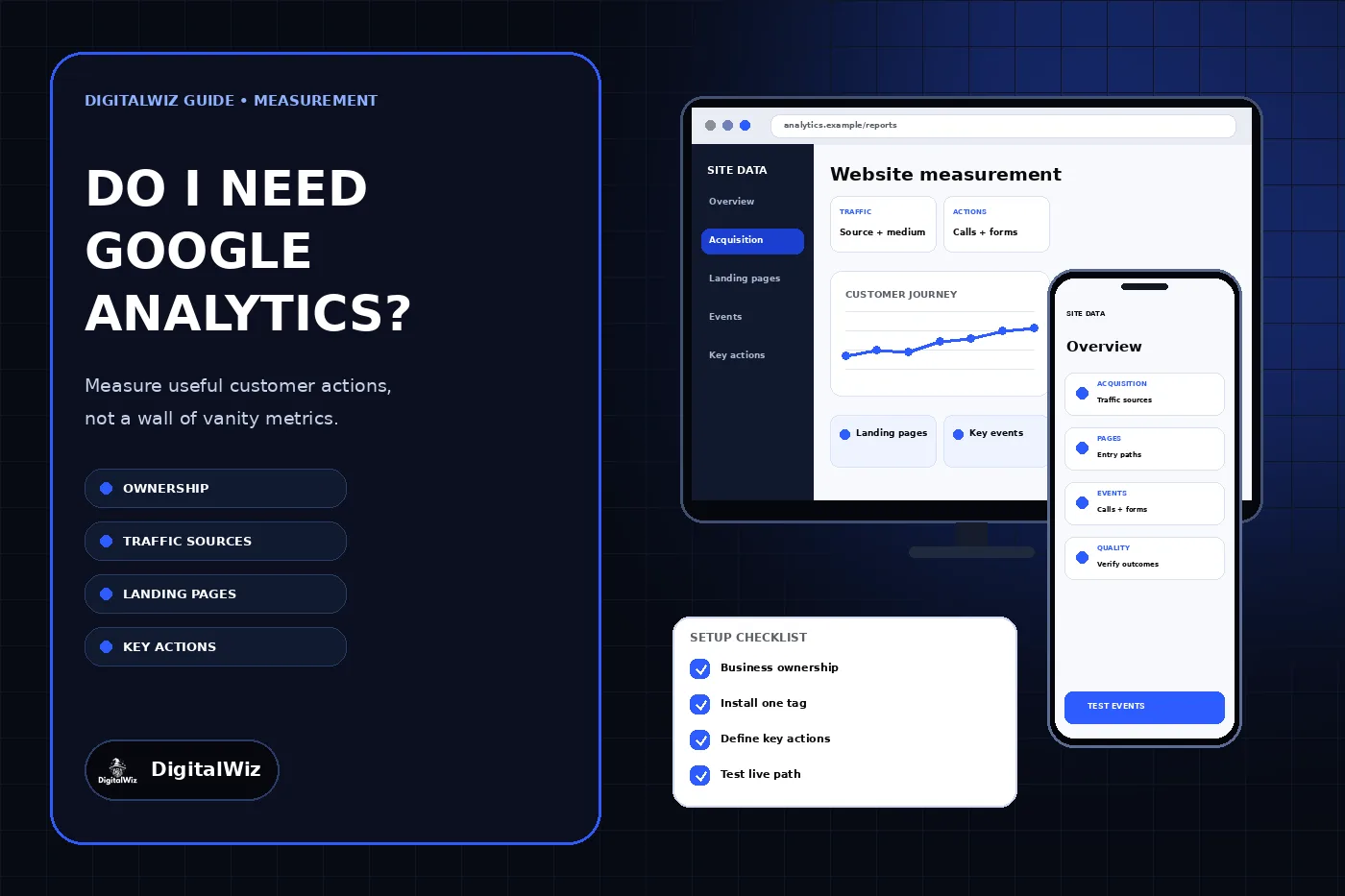
The dashboard above is an illustrative measurement interface. It is not a Google Analytics screenshot, client account, traffic report, lead total, or performance claim.
- Business-controlled account, property, and recovery access
- One documented tag implementation instead of duplicate tags
- Traffic sources and landing pages tied to a real question
- A small set of tested events and key events
- Operational confirmation from forms, calls, bookings, or CRM records
Decide what Analytics should help you decide
Write down the decisions before installing another script. A local service business may need to know which source brought a visitor, which page started the visit, whether the person reached a service or contact path, and whether a completed action arrived in the system the business actually works from. Those questions are more useful than a dashboard filled with unowned metrics.
Google describes GA4 as event-based measurement for websites and apps. Page views, scrolls, outbound clicks, site search, video engagement, file downloads, and some form interactions can be collected through enhanced measurement. That does not make every automatically collected event meaningful. Review each option, understand what it sends, and keep only the measurement the business can explain and use.
Keep the distinction between observation and outcome. A form_submit event may indicate that a browser submitted a form, but it does not prove the message reached the correct inbox, contained a genuine inquiry, became qualified, or turned into revenue. The DigitalWiz guide to tracking where website leads come from covers the broader source-to-outcome system.
Create the property under business control
Create the Analytics account and property inside a Google Account the business controls and can recover. Use the business’s reporting time zone and currency deliberately because changes affect how later reporting is grouped. Google’s website setup guide separates the account, property, web data stream, and installed tag; record all four so a future owner can identify the live setup.
Keep at least one business-controlled administrator. Add employees and agencies as named users with the narrowest role that supports their work instead of sharing the owner’s password or multifactor code. The separate DigitalWiz guide to giving an agency access without sharing passwords explains the handoff and offboarding pattern.
Document the account name, property name and ID, stream URL and measurement ID, implementation method, tag or container owner, reporting time zone, active users, recovery account, and last verified date. Ownership documentation is part of measurement quality: a property nobody can administer cannot be repaired safely.
- The business controls the primary administrator and recovery methods.
- Property and stream names identify the actual business and production website.
- Reporting time zone and currency match the intended reports.
- Agency access is named and revocable.
- The measurement ID and installation method are recorded.
Install one deliberate implementation
Use the website platform’s supported Analytics integration, the Google tag, or Google Tag Manager according to the site’s needs. Do not install all three independently without understanding how they interact. Duplicate page views and events can make ordinary traffic look like growth and make a key action fire more than once.
Inventory existing tags before adding anything. Check the source, platform settings, tag manager containers, plugins, consent system, advertising tags, and old vendor code. Record where the active measurement ID loads and which team can publish changes. Remove or consolidate a duplicate only after confirming that another campaign, audience, or conversion does not depend on it.
After installation, visit the production website through a normal customer path. Google’s DebugView guide explains how to inspect events and their parameters from a debug device. Use Realtime or DebugView to confirm receipt, then check the standard reports later; a tag detected in source code is not proof that the intended event and parameters arrived once.
Define a small measurement plan
Start with a compact table: business question, customer action, event name, trigger, required parameters, operational destination, report owner, and test method. For a service business, the first version may include a successfully delivered estimate form, a completed booking, a click on a primary phone link, and a qualified offline status when the CRM process supports it.
Google defines a key event as an event that measures an action important to the business. Marking an event as important does not make it a qualified lead. Choose key events only after testing the trigger and deciding how they will be reconciled with actual calls, forms, bookings, or sales records.
Use names that another person can understand. Separate form_start from a successful completion. Keep button clicks separate from delivered inquiries. If a scheduler or payment flow leaves the main domain, plan the cross-domain journey and referral handling before interpreting sessions. Avoid creating several events that all describe the same completed action unless each has a documented purpose.
- Source and medium for the visit
- Landing page that began the session
- The intended customer action and exact success condition
- A matching record in the operational system
- An owner and repeatable test for each important event
Handle privacy and consent as design requirements
Analytics setup is also a data-governance decision. Inventory what the site collects, why it is collected, which vendors receive it, how long it is retained, who can access it, and which consent or notice rules apply to the business and its visitors. Legal requirements vary by location, audience, industry, data type, and advertising use, so obtain qualified advice for the actual operation rather than copying another website’s banner or policy.
Google’s Analytics policies prohibit sending information Google can recognize as personally identifiable. Its PII guidance specifically warns about email addresses and personal phone numbers and notes that page URLs and titles are collected by the basic tag. Review query strings, form destinations, page titles, custom dimensions, event parameters, and user IDs so customer information does not leak into measurement.
Consent controls can change what appears in DebugView and reports. Test the production site with the consent choices it actually presents instead of disabling the banner for QA. Make sure the privacy notice and settings describe the real tools and behavior, collect only what has a purpose, and limit access to people who need it.
Test the full path before trusting reports
Run labeled tests on desktop and mobile from the live domain. Begin with a known campaign or source when relevant, open the intended landing page, make the normal consent choice, complete the customer action, and record the timestamp. Confirm the event and parameters in DebugView or Realtime, then confirm the form, call, booking, or order reached its operational destination exactly once.
Test failure paths too: validation errors, blocked scripts, rejected optional cookies, external schedulers, redirects, slow connections, and duplicate taps. If Analytics records success while the inquiry disappears, the measurement is misleading. If the inquiry arrives while the event is missing, the customer path works but attribution is incomplete. Name the first broken layer instead of reporting the whole system as “tracking is down.”
Repeat the test after redesigns, form replacements, domain or subdomain changes, tag-container publishes, consent changes, booking-tool migrations, CRM changes, and major campaign launches. The DigitalWiz checklist for testing Google Ads conversion tracking applies the same evidence-first method when paid campaigns use the event.
- Production URL, date, time, device, browser, and consent state
- Expected event name and parameters
- One event received—not zero and not a duplicate
- Matching delivery in the inbox, phone, booking tool, or CRM
- Owner and next action for any failed layer
Use a short review routine
Review the reports on a cadence that supports a decision. Traffic acquisition helps show where sessions came from, while landing-page reporting shows where visits began. Segment by a relevant period, source, campaign, landing page, device, and key event, but keep definitions and filters consistent when comparing periods.
Watch for impossible or operationally inconsistent patterns: a sudden step change after a release, key events with no matching inquiries, duplicate events, internal or developer traffic, self-referrals, missing campaign tags, unexpected domains, or pages that no longer exist. Annotate material website and campaign changes so the next reviewer has context.
Google Analytics is worth maintaining when it helps the business choose what to fix, fund, stop, or test next. If nobody owns those decisions, simplify the setup before collecting more data. Need a website measurement plan connected to real forms, calls, bookings, search, and paid campaigns? Explore DigitalWiz Search Visibility, Paid Ads Management, or contact DigitalWiz for a practical review.