Does My Small Business Website Need a Cookie Banner?
A cookie banner is needed when the site must disclose, obtain consent for, or offer control over tracking under the rules that apply to its visitors and data practices—not simply because the site exists.
The direct answer
A small business website does not need a cookie banner merely because it is a website. It may need a notice, consent interface, opt-out control, or another privacy mechanism when the technologies it uses and the people it serves bring those requirements into scope. The answer depends on what the site stores or reads on a visitor’s device, what data leaves the site, why it is used, where visitors are located, and which privacy rules apply to the business.
Start with an audit, not a banner plugin. A site that uses only storage that is strictly necessary for a visitor-requested function is different from a site that loads analytics, advertising pixels, session replay, embedded media, chat, call tracking, or cross-site profiling tools. A banner that says “we use cookies” while those tools load before a choice is made is decoration, not control.
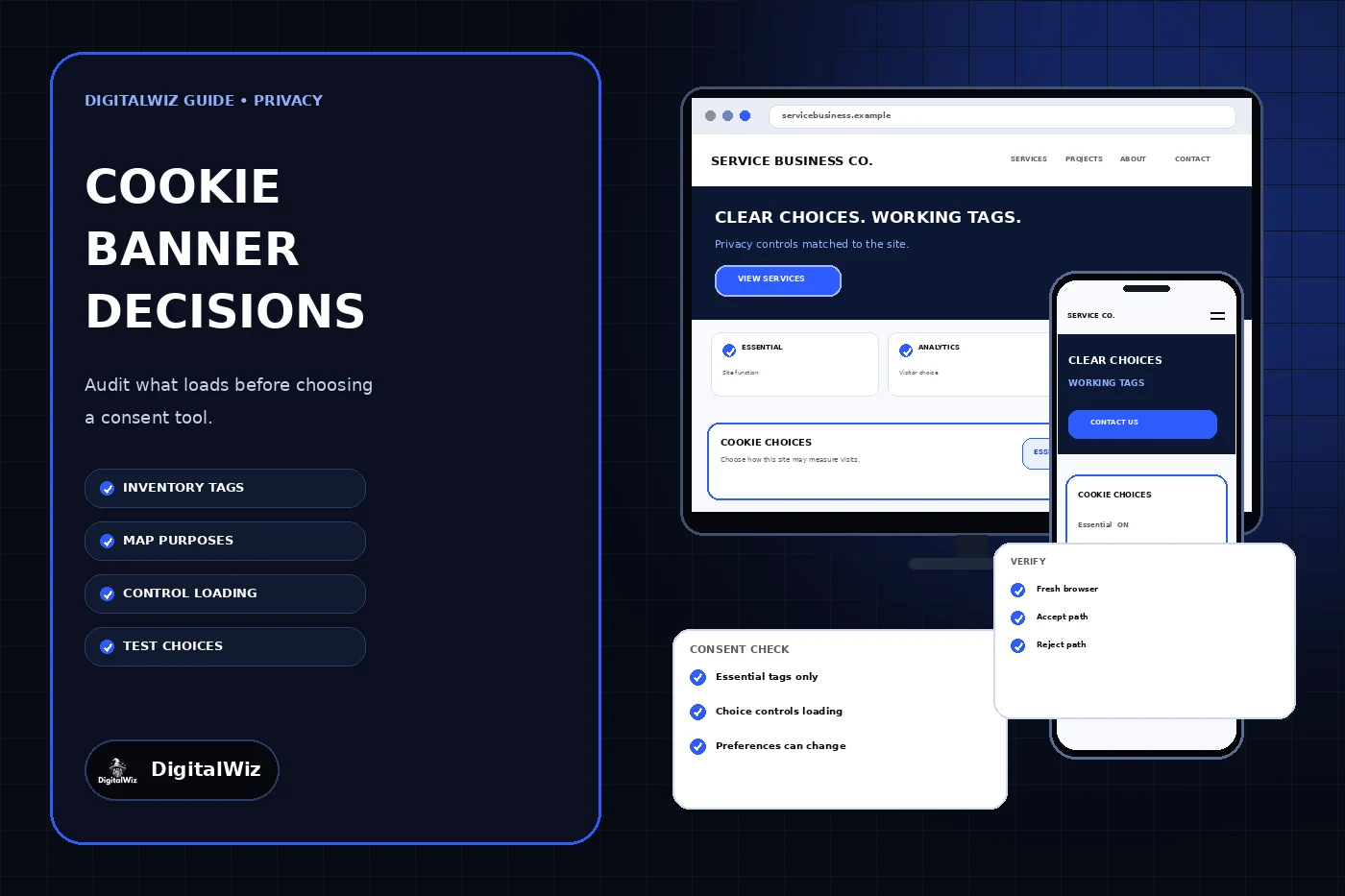
The interfaces shown above are illustrative. They are not legal advice, a live consent platform, a client implementation, or proof that a particular configuration complies in every jurisdiction. Have qualified counsel assess the business’s actual audience and data practices when legal obligations are uncertain.
- Inventory cookies, local storage, pixels, tags, embeds, and server-side data transfers.
- Classify each technology by provider, purpose, data, duration, and necessity.
- Identify the jurisdictions, contracts, and platform policies that apply.
- Choose the control model only after the first three steps are documented.
- Test what actually loads before, after, and without each visitor choice.
Separate necessary functions from optional measurement and advertising
A useful classification starts with purpose. Strictly necessary storage supports a service the visitor explicitly requested, such as maintaining a shopping cart, authenticating a signed-in session, protecting a transaction, balancing traffic, or remembering the privacy choice itself. “Helpful to the business” is not the same as necessary to deliver the visitor’s request.
For visitors covered by European rules, the European Union’s business guidance on website cookies explains that load-balancing, user-input, and authentication cookies can qualify for an exception, while analytics and behavioral-advertising cookies generally require prior consent. The UK Information Commissioner’s Office likewise says non-essential storage requires clear information and active consent, while strictly necessary storage can be exempt under its cookies guidance.
US privacy obligations are not one universal cookie-banner rule. Depending on coverage and use, a business may need to disclose practices, provide opt-outs, avoid certain processing until permission is obtained, or honor browser-based preference signals. California’s privacy regulator explains that covered businesses that sell or share personal information must process qualifying opt-out preference signals such as Global Privacy Control under the conditions described in its business guidance. Do not translate a rule from one jurisdiction into a blanket setting for every business without checking scope.
Give a real choice instead of a notice-shaped obstacle
When consent is the required model, the first layer should use plain purpose labels such as Essential, Analytics, Advertising, and Personalization. Explain what each category does before asking for a decision. Do not pre-enable optional categories, hide rejection behind extra screens, use a bright accept button beside a faint text link, or treat continued browsing as consent where an active choice is required.
Keep the page usable when optional purposes are declined. Accept and reject routes should be equally understandable, and a visitor should be able to reopen settings and withdraw a previous choice. Save only the information needed to honor and document the preference. The banner should not collect an email address or create a detailed visitor profile merely to remember a privacy setting.
Make the control accessible on a phone and with a keyboard. Use a visible heading, concise copy, real buttons, logical focus order, readable contrast, and controls that remain available at zoom. Do not let chat, sticky call buttons, or the mobile keyboard cover the choices. If the interface is modal, follow an appropriate focus-management pattern and provide a clear way to leave it.
Wire the choice to the technology that collects data
A consent platform must control the relevant tags, not merely record a button click. Set the correct default state before optional tools run, connect each category to the right scripts, update the state when the visitor changes a choice, and prevent a later tag-manager rule or plugin from bypassing that state. An advertising pixel labeled “analytics” is still being misclassified if it supports advertising or cross-context profiling.
If the site uses Google measurement products, Google says consent mode receives choices from a separate banner or consent platform and adjusts tag behavior; it does not provide the banner itself. Basic and advanced implementations transmit different information when consent is denied, so the business must choose and document a configuration that fits its obligations rather than assuming “consent mode enabled” finishes the job.
Treat embedded services deliberately. A video, map, chat tool, scheduler, or social feed can contact another provider and set storage before the visitor uses it. When that transfer should wait for a choice, show a useful placeholder that names the feature and lets the visitor activate it. Always provide a practical alternative when an optional third-party tool is the only visible route to contact, book, or understand essential information.
Publish accurate information and keep it current
The detailed privacy or cookie information should match the production site. For each relevant technology, document the provider, purpose, category, data involved, retention or expiration, whether it is first or third party, and how a person can change a choice or exercise an applicable right. Avoid copying another company’s cookie table or naming tools that are not installed.
Assign an owner and a review trigger. Recheck the inventory when marketing adds a campaign tag, the site adds an embed or chat tool, a vendor changes behavior, a new market is targeted, or a privacy requirement changes. Periodic scans can catch drift, but someone still needs to compare findings with tag-manager workspaces, plugin settings, vendor contracts, and the published notice.
Keep the wording precise. Do not say “we do not share data” if an advertising, analytics, scheduling, or embedded-content provider receives it. Do not call all analytics anonymous without verifying the configuration and downstream use. The FTC’s privacy and security guidance for businesses emphasizes collecting only what is needed, protecting it appropriately, and honoring the privacy promises a company makes.
Test the complete decision path before launch
Open a clean browser with storage cleared and inspect the initial page load. Before any optional choice, confirm which cookies, storage entries, network calls, and tag events appear. Reject every optional purpose and repeat the inspection. Then accept categories one at a time, refresh, navigate to another page, and verify that only the matching tools activate. Reopen settings, withdraw consent, and confirm future collection changes as designed.
Test direct visits, ad landing pages, form confirmations, embedded media, booking flows, and both mobile and desktop layouts. Check supported browsers, keyboard operation, zoom, slow connections, script failures, and what happens when the consent platform is blocked. Verify that essential forms and contact routes still work when optional measurement and advertising are declined.
Keep a dated record of the inventory, classification decision, implementation settings, and test results without claiming that a technical test is legal approval. If the site’s audience, tracking, health or financial data, children’s content, advertising practices, or cross-border activity creates uncertainty, involve qualified privacy counsel. For help auditing the website implementation and connecting visitor choices to working tags, contact DigitalWiz through Website Development or book a strategy call.
- No optional tag runs before the applicable choice.
- Rejecting optional purposes leaves the core website usable.
- Accepting one category does not activate unrelated categories.
- Saved preferences persist for the intended period and can be changed.
- The published notice matches the providers and purposes observed in production.