What Pages Should a Locksmith Company Website Have?
A locksmith website should separate emergency lockouts, residential, automotive, commercial, rekeying, access-control, service-area, credential, pricing, FAQ, and request paths.
The direct answer
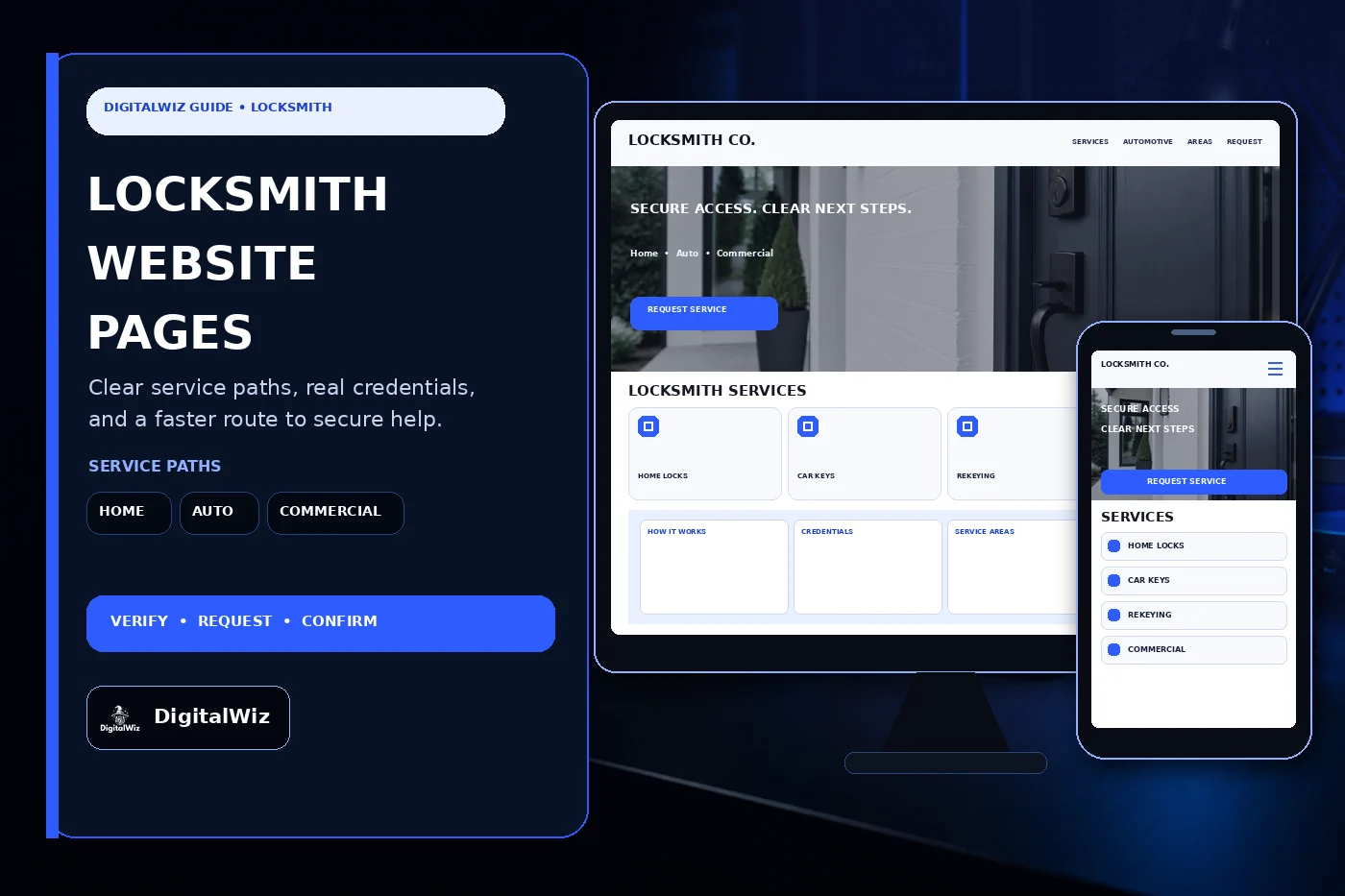
A locksmith company website should have focused pages for emergency lockouts, residential locks and rekeying, automotive keys and lockouts when offered, commercial locksmith work, access control or safe work within scope, service areas, credentials, the service process, pricing context, FAQs, and service requests. One general services page makes a stressed customer guess whether the company handles the lock, property, vehicle, timing, and authorization in front of them.
Start with the calls the company is licensed, insured, equipped, and willing to take. A Charlotte-area locksmith focused on home rekeys needs a different website path than a mobile technician handling car keys, a commercial team managing master-key systems, or a specialist working on safes and electronic access. Separate those paths whenever tools, training, authorization, inventory, scheduling, documentation, or pricing changes.
Each page should help a customer confirm fit before calling or sending details. Explain the service, property or vehicle types supported, normal verification step, service territory, availability language, estimate process, and what happens next. That gives the website, Search Visibility, and Paid Ads Management useful landing pages instead of sending every visitor to one vague homepage.
- Create a focused page for each residential, automotive, commercial, emergency, rekeying, key, safe, and access-control service genuinely offered.
- Explain identity, ownership or authorization checks before a technician opens, changes, copies, or programs access.
- Publish current credentials, territory, hours, estimate terms, payment options, exclusions, and confirmation steps.
- Track calls and forms through qualified request, dispatched or scheduled visit, completed job, service type, territory, value, and lead quality.
Separate emergency, residential, automotive, and commercial service paths
Emergency pages should be narrow and honest. State which lockouts the company handles, the real coverage area, the hours when a dispatcher is available, what information the caller needs, how arrival windows are confirmed, and which situations go to emergency services or another specialist. Do not label every page 24/7 unless a qualified person really answers and dispatches around the clock.
Residential pages can cover home lockouts, rekeying, lock repair or replacement, deadbolts, smart locks, mailbox or gate locks, key duplication, and move-in security reviews only where those services exist. Explain whether the customer supplies hardware, which door or lock details help, and when a technician needs an on-site inspection. Avoid promising that every smart lock fits every door or connects cleanly to every home system.
Automotive and commercial work deserve separate routes. Vehicle service can vary by year, make, model, key type, immobilizer, proof of ownership, parts, programming capability, and location. Commercial work may involve property managers, tenant authorization, master keys, restricted keyways, storefront hardware, closers, panic hardware, access control, multiple doors, purchase orders, and scheduled maintenance. A homeowner form is not enough for either buyer.
- Emergency: supported lockouts, dispatch coverage, verification, estimate status, arrival confirmation, and safety limits.
- Residential: rekeys, repairs, replacements, deadbolts, smart locks, move-in work, gates, mailboxes, and supported hardware.
- Automotive: supported vehicles and key types, ownership proof, location, programming capability, parts, and scheduling.
- Commercial: door and hardware scope, master-key work, access systems, site authorization, documents, accounts, and maintenance.
Explain pricing and arrival windows without bait-and-switch wording
Locksmith pricing can change with service type, time and day, travel, lock or hardware type, door condition, vehicle and key system, programming, replacement parts, drilling only when necessary and authorized, number of cylinders or doors, electronic access components, parking, building access, and work discovered on site. A tiny starting price is misleading when the assumptions are missing.
The site can still make cost easier to understand. Publish exact fees or ranges only when the company can state what they include. Otherwise, explain the service-call or trip charge, labor structure, hardware and key costs, after-hours treatment, diagnostic or programming fees, tax, payment timing, and when the customer receives an estimate. State whether a phone quote is preliminary and require approval before work expands.
Arrival language needs the same discipline. A requested time is not a confirmed appointment, and an estimated arrival window is not a guarantee. Traffic, job complexity, technician location, parts, weather, parking, and a prior emergency can affect timing. Confirmation copy should identify who accepts the request, who confirms dispatch, how the customer receives updates, and what happens if the technician or customer cannot proceed.
- Explain trip, labor, hardware, key, programming, after-hours, access, parking, tax, and added-work cost drivers.
- Publish starting prices or ranges only with clear assumptions, exclusions, and approval rules.
- Separate a request, preliminary estimate, scheduled visit, dispatch confirmation, arrival window, and completed authorization.
- State accepted payment methods, receipts, cancellation terms, warranty boundaries, and the process for changed scope.
Build local trust with a real process and permission-safe proof
A useful service-area page says where technicians actually travel and which services are available in each zone. Home lockouts, vehicle keys, commercial projects, safes, and electronic access may have different coverage, minimums, hours, or lead times. Charlotte, Matthews, Mint Hill, Indian Trail, Monroe, Concord, Huntersville, and nearby communities can also bring different drive times, parking, gated access, and building procedures. Do not clone one thin paragraph across dozens of towns.
Then show the real process: the customer identifies the service and location, the office confirms coverage, a technician or dispatcher reviews fit, authorization requirements are explained, an estimate or estimate method is provided, the visit is confirmed, identity and authority are checked, work is approved, the service is completed and tested, and the customer receives payment and warranty documentation. A clear process does more for trust than a row of generic lock photos.
Use real proof carefully. A project example can name the service category, general property or vehicle context, broad area, hardware problem, approved scope, and final test without exposing an address, key pattern, key code, license plate, access credential, alarm detail, tenant information, security layout, or vulnerability. Never invent reviews, star ratings, arrival times, response percentages, job counts, savings, years in business, security outcomes, or manufacturer relationships.
- Describe actual residential, automotive, commercial, scheduled, after-hours, and specialty coverage by service area.
- Show the request-to-verification-to-estimate-to-approval-to-testing workflow the team really follows.
- Use authorized project photos and summaries with every identifying and security-sensitive detail removed.
- Avoid fake ratings, response times, job totals, savings, guarantees, affiliations, and stock images labeled as company work.
Make service requests fast on a phone, then track the jobs that qualify
A locksmith form should collect enough information to route the request without gathering a security dossier. Ask for name, callback number, email when useful, general location or service ZIP, residential, automotive, or commercial category, requested service, safe description of the lock or hardware, desired timing, and whether the customer can provide authorization. For vehicles, ask for year, make, model, key type if known, and safe location context. Do not invite people to upload IDs, titles, leases, keys, codes, access cards, alarm details, or private documents through an ordinary form.
Route calls where the workflow changes. A child or pet locked in a vehicle is an emergency-services situation, not a marketing lead. A home lockout, routine rekey, broken key, car-key replacement, commercial master-key request, safe opening, access-control issue, eviction-related request, unclear ownership, and out-of-area inquiry should not all enter the same queue. The confirmation should explain review and verification without promising dispatch, price, entry, parts, or completion before a qualified person checks the details.
Track more than calls. Record source, campaign, landing page, service category, territory, time band, qualified status, scheduled or dispatched status, estimate, approved work, parts, completed job, revenue, cancellation, and lead quality when the operation supports it. That shows whether residential pages bring legitimate local requests, automotive ads reach supported vehicles, or broad emergency keywords mostly produce unsafe, unauthorized, or out-of-area calls.
Test the whole path on a real phone. Tap-to-call should reach the correct line, urgent wording must match actual staffing, the request form should be short, and every submission needs a visible handoff. Want a practical look at your service pages, local visibility, request flow, and tracking gaps? Run a free BizScore audit.
- Ask for service, category, general location, safe hardware or vehicle context, timing, and authorization readiness.
- Keep IDs, ownership documents, access codes, key images, alarm details, and other sensitive records out of ordinary forms.
- Track source and landing page through qualification, scheduling or dispatch, approval, completion, service mix, value, and lead quality.
- Use the findings to improve pages, ads, territory, intake, verification, pricing explanations, and follow-up.